

Early access Braiv Capture waitlist is open — record once, publish support videos in every language.

Trusted by 100,000+ creators, podcasters & businesses globally
Creators and teams who trust Braiv for AI video production

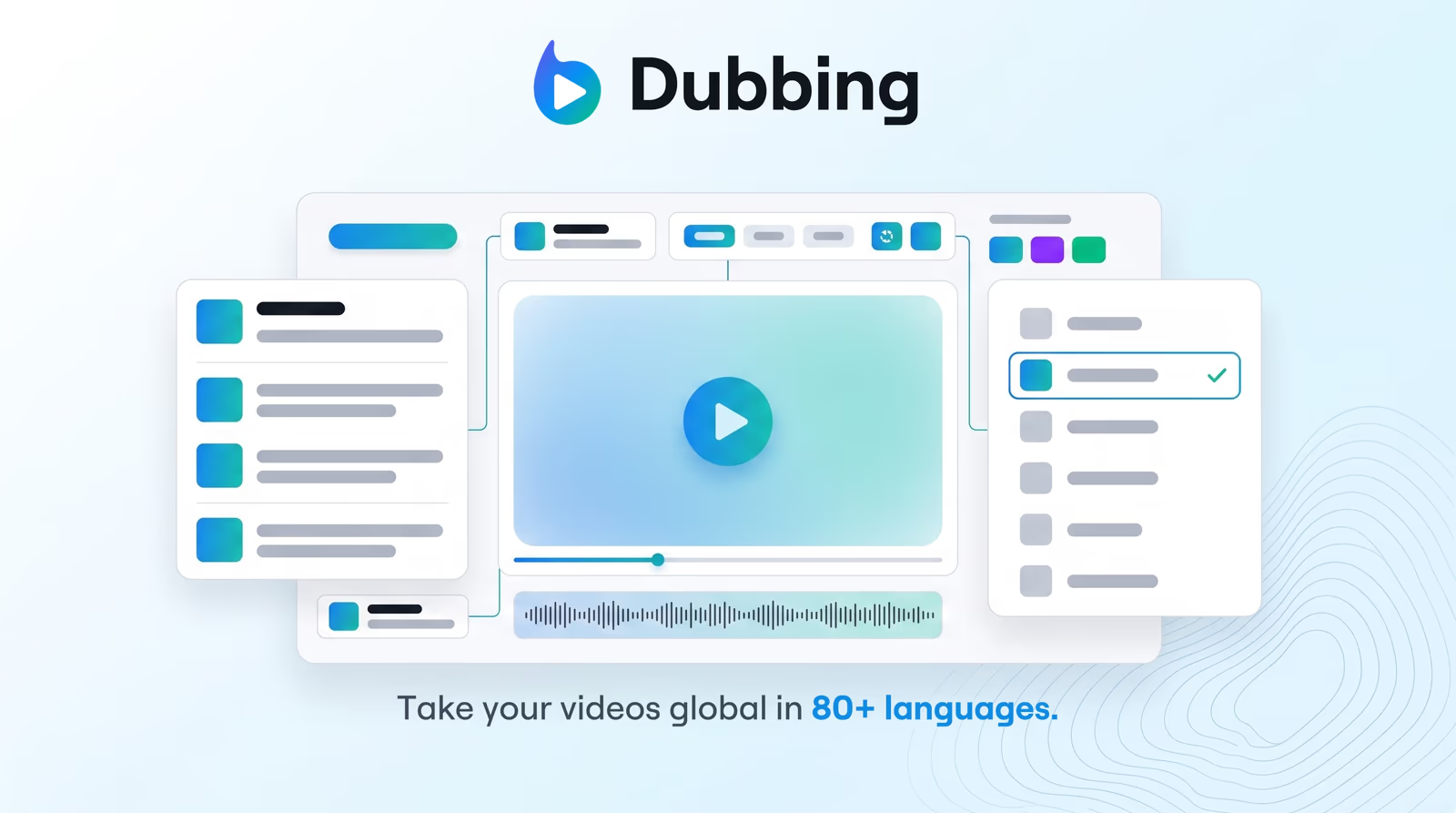
Dub full videos into 80+ languages

Braiv turns one upload into dubbed versions with cloned voices and an editable transcript — so training, marketing, and creator catalogs reach every market without agencies.

Where this fits

Braiv Dubbing

AI video dubbing with voice cloning and editable transcripts — so training, marketing, and creator content reaches every market without agencies or re-records.

Explore Braiv Dubbing

Capability 1 of 3

What this does

What you get from one upload

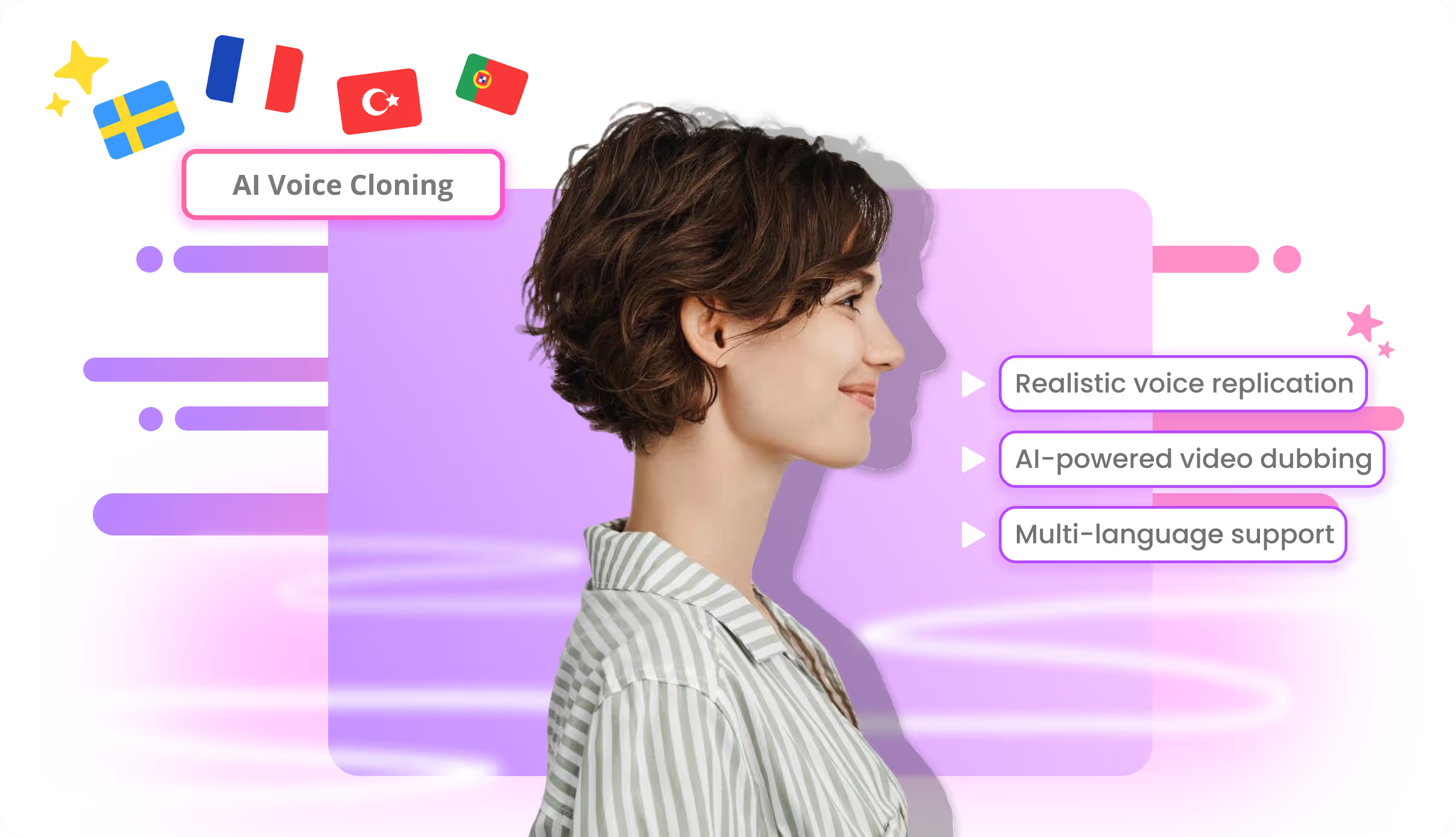
Transcribe, translate, and regenerate audio with voice cloning that keeps the speaker identity — then review the transcript before you render and ship.

  • A dubbed track that still sounds like you

    Voice cloning carries tone and pacing into each target language — not a stock narrator reading the translation.

  • An editable transcript before render

    Fix product names, compliance lines, and timing in the browser so the dub lands on brand.

  • Markets without a second shoot

    One source video feeds Spanish, Hindi, Portuguese, and dozens more — billed from the same AI Credit balance.

Deep dive

Everything you need to know about AI video dubbing in 80+ languages

Why subtitles alone are not localization

Subtitles get a video understood. Dubbing gets it watched the way the original was watched — with the speaker’s voice carrying the argument, the joke, and the brand.

For training libraries, product demos, and creator catalogs, the bottleneck is not “can we translate this once.” It is shipping the same video into every market without re-recording, agency queues, or a different narrator in each language.

Clone the speaker, then translate the words

Braiv Dubbing puts AI voice cloning inside the localization path. The engine matches tone and speaking style so a Spanish or Japanese cut still sounds like the person on camera, not a generic TTS track layered over the picture.

That distinction matters when the presenter is the brand. Viewers forgive imperfect translation faster than they forgive a voice that clearly is not the speaker they came for.

Edit the transcript before you spend the render

Word-for-word machine translation is fine until a product name, a regulatory phrase, or a joke has to land exactly right. Braiv keeps the transcript editable so teams correct those lines before audio is generated — not after a bad export has already burned credits and schedule.

The practical loop is short: upload or paste a link, review the draft translation, lock terminology, then render. No desktop install, no export-stitch-import cycle.

Optional lip sync when immersion matters

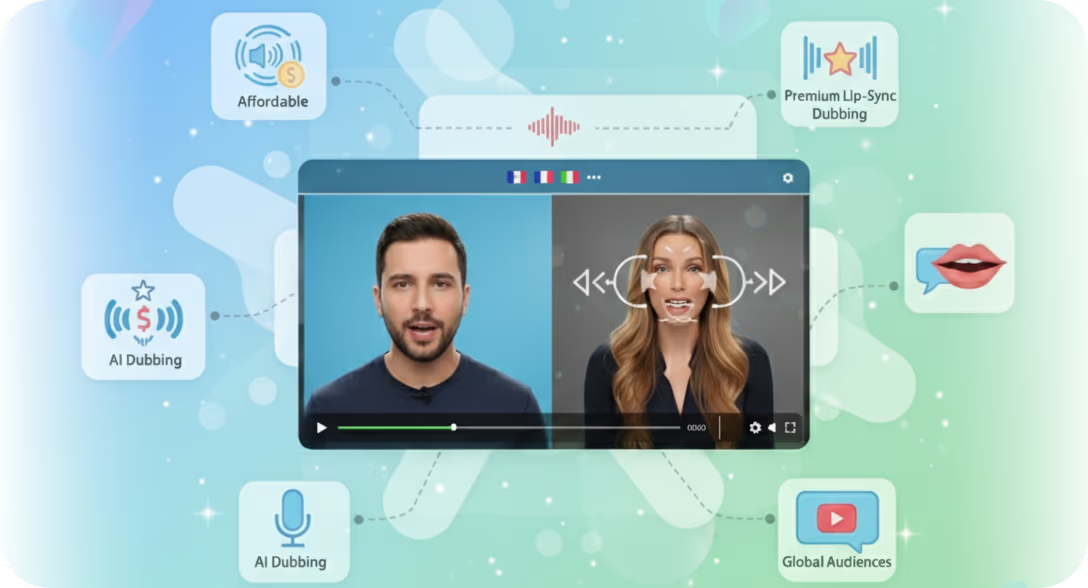
For talking-head content, mismatched mouths break trust faster than a slightly imperfect translation. Optional AI lip sync reshapes mouth movement to the dubbed audio when you need that immersion; skip it for screen shares, B-roll-heavy cuts, or drafts where credit efficiency wins.

Either way, the picture stays the source you uploaded — dubbing replaces the audio track, it does not regenerate the footage.

Where this sits in Braiv Dubbing

This is the full-video localization attribute inside Braiv Dubbing. The same product covers voice cloning for dubbing and lip sync options. Usage draws on the shared AI Credit balance — plan detail on pricing.
The bigger picture

One capability, one step in a longer workflow

Braiv Dubbing covers the Localize stage. Braiv runs the rest of the sequence on the same recording — so what you make here ends up packaged, localized and published without leaving the platform.

See the full workflow
  1. 01 Capture Recorded once, ready to localize
  2. 02 Repurpose One video, dozens of assets
  3. 03 Package Packaged to perform
  4. 04 Localize Fluent in 80+ languages
  5. 05 Publish & Track Distributed and measured
Questions

Frequently asked questions

How does AI video dubbing work in Braiv?
You upload a file or paste a YouTube URL. Braiv transcribes the source, translates into your target language, and synthesizes a new audio track with voice cloning so the dub still sounds like the original speaker. You can edit the transcript before render, then optionally add lip sync when on-camera immersion matters.
How many languages can I dub into?
Braiv Dubbing supports 80+ languages, including Spanish, Portuguese, Hindi, French, German, Japanese, Arabic, and many more. You can generate multiple language versions from a single upload without rebuilding the project per market.
Is this the same as text-to-speech voiceover?
No. Braiv Speech is for generating narration and voiceovers from a script. Braiv Dubbing is for localizing existing video — translation, cloned speaker audio, captions, and optional lip sync — so the same recording can ship in new markets. See Braiv Speech if you need TTS rather than video localization.
Can I edit the translation before the dub is finalized?
Yes. Every dub includes an editable transcript. Review terminology, pacing, and brand language in the browser, then render — so you are not stuck with a one-shot machine translation.
Does dubbing use AI Credits?
Yes. Dubbing draws on your plan’s shared AI Credit balance rather than a separate per-language subscription. New accounts include credits to evaluate quality on your own videos before you scale volume — full detail on pricing.
Can I add lip sync to a dubbed video?
Yes. Lip sync is optional inside the dubbing workflow. Toggle it on when mouth movement needs to match the new language, or skip it when speed and credit cost matter more. More on AI lip sync options.

Ready to Take Your Content Global?

Join over 100,000 creators scaling their reach with Braiv.
Get 150 AI Credits when you sign up today.