

Capabilities for every step of the workflow
These are the product capabilities teams use every week — clip, package, localize and publish from one Braiv account. Filter by product to see just the features that belong there.
- 42
- Core features Product capabilities, not keyword pages
- 9
- Products Filter the catalog by any of them
- 80+
- Languages Audio, captions and metadata
- 1
- Subscription One plan covers the platform









Browse features by the product that owns them
Click Shorts, Dubbing, Thumbnails or any other product to show only its capabilities. Each card opens the full feature page.
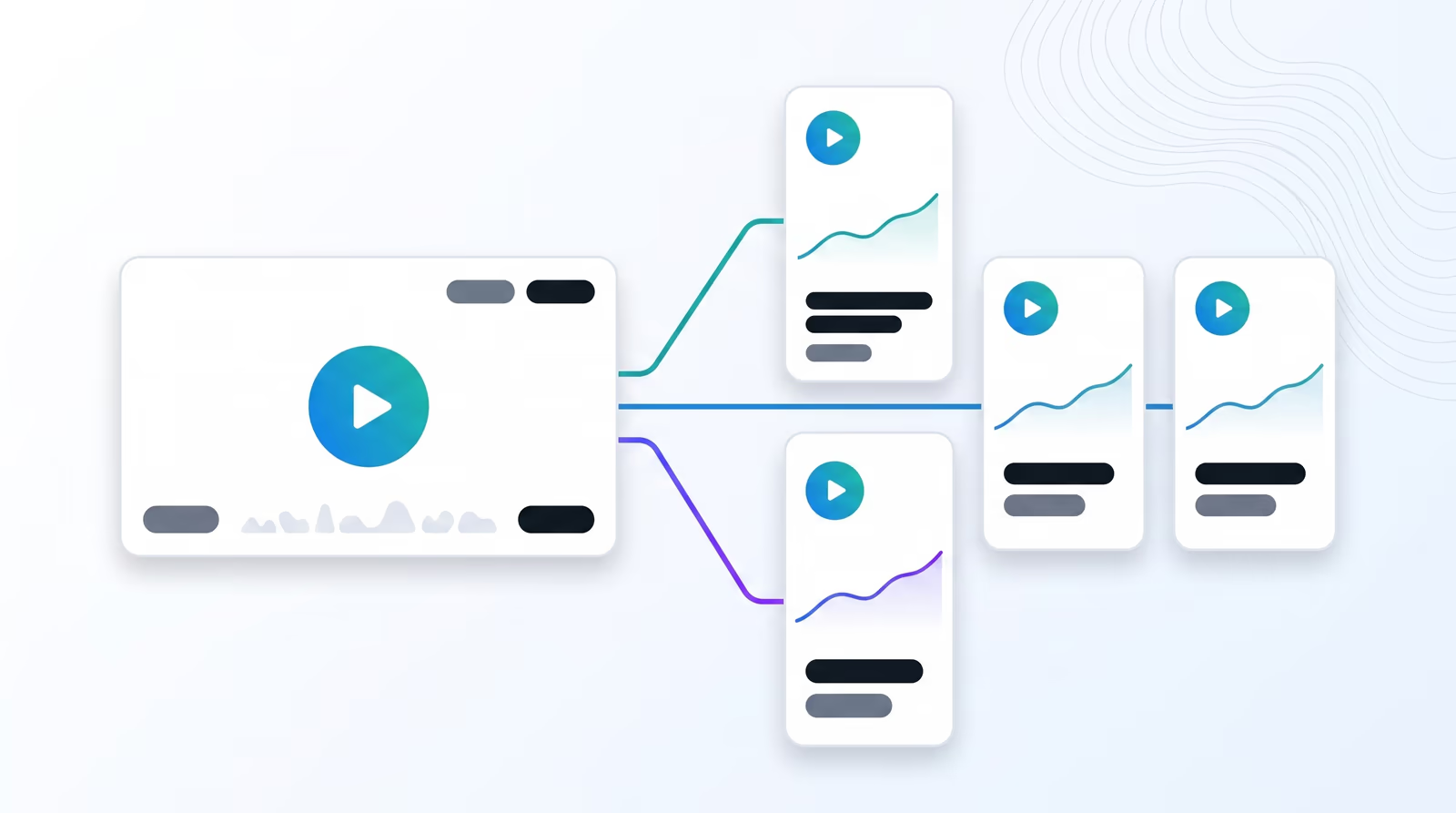
AI viral shorts from long-form video
Braiv finds the hooks in a podcast, webinar, or keynote, reframes them to 9:16, and hands back publish-ready shorts for TikTok, Reels, and YouTube Shorts.
Explore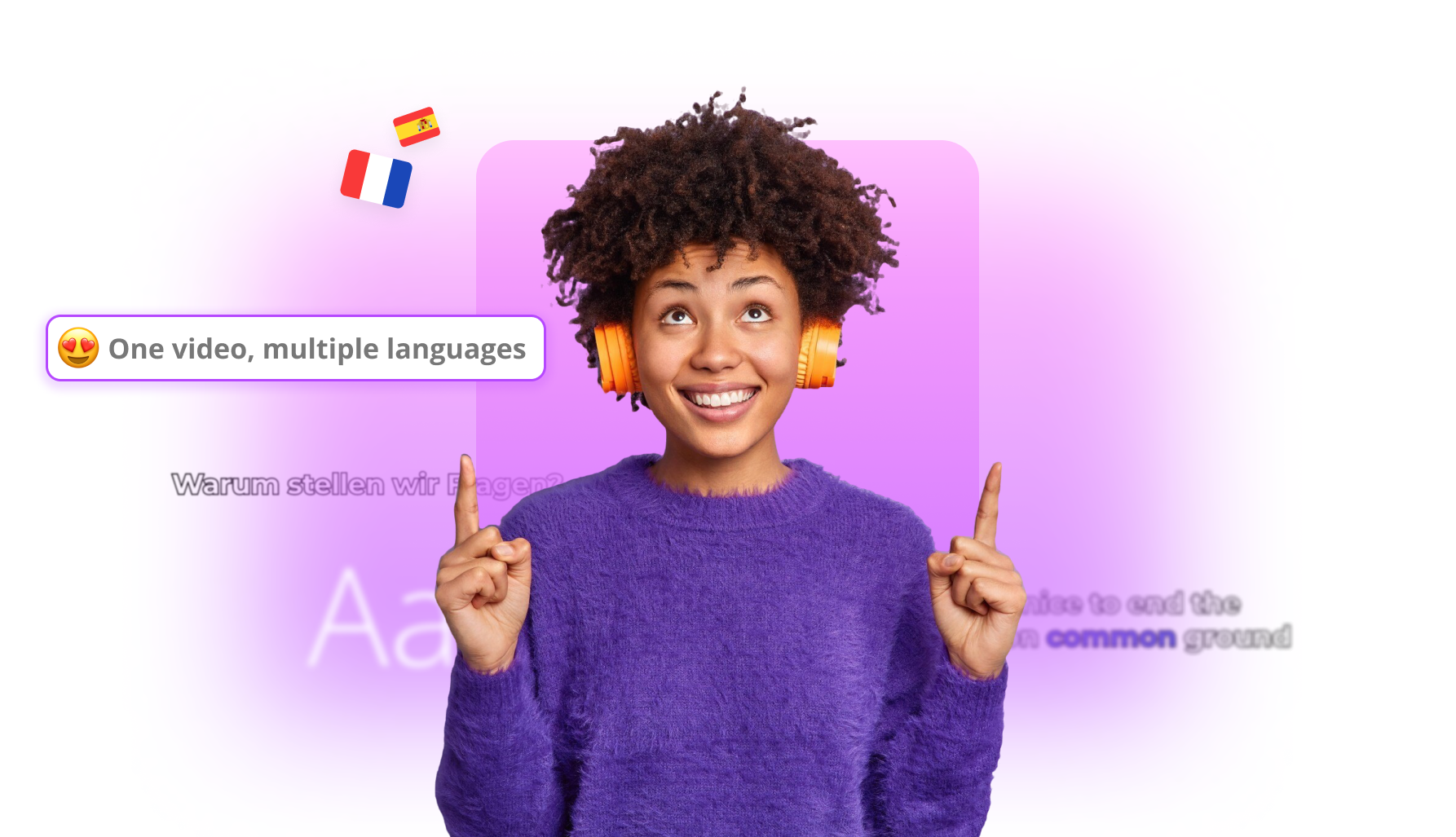
YouTube Shorts translation
Dub and subtitle Shorts into new languages, then publish language-specific cuts to connected channels — without rebuilding each vertical by hand.
Explore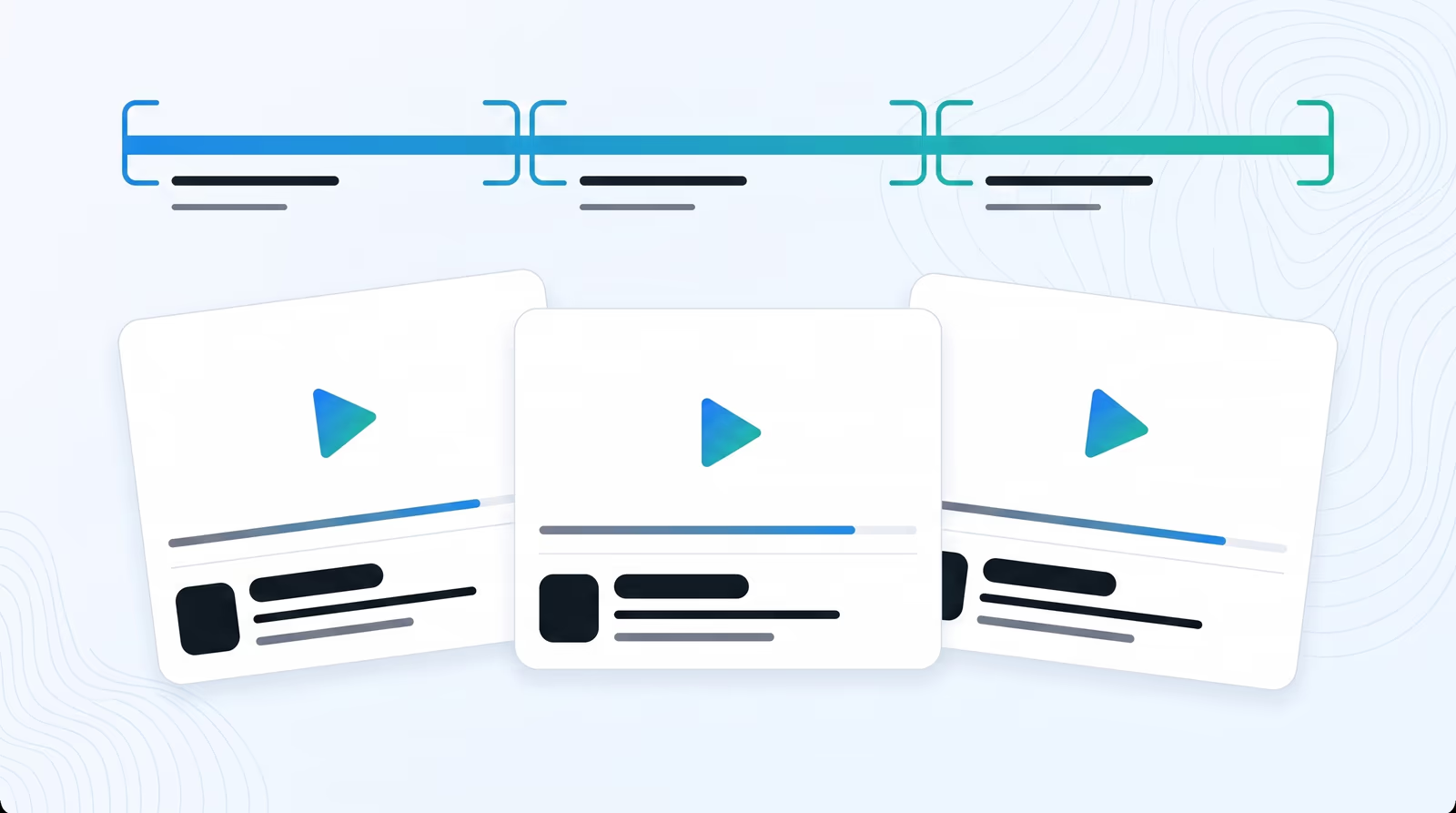
Standalone AI video clips
Braiv finds narrative boundaries in webinars and podcasts, then exports self-contained clips with a clear beginning, middle, and end — each ready to publish as its own video.
Explore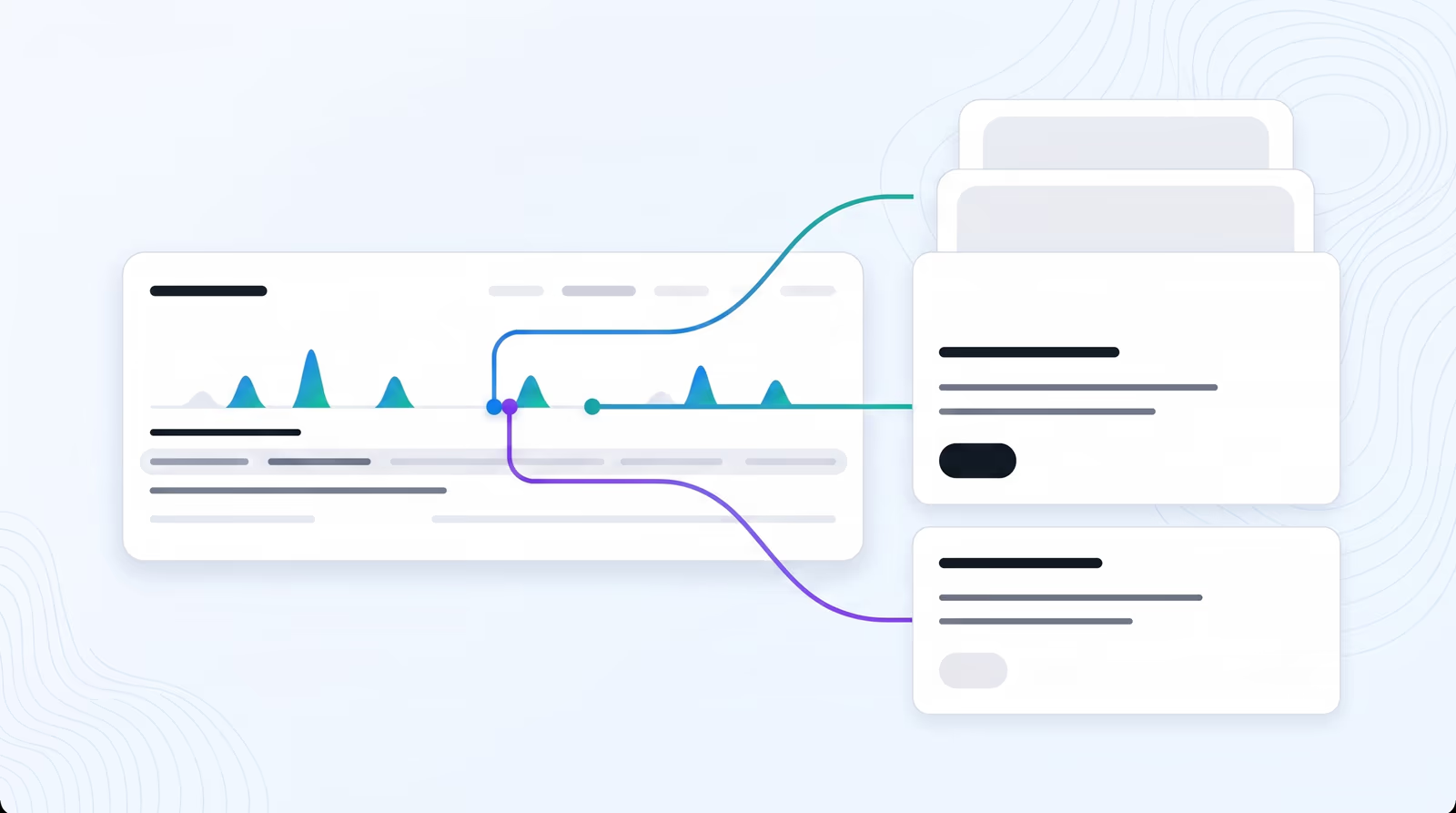
AI promo video trailers
Braiv scores a webinar or podcast for engagement, picks the strongest hooks, and stitches a trailer-style montage that drives viewers to the full recording.
Explore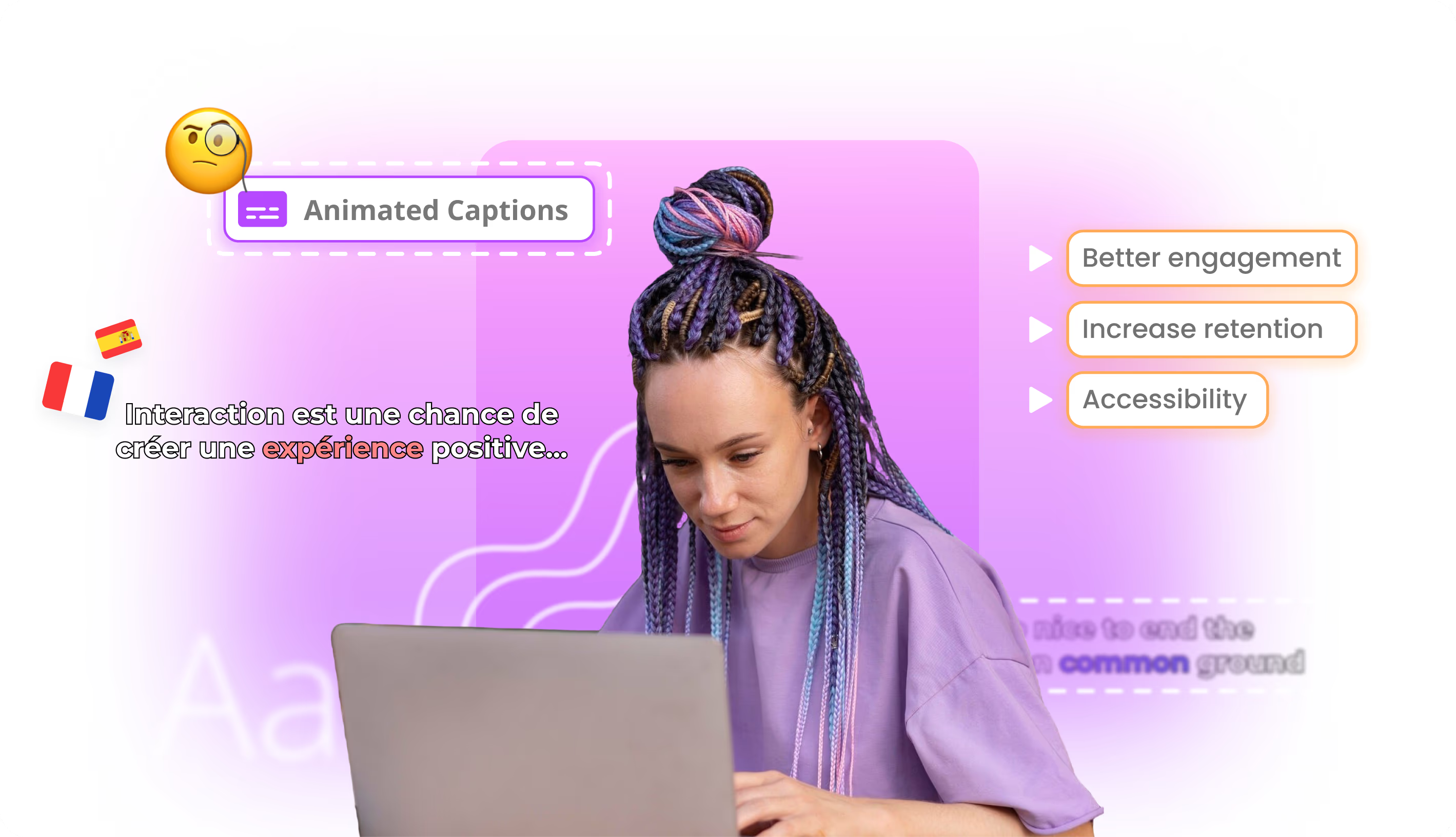
Word-by-word animated captions
Highlight each word in sync with the audio so viewers keep watching — even when the sound is off.
Explore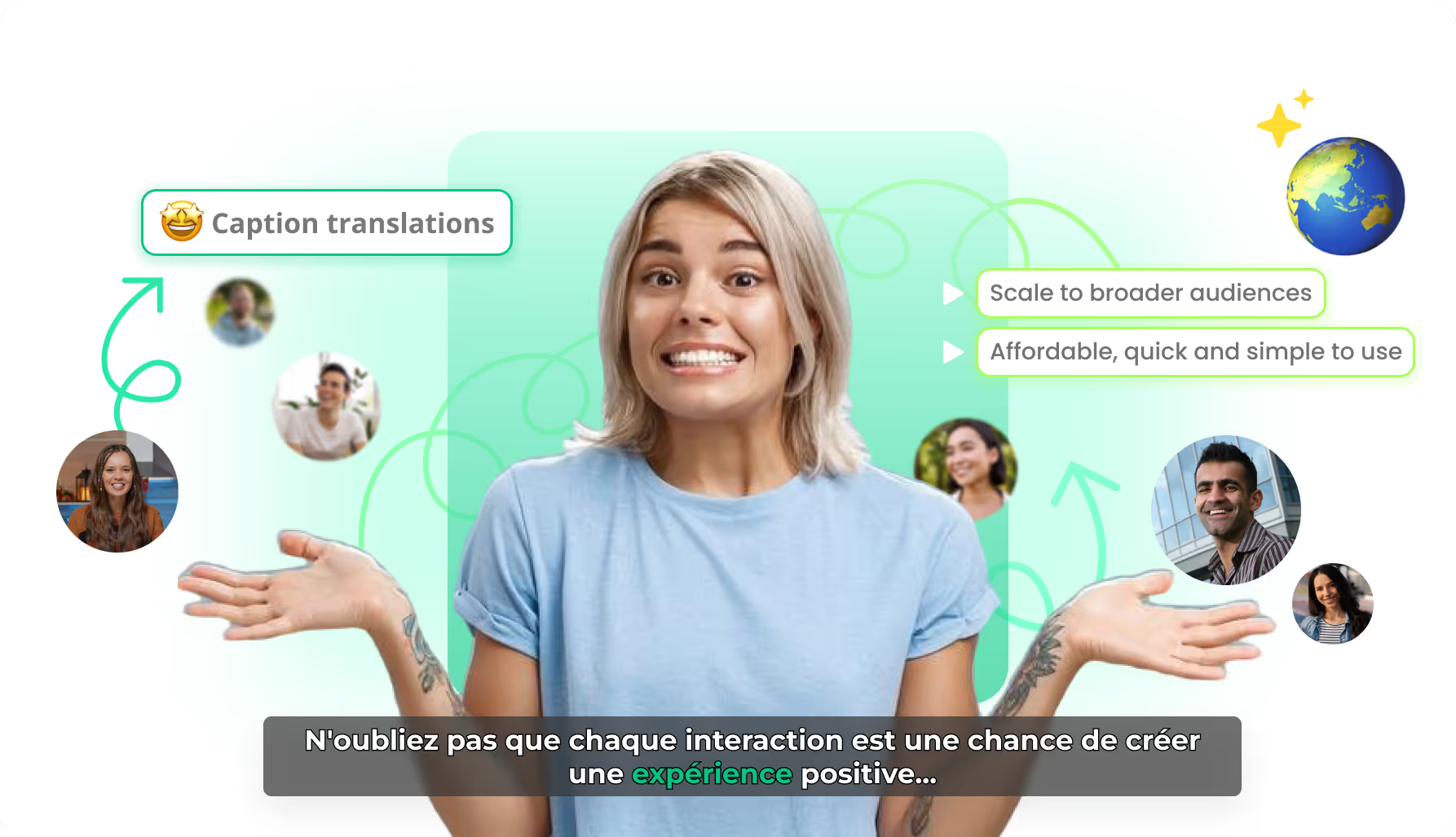
AI caption translation
Localize caption text while preserving timing and karaoke motion — so every market gets a native-feeling burn-in, not a rebuilt edit.
Explore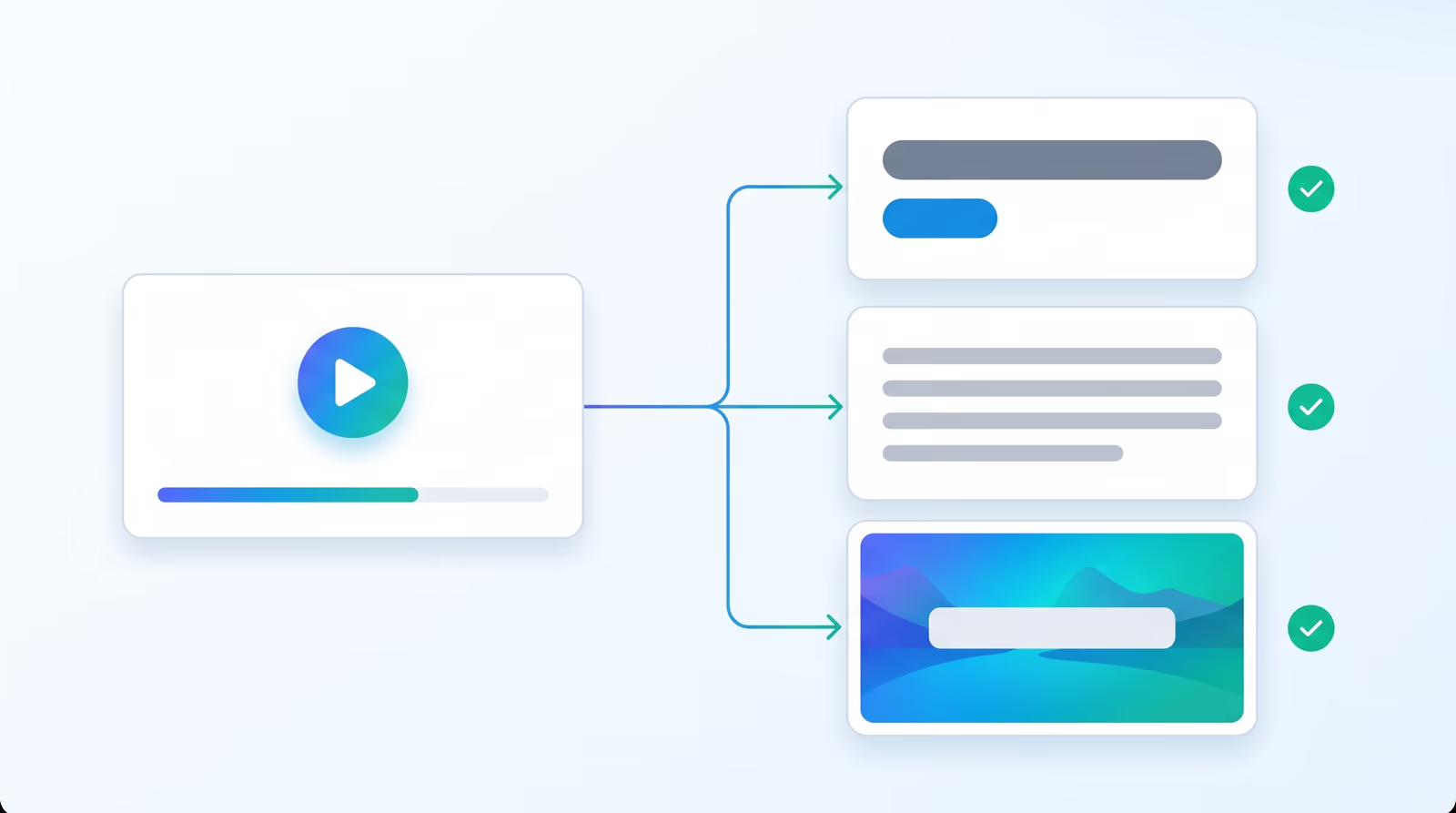
Auto Packaging
Auto Packaging is a step in the upload flow. Pick a title style, a description type and a thumbnail mode, and Braiv builds all three from the video as soon as the transcript is ready, for one upload or a whole batch.
Explore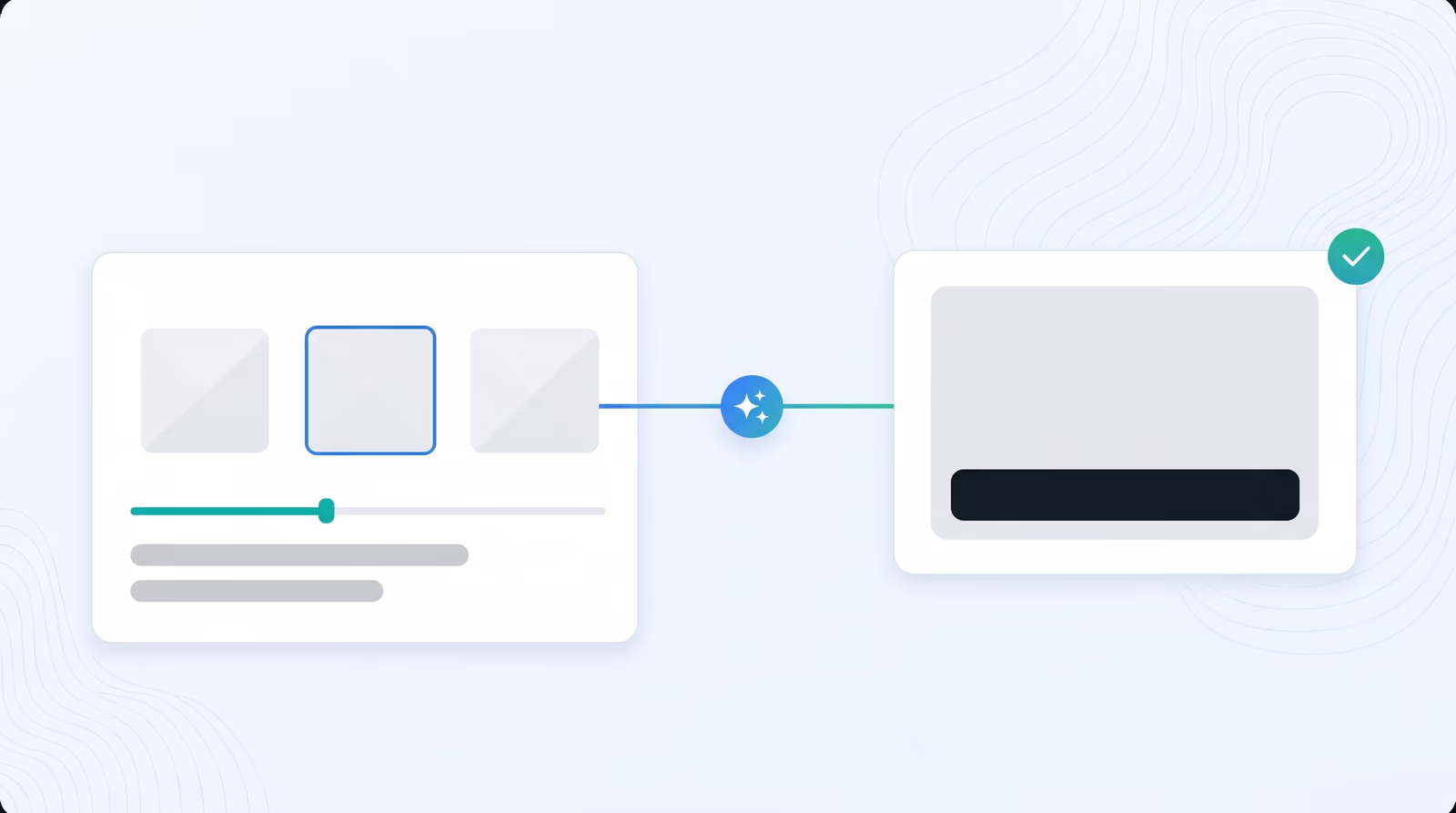
Zero-prompt Thumbnails
Braiv watches the whole video, works out what it is really about and designs the thumbnail for you. It pulls strong frames straight from the footage or generates its own visuals, with no prompt, no Photoshop and no rewatching.
Explore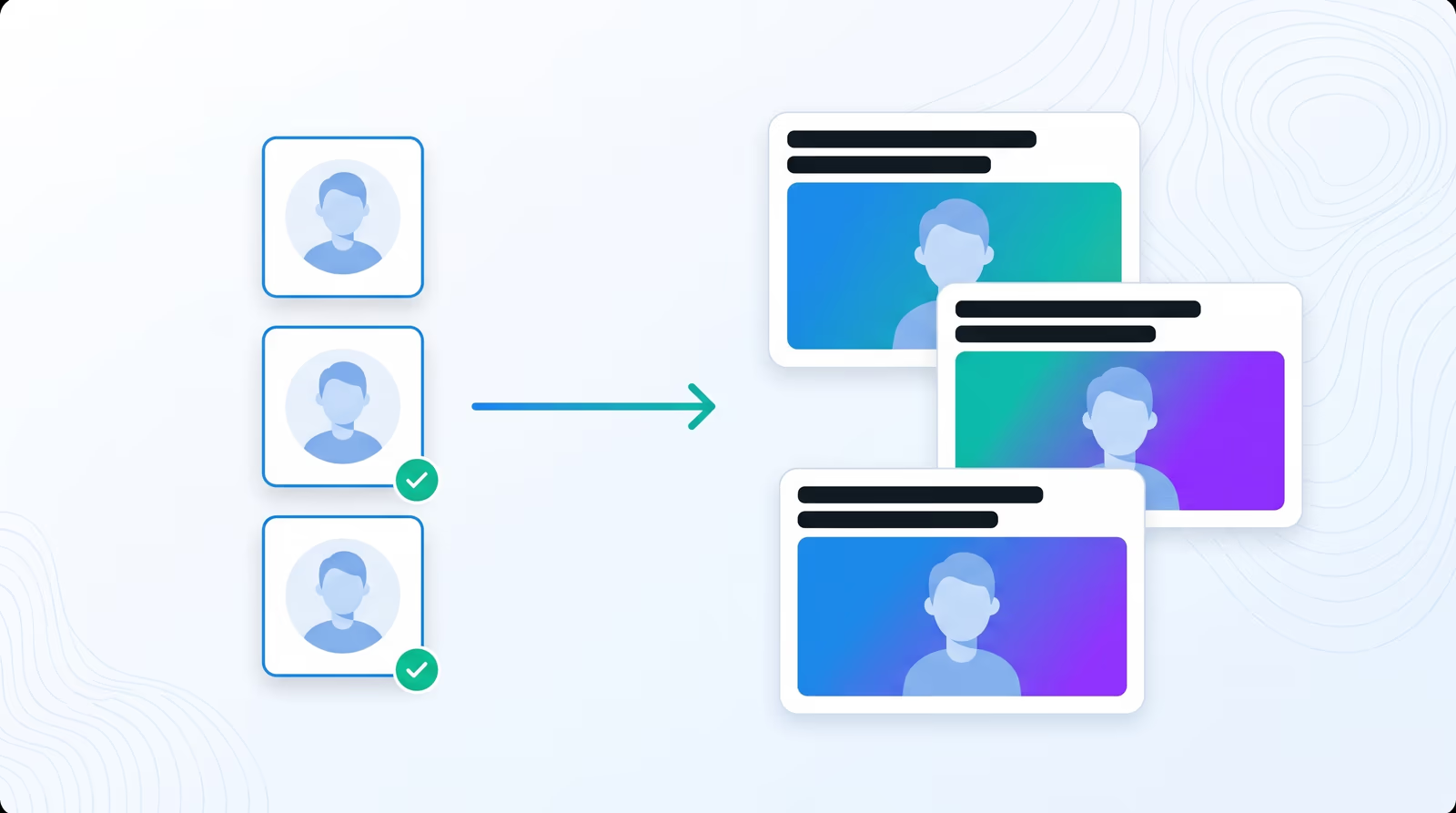
Character reference
Train a Character reference once from at least three clear photos. Then choose up to three characters for any Creative thumbnail and Braiv puts the real you in the scene, with the expression the story needs, on every upload.
Explore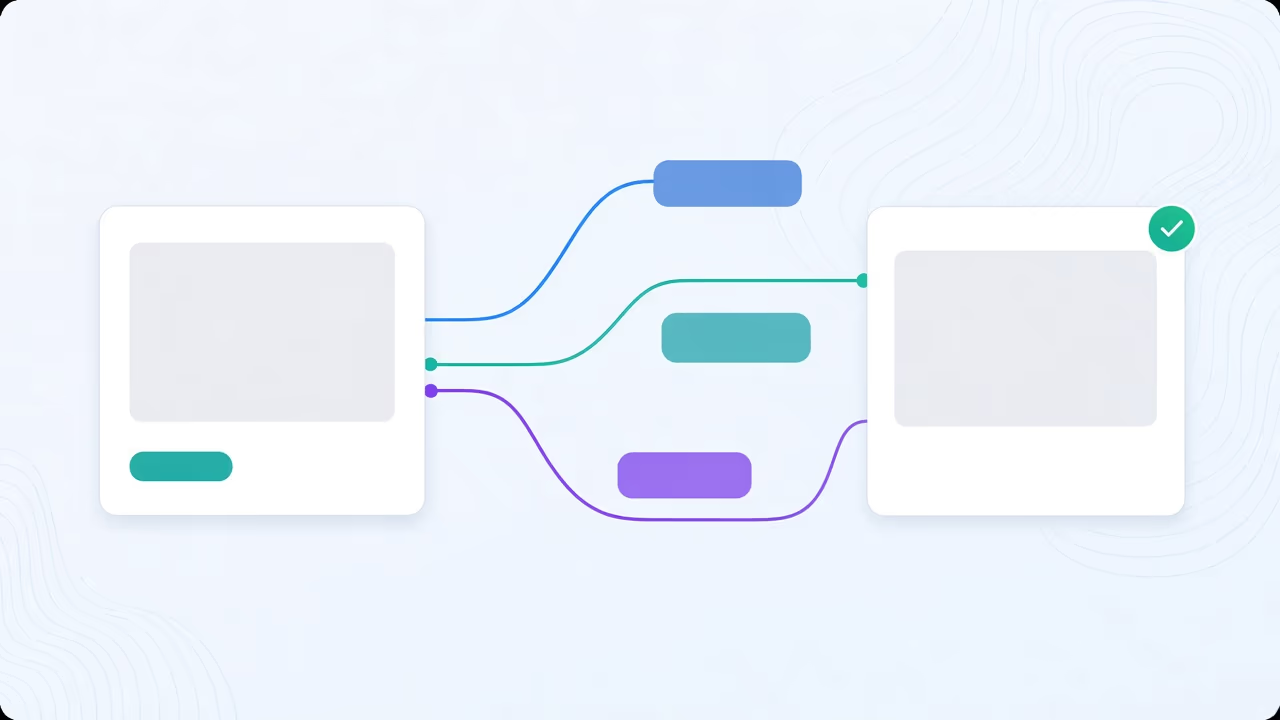
YouTube Thumbnail Style Reference
Paste a YouTube link or pick one of your own thumbnails. Braiv mimics its layout and feel, rebuilds it with your chosen characters and your video's subject, and a brand reference, one image or thumbnail of your brand, paints the result in your colours.
Explore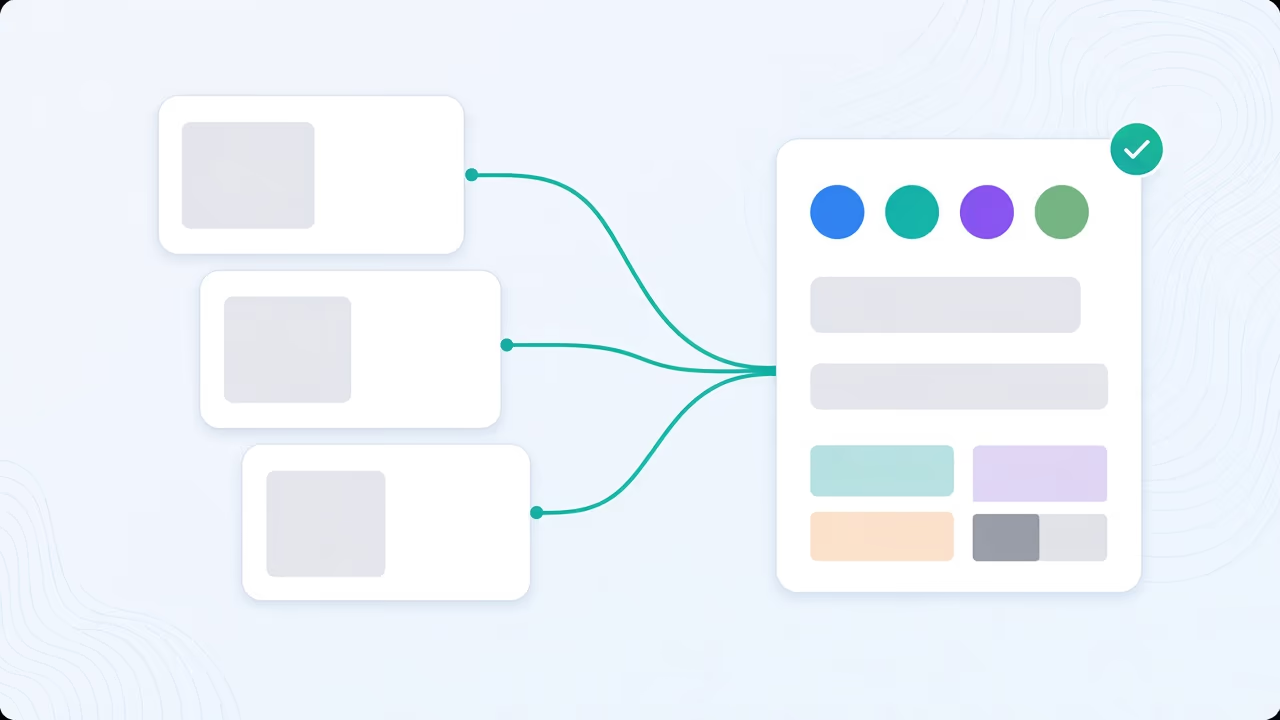
YouTube Thumbnail Brand Guidelines
A brand guideline is analysed from the thumbnails that already work on your channel and holds your look: palette, type, layout and what never to copy. Auto Packaging then applies it, with your characters, style and brand, to every new video without you choosing a thing.
Explore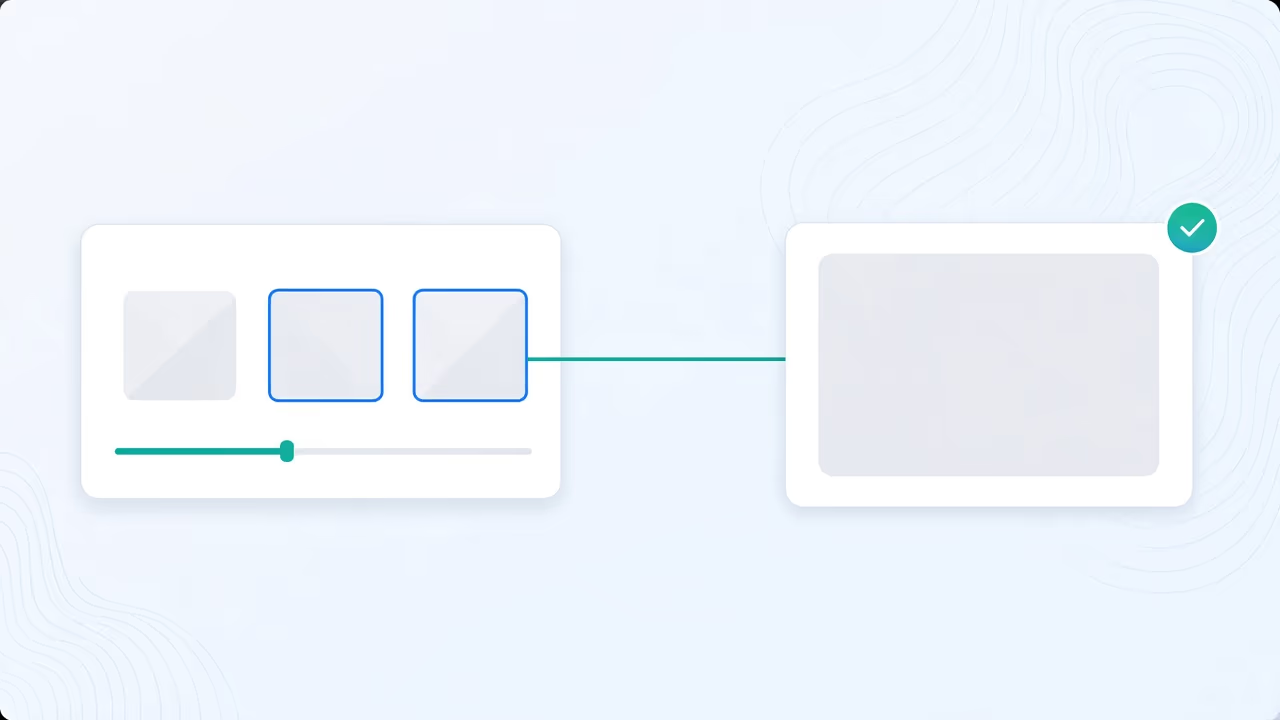
Precision YouTube Thumbnails
Precision uses Moments from your video, or images you upload, as the main subjects and keeps them true to form. AI never redraws them and never adds a person. Braiv composes the layout and the overlay text, or you type your own.
Explore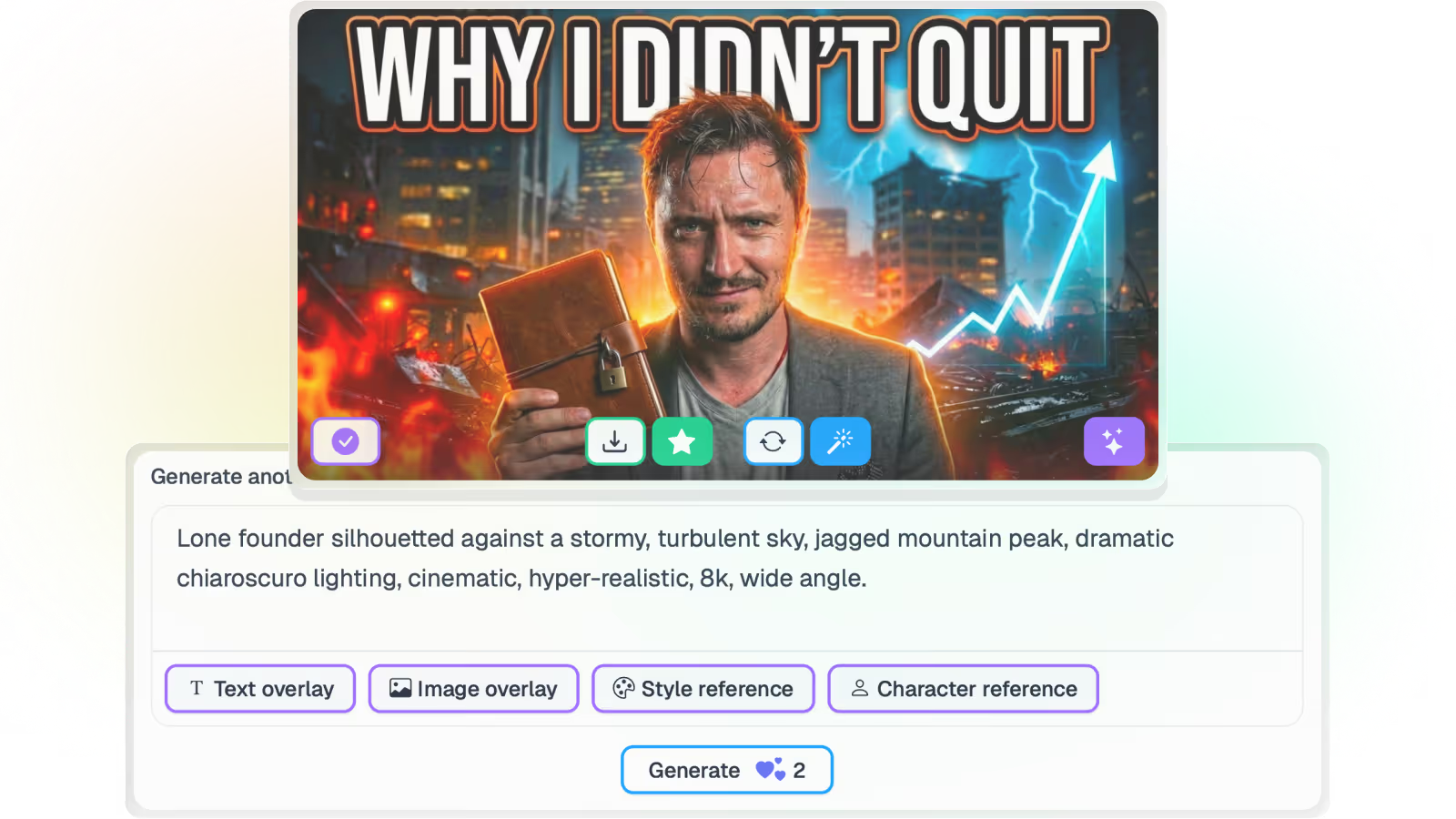
YouTube Shorts thumbnail generator
Generate vertical Shorts thumbnails from the video’s transcript and frames — then score and set the winner before you publish.
Explore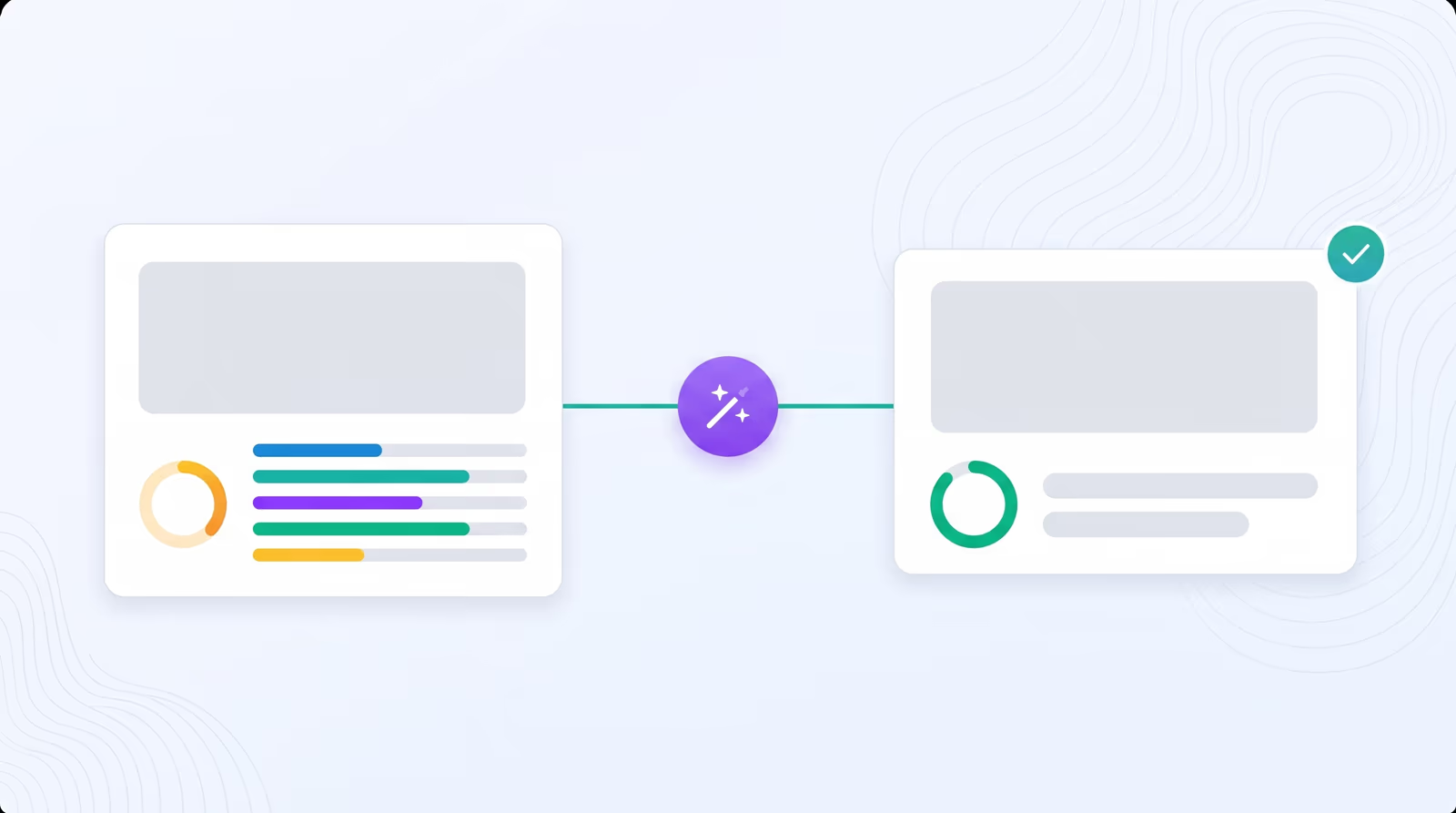
Score and fix thumbnails instantly
Braiv scores any thumbnail out of 100 on five pillars: Topic Match, Clarity, Standout, Curiosity and Emotion. It tells you what works, what does not and how to improve it, then Fix builds the better version in one click.
Explore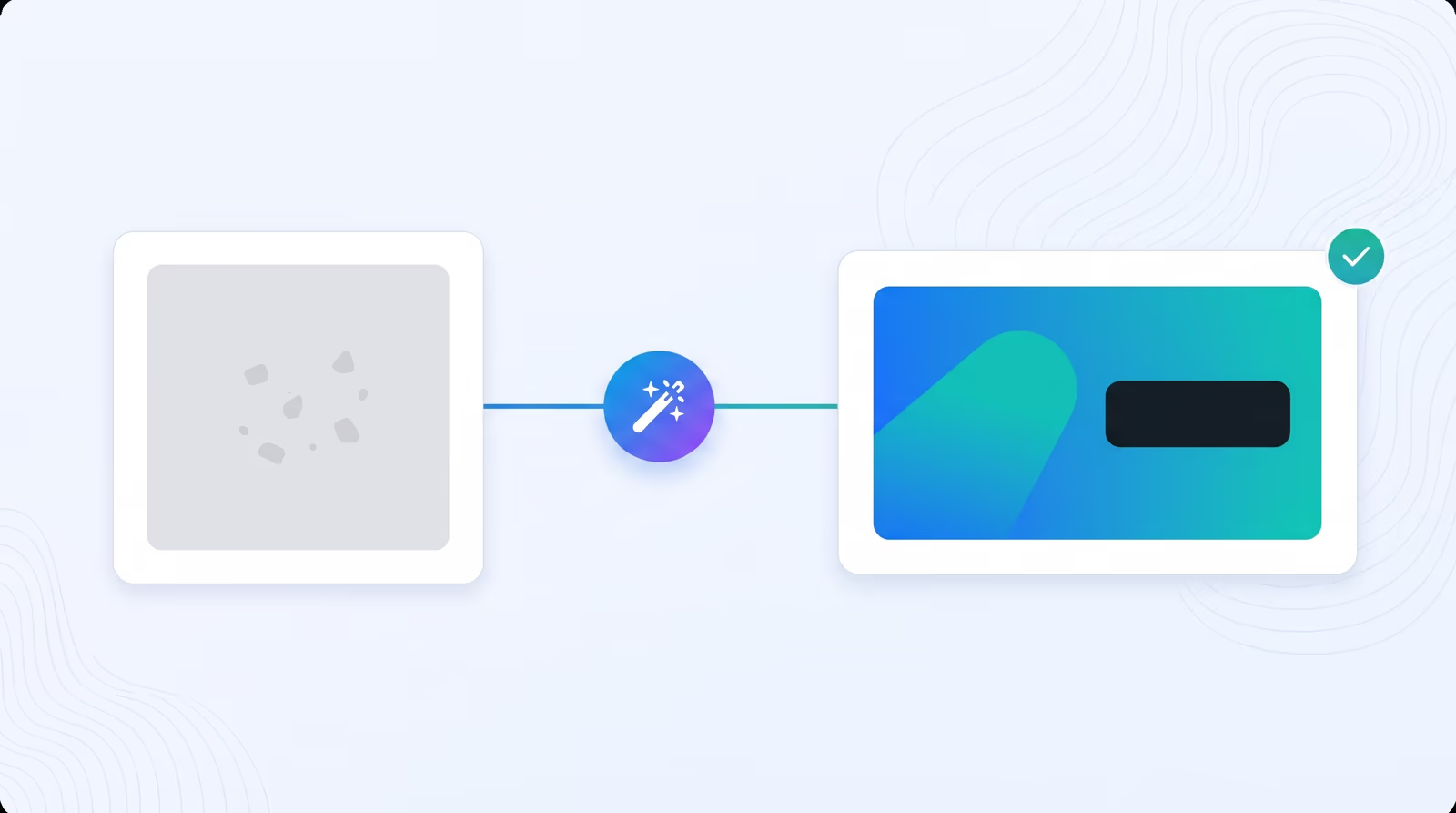
1-click Optimize
Give Braiv your current thumbnail, a frame from the video or any photo. Optimize rebuilds it for the click, with a clean composition, one clear subject and a short overlay headline written from what your video is actually about.
Explore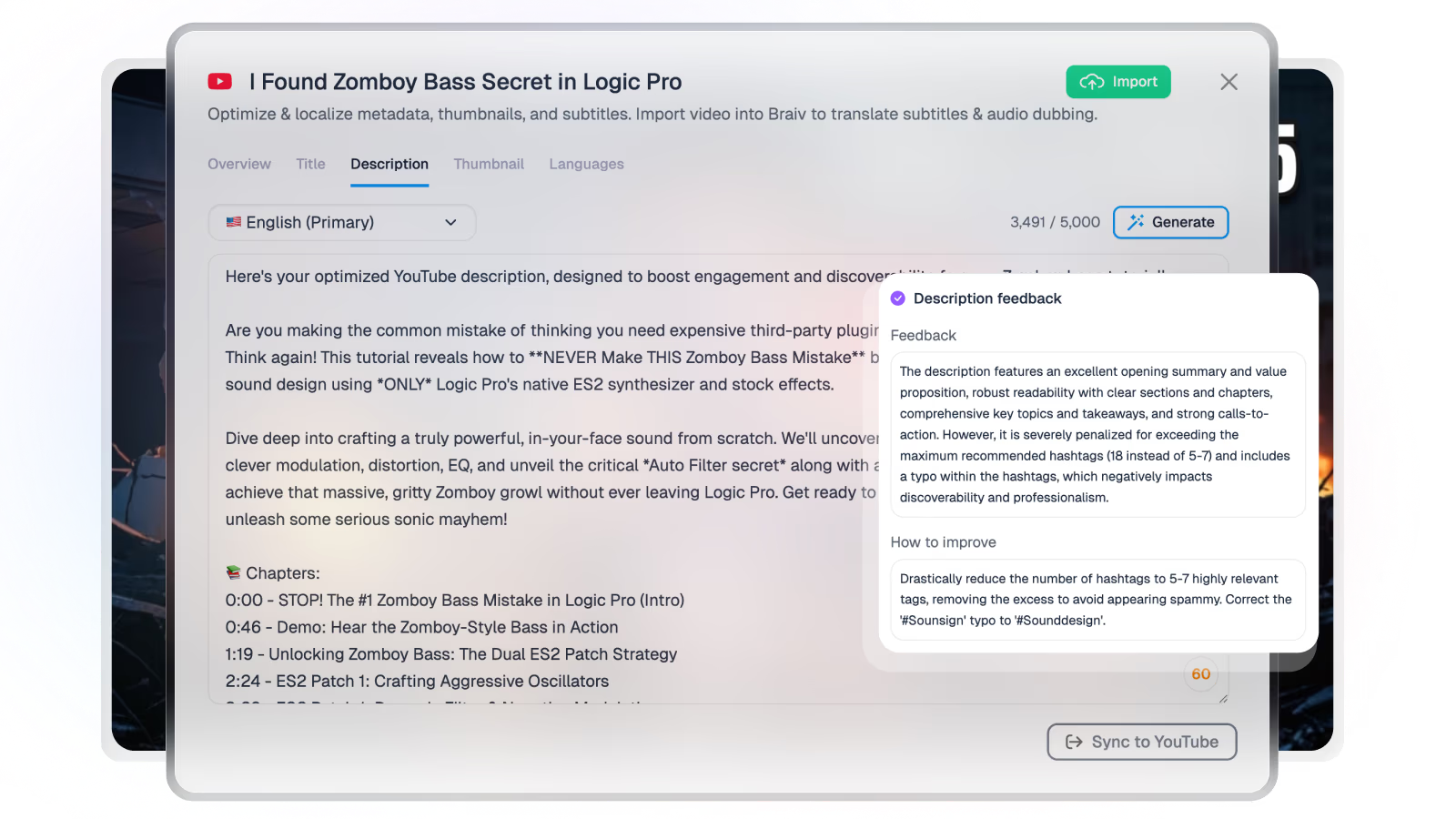
YouTube title & description generator
Generate SEO-optimized titles and descriptions for YouTube, social posts, and multilingual campaigns in seconds — no prompt engineering.
Explore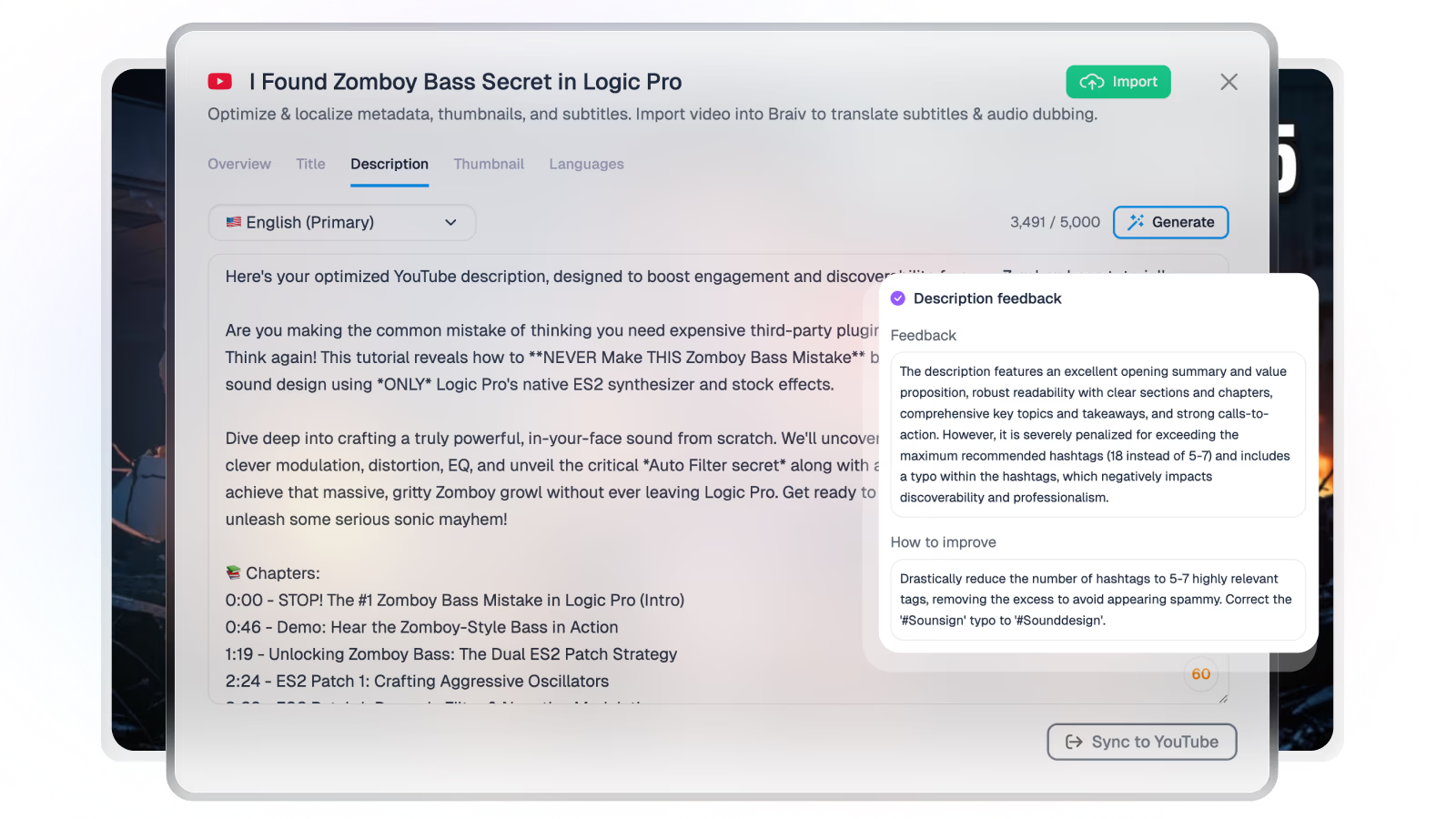
YouTube video packaging
Generate title, description, and thumbnail options from the transcript — so packaging matches what you filmed before you hit publish.
Explore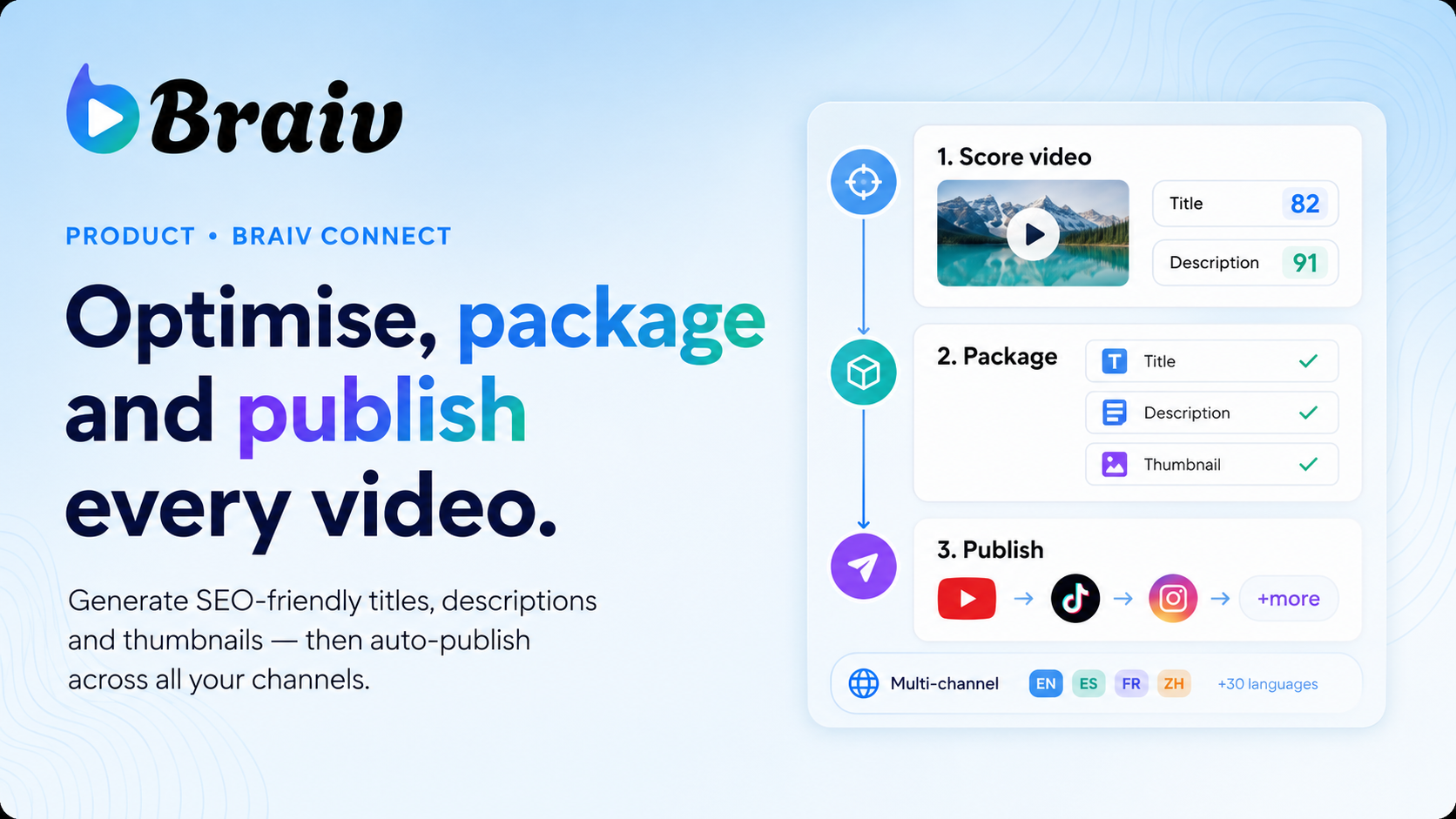
YouTube video optimizer AI
Score and refresh titles, descriptions, and packaging on live or draft YouTube videos — then push updates to connected channels.
Explore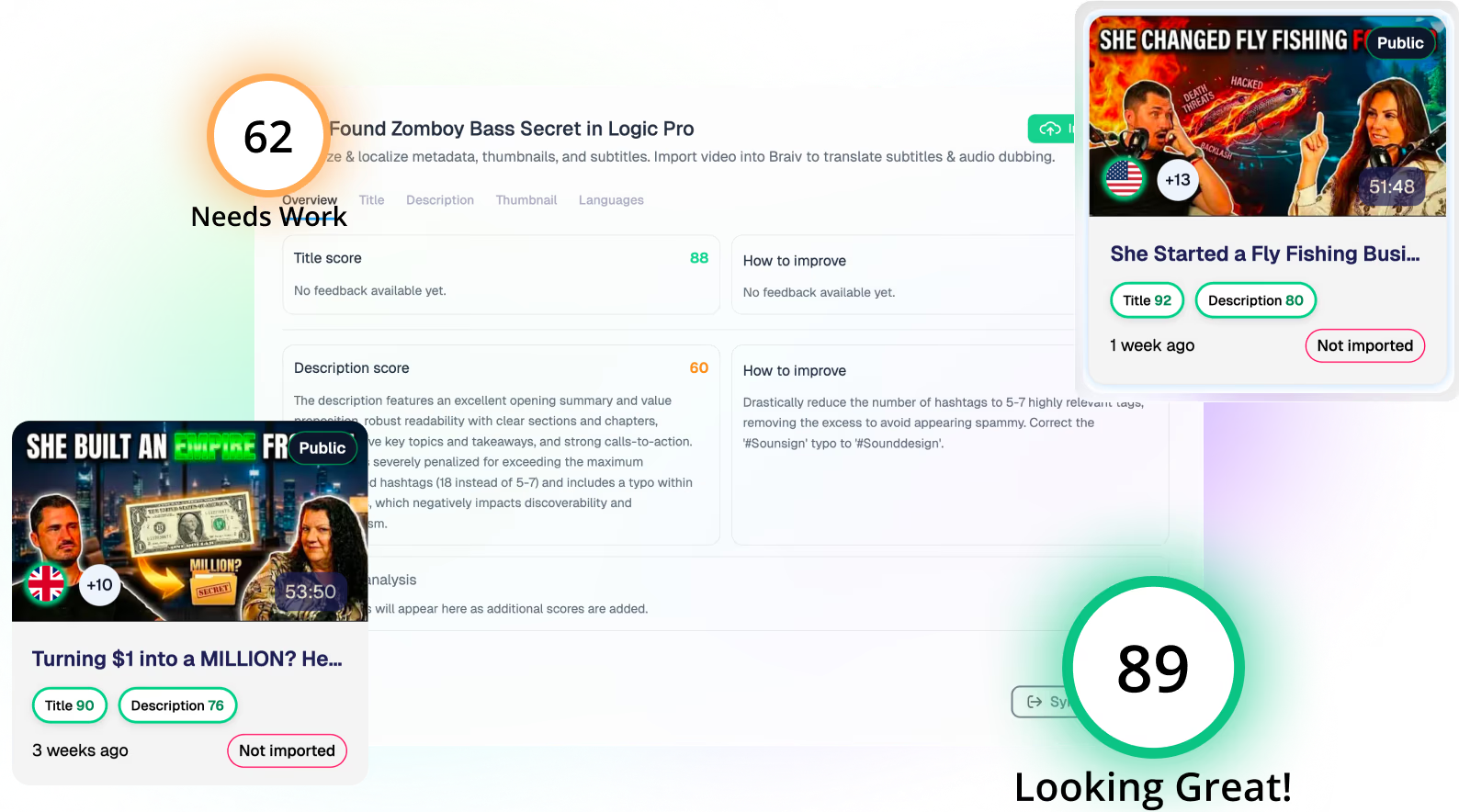
Optimize existing YouTube videos with AI
Improve existing YouTube videos with better titles, descriptions, thumbnails, and localization — without reuploading a single file.
Explore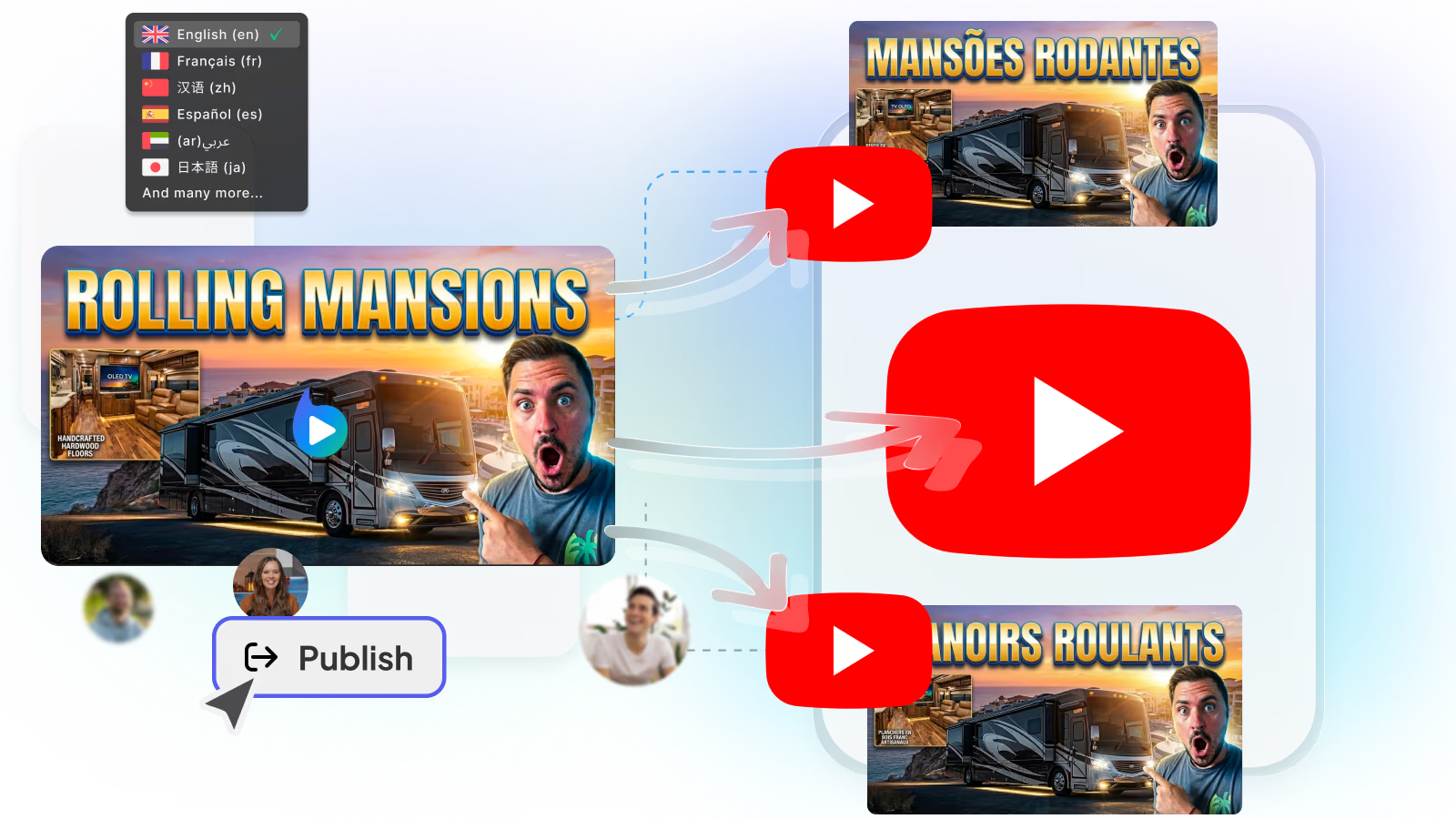
Auto-publish to multiple YouTube channels
Push finished shorts and videos to every connected YouTube channel in one approval — no re-upload loop.
Explore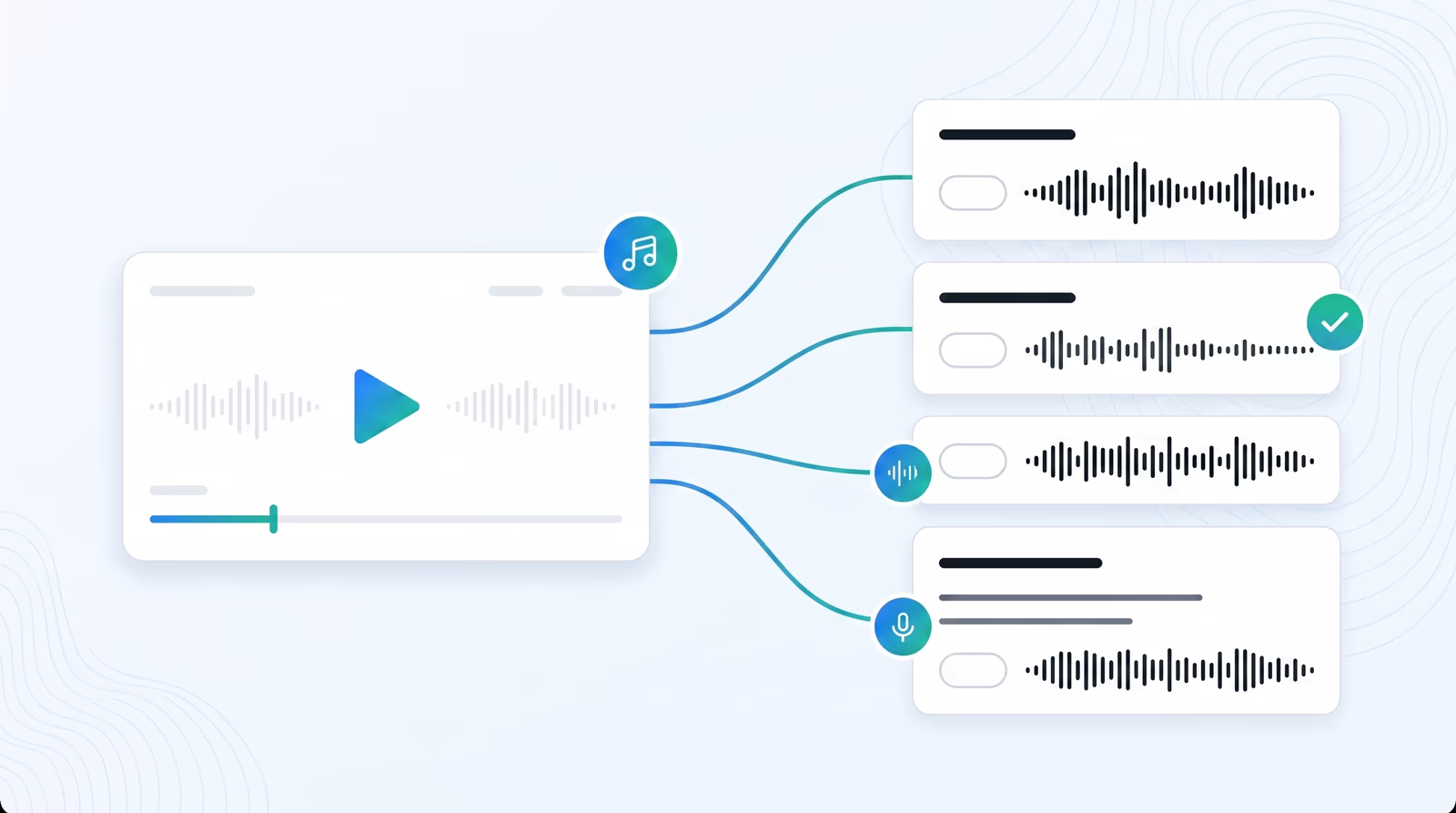
AI video dubbing in 80+ languages
Braiv turns one upload into dubbed versions with cloned voices and an editable transcript — so training, marketing, and creator catalogs reach every market without agencies.
Explore
Add multiple languages to a video
Add dubbed audio and translated captions for multiple markets from one upload — clone the speaker, review the transcript, then export or publish.
Explore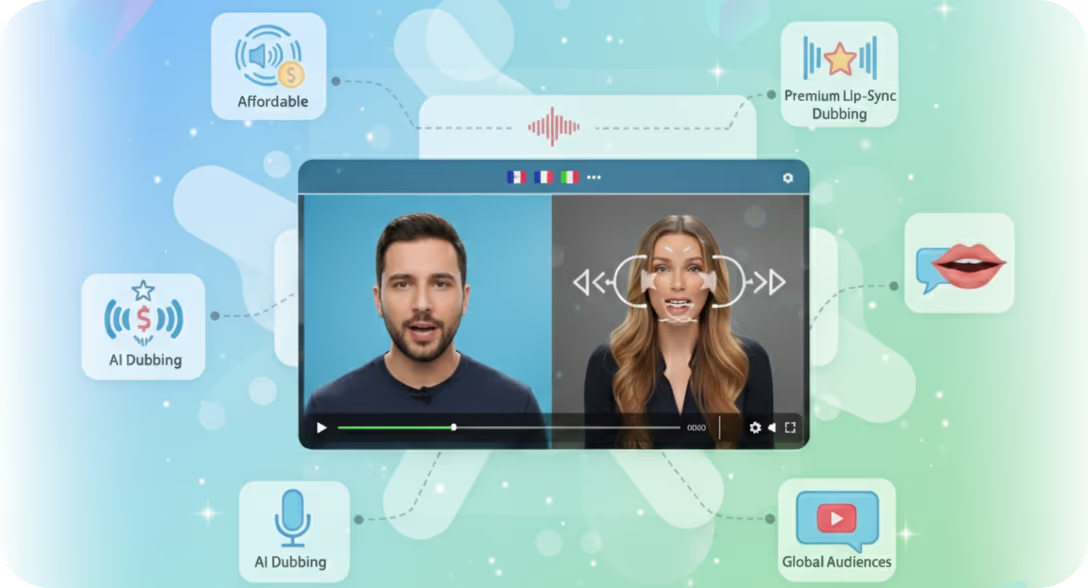
AI dubbing video editor
Edit source and translated transcripts side-by-side, regenerate only the segments you change, and keep cloned-voice continuity across languages.
Explore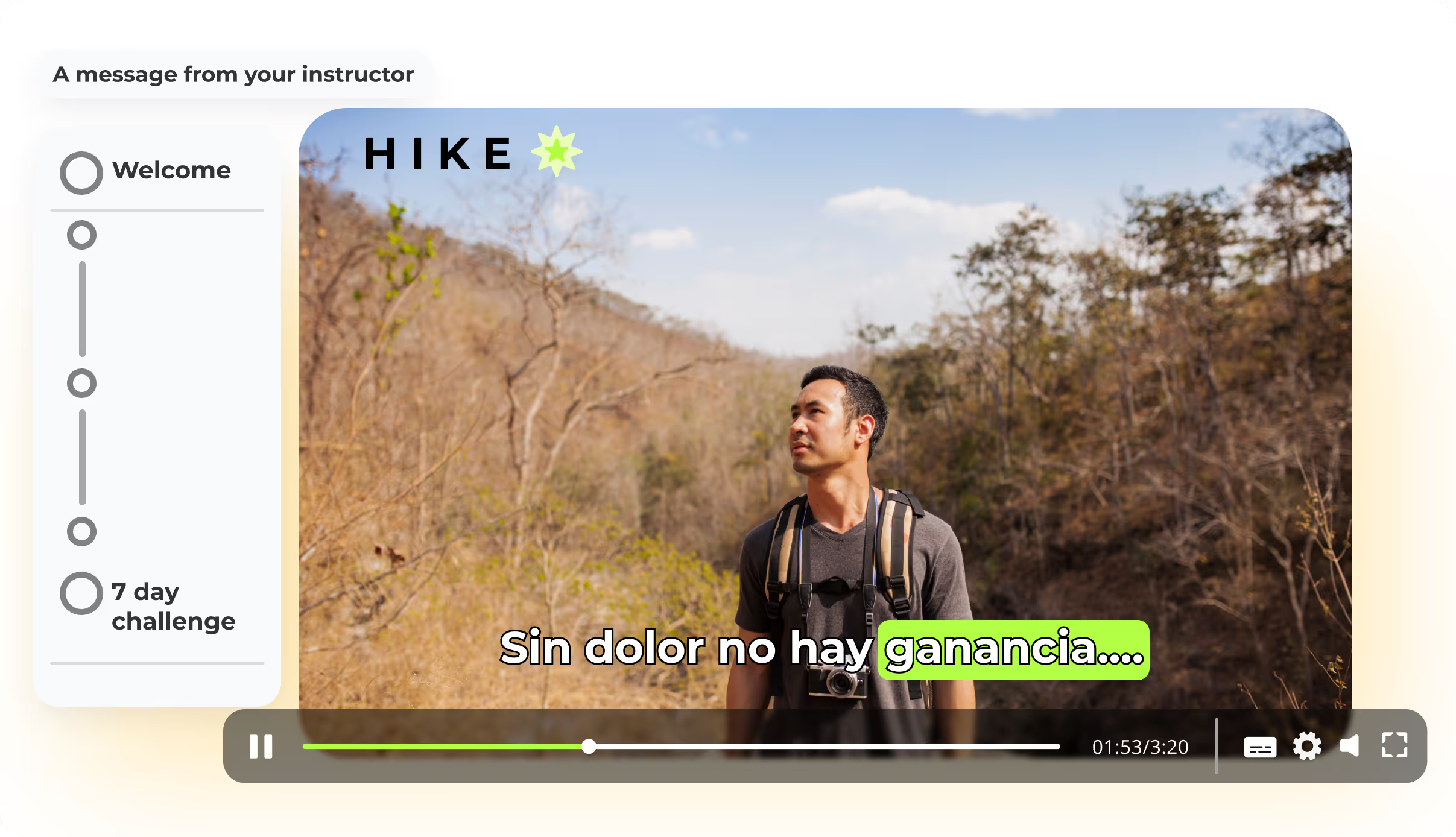
Thinkific video translations
Dub and subtitle Thinkific course videos so learners can take the same module in their language — without re-recording every lesson.
Explore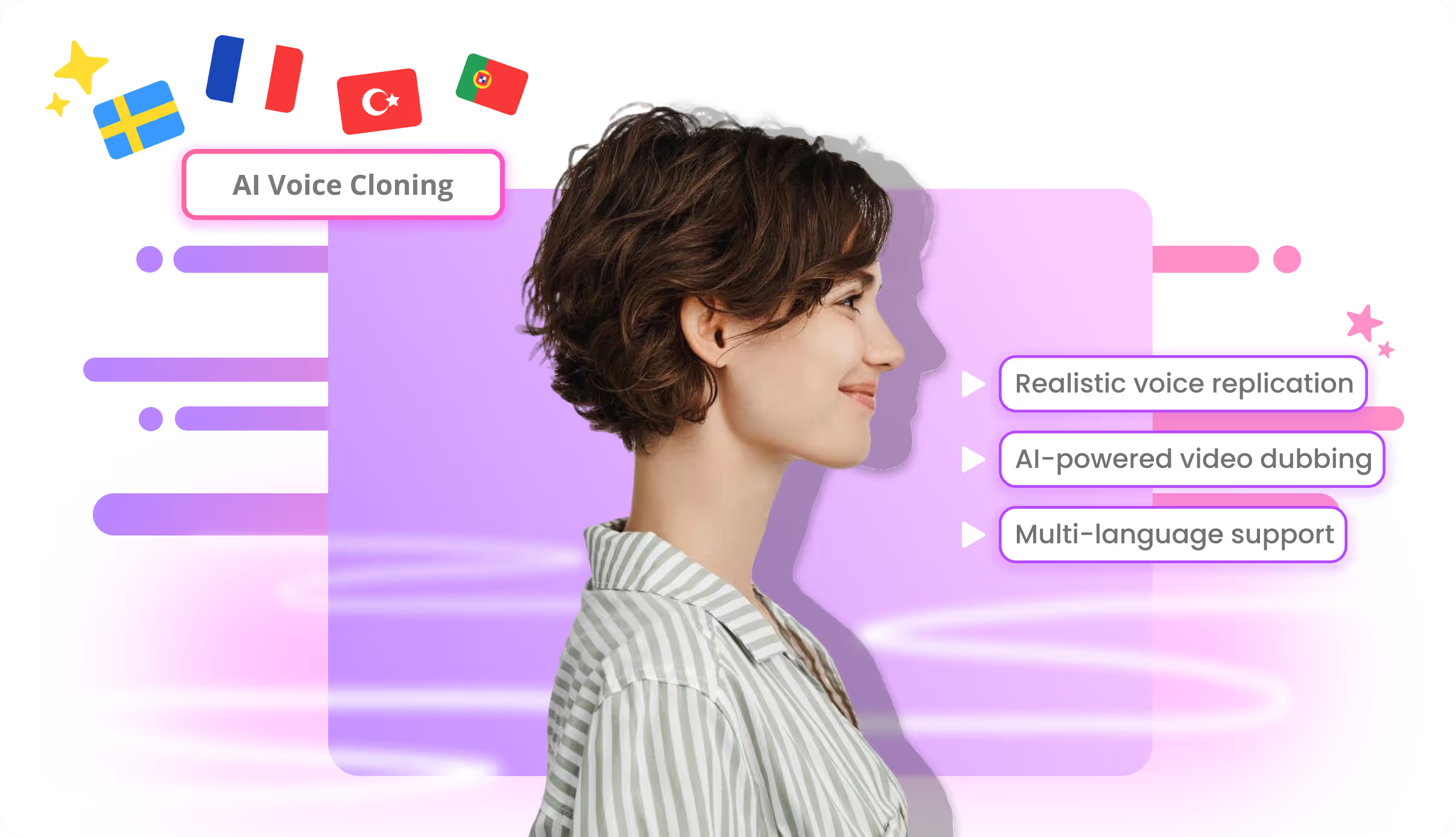
AI voice cloning for video dubbing
Clone the presenter once inside Braiv Dubbing and carry their identity into 80+ languages — so a localized catalog still sounds like your brand, not a stock narrator.
Explore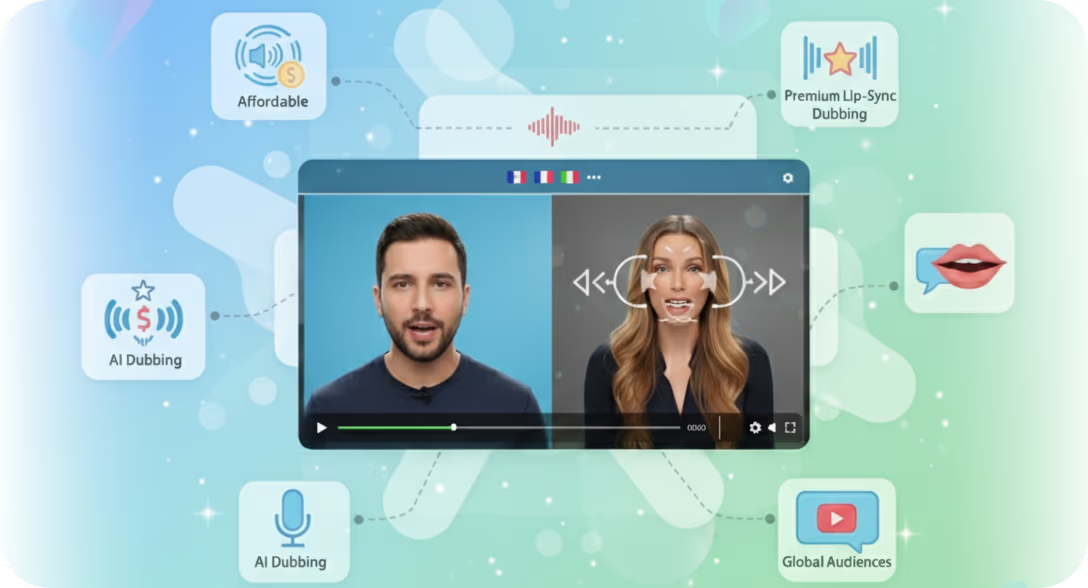
AI lip sync for dubbed video
Optional AI lip sync reshapes on-screen mouth movement to the new audio track — so localized talking-head video feels filmed in the target language, not overdubbed.
Explore
Multilingual text to speech in 80+ languages
Braiv Speech turns scripts into natural voiceovers across 80+ production languages — one workflow for ads, courses, and narration, with a roadmap toward broader global coverage.
Explore
TikTok voice generator — text to speech
Turn scripts into expressive short-form narration — clone your voice or pick a persona paced for Reels, Shorts, and TikTok.
Explore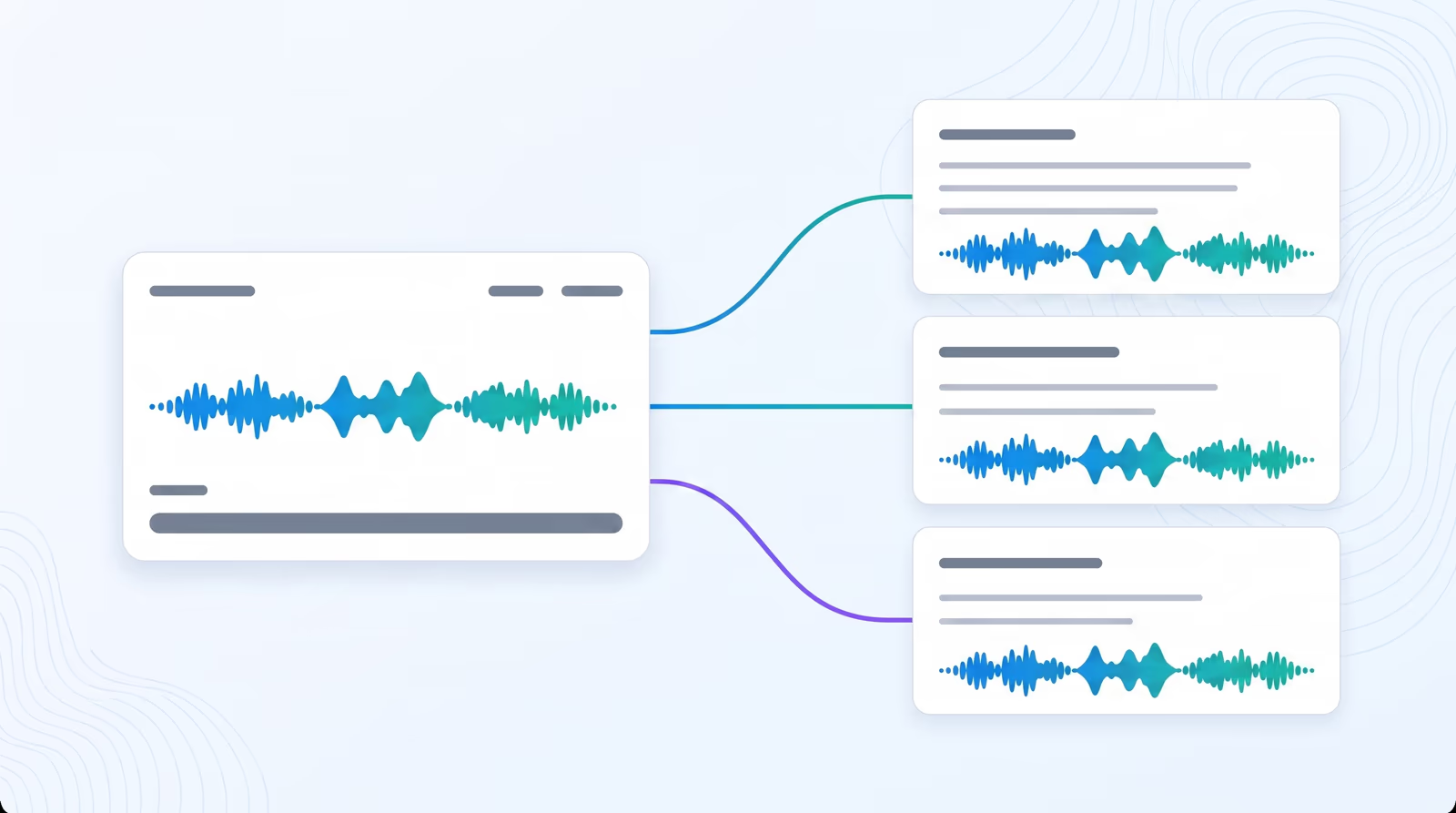
Expressive AI voice cloning
Braiv Speech clones tone, cadence, and style from a short sample — so voiceovers and narration still sound like the same person across 80+ languages.
Explore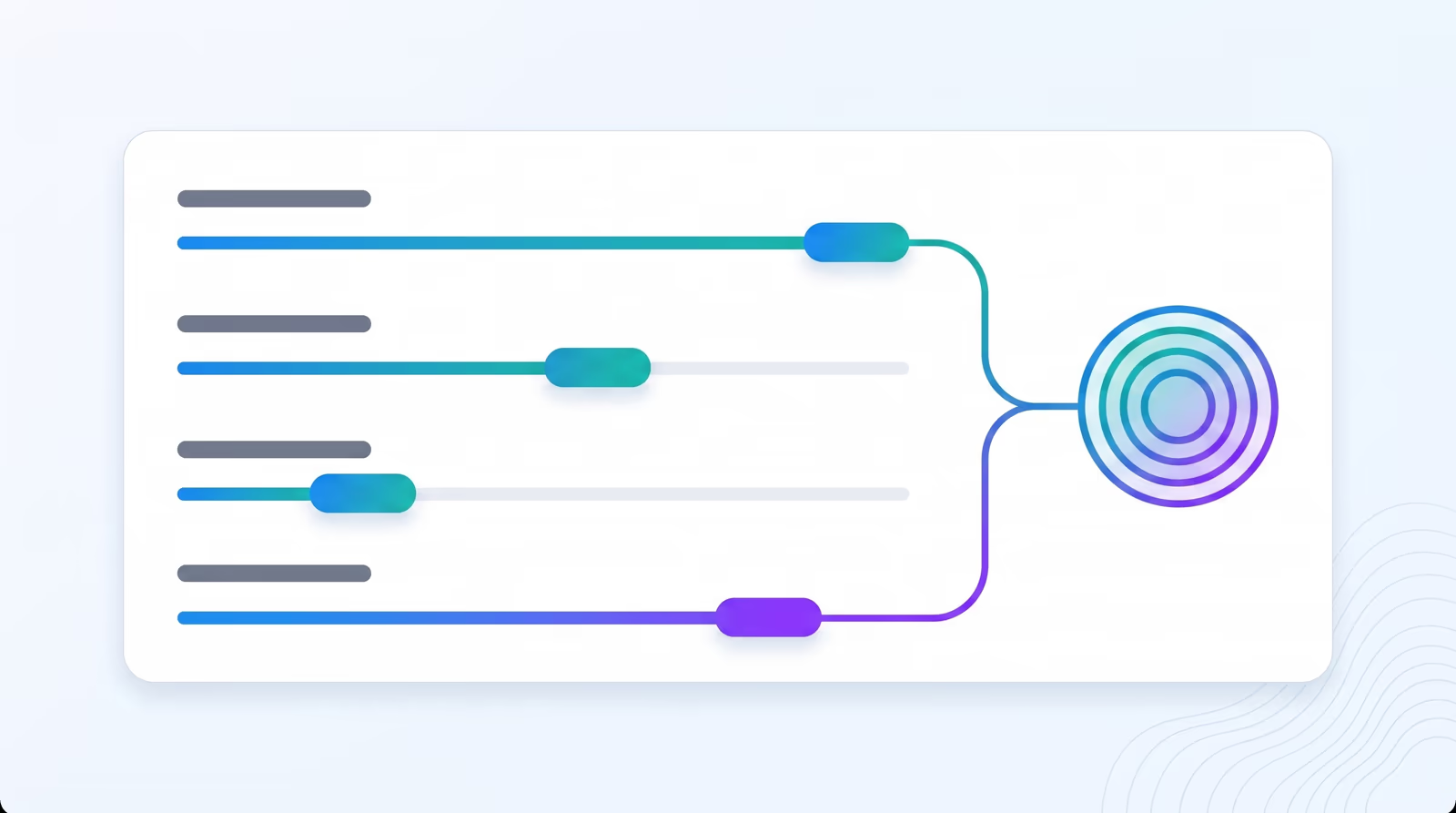
AI voice design from scratch
Build a custom AI voice from attributes — gender, age, accent, and tone — then save it to your library for every voiceover, ad, and course in 80+ languages.
Explore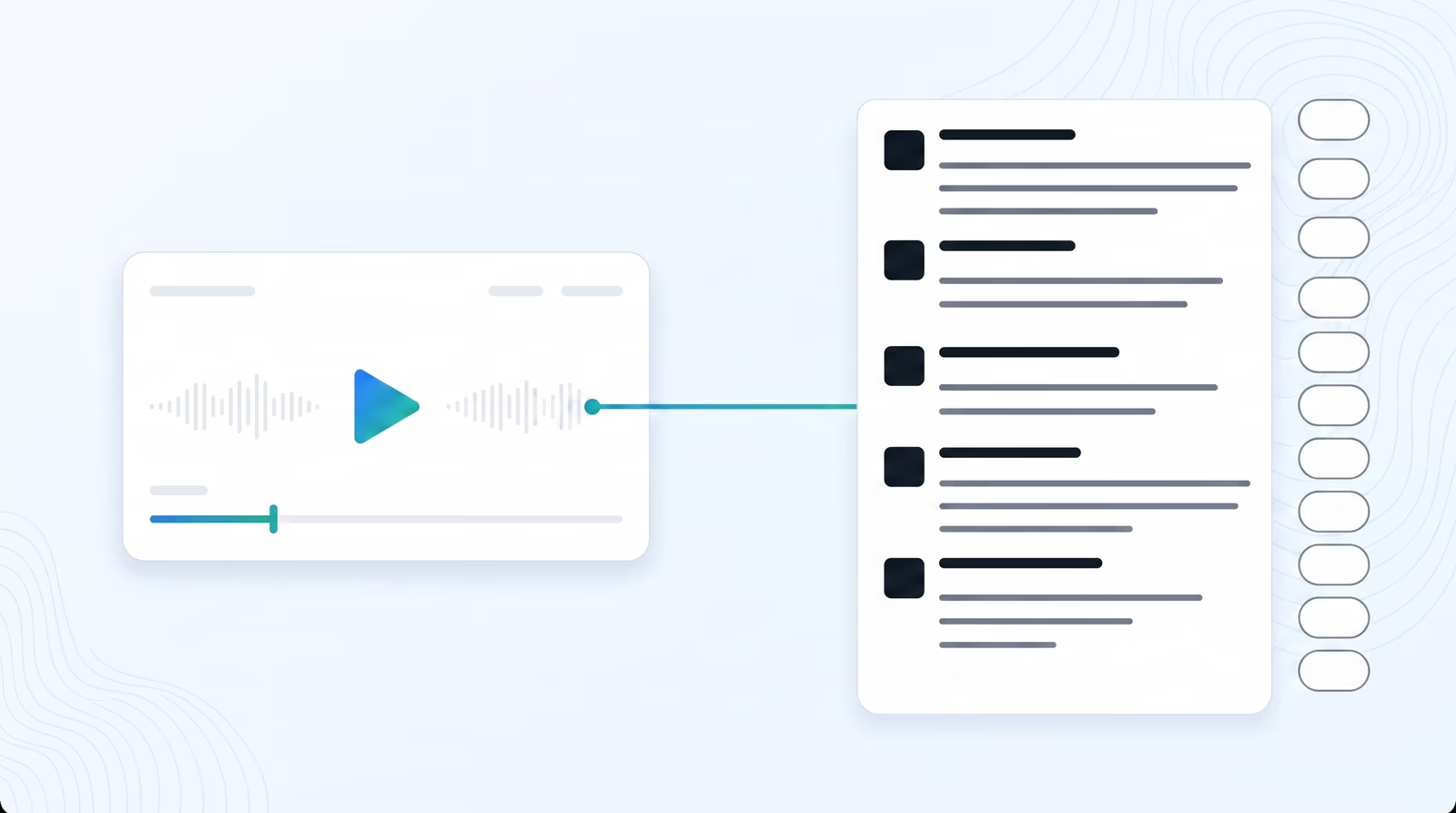
AI transcription in 100+ languages
Upload a file or paste a link — Braiv detects language, handles accents and dialects, and returns accurate text without per-file configuration.
Explore
Translate transcriptions into 80+ languages
One click sends a finished script into 80+ languages with sync preserved — ready for subtitles, review, or the path into dubbing.
Explore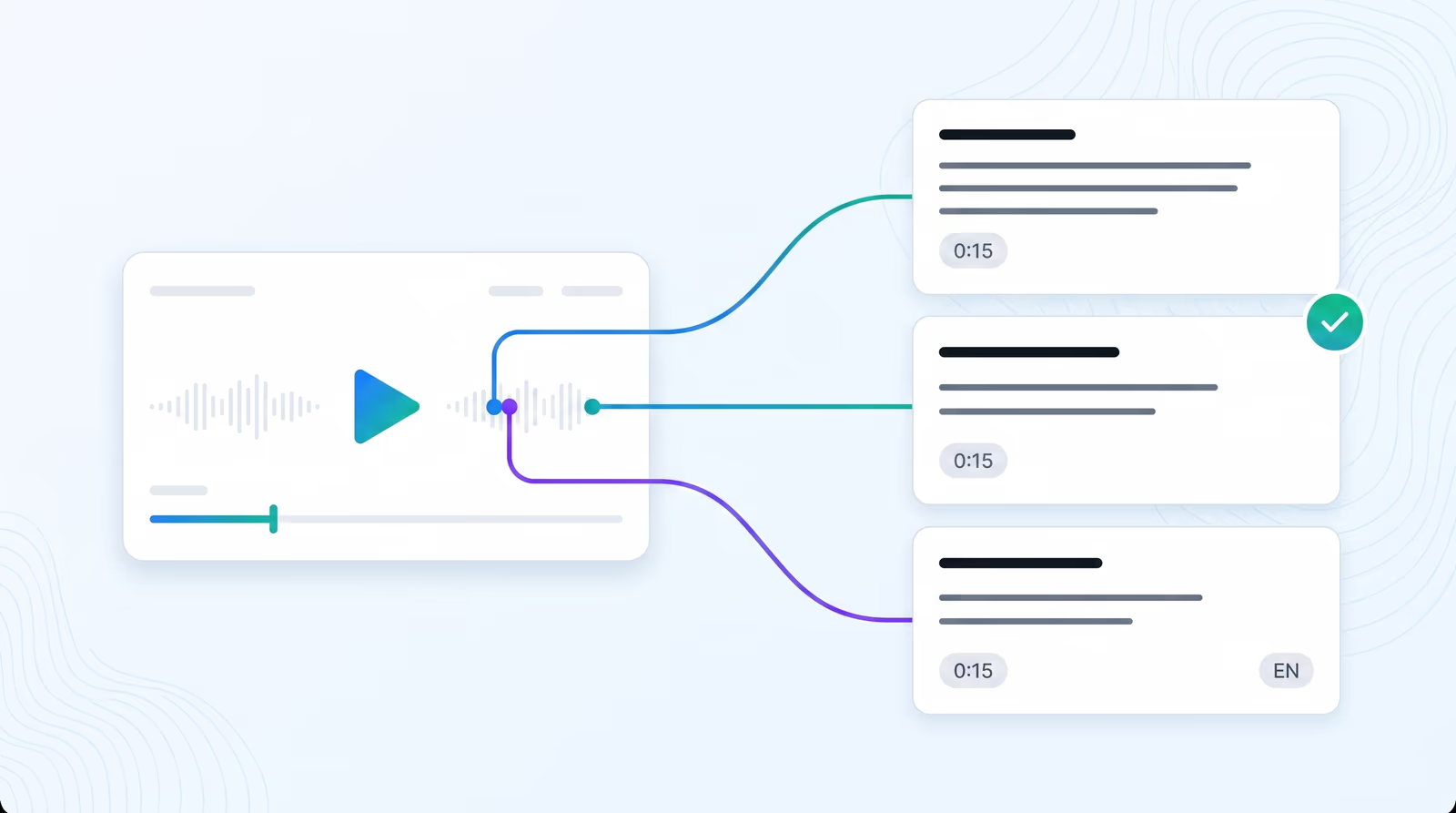
YouTube video summarizer
Paste a YouTube link, transcribe the video in Braiv, then generate a timestamped summary with chapters and key topics — plus description, blog, and how-to formats from the same transcript.
Explore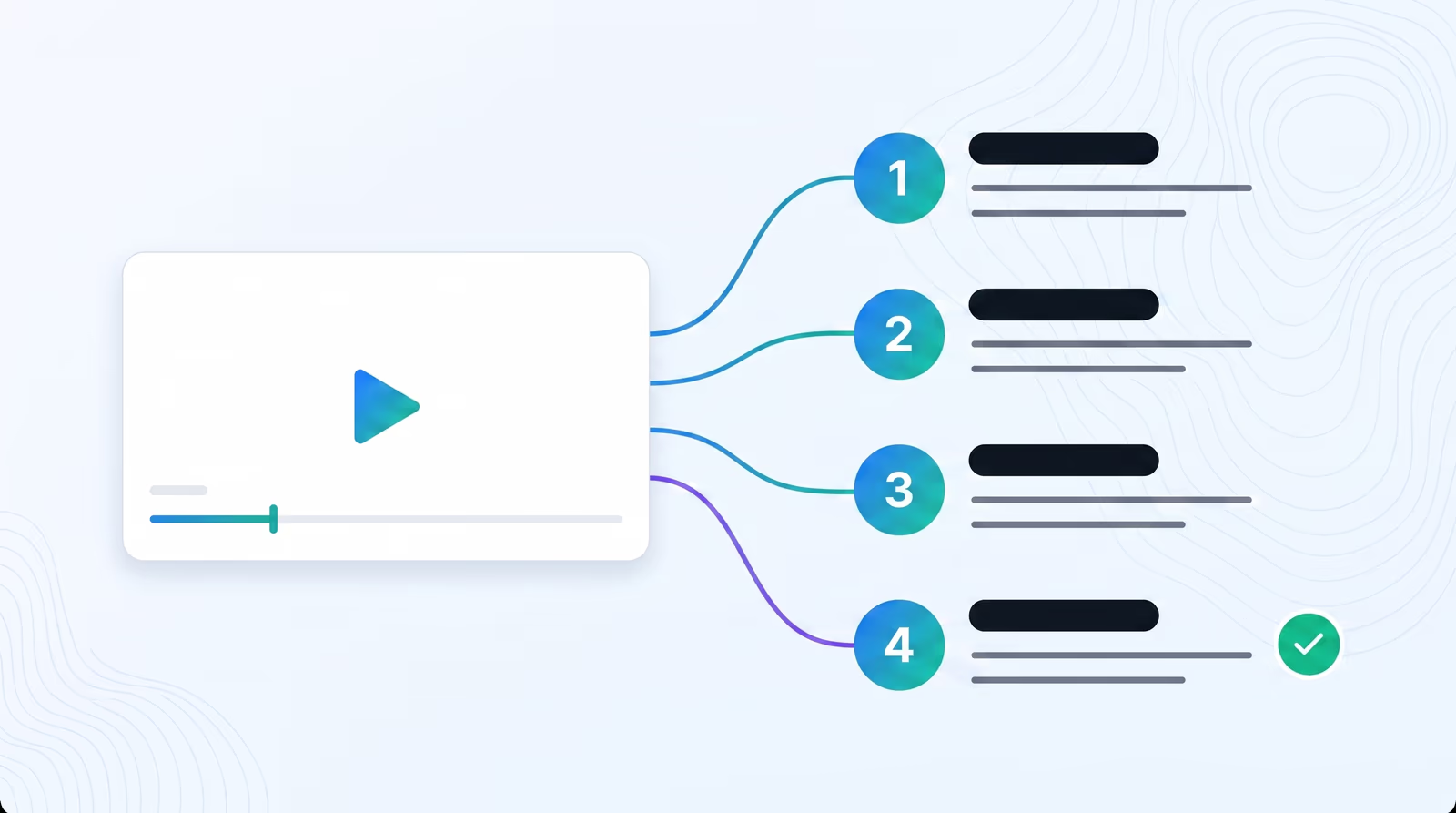
YouTube video to support article
Paste a YouTube link, transcribe the tutorial in Braiv, then generate a help-centre article — numbered steps, task headings, and support-doc wording written from the transcript.
Explore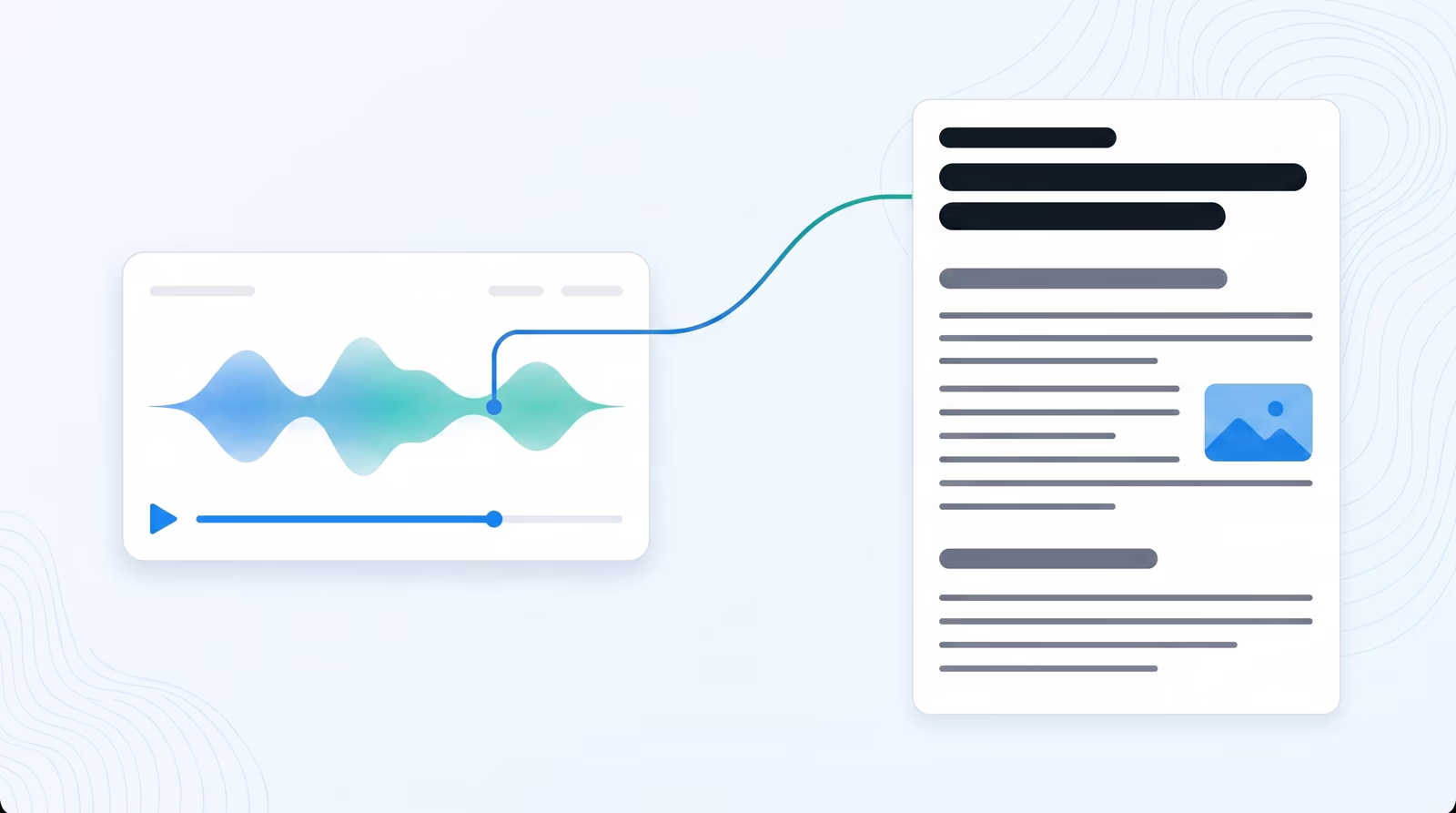
YouTube video to blog post
Paste a YouTube link, transcribe the video in Braiv, then generate an editorial recap — headings, flow, and takeaways written from the transcript instead of captions pasted into your CMS.
Explore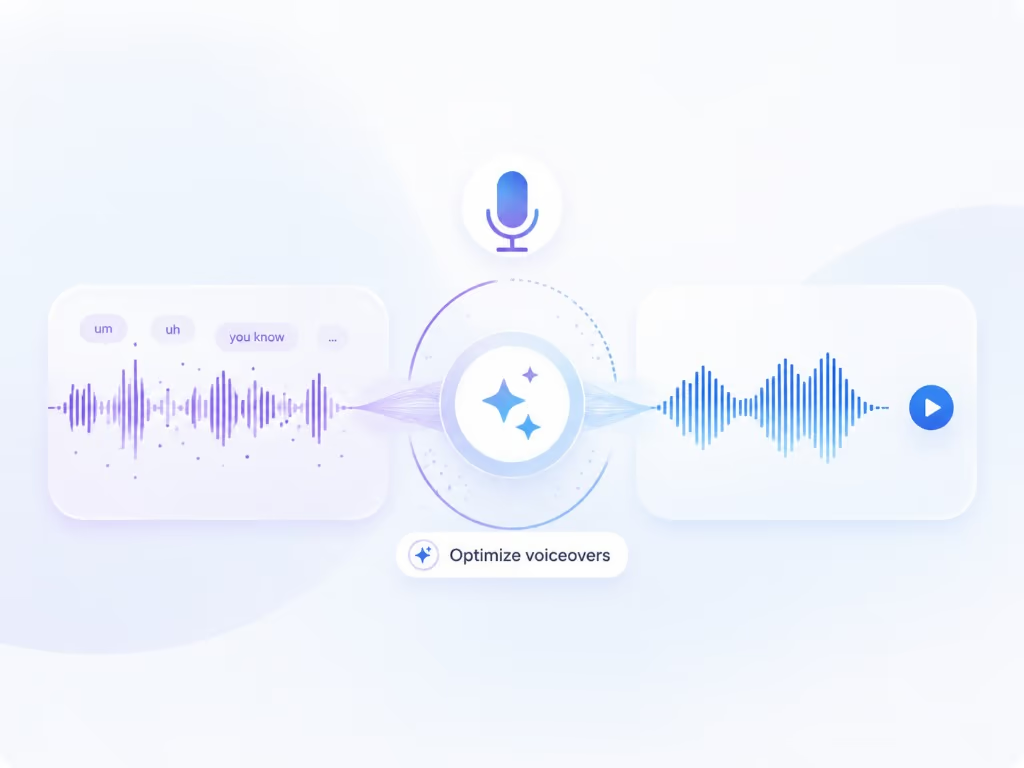
AI voiceover cleanup and redub
Braiv Capture strips ums, ahs, and false starts from your screen recording, rewrites the narration into support-doc language, then redubs it with a Braiv Speech narration voice clone — so a first take publishes like a scripted one.
Explore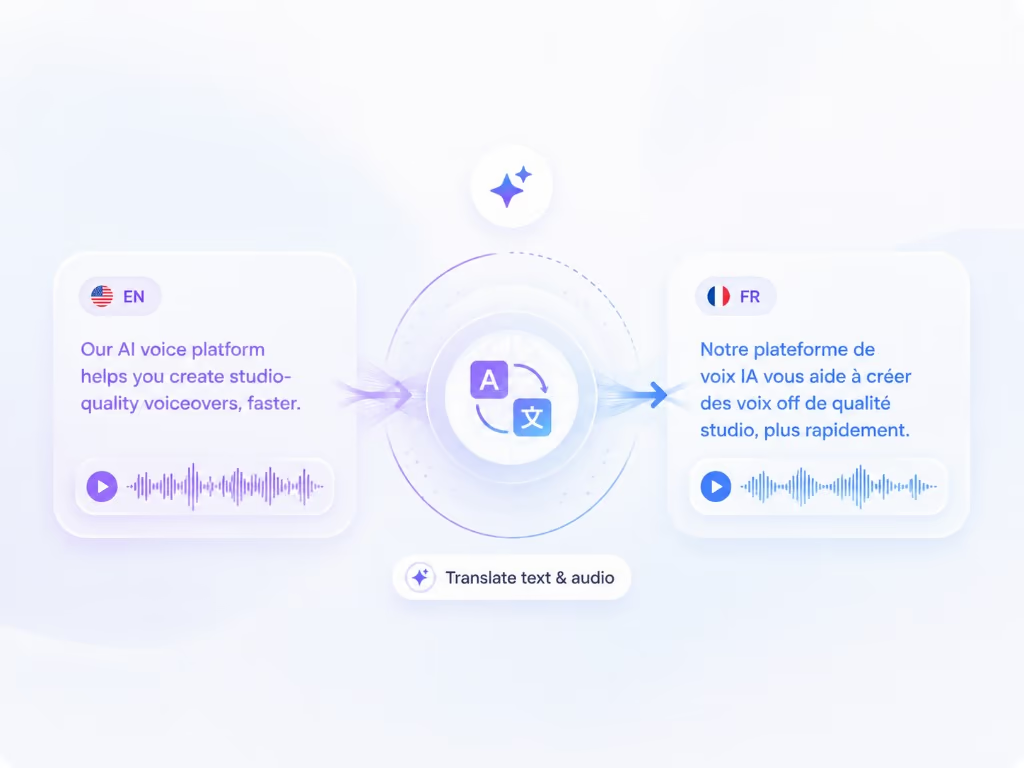
Support video translation, audio and on-screen text
Dub a screen recording into another language and translate the on-screen text with it — narration, captions, callouts, and text overlays localized in the same pass, so a walkthrough never switches back to English halfway through.
Explore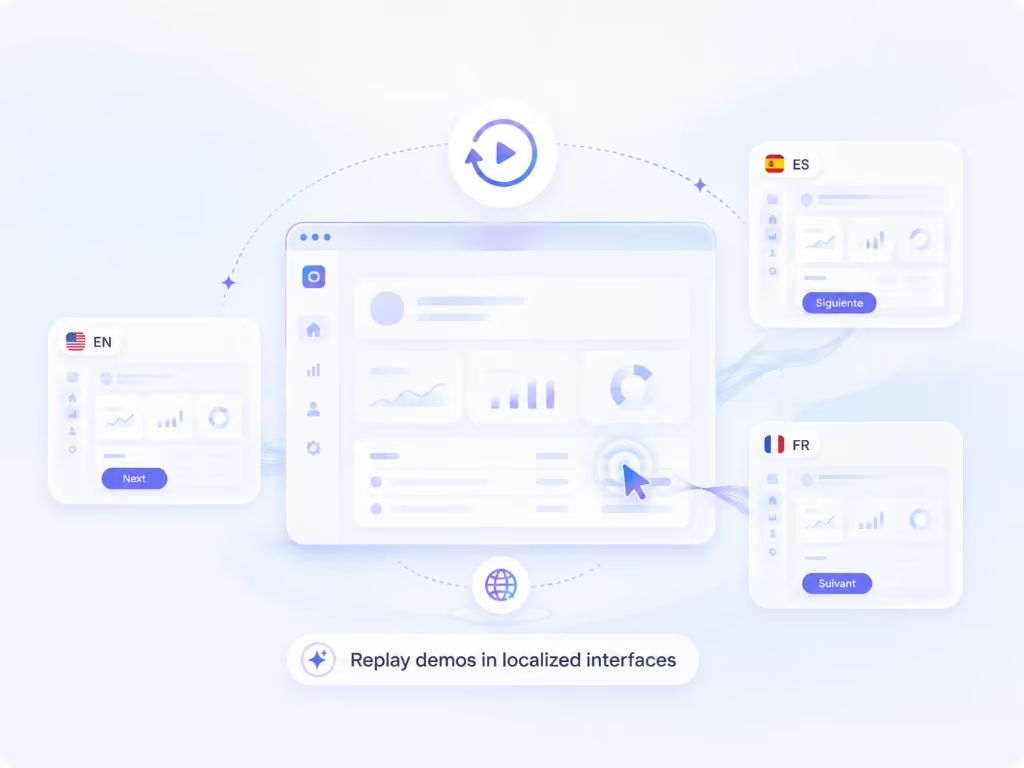
Automated re-recording in a localized UI
Capture keeps your walkthrough as a replayable session, so the same steps can be re-recorded against your product in another language — a native screencast per market without re-shooting anything.
Explore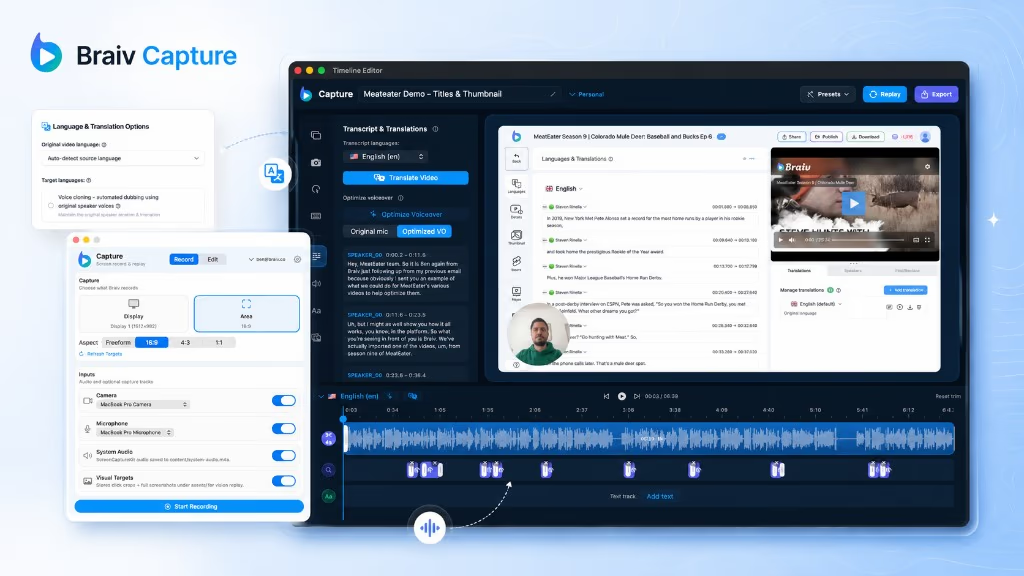
Step-by-step guides and help articles from a screen recording
The same cleaned script that voices your support video writes the step-by-step guide — structured software documentation in every language you publish, kept in sync with the video.
Explore Multilingual onboarding and software training videos
Make software training videos and onboarding walkthroughs once and publish them per market — localized narration, localized on-screen text, and a screencast of the interface the viewer actually sees.
Explore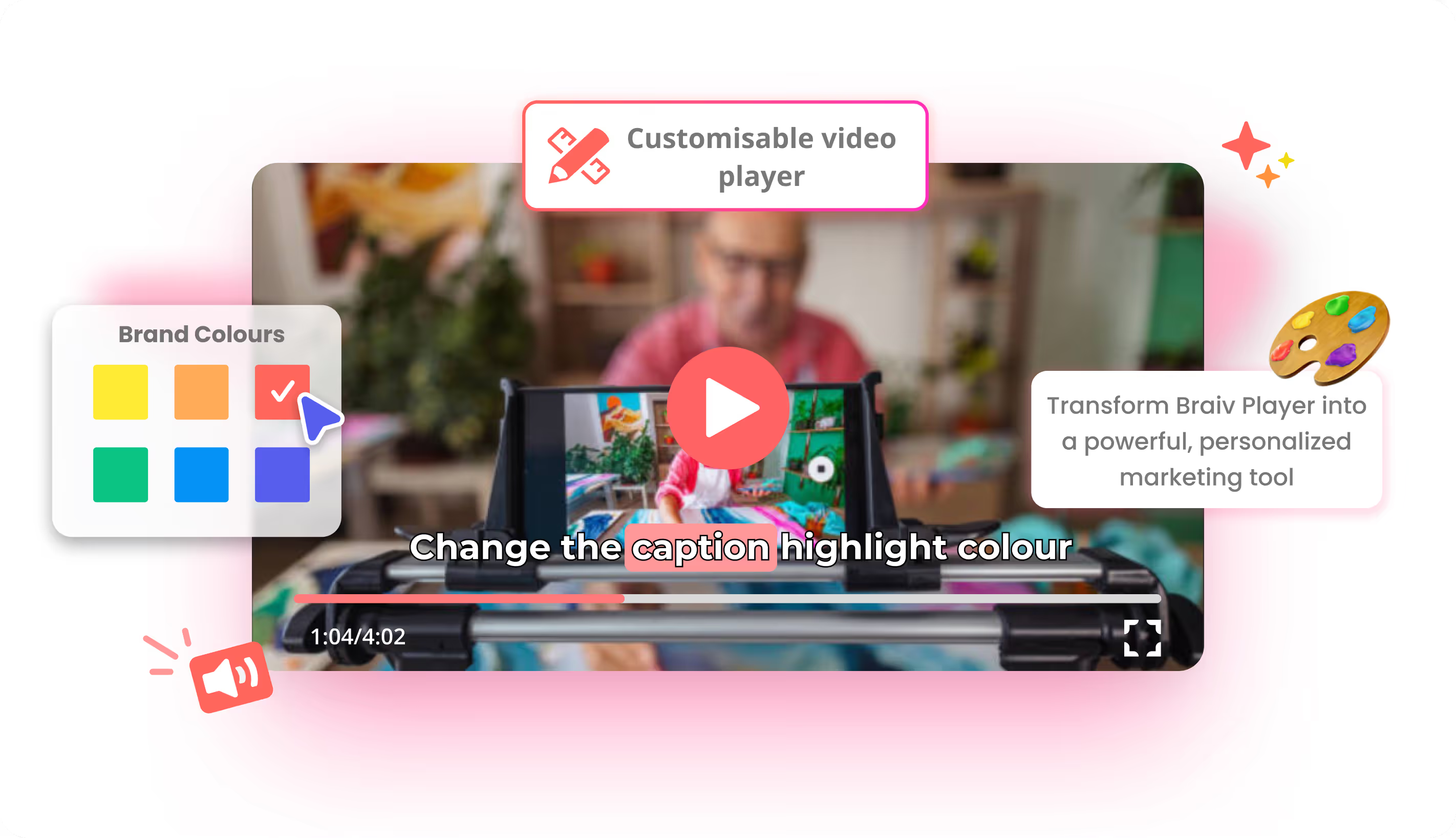
Branded customizable video player
Brand colors, logo, and controls on an ad-free embed — so training, courses, and product video stay on your site, not a third-party player.
Explore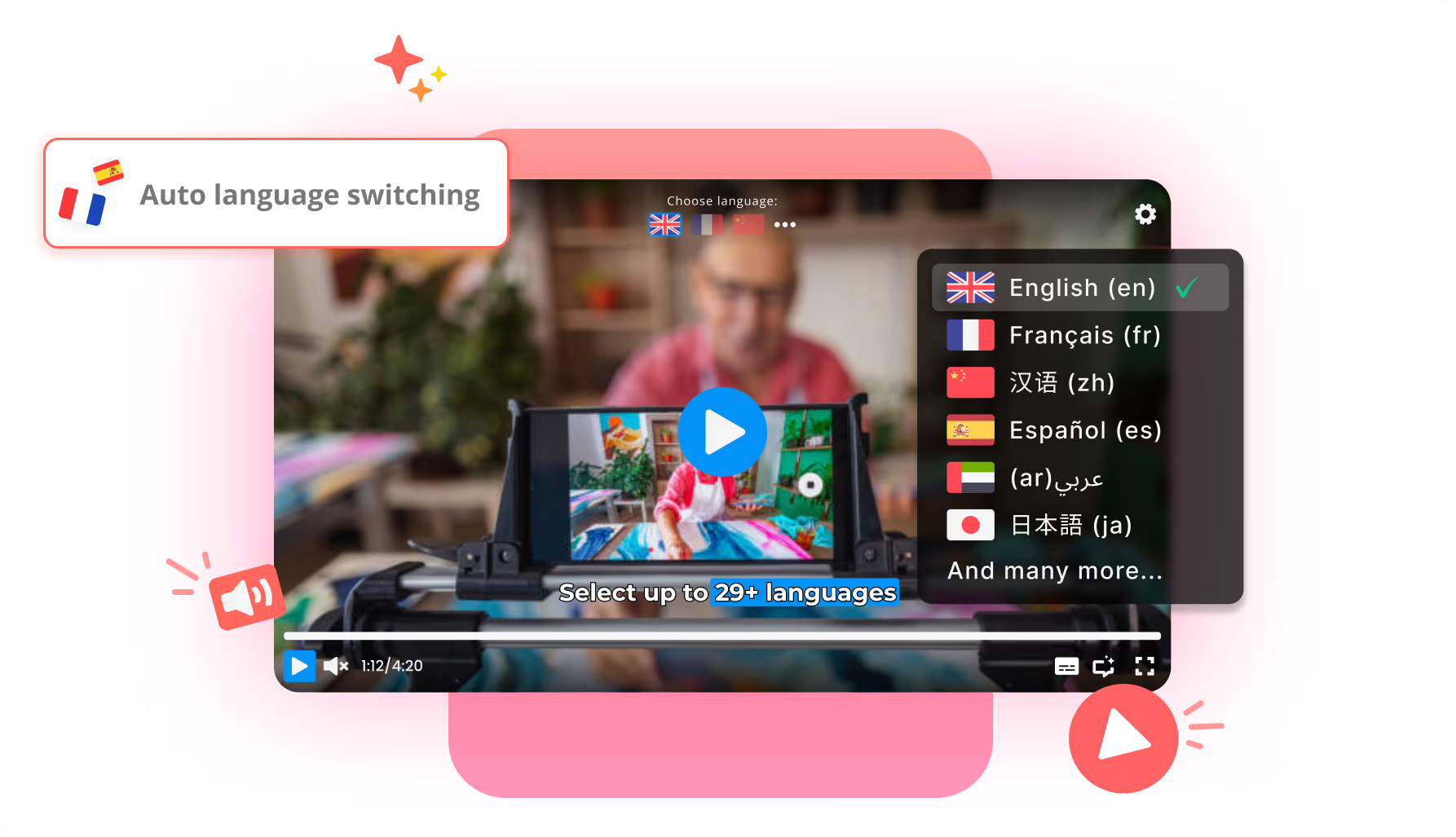
Automatic video language switching
Braiv Player can default to the viewer’s browser language for dubbed audio and subtitles — then still let them switch manually anytime.
ExploreEvery feature sits inside a Braiv product
If you would rather start from the product itself — what it does, who it is for, and how it fits the workflow — open the product catalog.
See all products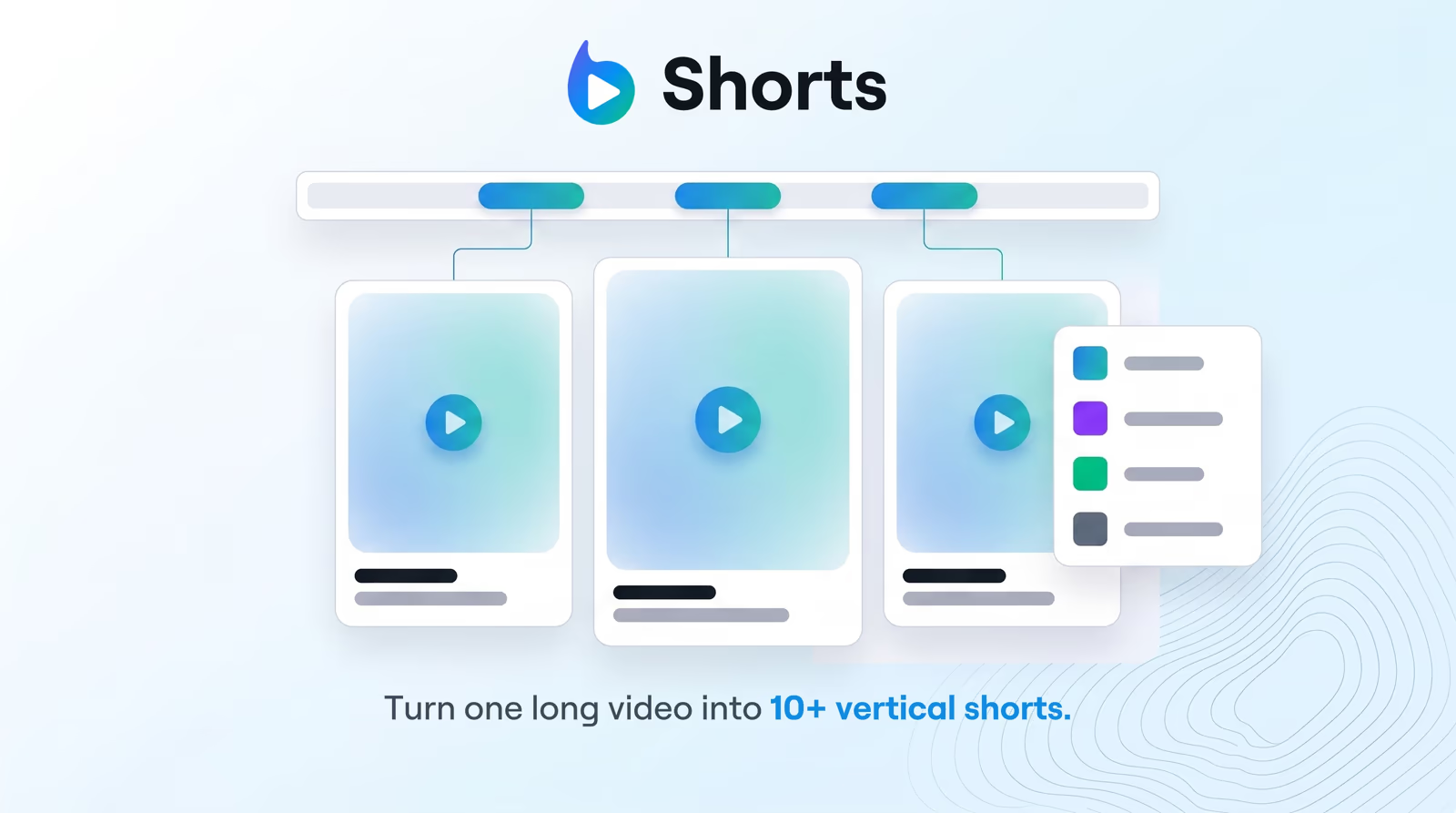 Shorts Braiv Shorts Paste a YouTube link or upload a recording. Braiv finds the hooks and returns vertical shorts, 5–25 minute standalone clips, and trailer-style promos — captioned and queued for every channel you publish to.
 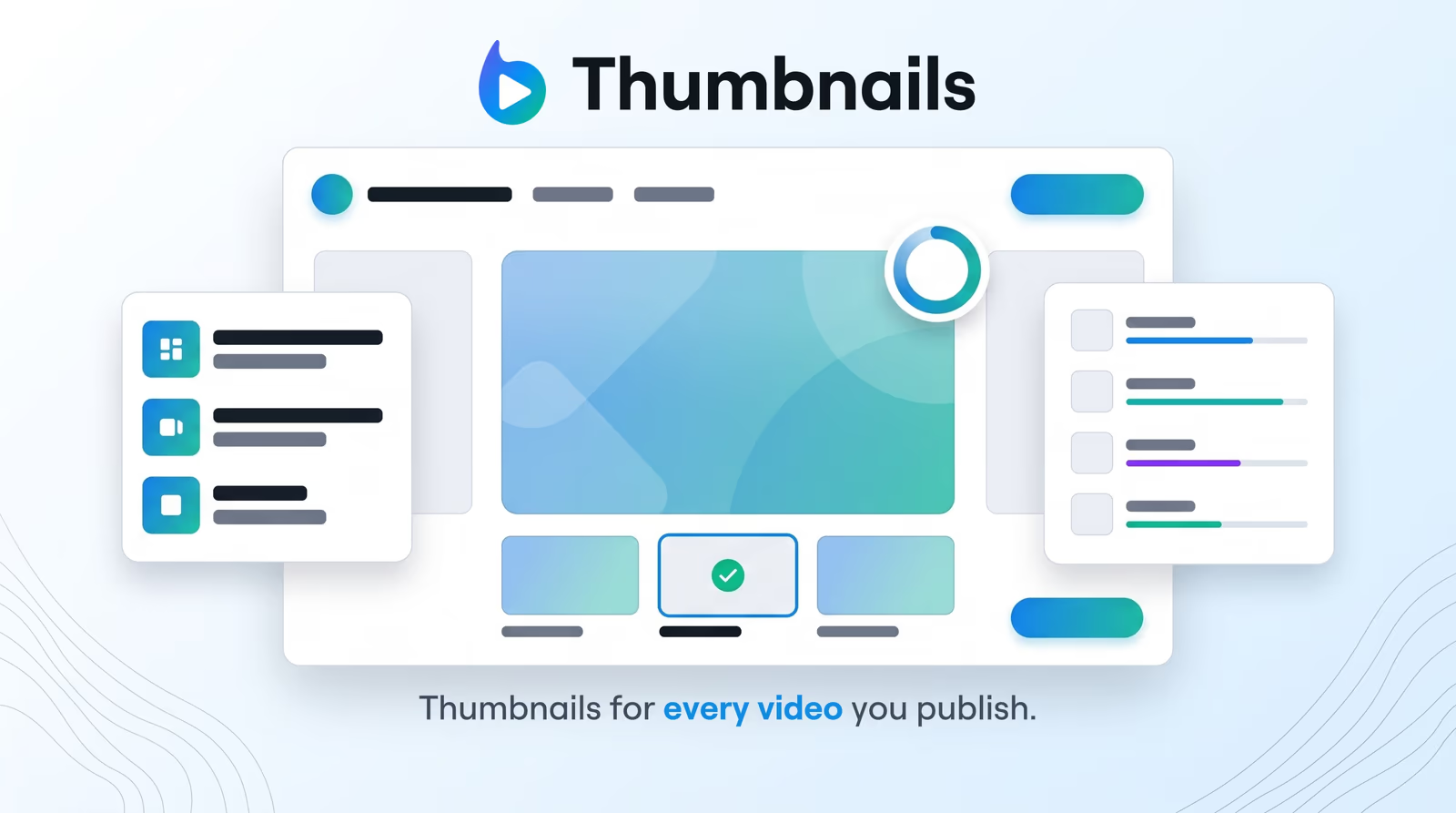 Thumbnails Braiv Thumbnails Upload once and Auto Packaging writes the title and description and designs the thumbnail from what actually happens in the video. Go Creative with your own characters, a style you love and your brand colours, or go Precision with real moments kept exactly as they are. Then score every option before it ships.
 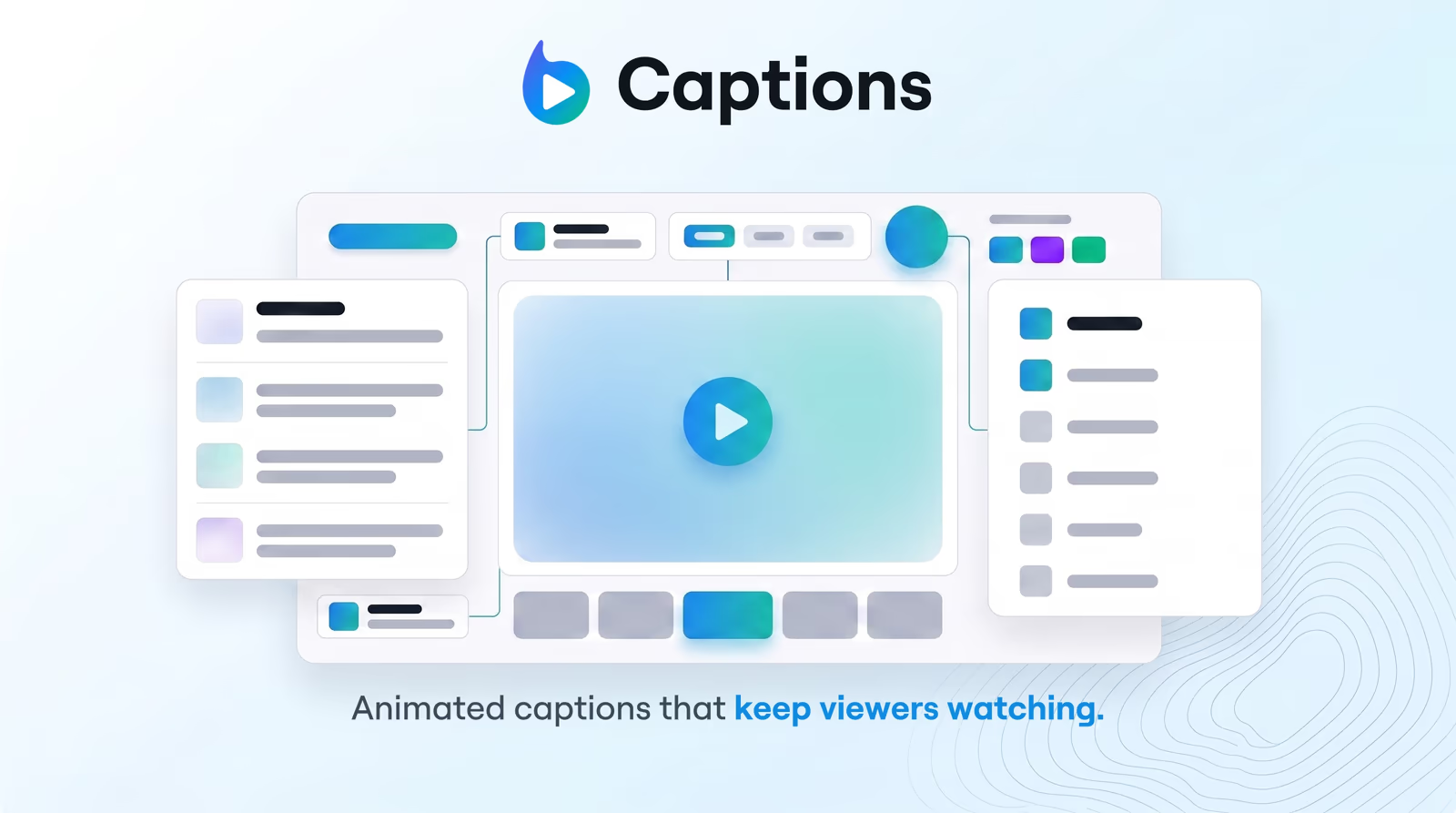 Captions Braiv Captions Word-by-word animated captions generated from your transcript — on-brand, accessibility-ready, and translated into 80+ languages without rebuilding the edit.
 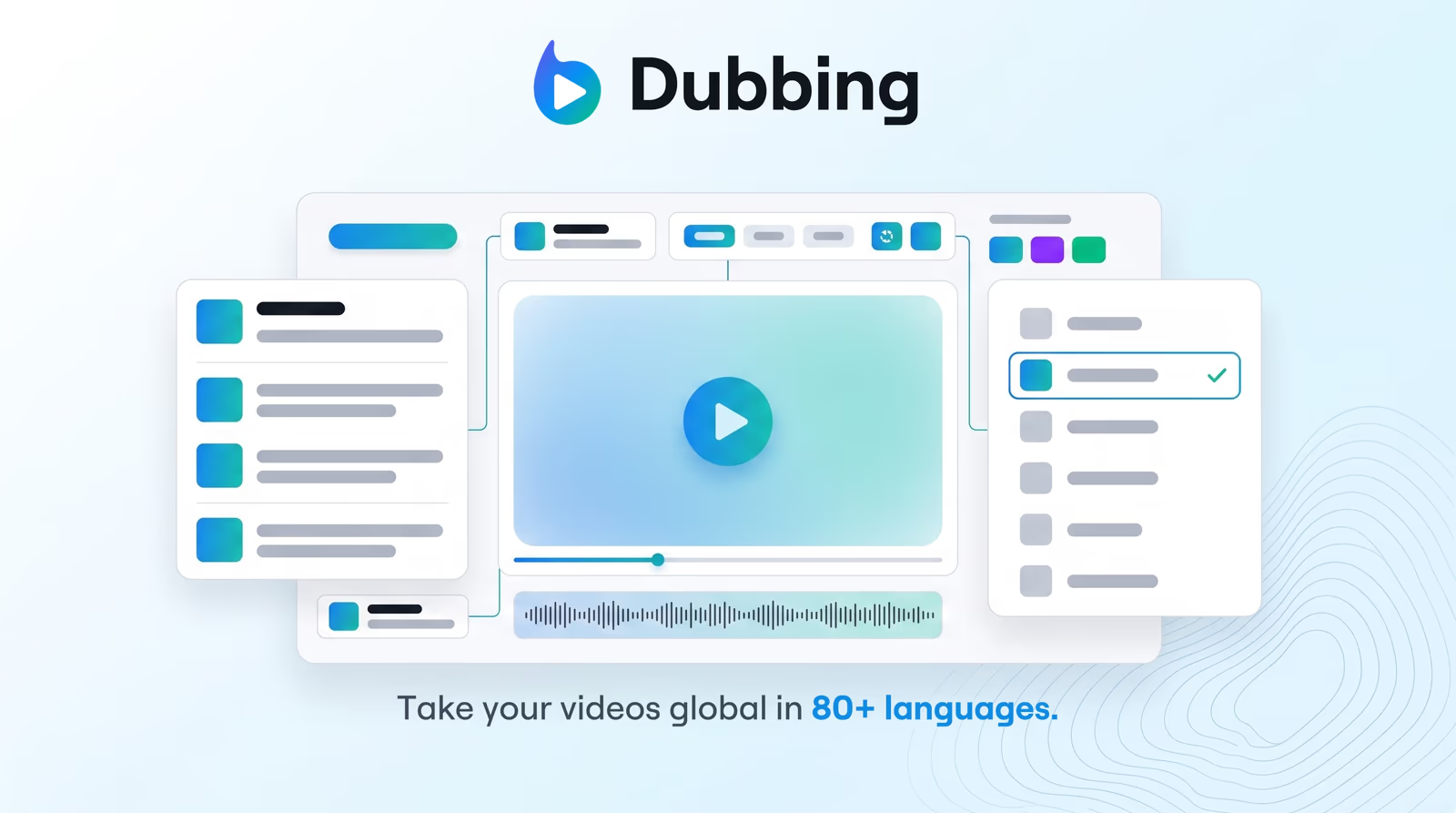 Dubbing Braiv Dubbing AI video dubbing with voice cloning and editable transcripts — so training, marketing, and creator content reaches every market without agencies or re-records. Capture Braiv Capture Braiv Capture turns one screen recording with voiceover into clean support videos, software tutorials, and help articles in any language. Filler words are stripped, the narration is revoiced with a Braiv Speech clone, audio and on-screen text are localized together, and the demo is re-recorded inside your localized interface.
 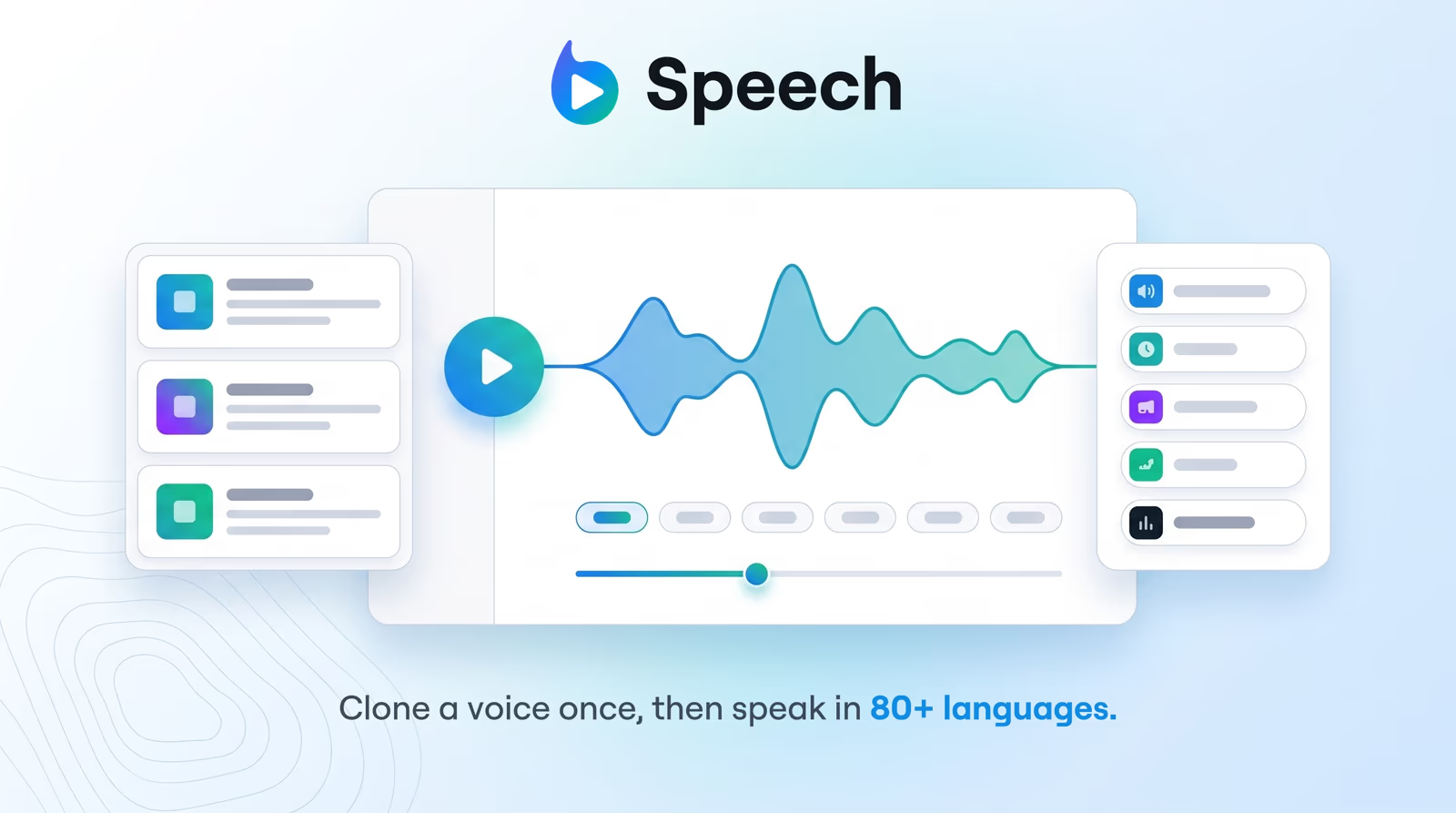 Speech Braiv Speech Expressive AI text-to-speech with voice cloning and custom voice design — so teams scale voiceovers without studio sessions or multilingual talent costs.
 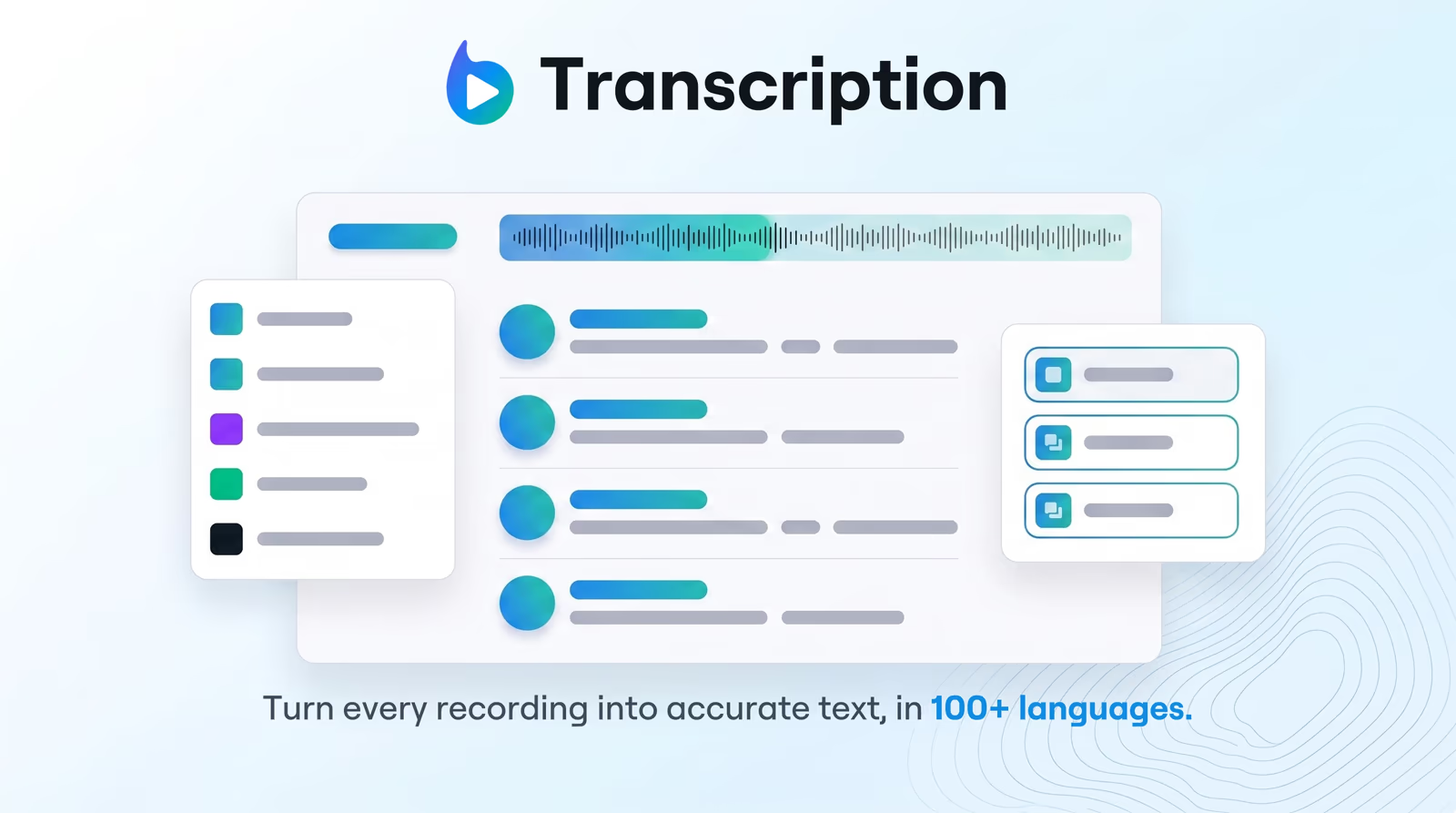 Transcription Braiv Transcription Enterprise-grade speech-to-text with speaker detection, timestamps, and instant translation into 80+ languages — so teams search, quote, and localize faster.
 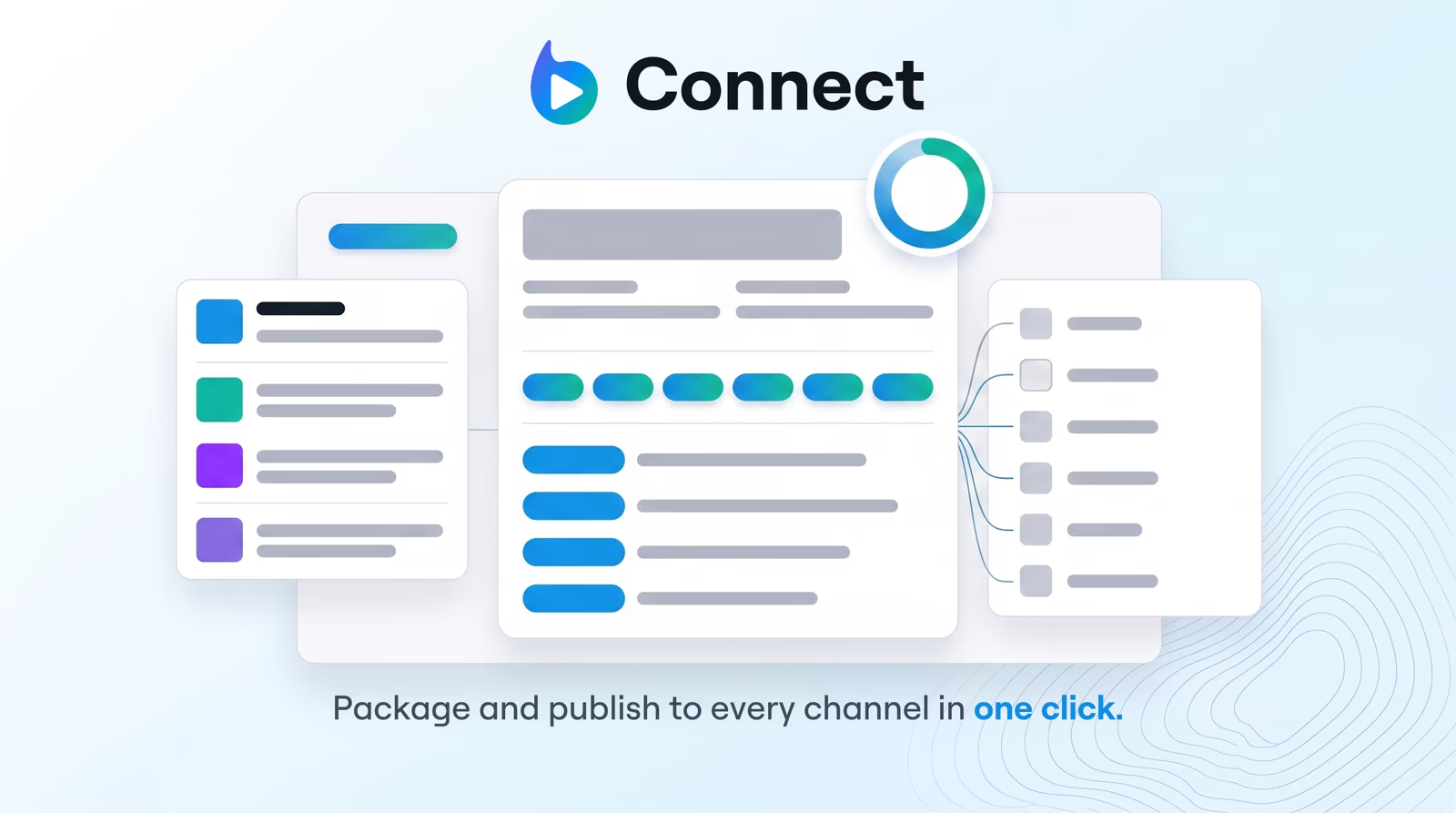 Connect Braiv Connect Generate SEO-ready titles, descriptions, tags, and chapters from your transcript — then auto-publish everything to every channel in one click.
  Player Braiv Player A multilingual video player for teams that deliver one video in many languages — branded, ad-free, with live audio and subtitle switching.
 Follow the workflow instead of the feature list
Repurpose, package, localize, publish — the solutions walkthrough shows how these capabilities chain together end to end.
See the full workflowQuestions about Braiv features
What is the difference between a Braiv product and a feature?
Do I need a separate subscription for each feature?
Which features should I start with?
Why are some older feature URLs not listed here?
Can I try these features for free?
Ready to Package and Publish Your Next Video?
Join over 100,000 creators scaling their reach with Braiv.
Get 150 AI Credits when you sign up today.