Early access Braiv Capture waitlist is open — record once, publish support videos in every language.

Trusted by 100,000+ creators, podcasters & businesses globally
Creators and teams who trust Braiv for AI video production

Onboard and train every user in their own language

Make software training videos and onboarding walkthroughs once and publish them per market — localized narration, localized on-screen text, and a screencast of the interface the viewer actually sees.

Where this fits

Braiv Capture

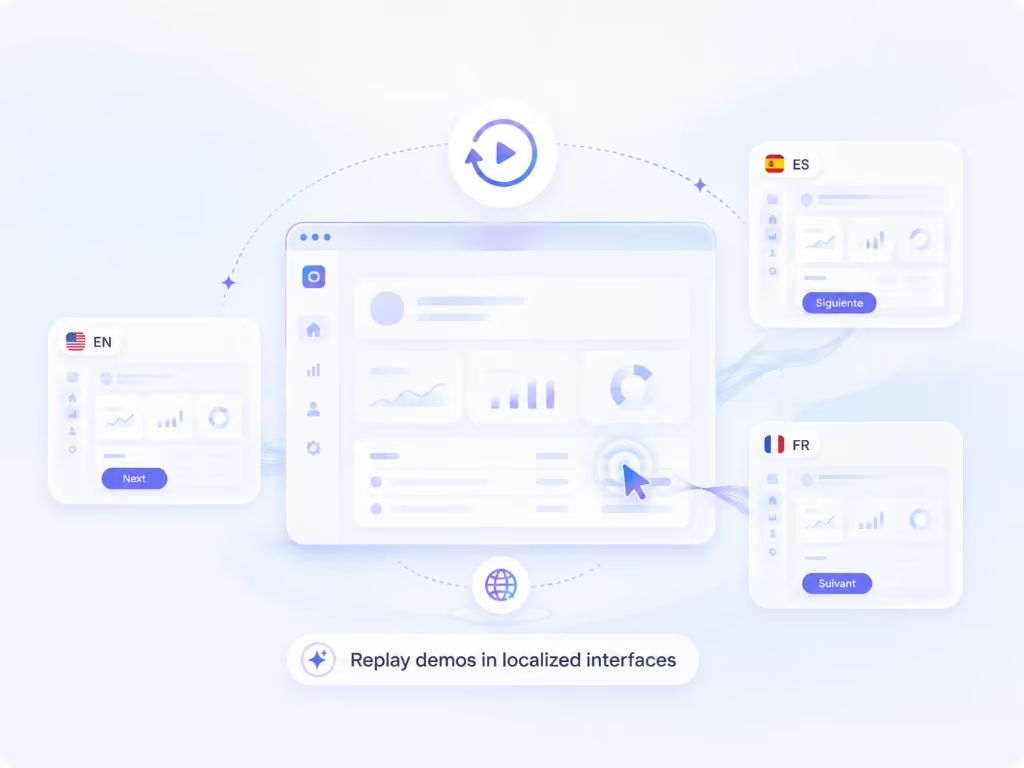
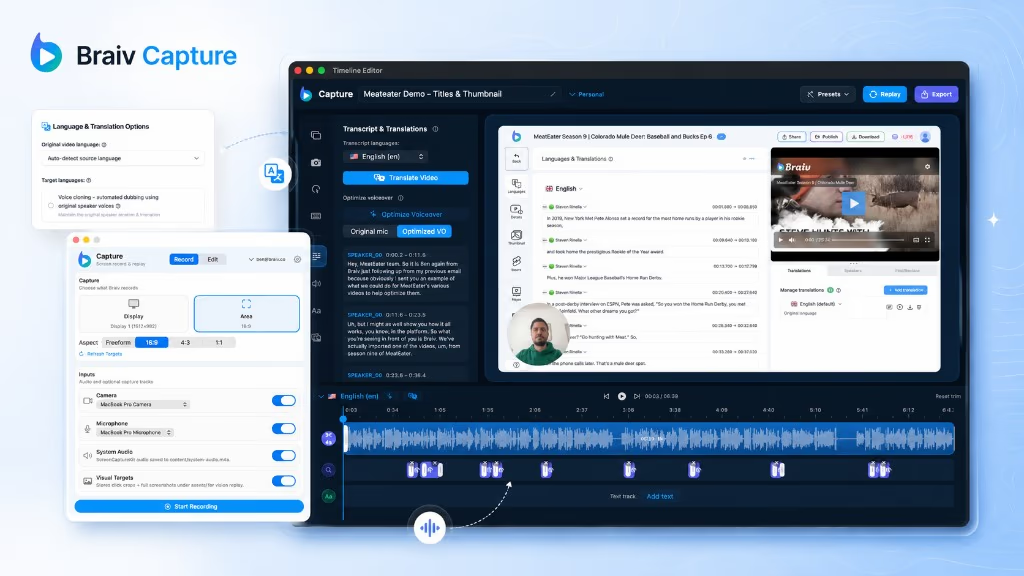
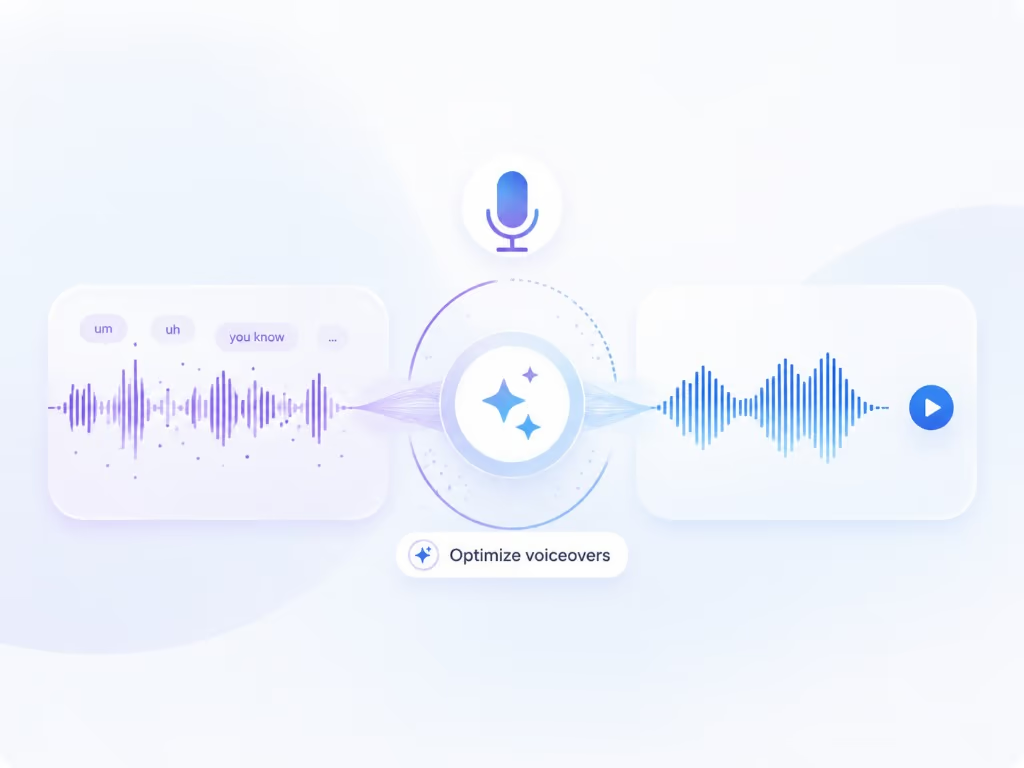
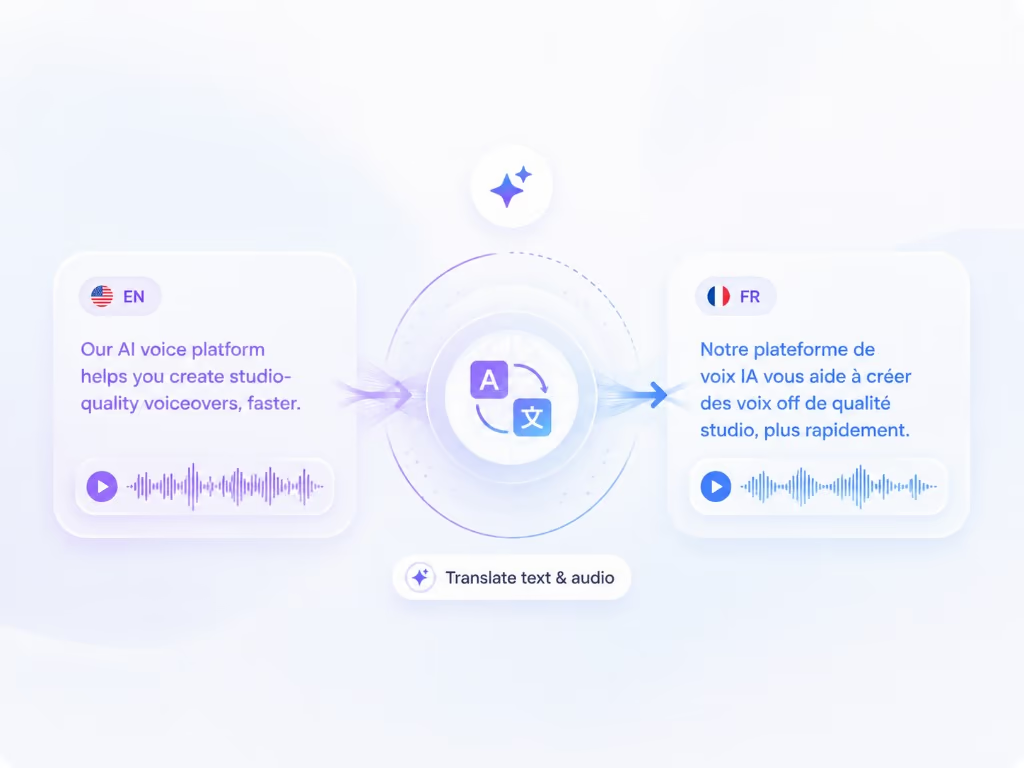
Braiv Capture turns one screen recording with voiceover into clean support videos, software tutorials, and help articles in any language. Filler words are stripped, the narration is revoiced with a Braiv Speech clone, audio and on-screen text are localized together, and the demo is re-recorded inside your localized interface.

Explore Braiv Capture
What this does

What localized onboarding changes

Make multilingual software training videos, employee training videos, and product onboarding walkthroughs from one recording. Braiv Capture localizes narration, on-screen text, and the recorded interface for each market.

  • Fewer tickets in every market

    Customers can follow a walkthrough that matches their interface instead of guessing at translated menu names.

  • Launch a locale without a recording plan

    A new market inherits the existing library rather than waiting for someone to re-record it.

  • Consistent onboarding and training everywhere

    Every language follows the same captured steps, so customers and internal teams learn one flow rather than a regional variation of it.

Deep dive

Everything you need to know about Multilingual onboarding and software training videos

Onboarding is where localization pays back fastest

Marketing video wins attention; onboarding video decides whether a customer succeeds. When someone is mid-setup in a language your library does not cover, the fallback is a support ticket.

One library, many markets

Because Capture treats each walkthrough as a replayable session, the onboarding library becomes an asset you localize rather than a set of recordings you redo. Adding a market means running what already exists.

Software training videos have the same problem

Internal training runs into this too. A distributed team gets trained on a process by watching someone narrate an English interface, and the regions that need it most get the least out of it. Because the unit of work is one recording rather than one recording per language, a training library can cover every language the team actually works in — including the written procedure, generated from the same script.

How to make training videos for employees, in practice

The reason training libraries stay empty is not that nobody knows how to make training videos for work. It is that the person who knows the process has no interest in becoming a video producer, and the version that gets made is out of date within two releases.

A workable pattern:

  1. Let the expert record, badly. One task per video, talking through it as they would to a new colleague. No script, no second take.
  2. Fix it after the fact. Cleanup removes the filler and rewrites the wording, so the published version sounds prepared even though the recording was not.
  3. Publish per language, not per region. The same session is replayed against the localized interface and the narration is dubbed, so nobody has to find a bilingual expert per market.
  4. Refresh instead of re-shooting. When the UI changes, re-run the session rather than reopening the backlog.

That is also most of the answer to making training videos more engaging: shorter, in the viewer’s language, showing the real system they are about to use. Engagement in training video is mostly about relevance and pace, not production budget.

Keep success and support aligned

Every language version follows the same captured path, so the flow a customer sees matches the flow your team describes — across regions, without a separate script per market.

Where this sits in Braiv Capture

This is a use-case page for Braiv Capture, combining voiceover cleanup with a Braiv Speech narration clone, support video translation through Braiv Dubbing, and localized screen re-recording.
The bigger picture

One capability, one step in a longer workflow

Braiv Capture covers the Capture stage. Braiv runs the rest of the sequence on the same recording — so what you make here ends up packaged, localized and published without leaving the platform.

See the full workflow
  1. 01 Capture Recorded once, ready to localize
  2. 02 Repurpose One video, dozens of assets
  3. 03 Package Packaged to perform
  4. 04 Localize Fluent in 80+ languages
  5. 05 Publish & Track Distributed and measured
Questions

Frequently asked questions

Who is this for?
SaaS support, customer success, and product education teams who already publish onboarding videos in one language and need them in several — especially where the product UI is already localized.
Do I record each language separately?
No. You record once, then Capture replays the session against your localized interface and localizes narration and on-screen text for each market.
How do you make training videos for employees?
Have the person who already does the task record themselves doing it, then let Braiv handle the production. Training videos for employees have the same failure mode as customer onboarding: a distributed team watching a walkthrough of an interface in a language half of them do not read. Record the process once and each region gets the version that matches their own screen — with the written procedure generated from the same script.
How do you make training videos more engaging?
Three things move the needle far more than production value. Show the real system rather than slides, so what people watch matches what they will click. Keep the narration tight — rewriting rambling narration cuts a nine-minute video to four without losing a step. And put it in the viewer’s language, including the interface: attention collapses when someone has to translate the screen while listening. Engagement problems in training video are usually pacing and relevance problems wearing a production-quality costume.
How much do training videos cost?
Traditionally the cost is people-time, not software: a scriptwriter, a recording session, an editor, then the same again per language and again after every release — which is why agency quotes for corporate training video are usually per finished minute. The point of Capture is to remove the repeat cost: one recording, replayed and localized per market. Capture is designed to sit inside your existing Braiv subscription and credit balance rather than being priced per video, and final plan detail lands with launch — see pricing for current allowances.
How do I make software training videos without a recording day?
Demonstrate the task while narrating it, however roughly. Voiceover cleanup fixes the delivery afterwards, so the person who knows the process does not need a script, a studio, or a second attempt — which is usually what stops training libraries from being made at all.
Can these be embedded in-app or in a help centre?
Yes. Embed with Braiv Player so a single embed serves every language, with audio and subtitle switching rather than one page per locale.
What about the written version?
The matching article is generated from the same script — see step-by-step guides from a screen recording.
How is this different from dubbing my existing videos?
Braiv Dubbing localizes finished footage and leaves the picture as shot — and Capture uses it for exactly that step. What Capture adds is support-specific: narration cleaned up and revoiced with your Braiv Speech clone, on-screen text translated, and the interface in the frame localized too.

Be first to localize your support library

Join the early-access waitlist and we'll reach out when your workspace can record once and publish support content in every language.