
Package
Title, description and thumbnail
Generate a title and description from the transcript and a thumbnail from the video, in your brand style.
Title and description generator
One click sends the finished tutorial and every language you made from Capture to your Braiv workspace, with no credits used. Add a title, description and thumbnail, publish to YouTube, or embed it on your site with Braiv Player.
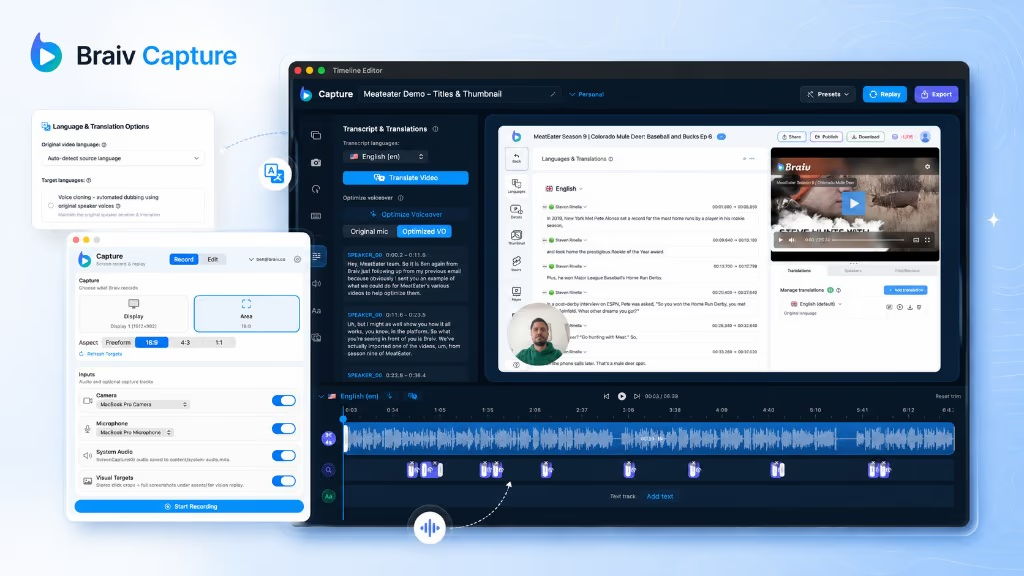
Braiv Capture is a native Mac app for tutorial videos. Talk through the task the way you normally would, and Capture rewrites the voiceover into clean sentences, re-voices it in your own voice with studio-mic sound, translates the audio and on-screen text, and lipsyncs your webcam. Then export to Braiv to package and publish.
Explore Braiv CaptureCapability 4 of 6
The Export sheet offers Export to Braiv for publishing and hosting, and Save to Computer when you only need a file.

Uploads the tutorial with its languages to your Braiv workspace and opens it in Braiv Studio. No credits are used. It adds to your hosted video minutes.
Exports an MP4 or MOV for the language you choose, at native, 1080p or 720p resolution, with the file size shown before you export.
Zooms, webcam bubble, background, text overlays and the optimized voiceover are all part of the exported video.
Export to Braiv sends a finished Braiv Capture tutorial and all its translated versions to Braiv, where you can package it with a title, description and thumbnail, publish it to YouTube, or host it with the multilingual Braiv Player.
The tutorial and each translated version arrive in Braiv together, no file juggling.
Generate the title, description and thumbnail from the video itself.
Send it to your connected channels with the privacy setting you choose.
Braiv Player lets viewers switch language inside a single embed on your site.
Once the tutorial is in Braiv it uses the same tools as every other video you make there.
Generate a title and description from the transcript and a thumbnail from the video, in your brand style.
Title and description generator
Publish to your connected YouTube channels as Public, Unlisted, Private or Draft, with titles and descriptions translated per language.
Publish to YouTube
Put one embed on your site, docs or help centre. Viewers change the audio and subtitle language inside the player.
Braiv PlayerThey do different jobs, and one export covers both.
A finished tutorial on your Mac is not a published tutorial. It still needs a title someone would search for, a description, a thumbnail and an upload. And if you translated it, every language needs that too, plus a place on your site where viewers can actually pick their language.
YouTube is a search engine, so tutorials there pick up people who have never heard of you. It is a weaker home for customers who are already using your product: ads, autoplay and other channels’ videos sit around your tutorial. Most teams do both, and Export to Braiv is set up for that. Publish to YouTube for reach and embed Braiv Player in your docs for customers.
The usual way to host translated tutorials is one video file and one page per language. Braiv Player keeps them in one embed: viewers switch the audio and subtitle language in the player, and you maintain one page.
Export to Braiv is part of Braiv Capture. It is the final step after voiceover optimization and full video translation.
Other attributes of the same product — useful if this page was not quite the one you meant.
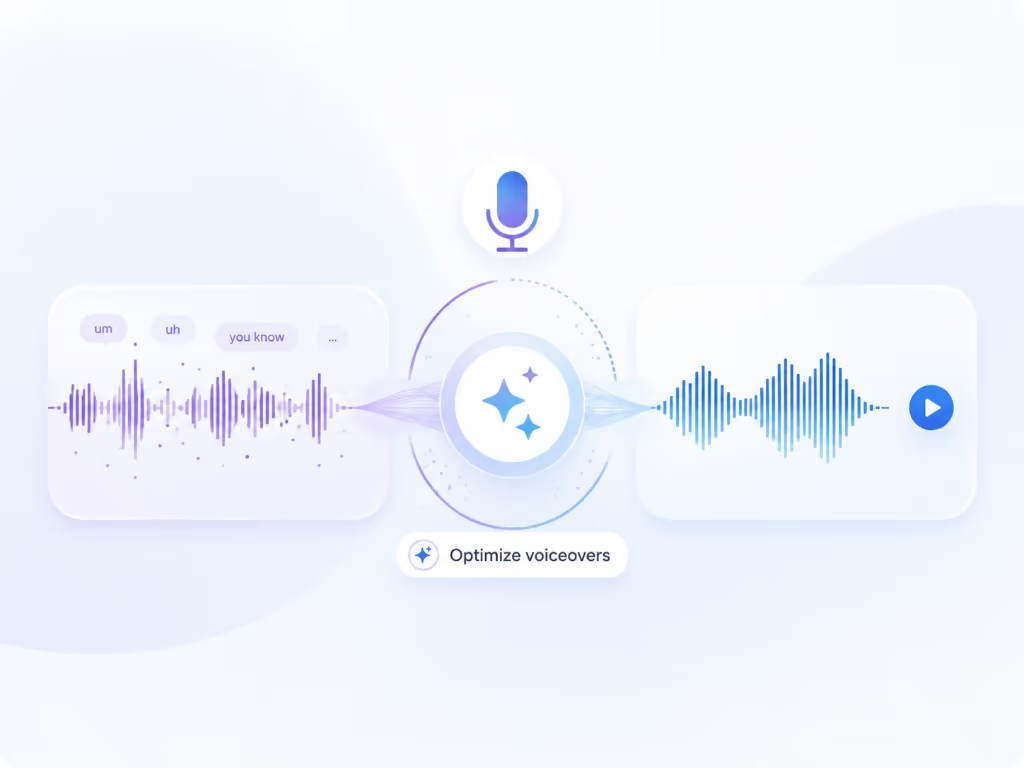
Optimize voiceover rewrites your first take into clean, full sentences with no ums or false starts, then re-voices it in your own voice with studio-mic sound, still in time with every click on screen.
Learn more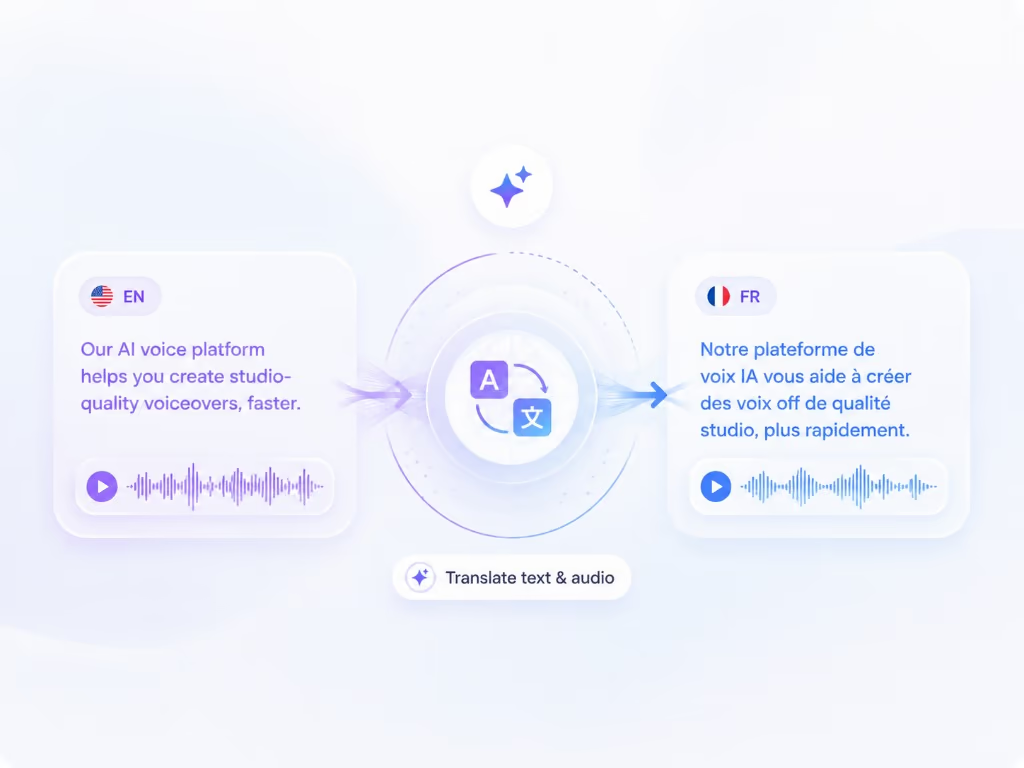
Translate video dubs your voiceover into the languages you choose with your cloned voice, and translates every text overlay you added in Capture at the same time, right inside the app.
Learn moreWhen your face is in the tutorial, a new voiceover can make it look dubbed. Braiv Lipsync matches the presenter's mouth to the optimized voiceover or to each translated language, as an option in Braiv Capture.
Learn moreBraiv Capture covers the Capture stage. Braiv runs the rest of the sequence on the same recording — so what you make here ends up packaged, localized and published without leaving the platform.
See the full workflowNative macOS app. Record a tutorial once, optimize the voiceover, translate it, and export to Braiv.
Braiv Capture is launching soon. Join the waitlist and we'll invite you as soon as your workspace can create localized support content.
You're on the list
We'll email you when early access opens. Reply to that email if you want to tell us more about your support library.