When dubbed audio is not enough
A cloned voice can be perfect and the video can still feel wrong. On a face-forward shot, viewers watch mouths as closely as they listen — and a lag between sound and lip shape reads as overdubbed, even when the translation is excellent.
Lip sync exists for that moment: keep the speaker, change the language, and stop the face from contradicting the track.
Optional by design
Not every asset needs it. Screen recordings, slide decks, and B-roll-heavy edits barely show lips. Burning credits to sync them is waste.
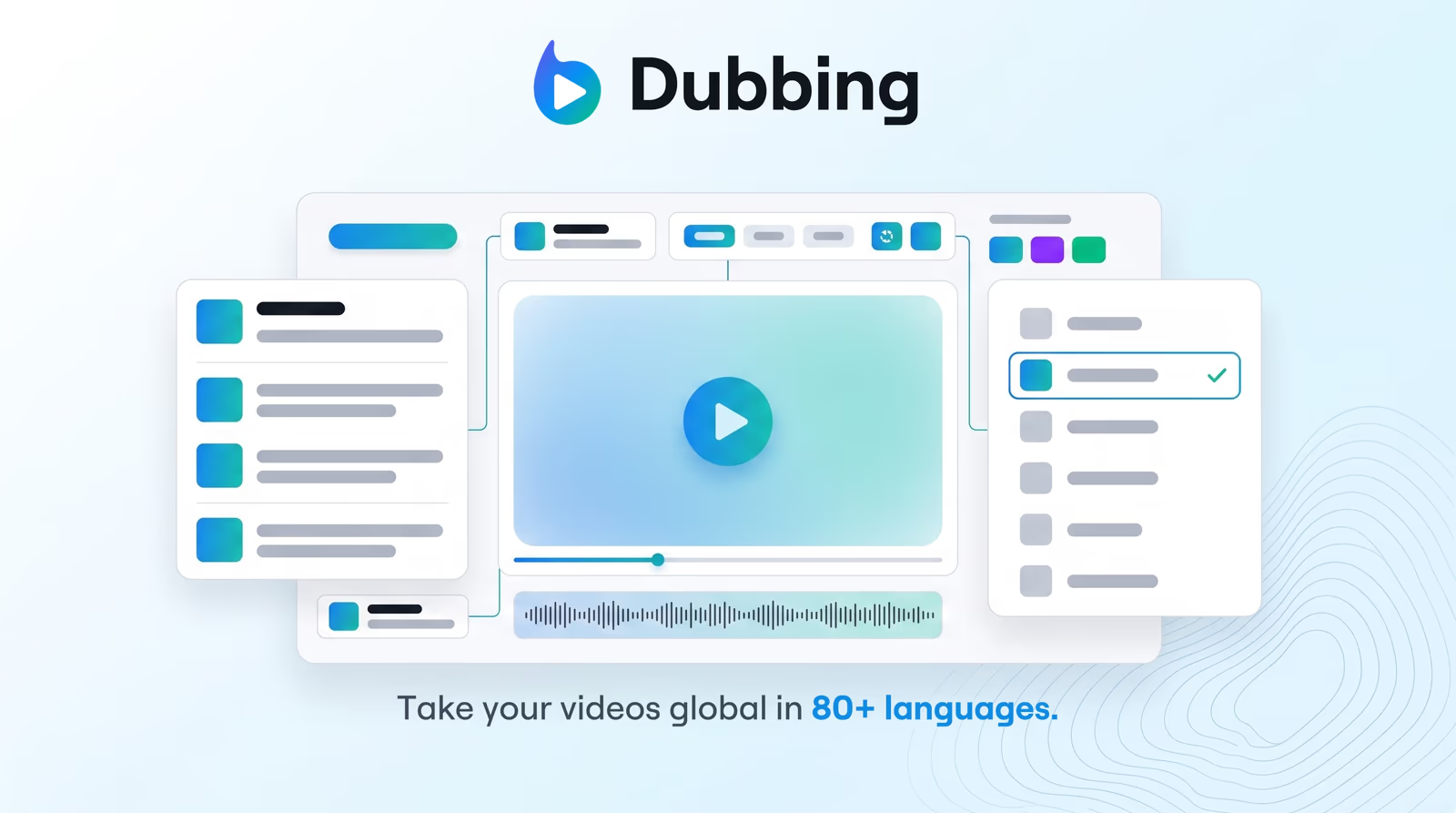
Braiv keeps lip sync as a toggle inside AI video dubbing. Review the translated transcript, generate the cloned audio, then enable sync only on the cuts where the face carries the story.
Built for localization, not avatar theater
This is not a synthetic presenter replacing the talent. The job is narrower and more useful for most catalogs: take the person you already filmed and make their mouth agree with Spanish, Hindi, or Japanese audio.
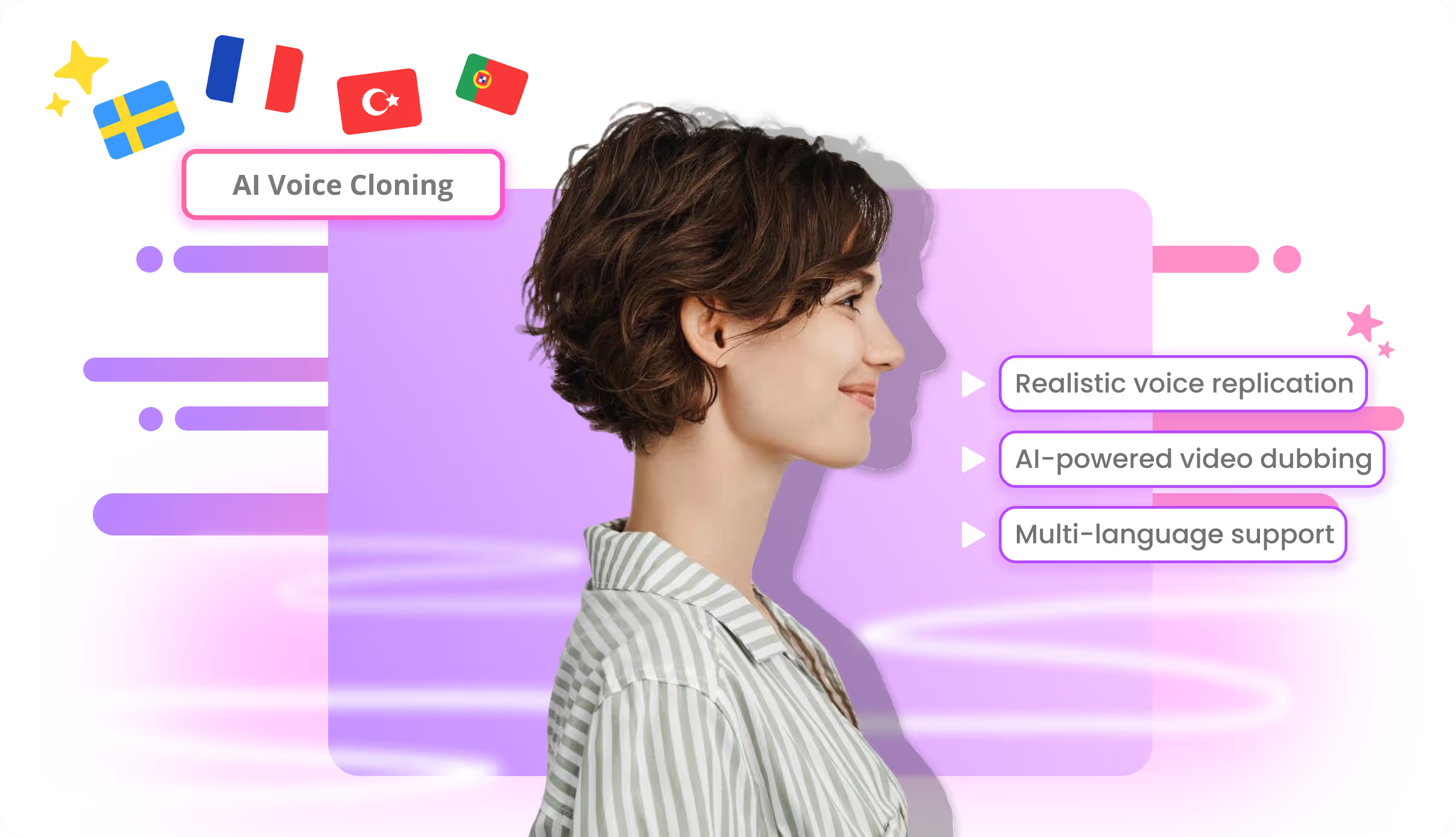
That pairs naturally with voice cloning for dubbing. Cloning solves identity in the ears; lip sync solves credibility in the eyes.
Where to spend the credits
Teams usually reserve lip sync for hero product videos, instructor-led lessons, and founder updates — the assets where trust and watch time matter most. Drafts, internal reviews, and secondary markets often ship audio-only first, then add sync once the cut is approved.
Because both steps sit on the shared AI Credit balance, that sequencing keeps experimentation cheap.
How AI lip sync works
Braiv analyzes the original speaker’s mouth movements frame by frame, then re-synthesizes them to match the timing and phonemes of the dubbed audio track. The result is a localized video where lip movements feel native — without the uncanny “bad dub” effect that erodes viewer trust. No manual keyframing is required: enable the toggle and lip sync is applied during export.
When to use lip sync
Not every video needs it — but when the speaker is on-screen and the audience is watching their face, it makes a dramatic difference:
- Executive and spokesperson videos localized for international markets
- Training content where instructor credibility depends on natural delivery
- Marketing testimonials reused across language regions
- Creator content where face-to-camera delivery is the format
Lip sync vs. subtitles vs. voice-only dubbing
Subtitles are cheapest but split viewer attention. Voice-only dubbing keeps eyes on screen, but a mouth mismatch creates cognitive dissonance. Lip sync is the premium tier — fully synchronized audio and picture that feels like the speaker learned the language natively.
For catalogs at scale, pick the right tier per asset: subtitles for low-stakes internal content, dubbing for mid-tier, and lip sync for flagship customer-facing material.
Where this sits in the Braiv stack
Lip sync is a capability inside Braiv Dubbing, next to full-video AI dubbing and voice cloning. For script-to-voice narration without video localization, use Braiv Speech. Credit allowances are on pricing.