Friction starts in the first second
International viewers bounce when the opening audio is wrong. They should not have to find a gear icon before they know whether the lesson is for them.
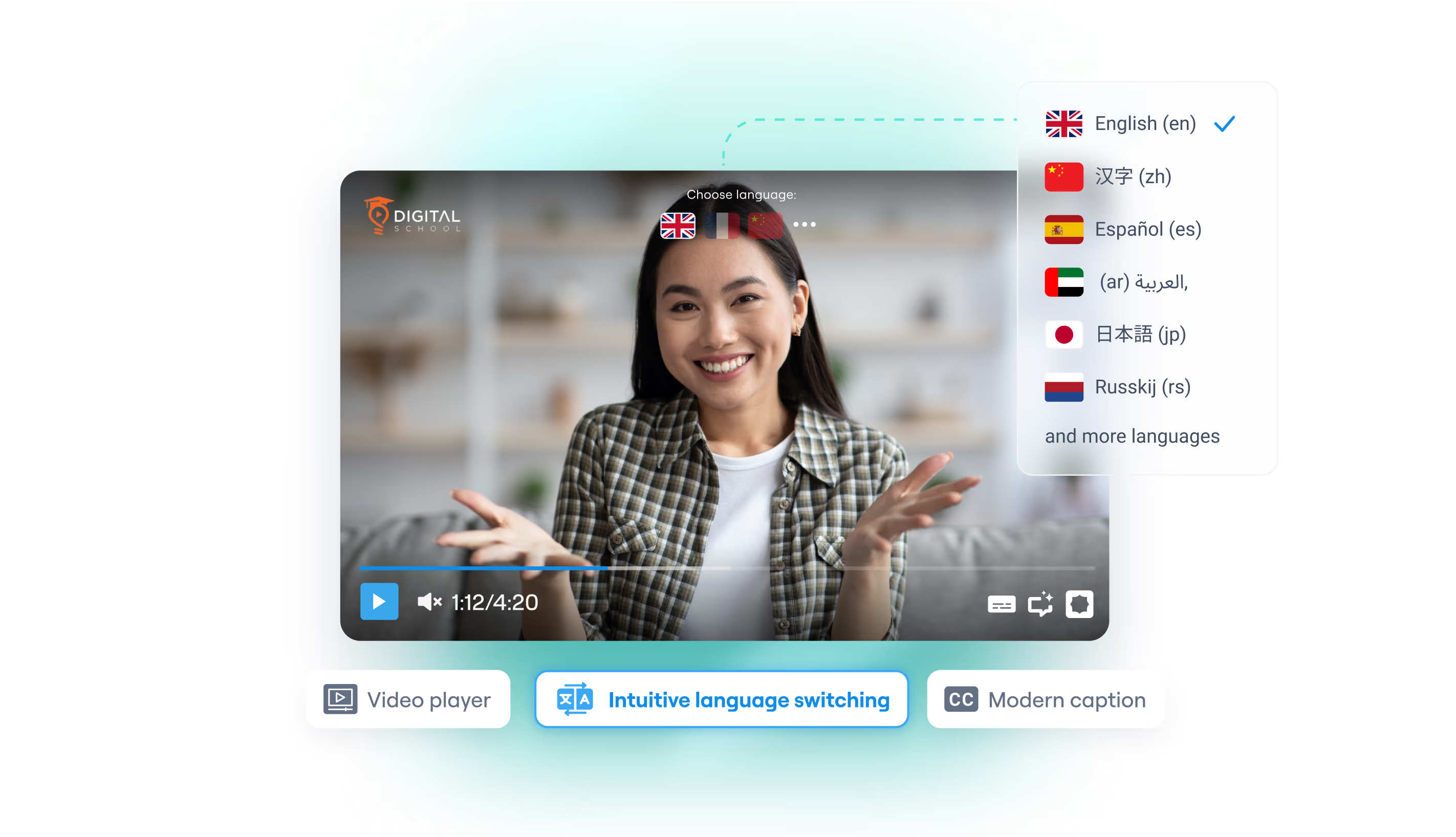
Automatic language switching flips that default: when a matching track exists, playback can start in the browser’s language. The menu is still there for corrections — the goal is a native start, not a locked locale.
Browser default, human override
Detection is a hint, not a prison. Regional settings and browser language are good priors for corporate training and public courses, but bilingual households, VPNs, and shared devices mean the first guess will sometimes be wrong.
Braiv keeps audio and subtitle toggles in the player menu so a viewer can correct course without leaving the page or loading a different embed.
Captions and audio as separate choices
Auto-switching can align both tracks to the detected language, while still allowing mixed preferences later — for example, dubbed audio in one language and captions in another. That flexibility is what makes the player useful for accessibility and learning, not only localization.
Tracks live on the multilingual hosting package; switching is the runtime behavior on top.
Retention is a language problem
Watch time drops when comprehension is delayed. Serving French or Hindi audio immediately — when those tracks exist — is cheaper than asking every visitor to configure the player.
The same embed stays branded and ad-free, so improving language UX does not introduce YouTube-style distractions.
Where this sits in Braiv Player
This is the language-routing attribute inside Braiv Player. The same product also covers customizable branding and multilingual hosting. Dubbing feeds the tracks; plans and credits are on pricing.