Almost everyone researching thumbnails does the same thing first: they collect other people’s. They save the covers that are winning in their niche, build a folder, and then stall — because a swipe file is a reference you cannot act on.
Braiv Thumbnails is built to close that gap. It is not a canvas for making one image well, and it is not a prompt box. It is the loop between the thumbnail you admire and the one you publish: steal the grammar, keep your footage, stay on brand, ship it.
A saved thumbnail becomes a generator
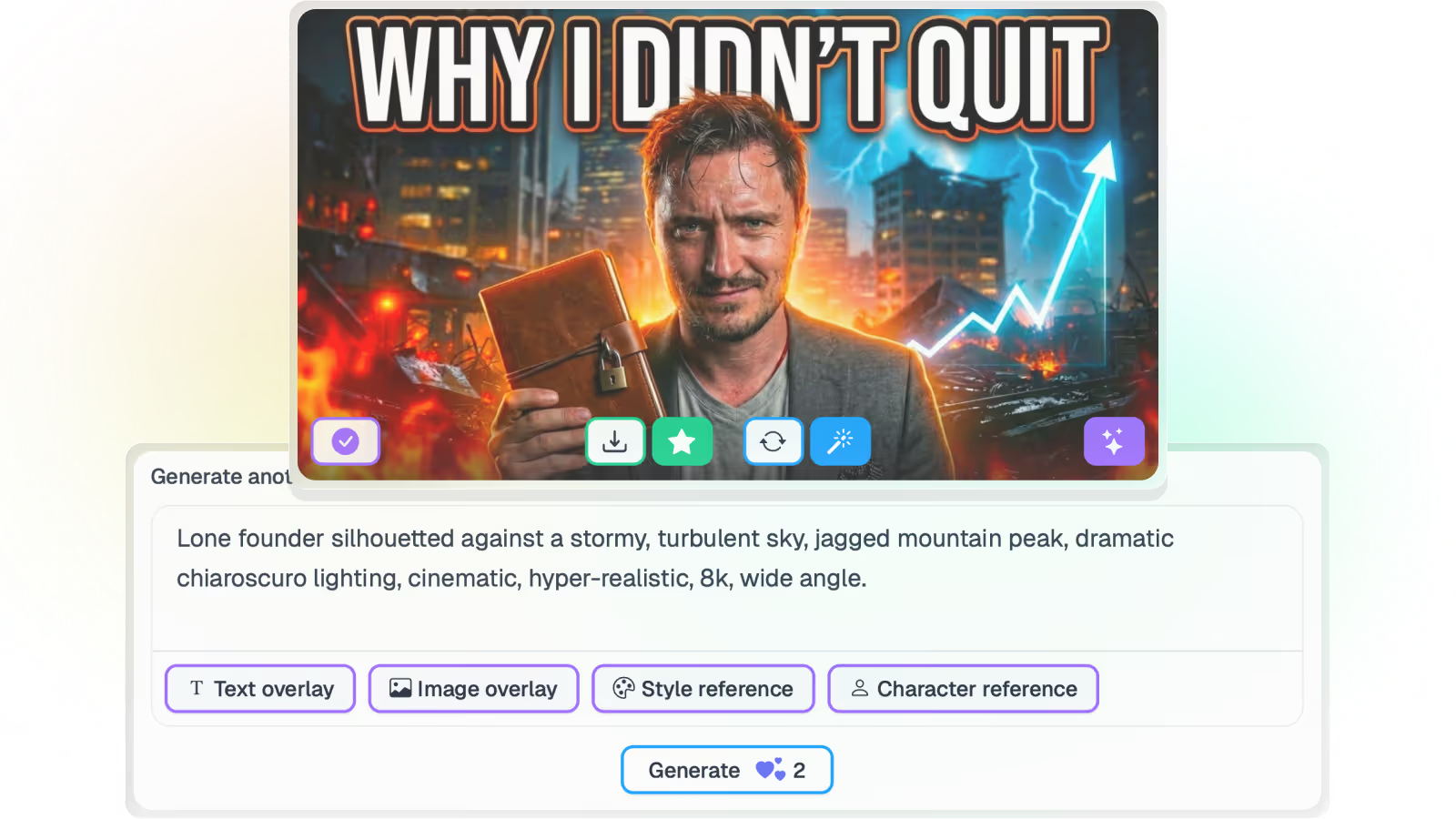
Paste a YouTube URL and Braiv resolves that video’s thumbnail into a style reference — no download, re-upload or cropping in between. It reads the grammar of the image: how the frame is composed, how heavy the type is, how colour and contrast separate the subject from the background.
Then it builds your video in that language. Your footage, your face, your headline. The output sits naturally beside the reference in a feed without being a copy of it, and influence is dial-able from a light nudge to full adoption. Detail on style references.
Your own look, analysed rather than written down
Borrowed styles are for entering a format. The rest of the time a channel needs to look like itself.
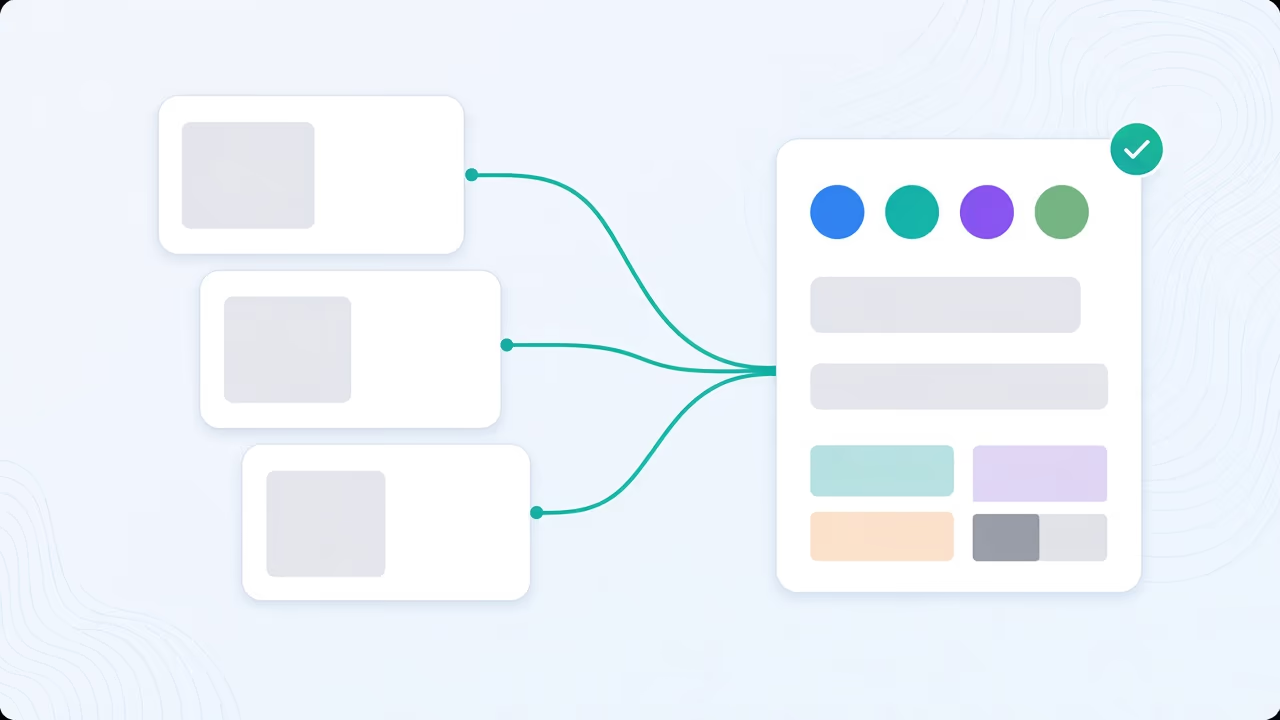
Import the covers that already performed and Braiv analyses one to four of them into a brand guideline kit: palette, typography, layout conventions, the chrome that must always appear, and — the part naive style-copying always gets wrong — the details that were specific to one video and must never carry forward. That kit becomes the default for every future generation, and each connected channel keeps its own, which is why agencies use it to stop one client’s look leaking onto another’s uploads. Detail on brand guidelines.
Invent the scene, or keep what really happened
Generation runs in two modes with genuinely different promises.
Creative is free to invent — composed scenes, generated characters, whatever produces the strongest click. Precision is constrained to your actual footage: it selects real frames from the video as the picture, switches character generation off entirely so nobody appears who was not there, and lets you write the headline yourself or drop overlay text completely.
News, education, documentary and interview channels tend to live in Precision, where an invented scene would be a misrepresentation. Entertainment and commentary usually want Creative. Both honour your brand kit and any attached reference. Detail on Precision.
Every option scored before it goes live
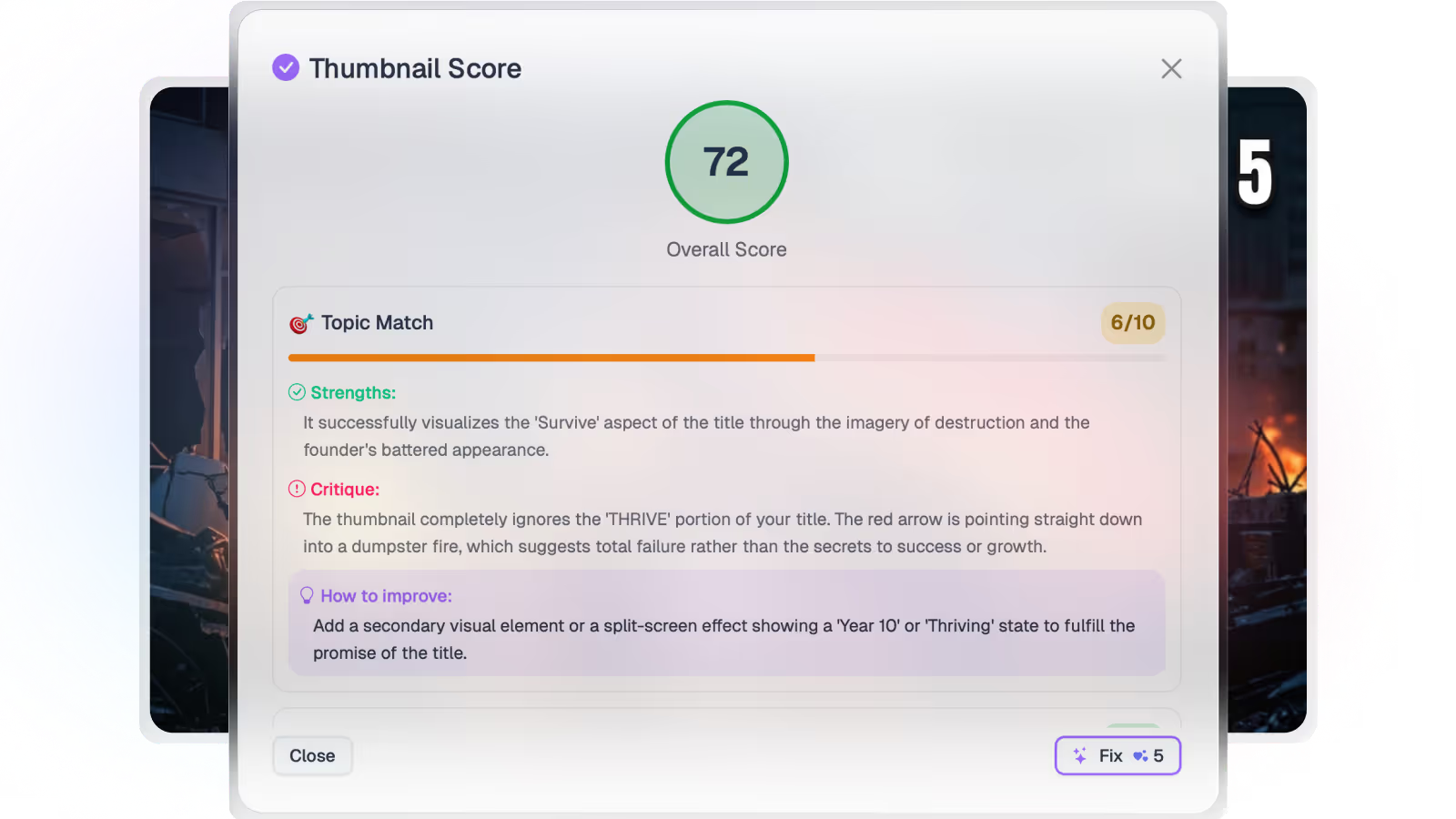
Every generated or uploaded thumbnail is scored for composition, text legibility at feed size, and whether the image and the title are telling the same story. That gives you a reason to pick one over another before publishing, instead of finding out from the click-through report a week later. Connect a channel and the same scoring runs across everything already published, so you can find the videos where a new thumbnail is worth the credits.
Volume pricing without a hard stop
Generation past your included allowance is billed as usage — USD$0.01 per AI Credit on Business — rather than blocking you mid-month or pushing you into an upgrade to finish a launch. Channel connections on Business are unlimited, so adding a twelfth client channel costs whatever it processes, not another seat. Full detail on pricing.
Thumbnails are rarely the only thing a channel needs. The same subscription covers dubbing into 10 languages, shorts generation, caption styling and native publishing, so a video can go from upload to packaged-and-published without moving between four separate products and four separate invoices.
Zero-prompt still applies
None of this requires you to describe an image. Braiv reads the transcript and the frames and proposes concepts grounded in the actual episode, which is what makes back-catalog work possible — you can process material shot two years ago without rewatching it to write a brief. References and brand kits sit on top of that, steering the look rather than replacing the source. Detail on thumbnail generation.
If you are already producing at volume, the 1of10 comparison and the Pikzels comparison cover how this differs from research tools and single-image designers.