
Creative vs. Precision: Choosing the Right YouTube Thumbnail Mode
Creative invents for the strongest possible click. Precision is built from real frames of your video and never generates a face. Here is how to pick, by channel type.
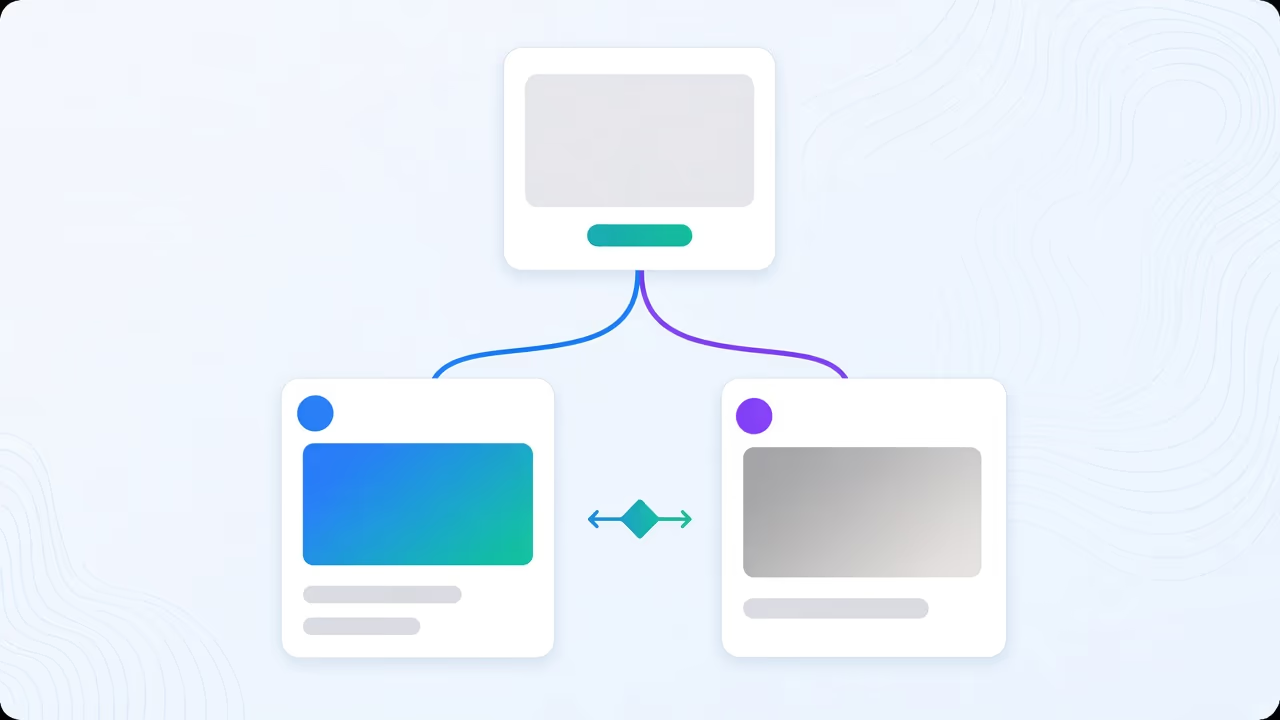
Two modes, one generator, different promises
“AI thumbnail” gets treated as one category, but inside Braiv it splits into two modes that answer a completely different question. Both are the same generate action. The difference is the contract each one keeps about where the picture comes from.
Creative is free to invent. It composes scenes, generates characters, and pushes toward the most stylised, attention-grabbing image the transcript and topic can justify. Precision is constrained on purpose: it selects real frames from your actual video and treats fabrication of people as off-limits, full stop.
Neither is the “better” mode in the abstract. The right one depends entirely on what your channel is allowed to promise a viewer before they click.
What Creative does, and where it earns its keep
Creative is the default behaviour of the AI thumbnail generator — the zero-prompt pipeline that reads your video and topic and builds a cover without you writing a prompt. Left in Creative, it exists because for a large share of channels, an impossible, maximally composed image genuinely is the correct answer. A reaction video, a challenge format, a gaming highlight, a lifestyle vlog — nobody watching expects the thumbnail to be a literal frame from the video, and treating it as one would actually make it less effective. The audience reads these thumbnails as illustration, not evidence.
In this mode Braiv is free to build the strongest hook: an exaggerated expression, a composed background, a scene that sells the idea of the video rather than a specific second of it. It is still generated from your video’s context — the transcript and topic drive what gets built — but the imagery itself is not limited to what a camera actually captured.
What Precision does, and why it is a hard constraint
Precision exists for the channels where invention is disqualifying, not just unnecessary.
The mechanics: Braiv scans your video for the moments that carry it — the reaction, the reveal, the point where the argument lands — and proposes those as plates. You can accept what it finds or supply the exact frames you already know are the ones. Up to two plates can be composed into a single thumbnail, which covers the common real-frame shapes: a before-and-after, a subject next to the thing being discussed, a face and a genuine reaction.
The part that matters most: switching to Precision clears character generation entirely. This is not a slider you can nudge back up for one video — it is a hard constraint. Nobody appears in a Precision thumbnail who was not in the footage. That is deliberate, and it is what makes the mode usable by a team that cannot risk a fabricated face slipping into a news package or an education upload because someone forgot to check a setting.
You also keep control of the words. Precision lets you type the headline yourself rather than accepting a generated line — useful the moment the wording is legally, editorially or factually load-bearing — or you can switch overlay text off completely and let a strong frame carry the click on its own.
”AI thumbnail” does not have to mean fabricated
A lot of the resistance to AI-generated thumbnails is really resistance to one specific failure mode: a channel puts up an image that never happened, and the audience notices the video does not match the promise. That is a real risk in Creative mode, used carelessly, on the wrong kind of channel.
It is not a property of AI-generated thumbnails in general. Precision mode is “AI thumbnail” in the sense that Braiv is selecting, cropping and composing the image — but the source is always your real footage, and the one thing it structurally cannot do is invent a person. For a documentary or interview channel worried that “going AI” means faking authenticity, Precision is the answer, not a reason to avoid the tool.
The decision rule, by channel type
Use this as a starting default, then adjust for your specific audience:
- News, documentary, interview, education → Precision. These formats live or die on the viewer believing the moment shown is real. A composed scene that never occurred is not a stylistic risk here, it is a credibility problem.
- Entertainment, commentary, lifestyle, gaming, reaction content → Creative. The audience already reads these thumbnails as illustration. A stylised, exaggerated image is doing its job correctly, not misrepresenting anything.
- Product reviews and tutorials sit in between. If the thumbnail needs to show the actual product or the actual interface, use Precision. If it just needs a strong hook face and the product appears clearly inside the video itself, Creative is fine.
When a channel genuinely straddles both — a mixed-format creator doing commentary one week and a real interview the next — the mode is a per-video choice, not a channel-wide setting.
Style and brand still apply in either mode
Switching modes changes where the picture comes from. It does not switch off everything else. A style reference still supplies layout and colour grammar, and a brand guideline kit still governs palette, typography and required chrome, in both Creative and Precision. In Precision specifically, that means references act purely as graphic treatment laid over real imagery — the split is clean: references control how it is treated, your footage controls what is shown.
That is what lets a documentary channel look designed without ever looking fabricated, and it is what lets an entertainment channel keep a recognisable house style even while Creative is inventing a new scene for every upload.
Cost is the same generation, different plate handling
A generation starts at 20 AI credits regardless of mode. Inside Precision, letting Braiv auto-detect the content moments for you is a flat 20-credit fee that already includes the plates it selects. Supplying your own frames instead bills 5 credits per plate, on top of the base generation.
Pick the mode by what you’re allowed to promise
The real question is never “which mode looks better.” It is “what is my channel allowed to promise before someone clicks.” If the answer is real footage, real people, a real moment — Precision. If the answer is the boldest possible interpretation of the topic, with no claim that a specific scene occurred — Creative.
Generate with both modes in Braiv Thumbnails and see which one your channel actually needs, video by video.
Frequently asked questions
What is the difference between Creative and Precision thumbnail modes?
They run the same generate action under a different contract. Creative is free to invent the strongest possible click — composed scenes, generated characters, stylised imagery not limited to what is on screen. Precision is constrained to what is actually in your video: it selects real frames as the picture and uses style or brand only as a graphic treatment layered on top, never as the source of the imagery.
Does Precision mode ever generate a face?
No. Switching to Precision clears character generation entirely, so nobody appears in the thumbnail who was not in the footage. That is a hard constraint, not a setting you can partially relax — which is what makes it safe to hand to a compliance-sensitive team.
Do AI thumbnails always mean a fabricated image?
No. That is true of Creative mode, which is designed to invent. Precision mode does the opposite: it detects the strongest real moments in your video and uses those frames as the picture, so "AI thumbnail" in Precision means AI-selected and AI-composed, not AI-invented.
Which YouTube channel types should use Precision instead of Creative?
News, education, documentary and interview formats generally belong in Precision, because a viewer needs to trust that the moment shown genuinely happened. Entertainment, commentary and lifestyle channels more often benefit from Creative, where a stylised, maximally clickable image is the actual job and no factual claim is being made by the thumbnail.
Does Precision cost more in AI credits than Creative?
A generation starts at 20 AI credits either way. In Precision, letting Braiv auto-detect the content moments is a flat 20-credit fee that includes the plates it selects; supplying your own frames instead bills 5 credits per plate. Full detail is on pricing.
Can I still use a brand kit or style reference in Precision mode?
Yes. A brand guideline kit or a style reference still governs palette, typography and required chrome in Precision — it just acts as treatment over your real footage instead of generating the imagery itself.
Generate AI Thumbnails
Create click-worthy YouTube thumbnails directly from your video.