Early access Braiv Capture waitlist is open — record once, publish support videos in every language.

Trusted by 100,000+ creators, podcasters & businesses globally
Creators and teams who trust Braiv for AI video packaging and distribution

Cut standalone 5–25 minute stories from long-form

Braiv finds narrative boundaries in webinars and podcasts, then exports self-contained clips with a clear beginning, middle, and end — each ready to publish as its own video.

Where this fits

Braiv Shorts

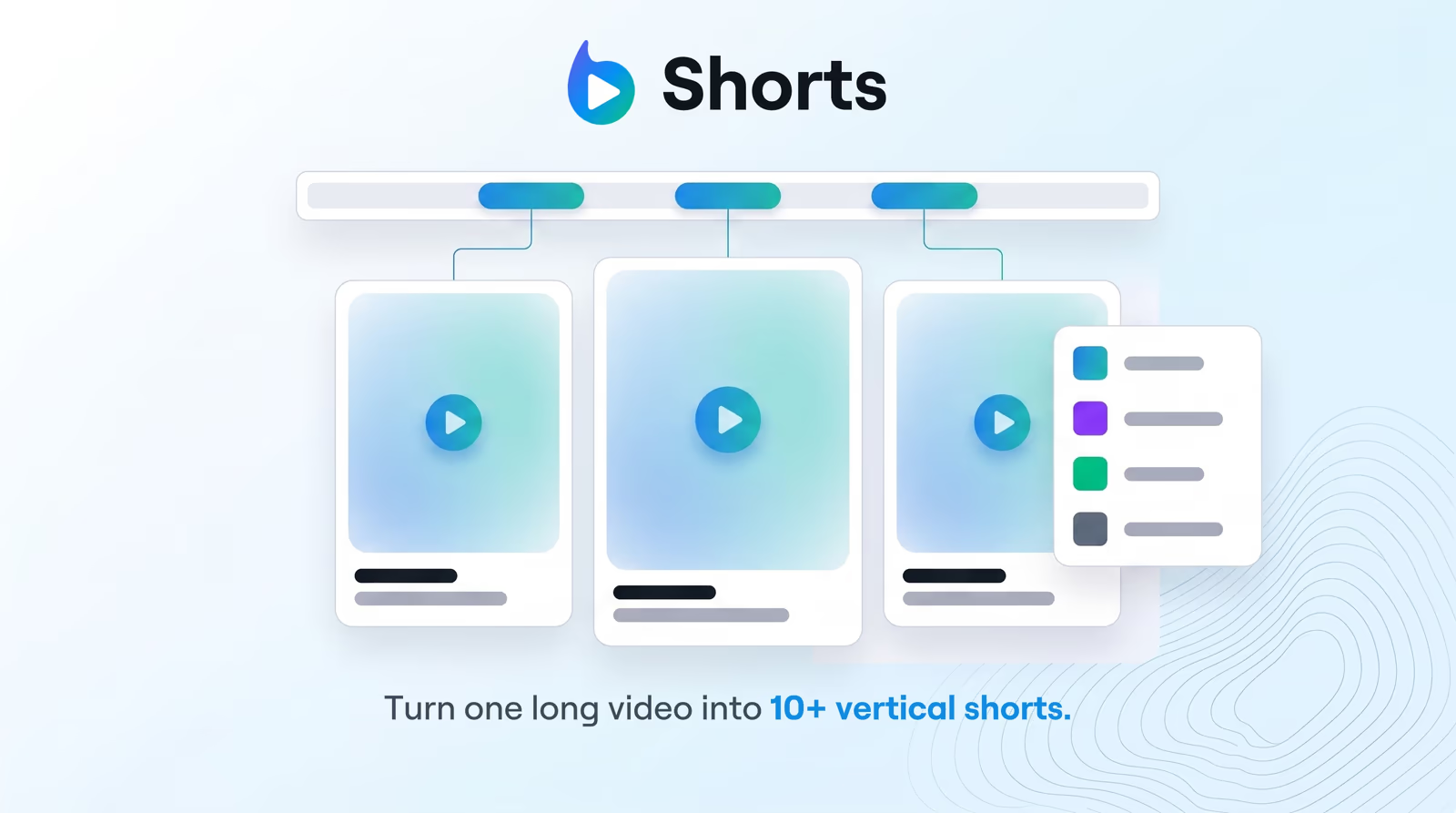
Paste a YouTube link or upload a recording. Braiv finds the hooks and returns vertical shorts, 5–25 minute standalone clips, and trailer-style promos — captioned and queued for every channel you publish to.

Explore Braiv Shorts
What this does

What standalone clips give you

Turn long-form video into 5–25 minute standalone AI clips. Narrative-aware cuts, SEO titles and descriptions per asset — not mid-thought fragments or vertical shorts.

  • Cuts on complete stories

    Topics, answers, and chapters that start and end cleanly — not mid-sentence fragments.

  • 5–25 minute watch sessions

    Length built for syndication and search, not under-60-second social hooks.

  • Metadata without a writing pass

    Each clip ships with its own SEO-oriented title and description from the segment itself.

Deep dive

Everything you need to know about Standalone AI video clips

Shorts win attention; clips build libraries

Most “AI clipping” tools are built for vertical hooks under a minute. That is a real job — and the wrong one when you need a webinar chapter, a full case study, or a podcast segment that can stand alone in search.

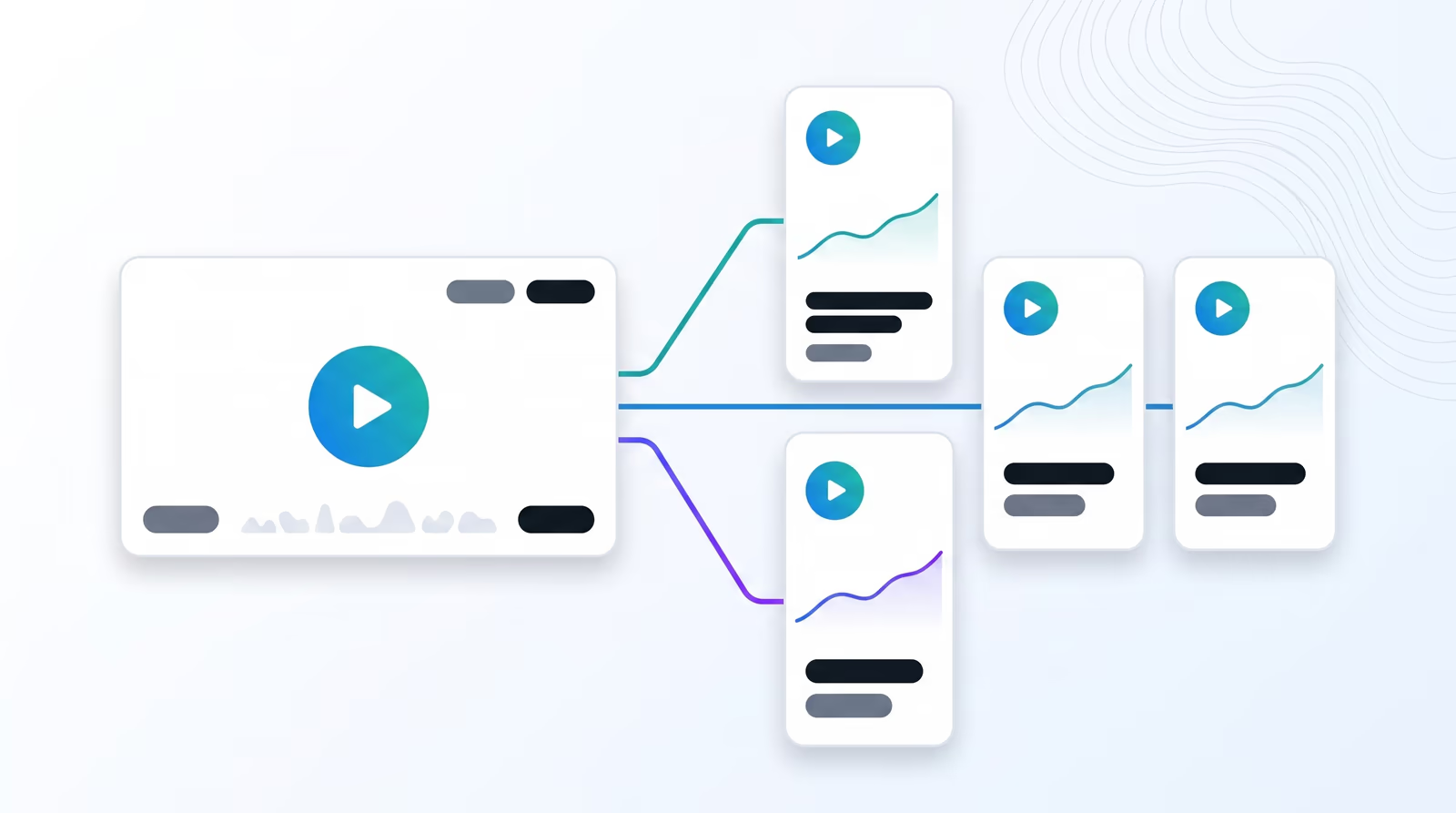
Braiv Shorts targets the mid-length asset: 5–25 minutes with a beginning, middle, and end. One long recording becomes a set of publishable videos, not just a feed of Shorts.

Narrative boundaries instead of arbitrary cuts

Scrubbing a timeline for “good bits” usually produces fragments that need the previous ten minutes to make sense. Braiv reads the transcript and pacing to find where a topic or argument actually starts and stops.

The practical difference is the export. Each clip is self-contained enough to drop into a channel, a course library, or a syndication calendar without an editor stitching context back in.

Metadata that treats each clip as its own video

A fragment with the parent episode’s title will not rank. Braiv writes an SEO-oriented title and description from the segment’s content, so each clip can be discovered and recommended on its own.

That is what turns a single webinar into a content calendar instead of one long upload and a pile of unused chapters.

Clips, promos, and shorts from the same source

Use this feature for standalone mid-length stories. Use AI promo video trailers when you need a montage that sells the full watch. Use viral AI shorts when you need daily vertical volume for TikTok, Reels, and YouTube Shorts.

Most teams run the mix: a promo to announce, clips to syndicate, shorts to feed the algorithm — all from one recording inside Braiv Shorts.

Where this sits in Braiv Shorts

This is the narrative clipping attribute inside Braiv Shorts. Pair with promos for launch assets and with Shorts when you need under-60-second vertical cuts. Shared AI Credits and plan limits are on pricing.

The bigger picture

One capability, one step in a longer workflow

Braiv Shorts covers the Repurpose stage. Braiv runs the rest of the sequence on the same recording — so what you make here ends up packaged, localized and published without leaving the platform.

See the full workflow
  1. 01 Capture Recorded once, ready to localize
  2. 02 Repurpose One video, dozens of assets
  3. 03 Package Packaged to perform
  4. 04 Localize Fluent in 80+ languages
  5. 05 Publish & Track Distributed and measured
Questions

Frequently asked questions

How is a clip different from a short?
Clips are 5–25 minute standalone stories cut from long-form video — complete enough to publish as their own upload. Shorts are vertical videos under 60 seconds for TikTok, Reels, and YouTube Shorts. Same source recording can feed both; the jobs are different. For vertical output see viral AI shorts and Braiv Shorts.
How does the AI decide where to cut?
Braiv analyzes the transcript and pacing to find narrative boundaries — where a topic, story, or argument begins and ends. Each clip is cut at those boundaries so it stands alone with a clear beginning, middle, and end.
What source content works best?
Speech-driven long-form: webinars, podcasts, keynotes, interviews, panels, training sessions, and services. The longer and richer the source, the more standalone clips Braiv can extract.
Do clips get their own titles and descriptions?
Yes. Every clip is generated with its own SEO-oriented title and description based on that segment’s content — so it can rank and get recommended as an independent video, not a fragment of the original.
Can clips be localized into other languages?
Yes. Clips flow into localization — dubbed audio, translated captions, localized titles and descriptions — so one keynote becomes a library of assets in every language you publish in. See Braiv Dubbing.
How do clips relate to promos?
Clips unlock mid-length standalone videos; AI promo trailers stitch the strongest moments into a teaser that drives the full watch. Both live in Braiv Shorts. Plan detail on pricing.

Ready to Package and Publish Your Next Video?

Join over 100,000 creators scaling their reach with Braiv.
Get 150 AI Credits when you sign up today.