Loom solved a different problem, very well
Loom made screen recording feel like sending a message. Record, get a link, paste it in Slack, move on. For internal communication that is close to perfect, and nothing on this page argues otherwise — if the destination is a colleague, use Loom.
People looking for a Loom alternative for screen recording usually have a different destination in mind: a help centre, an onboarding flow, an academy, a knowledge base. The moment a recording becomes a published asset, two things start to matter that async messaging never needed — how polished the narration and whether it works for customers who do not speak your language.
Competitor behaviour on this page reflects Loom’s public product pages as checked on 9 August 2026.
A raw take is fine to send and expensive to publish
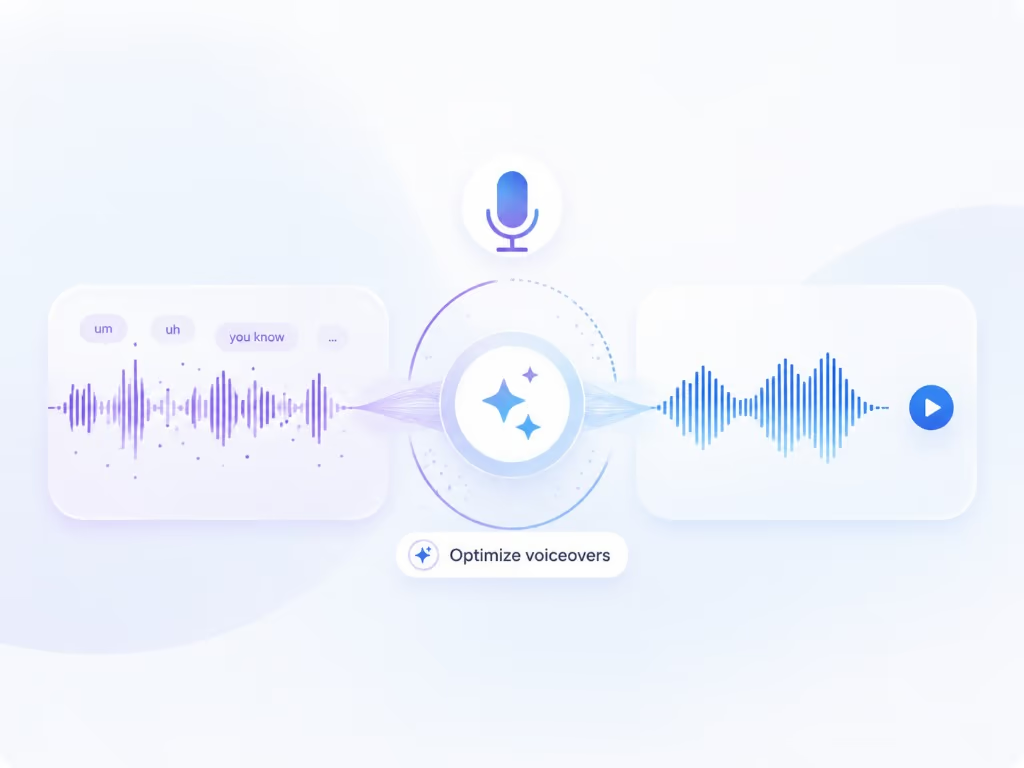
Nobody minds an “um” in a two-minute update. In a help-centre video that thousands of customers watch, the rambling first minute, the false start, and the bit where you say “actually, ignore that” all become support debt.
The usual fix is to re-record until it is clean, which is why support libraries stall. Braiv Capture takes the opposite approach: record it badly on purpose, then let Braiv strip the filler words, tighten the wording and regenerate the narration with a Braiv Speech clone of your voice. Your first take is the only take.
Captions in 50+ languages are not a localized video
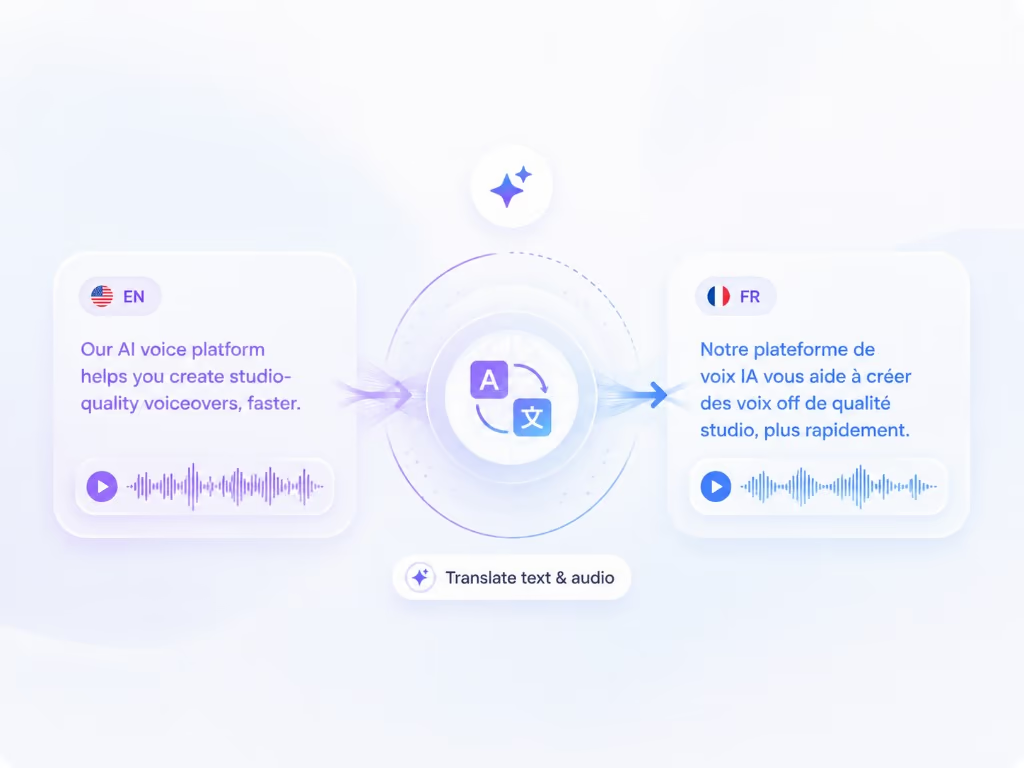
As checked on 9 August 2026, Loom’s own copy offers transcripts and captions in 50+ languages. That is real value, and it is also a specific, limited thing: text at the bottom of a video whose audio and interface are still English.
Watch that video as a Japanese customer. The narrator speaks English. The menus are English. The tooltip being described is English. You are reading subtitles while trying to map them onto a screen you cannot read.
Capture localizes the layers that actually carry the instruction:
- Audio — dubbed through Braiv Dubbing in a cloned voice, not a stock narrator.
- On-screen text — captions, titles, callouts and overlays translated in the same pass.
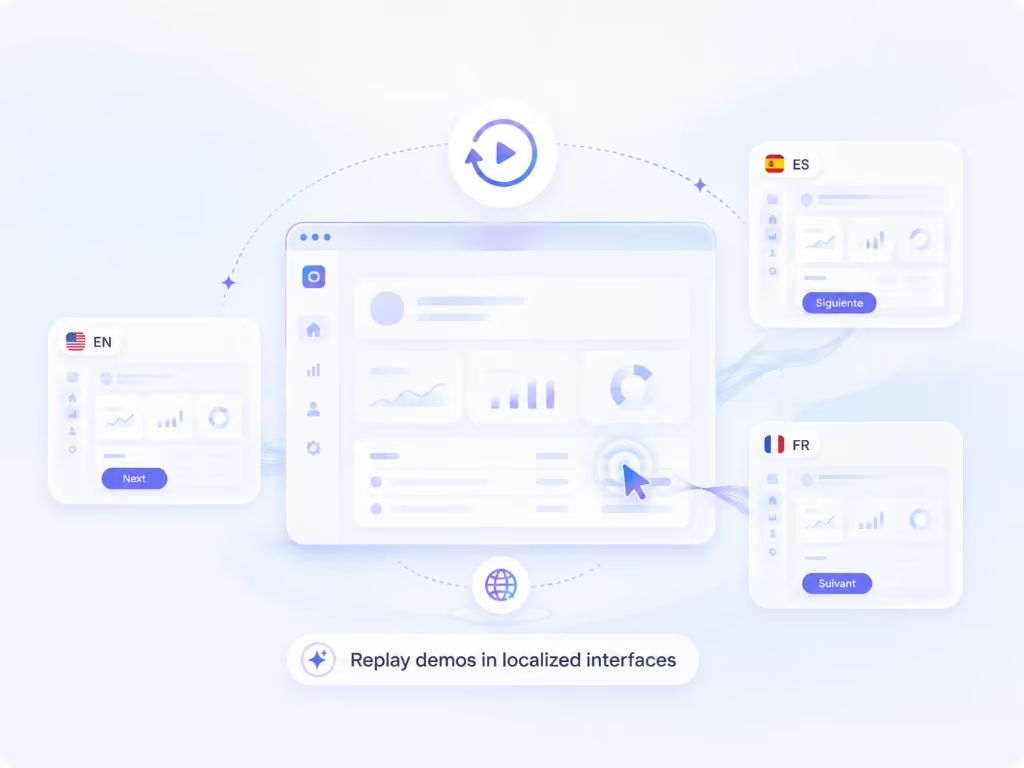
- The interface itself — the session replayed against your localized product, so a Japanese viewer watches the Japanese UI. Your product needs to be localized already; Braiv records the real interface rather than faking one.
And the article, from the same recording
Support content is rarely just video. The cleaned script that becomes the voiceover also generates the step-by-step written guide, per language, so the article and the video never end up describing different versions of your product.
Early access, stated plainly
Capture is pre-launch. There is no signup button here because there is nothing to sign into yet — access is invite-based and the waitlist below is how you get in.
Keep Loom for the messages. Join the waitlist for the library.