Early access Braiv Capture waitlist is open — record once, publish support videos in every language.

Trusted by 100,000+ creators, podcasters & businesses globally
Creators and teams who trust Braiv for AI video production

Turn a screen recording into a step-by-step guide

The same cleaned script that voices your support video writes the step-by-step guide — structured software documentation in every language you publish, kept in sync with the video.

Where this fits

Braiv Capture

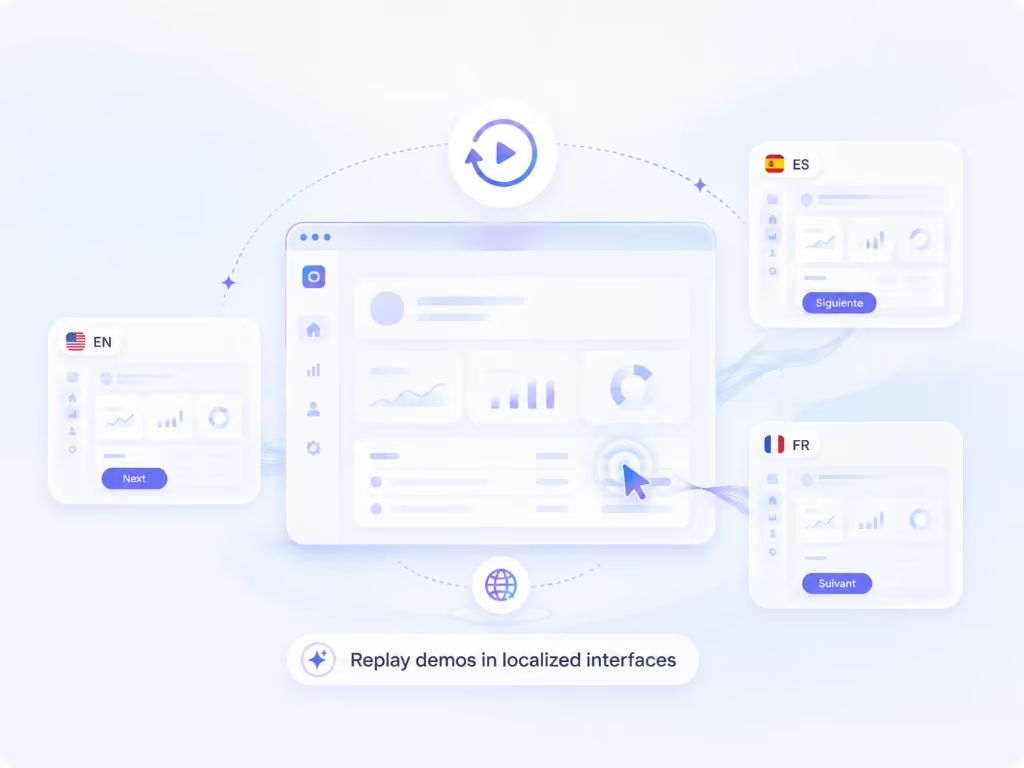
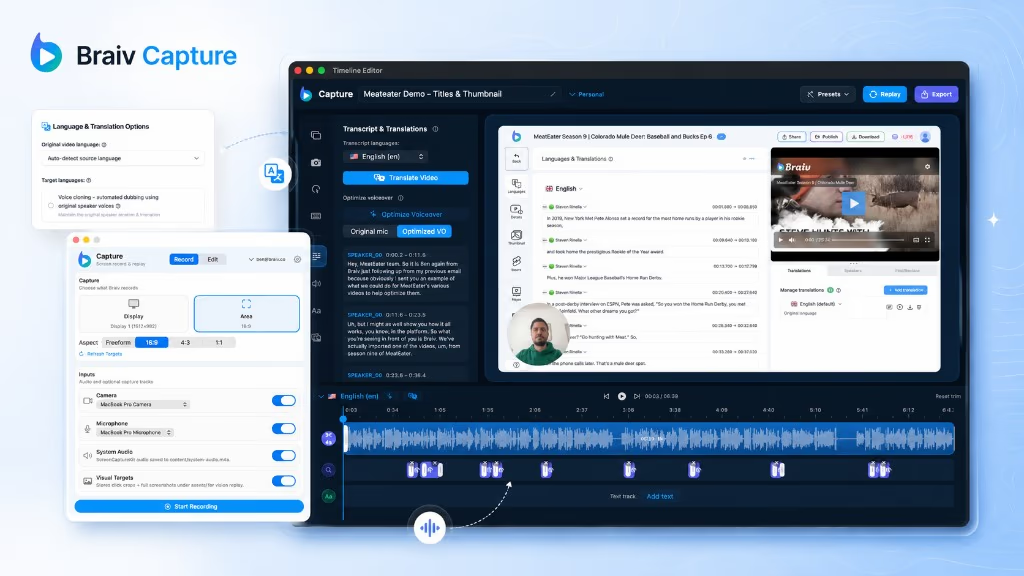
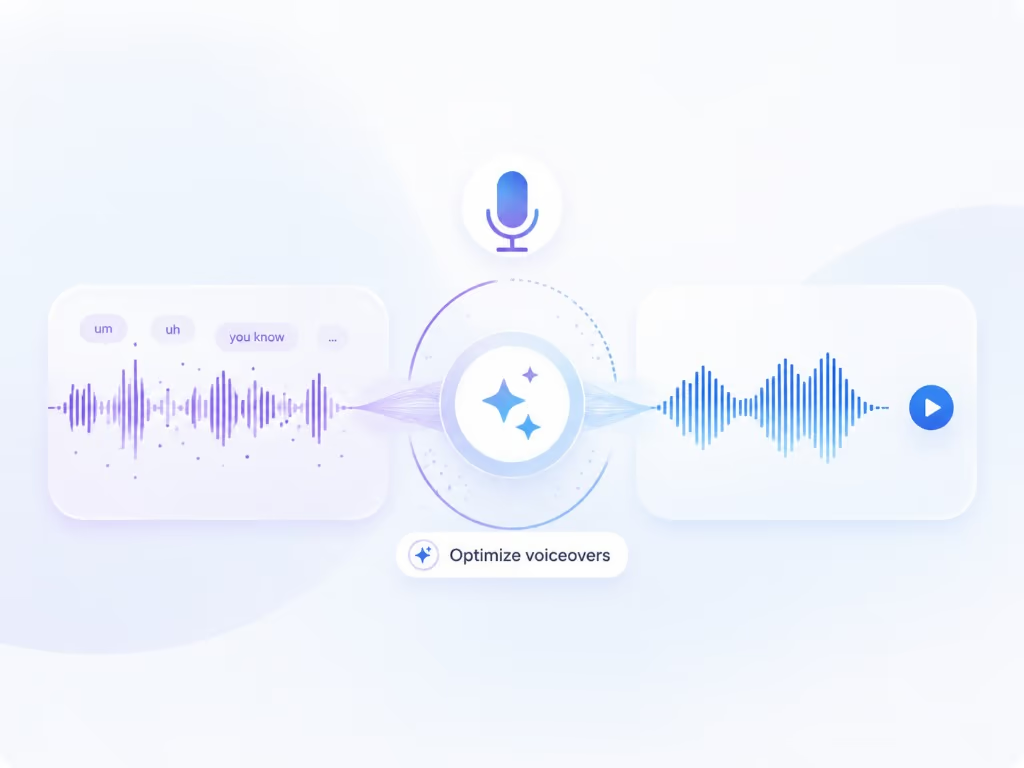
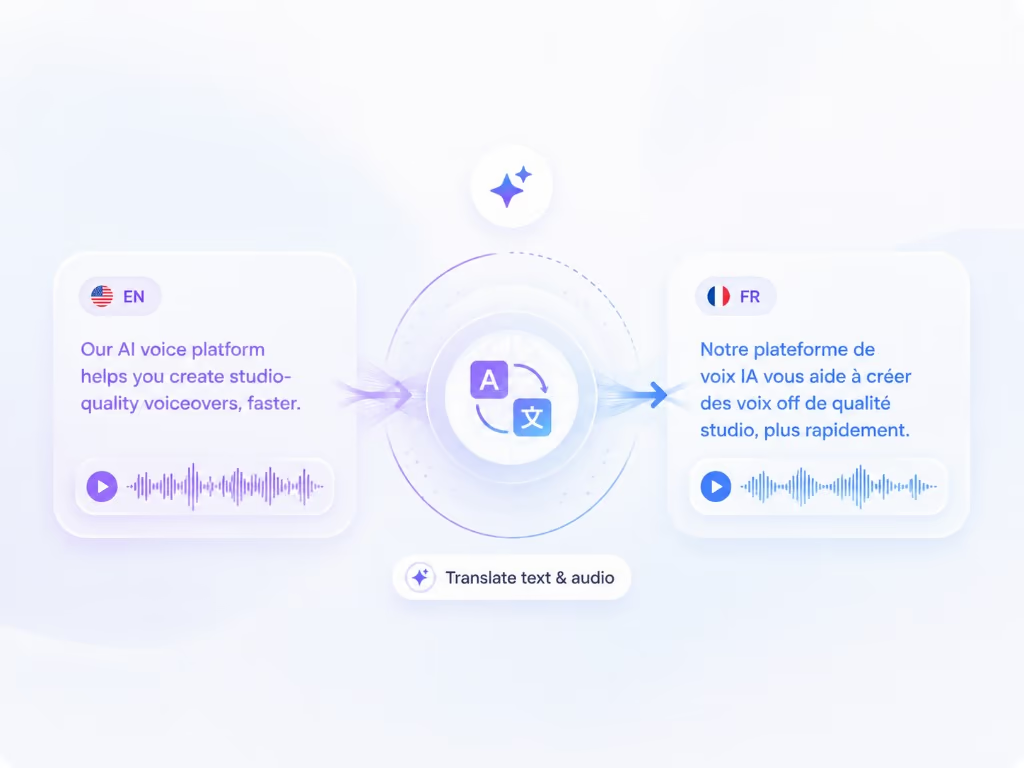
Braiv Capture turns one screen recording with voiceover into clean support videos, software tutorials, and help articles in any language. Filler words are stripped, the narration is revoiced with a Braiv Speech clone, audio and on-screen text are localized together, and the demo is re-recorded inside your localized interface.

Explore Braiv Capture

Capability 1 of 4

What this does

What comes out of one walkthrough

Convert a screen recording into a step-by-step guide. Braiv Capture turns the cleaned narration into structured software documentation and localizes it alongside the video.

  • A structured written walkthrough

    Steps, headings, and actions written in support-doc style — not a raw transcript pasted into the help centre.

  • The same wording as the video

    Article and voiceover come from one script, so a viewer switching between them sees the same instructions.

  • Localized in the same pass

    Each language gets the article and the video together instead of documentation trailing months behind.

Deep dive

Everything you need to know about Step-by-step guides and help articles from a screen recording

Documentation is the other half of support content

Most help centres need both formats. Some users watch, some skim, and search engines index the words. Producing them separately means writing the same walkthrough twice — then translating it twice.

One script, two outputs

Capture already has to understand your recording well enough to clean up the narration. That cleaned script is exactly what a step-by-step guide needs, so the written version is a by-product rather than a second project.

How to write software documentation when you would rather demonstrate it

Ask anyone who maintains a help centre what makes writing software documentation slow, and it is never the typing. It is deciding the order of the steps, remembering the prerequisite you skip automatically, and describing a screen from memory precisely enough that a stranger can follow it.

Demonstrating the task solves all three by accident. You perform the steps in the right order because the product forces you to, the prerequisite appears because you actually do it, and the screen is described accurately because the recording is the screen.

So the practical answer to how to write good software documentation, at least for anything you can do on screen: do the task once while narrating it, then edit a draft instead of facing a blank page. What Braiv hands back is structured — task headings, numbered actions, the filler stripped out — and what you own is the judgement: prerequisites, warnings, edge cases the recording implied but never showed, and the wording your product’s glossary insists on.

Good documentation still needs a human deciding what matters. It just does not need one transcribing their own clicks.

Why sync matters more than speed

The expensive failure is not slow documentation, it is contradictory documentation: an article describing a button the video no longer shows. Generating both from one source removes the class of bug rather than scheduling around it.

Where this sits in Braiv Capture

This is a long-tail capability of Braiv Capture, built on voiceover cleanup and support video translation. For translating existing documents rather than recordings
The bigger picture

One capability, one step in a longer workflow

Braiv Capture covers the Capture stage. Braiv runs the rest of the sequence on the same recording — so what you make here ends up packaged, localized and published without leaving the platform.

See the full workflow
  1. 01 Capture Recorded once, ready to localize
  2. 02 Repurpose One video, dozens of assets
  3. 03 Package Packaged to perform
  4. 04 Localize Fluent in 80+ languages
  5. 05 Publish & Track Distributed and measured
Questions

Frequently asked questions

How do you turn a video into a step-by-step guide?
Braiv transcribes your recording, rewrites it into clean instructional language (see voiceover cleanup), then structures it as numbered steps under task headings. The same script drives the video narration, so the article and the video match.
Is this a video-to-document file converter?
No — and that is worth being clear about. This does not repackage your video as a PDF or Word file. It reads what happens in the walkthrough and writes documentation about it: prose, numbered steps, and headings you can publish or paste into your help centre.
Is this just the transcript?
No. A transcript records what was said, including detours. The guide is restructured for reading: numbered steps, headings per task, and the filler removed.
Can it help me write software documentation faster?
That is the intent. Writing good software documentation is mostly the slow work of turning what you know into ordered, unambiguous steps — so demonstrating the task and letting Braiv draft the structure moves the effort to reviewing rather than authoring. You still own the result: edit wording, add prerequisites, and correct anything the recording implied but did not show.
Can I edit the article before publishing?
Yes. The generated article is a draft you own — edit wording, add prerequisites or warnings, then publish to your help centre.
Do the article and video stay in sync when I change something?
Because both are generated from one script, editing the script regenerates both. That is the point: documentation drift usually comes from maintaining them separately.
Which languages are supported?
The article is localized on the same stack as support video translation, which covers 80+ languages.

Be first to localize your support library

Join the early-access waitlist and we'll reach out when your workspace can record once and publish support content in every language.