Early access Braiv Capture waitlist is open — record once, publish support videos in every language.

Trusted by 100,000+ creators, podcasters & businesses globally
Creators and teams who trust Braiv for AI video production

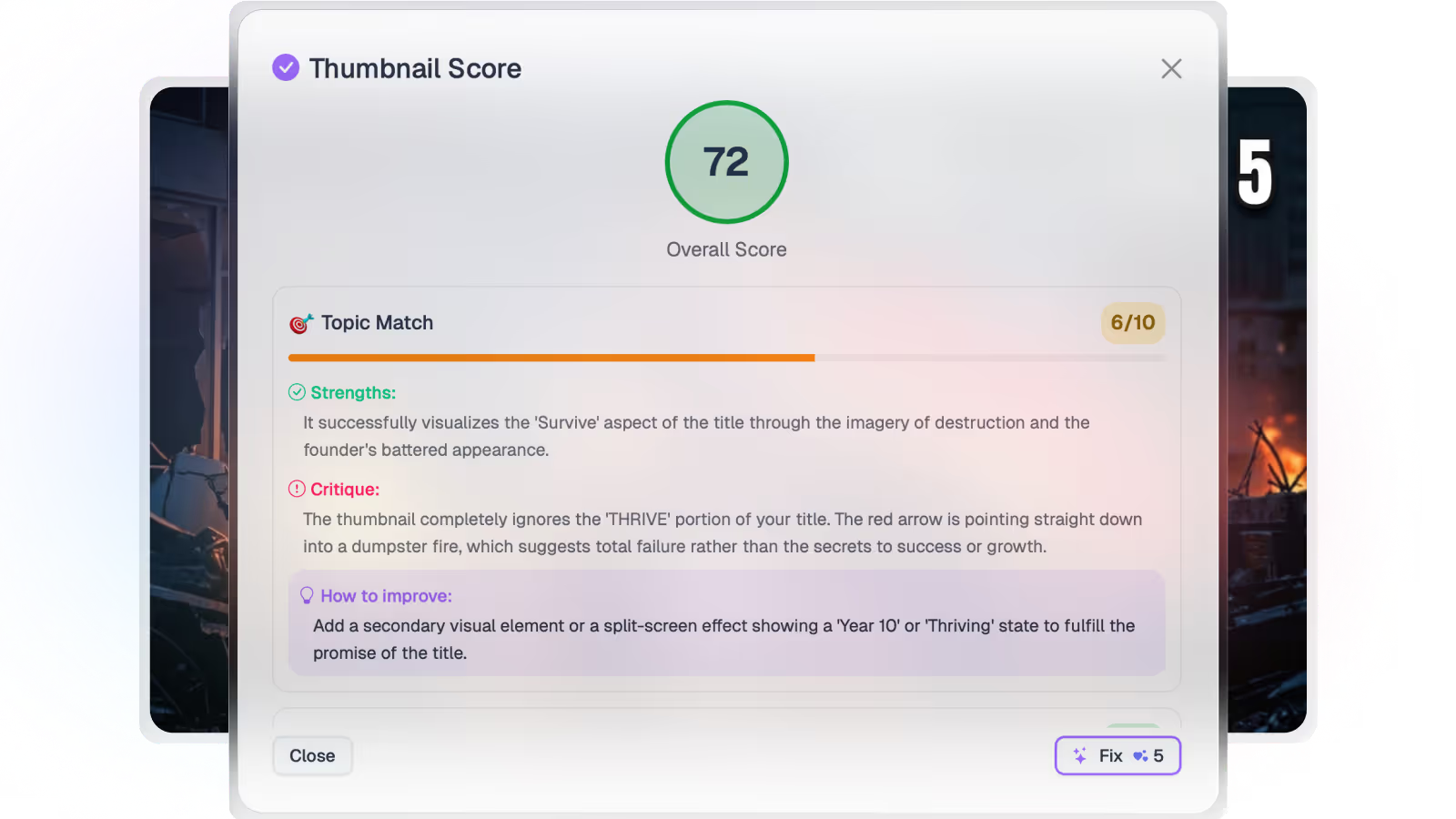
Fix weak thumbnails in one click

Braiv applies contrast, subject clarity, and mobile legibility fixes to raw or underperforming thumbnails — so you improve CTR without opening a design tool.

Where this fits

Braiv Thumbnails

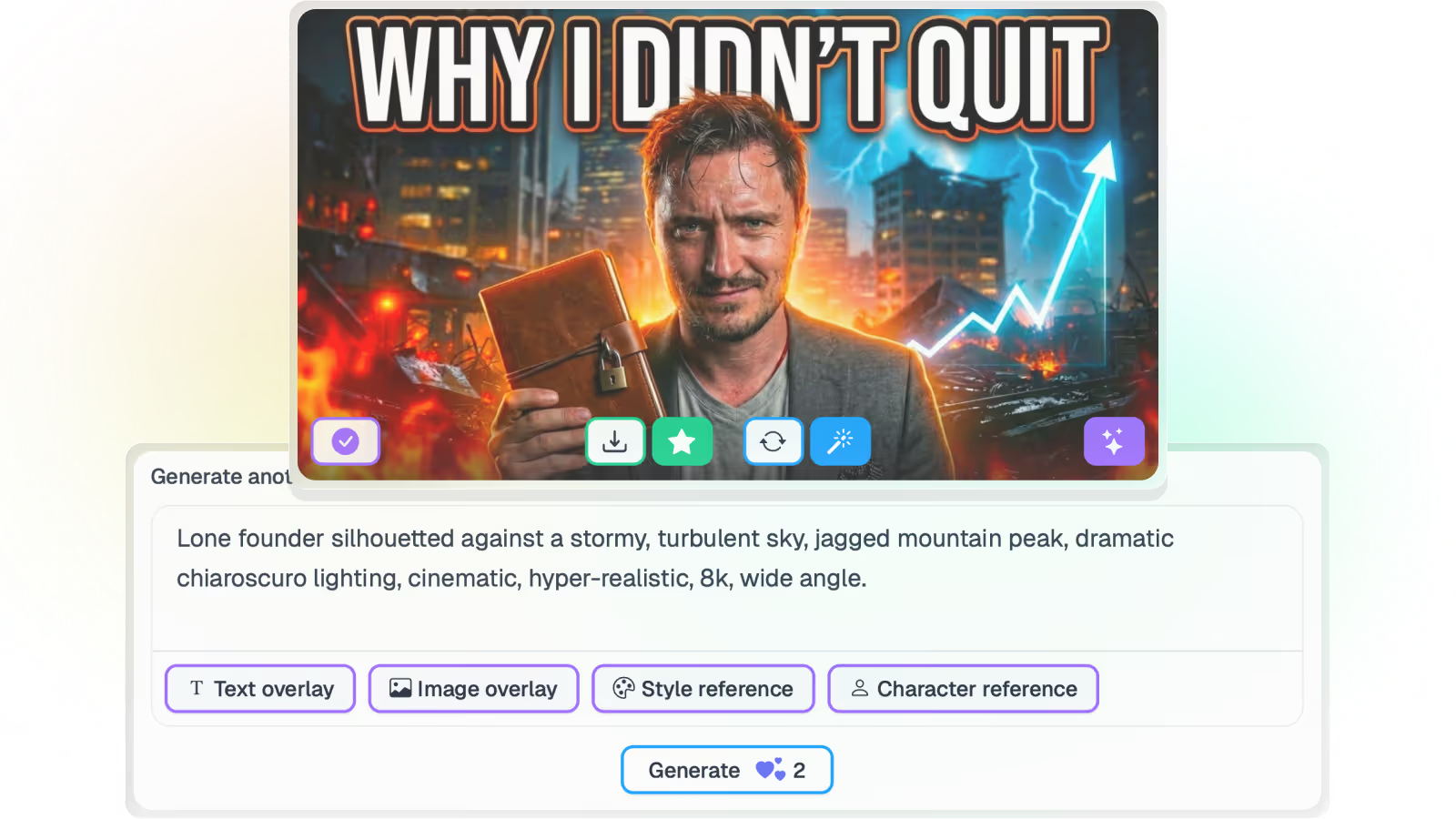
Generate from the video itself, score every option for click-through, localize text overlays for every market, and push them live across an unlimited number of connected channels.

Explore Braiv Thumbnails
What this does

What one-click optimization does

One-click thumbnail optimization boosts contrast, sharpens faces and subjects, and checks text readability at feed size — before the video goes live, not after CTR drops.

  • Contrast that holds in the feed

    Punch that stands out against YouTube’s light and dark backgrounds without a manual grade.

  • Faces and subjects that read at phone size

    Automatic brightening and sharpening so the emotional cue survives a tiny crop.

  • Text that stays legible on mobile

    Overlays checked for readability where most YouTube viewing actually happens.

Deep dive

Everything you need to know about One-click thumbnail optimization

The difference between a weak concept and a weak render

Some thumbnails fail because the idea is wrong. Many more fail because the idea never survived the feed: muddy contrast, a face that disappears at phone size, or text that looked fine in a design file and unreadable in the grid.

One-click optimization is for the second problem. It applies the feed-level fixes so you do not reopen Photoshop every time Analytics shows a soft CTR.

Contrast and punch for the YouTube grid

Thumbnails compete against a crowded shelf of other images, not against a blank canvas. Braiv boosts contrast and saturation so the image holds against light and dark YouTube chrome without you grading each file by hand.

That matters most on mobile, where the thumbnail is small and the competition is one thumb-flick away.

Faces, subjects, and emotional clarity

Clicks often come from a clear human expression or a sharp subject. Soft, underexposed, or low-contrast faces lose that cue. Optimization brightens and sharpens the subject so the emotional read survives at feed scale — the same constraint scoring checks before you publish.

Text that still works on a phone

Most YouTube viewing is mobile. Overlay text that is elegant at desktop preview size often collapses into noise in the app. Braiv checks and improves legibility so the words remain part of the click decision, not decoration.

Pair this with AI generation when you need new concepts, and with thumbnail translation when those words need to match a dubbed market.

Where this sits in Braiv Thumbnails

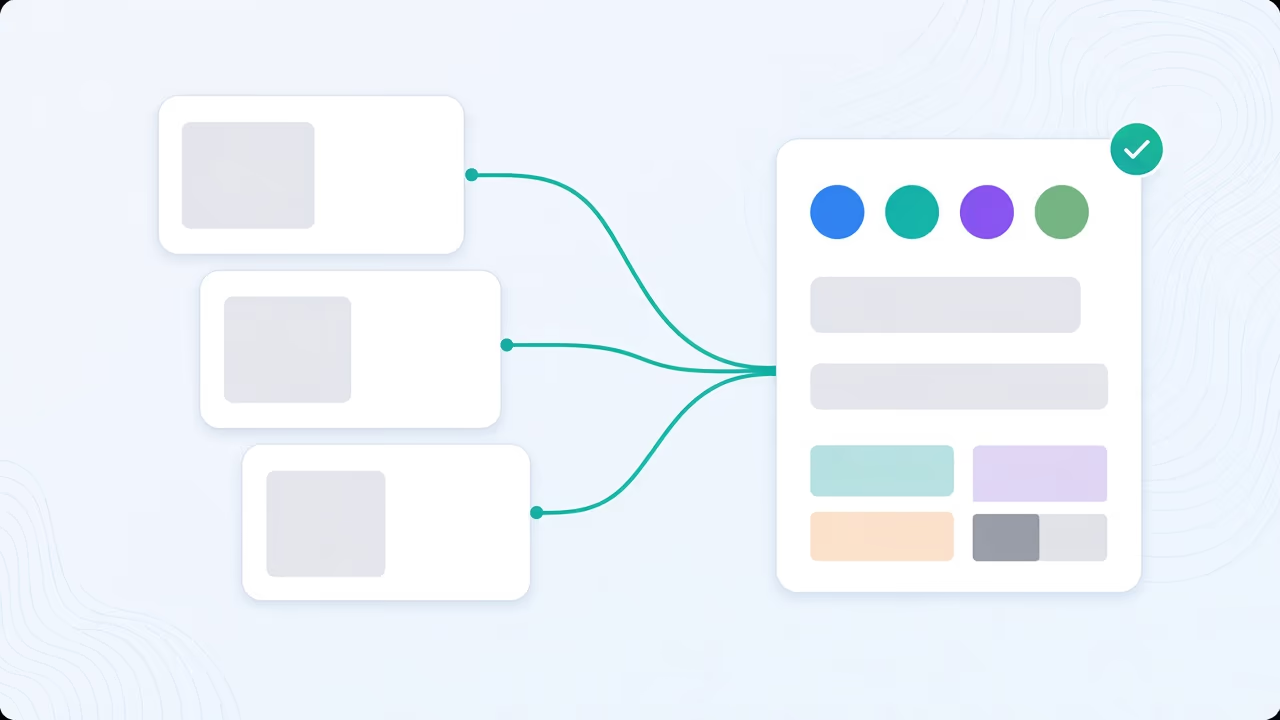
This is the enhancement attribute inside Braiv Thumbnails. Score first, fix in one click, regenerate when the concept is wrong, localize overlays for every market — one pipeline, shared AI Credits. Full plan detail on pricing.
The bigger picture

One capability, one step in a longer workflow

Braiv Thumbnails covers the Package stage. Braiv runs the rest of the sequence on the same recording — so what you make here ends up packaged, localized and published without leaving the platform.

See the full workflow
  1. 01 Capture Recorded once, ready to localize
  2. 02 Repurpose One video, dozens of assets
  3. 03 Package Packaged to perform
  4. 04 Localize Fluent in 80+ languages
  5. 05 Publish & Track Distributed and measured
Questions

Frequently asked questions

When should I use one-click optimization versus regenerating?
Use one-click when the concept is right but the image is soft — low contrast, dull faces, or text that fails at feed size. Regenerate with AI thumbnails from the video when the idea itself is wrong or the layout cannot be rescued by enhancement alone.
Does optimization change my brand style?
It enhances clarity and punch within the existing composition. Fonts, layout structure, and brand assets stay in place — the goal is a sharper feed image, not a redesign. For recurring overlays, see overlay any image.
Can I optimize thumbnails already on YouTube?
Yes. Connect a channel, score underperformers, apply one-click fixes, and push replacements in bulk. That is the usual path for a back-catalog refresh.
Will optimized thumbnails look over-processed?
The enhancements target feed readability — contrast, subject clarity, and text legibility — rather than heavy filters. You still approve before publish, and you can rescore after the fix to confirm the change landed.
Does this work for multi-language channels?
Yes. Optimize the visual first, then translate thumbnail overlays into the languages you publish in so each market gets a clear image and matching text.
How does this fit with volume thumbnail work?
One-click fixes are built for catalogs, not one-off art direction. Business supports up to 270 thumbnail generations a month with unlimited channels — optimization and scoring sit in the same Braiv Thumbnails pipeline. Full detail on pricing.

Ready to Take Your Content Global?

Join over 100,000 creators scaling their reach with Braiv.
Get 150 AI Credits when you sign up today.