








Braiv Transcription

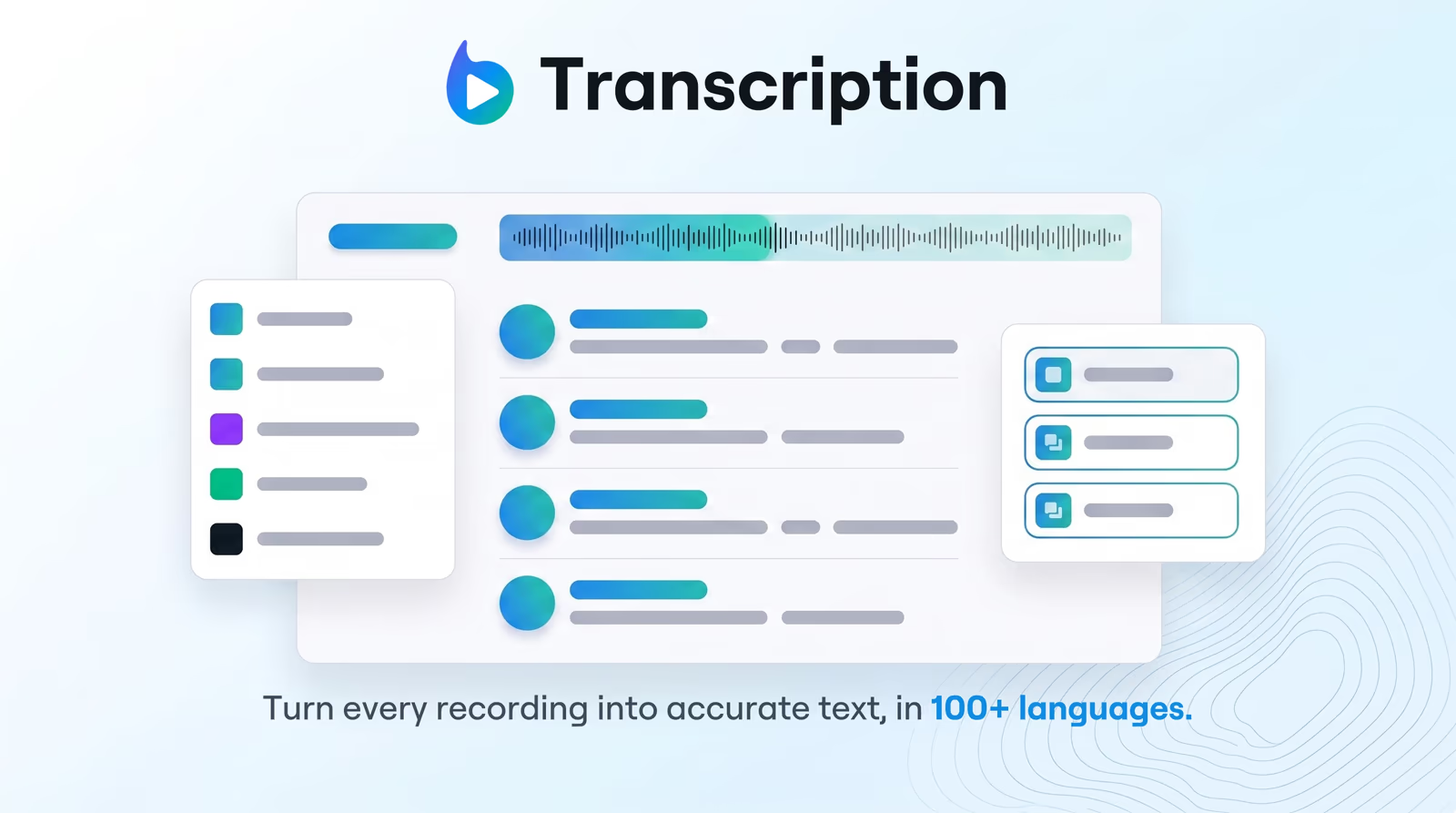
Turn every recording into accurate text...in minutes

Enterprise-grade speech-to-text with speaker detection, timestamps, and instant translation into 80+ languages.

Translate and dub your video

Choose how you bring in your video (YouTube link or upload), pick a target language, then we validate length and send you into Braiv dubbing.

Add a video URL or upload a video before translating.
Trusted by 100,000+ creators, podcasters & businesses globally
Part of the Braiv workflow
domaine homes logo
puma logo
tesla logo
micd-up logo
antler logo
canva logo
thirdi logo
screenapp logo
anchored outdoors logo
domaine homes logo
puma logo
tesla logo
micd-up logo
antler logo
canva logo
thirdi logo
screenapp logo
anchored outdoors logo

What you can do

Explore each capability in depth — click through to the full feature breakdown.

100+ Languages Supported

Transcribe and recognize speech instantly across 100+ languages and regional dialects with extreme accuracy.

Braiv transcribes in 100+ languages with automatic accent and dialect handling, so teams can convert global webinars, interviews, and courses into accurate text instantly.

  • Multi-language support
  • 80 launch languages
  • Roadmap to 500+ languages
Learn more
AI Speaker Diarization

Automatically detect, separate, and label multiple speakers in conversations with high timeline precision.

Braiv's diarization engine detects and labels individual speakers in interviews, podcasts, and meetings so teams can search, quote, and repurpose content faster.

  • Speaker continuity across languages
  • Natural voice replication
  • Save to personal voice library
Learn more
Transcription Translation

Translate your generated transcription into over 80 languages instantly with contextual precision.

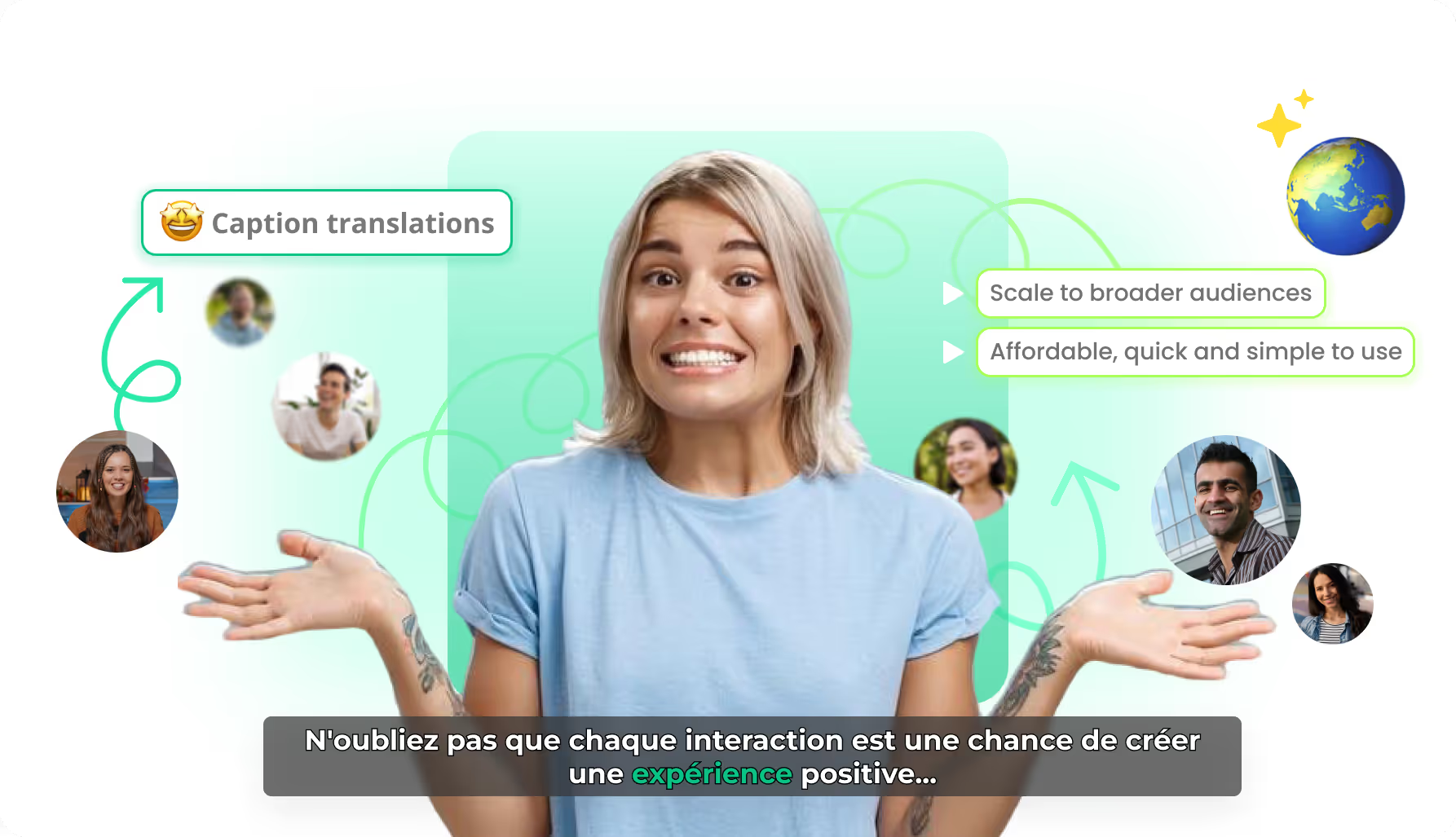
Translate transcribed text into 80+ languages with one click while keeping the timeline perfectly synced — ideal for scaling scripts, interviews, and training videos.

  • Transcript translation editing
  • Integrated caption translations
  • Automated translation workflows
Learn more
Deep dive

Everything you need to know about Braiv Transcription

How Braiv Transcription Works

Upload any audio or video file — or paste a YouTube, Vimeo, or Dropbox link — and receive an accurate, timestamped transcript in seconds. Braiv Transcription uses enterprise-grade speech-to-text models trained on multi-speaker conversations, conferences, podcasts, and noisy real-world recordings.

Automated Speech-to-Text in 100+ Languages

The platform detects spoken language automatically and transcribes across 100+ languages and regional dialects. No configuration required — upload an English podcast, Spanish webinar, or Mandarin team meeting and the AI handles the rest with high precision.

Smart Speaker Diarization and Timestamps

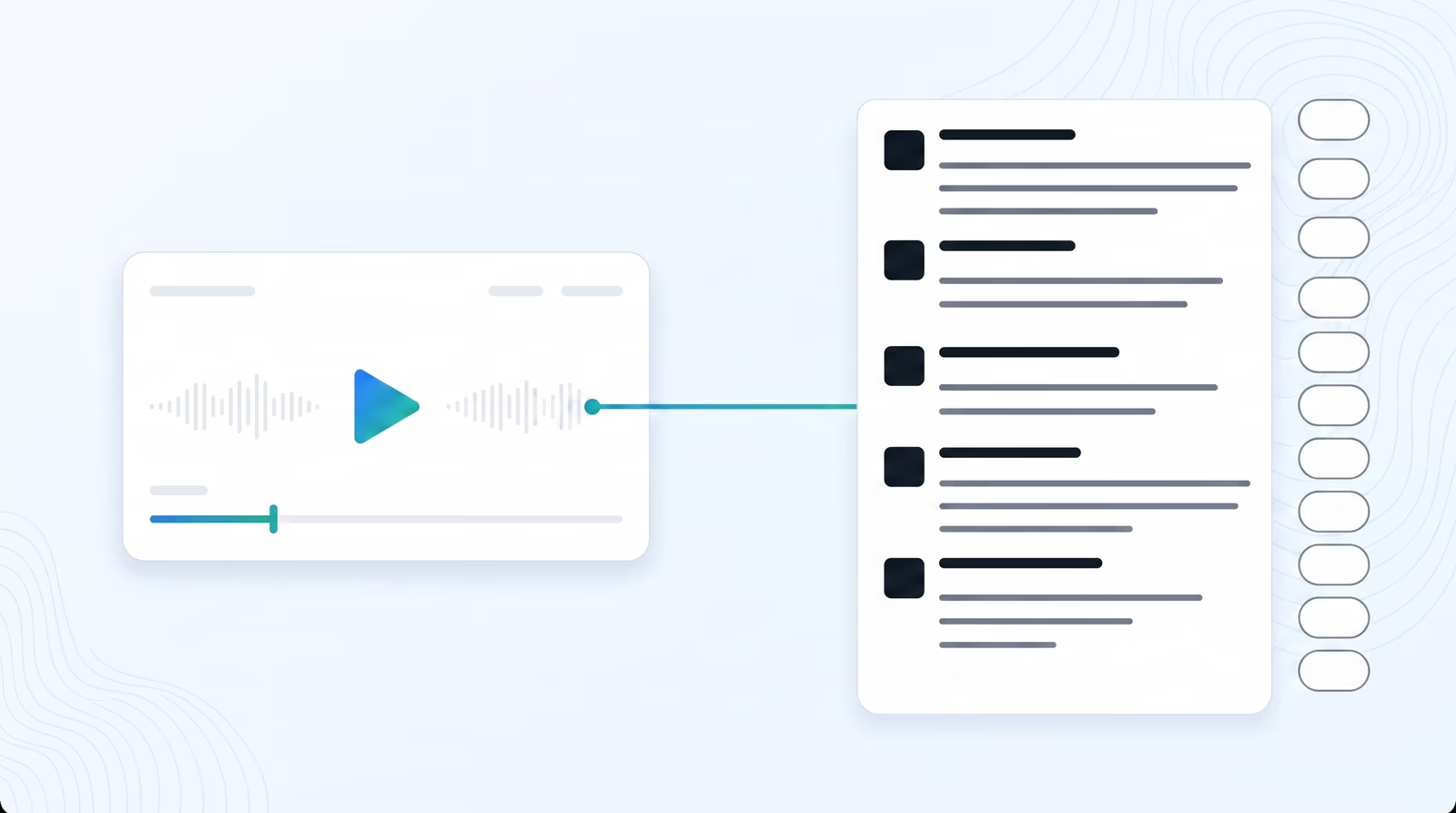
Advanced voice-frequency analysis identifies individual speakers and labels each segment. Every line is accompanied by clickable timestamps and speaker attribution, making it simple to navigate hour-long recordings and jump straight to key moments.

Instant Multilingual Translation

Once transcribed, translate the full script into 80+ target languages with a single click. Timeline synchronization is preserved, so translated transcripts can feed directly into Braiv Dubbing or be exported as localized subtitles.

Who Uses Braiv Transcription

Content teams transcribe webinars and podcasts to repurpose into blog posts, social snippets, and documentation. L&D departments turn instructor-led sessions into searchable text archives. Legal and compliance teams create auditable records of meetings and calls. Agencies process client recordings at scale without manual transcription overhead.

Export Formats

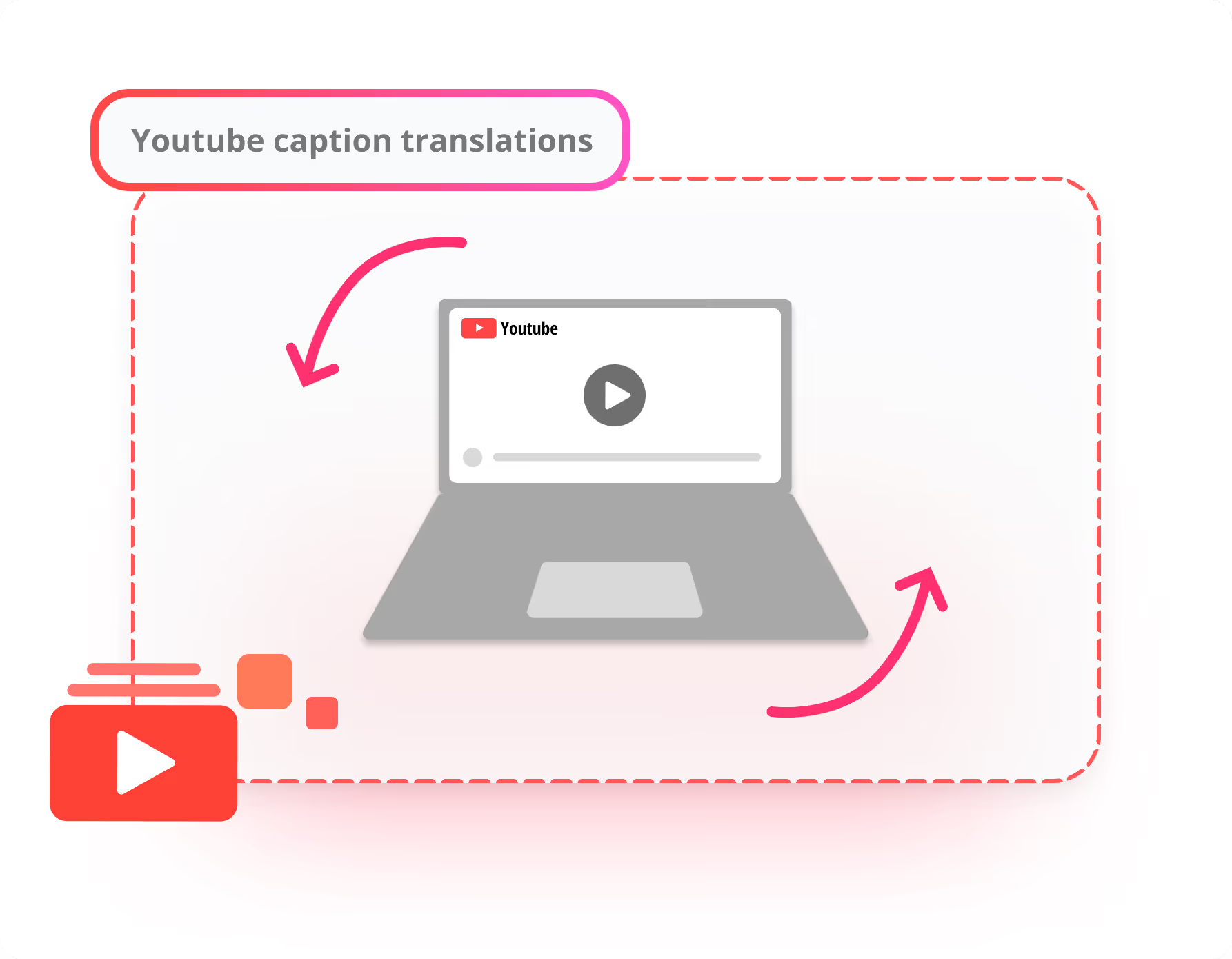
Download finished transcripts in TXT, SRT, VTT, DOCX, or JSON. SRT and VTT exports include full timestamp synchronization, ready to upload as subtitles to YouTube, Vimeo, or any video platform. JSON export is ideal for developers integrating transcripts into custom workflows or CMS pipelines.

Frequently asked questions

How does pricing work for Braiv Transcription?
Transcription is billed through AI Credits based on audio length. New accounts include credits to evaluate accuracy, speaker diarization, and export formats on your own content before moving to a paid plan for production volume.
What file formats are supported?
We support all major audio and video formats, including MP3, MP4, WAV, M4A, WebM, and more. You can also paste direct links from YouTube, Vimeo, or Dropbox.
How does speaker diarization work?
Our AI analyzes the vocal characteristics of your recording to separate different speakers, labeling them as Speaker 1, Speaker 2, etc., along with precise timestamps.
Can I translate my transcriptions?
Yes! Once transcribed, you can translate your entire text script into over 80 languages instantly with a single click, preserving timeline synchronization.
Can I export my transcriptions?
Absolutely. You can download your finished transcriptions in multiple popular formats, including TXT, SRT, VTT, and document formats.

Ready to Take Your Content Global?

Join over 100,000 creators scaling their reach with Braiv.
Get 300 AI Credits when you sign up today.