Early access Braiv Capture waitlist is open — record once, publish support videos in every language.

Trusted by 100,000+ creators, podcasters & businesses globally
Creators and teams who trust Braiv for AI video production

A thumbnail style guide your channel actually follows

Point Braiv at the covers that already work on your channel. It analyses them into a reusable kit — palette, type, required chrome, and what never to copy — then holds every new thumbnail to it.

Where this fits

Braiv Thumbnails

Turn any YouTube thumbnail into a style reference, lock your own look into a brand kit, generate from real footage or free invention, score every option before it ships, and publish across every channel you run.

Explore Braiv Thumbnails
What this does

What a brand guideline kit gives you

Build a YouTube thumbnail style guide from your own best covers. Braiv analyses palette, typography and layout into a brand guideline kit, then applies it automatically to every thumbnail you generate.

  • Consistency without a template

    Every upload inherits the channel look without locking you into one rigid layout.

  • Rules read from real covers

    The kit is analysed from thumbnails that already performed, not written from scratch in a doc nobody opens.

  • One kit per channel

    Agencies keep a separate guideline set for each client, so nothing bleeds between rosters.

Deep dive

Everything you need to know about YouTube Thumbnail Brand Guidelines

Brand guidelines fail because nobody reads them

Most channels do have a thumbnail style. It lives in one designer’s head, or in a PDF that was accurate eighteen months ago. The moment volume goes up — a daily upload, a second channel, a freelancer covering a week — the look drifts. Not dramatically, just enough that the channel stops being recognisable in a subscriptions feed.

The problem is that guidelines are usually written forward, as an aspiration, and then applied by hand. A brand guideline kit works the other way around: it is read backwards out of the covers that already worked, and then applied automatically.

Built from covers that already performed

Import your channel’s thumbnails — Braiv pulls them in batches of up to 12 — and pick the one to four that best represent what you want to keep. Not your favourites necessarily: the ones that earned the clicks.

Braiv analyses that small set into an explicit kit:

  • Palette — the colours that recur, and the contrast relationship between subject and background
  • Typography — weight, case, outline treatment, and how many words the channel usually trusts
  • Layout conventions — where the subject sits, how the frame breathes, what the eye is meant to hit first
  • Required chrome — the logo lockup, the recurring badge, the series marker that must always be present
  • Do-not-copy — the parts of those examples that were specific to one video and should never carry forward

That last one matters more than it sounds. Naive style copying drags an old headline or a one-off prop into every future thumbnail. Naming what not to inherit is what makes the kit reusable.

A kit is rules, not a template

A template says: put the face here, the text there. It works until you publish something that is not that shape, and then it gets abandoned.

A kit says: our type is heavy and uppercase, our palette is these five colours, the subject reads large, the series badge is always bottom-left. A ten-minute tutorial and a two-hour interview can both satisfy those rules and look nothing alike as pictures — while still obviously belonging to the same channel.

One kit per channel, which is the agency case

Each connected channel keeps its own guideline kit. For an agency running a dozen client rosters, that is the difference between a system and a liability: the client’s rules apply to the client’s uploads, automatically, and there is no chance of one brand’s palette appearing on another’s video because someone reused the wrong file.

New editors inherit the kit rather than the tribal knowledge. Onboarding stops being a call about what the channel looks like.

Working with references on top

A kit is the inward default. A style reference is an outward pull. They compose well: keep the guideline kit applied so the channel stays itself, and attach a style reference when you want to enter a format that is proven in your niche. You get the format without losing the face.

For output that must use real footage rather than generated imagery, run the kit through Precision — the guidelines still govern type, palette and chrome while the picture comes from your own frames.

Score against the guideline, then publish

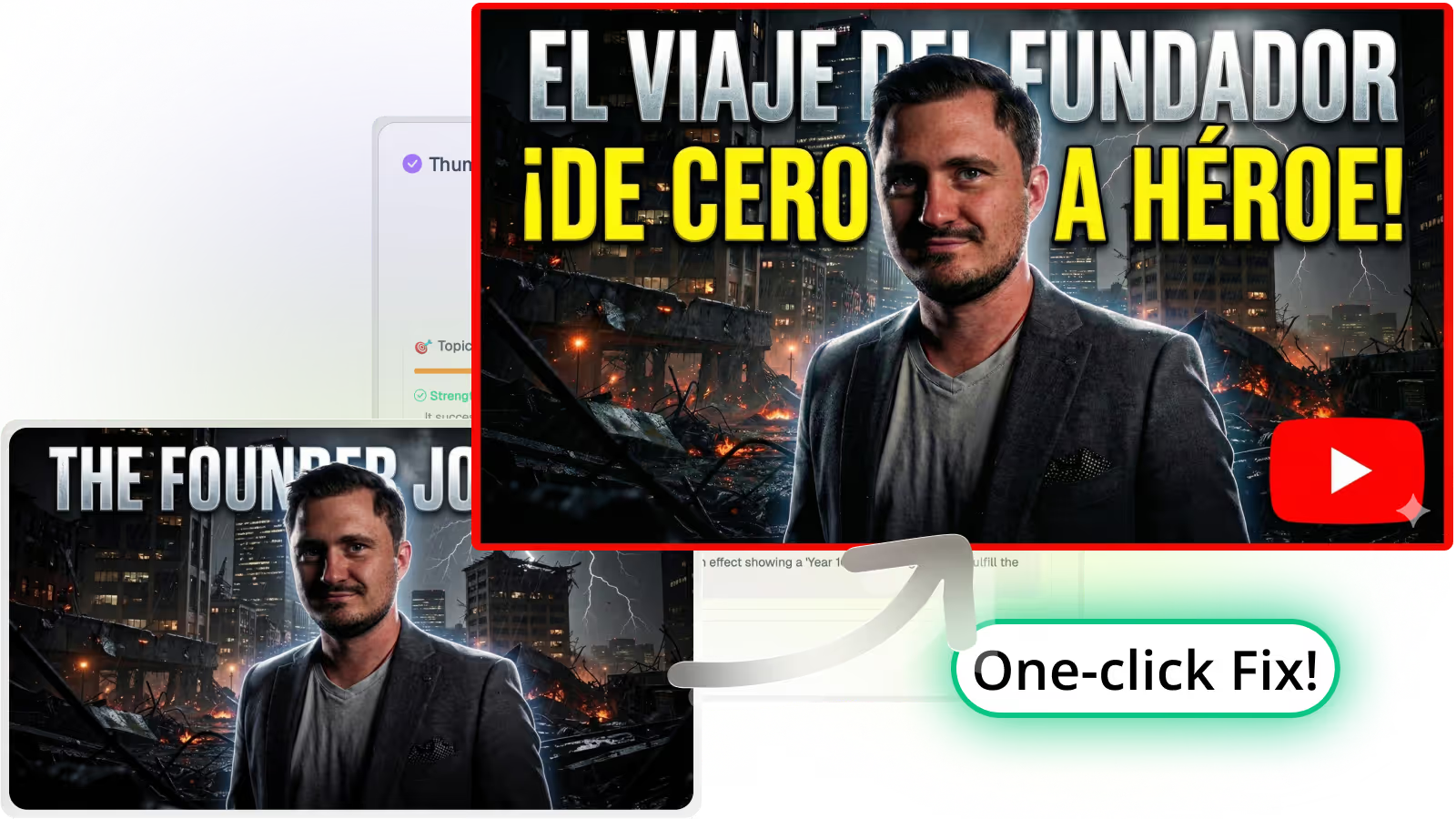
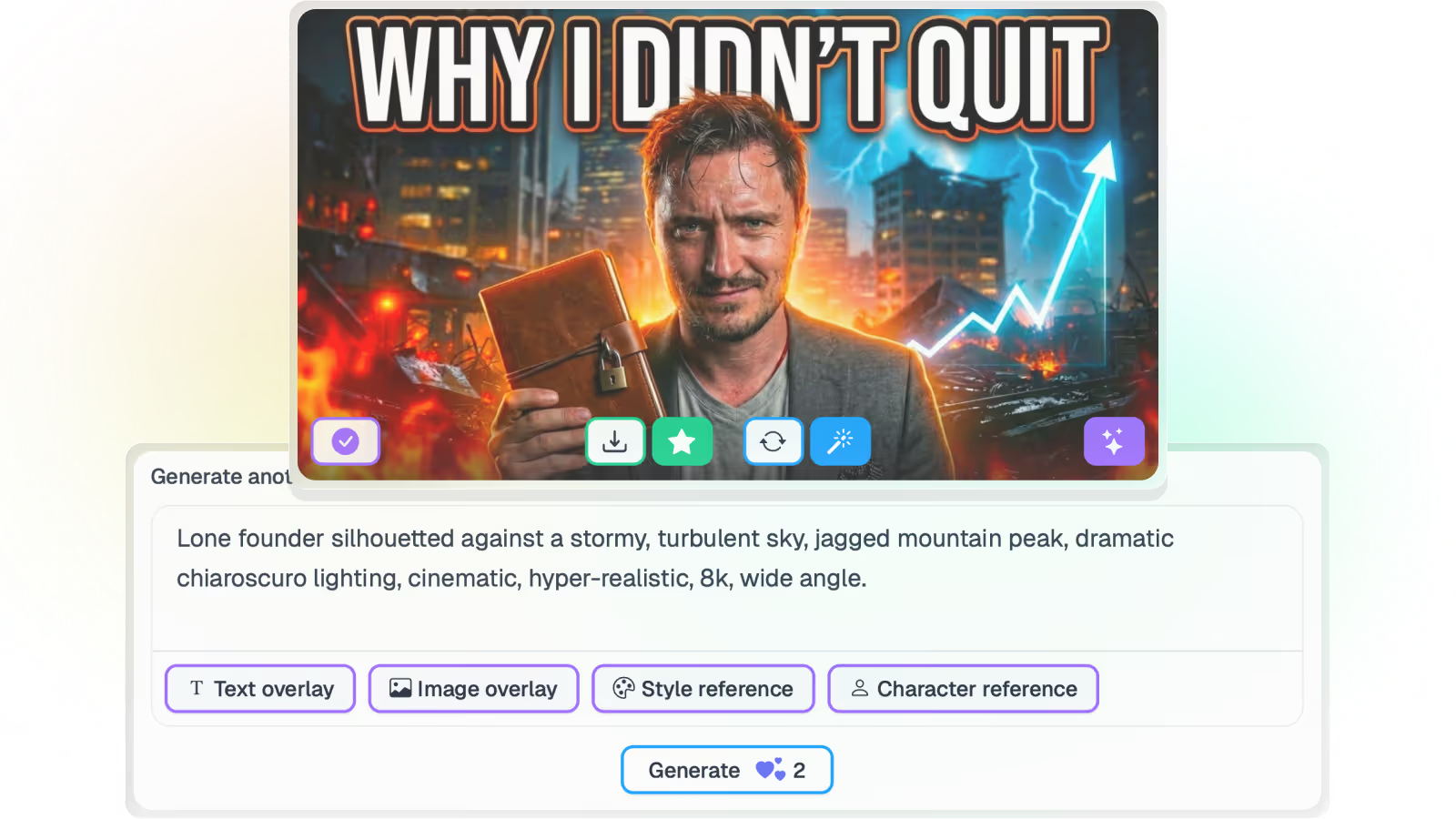
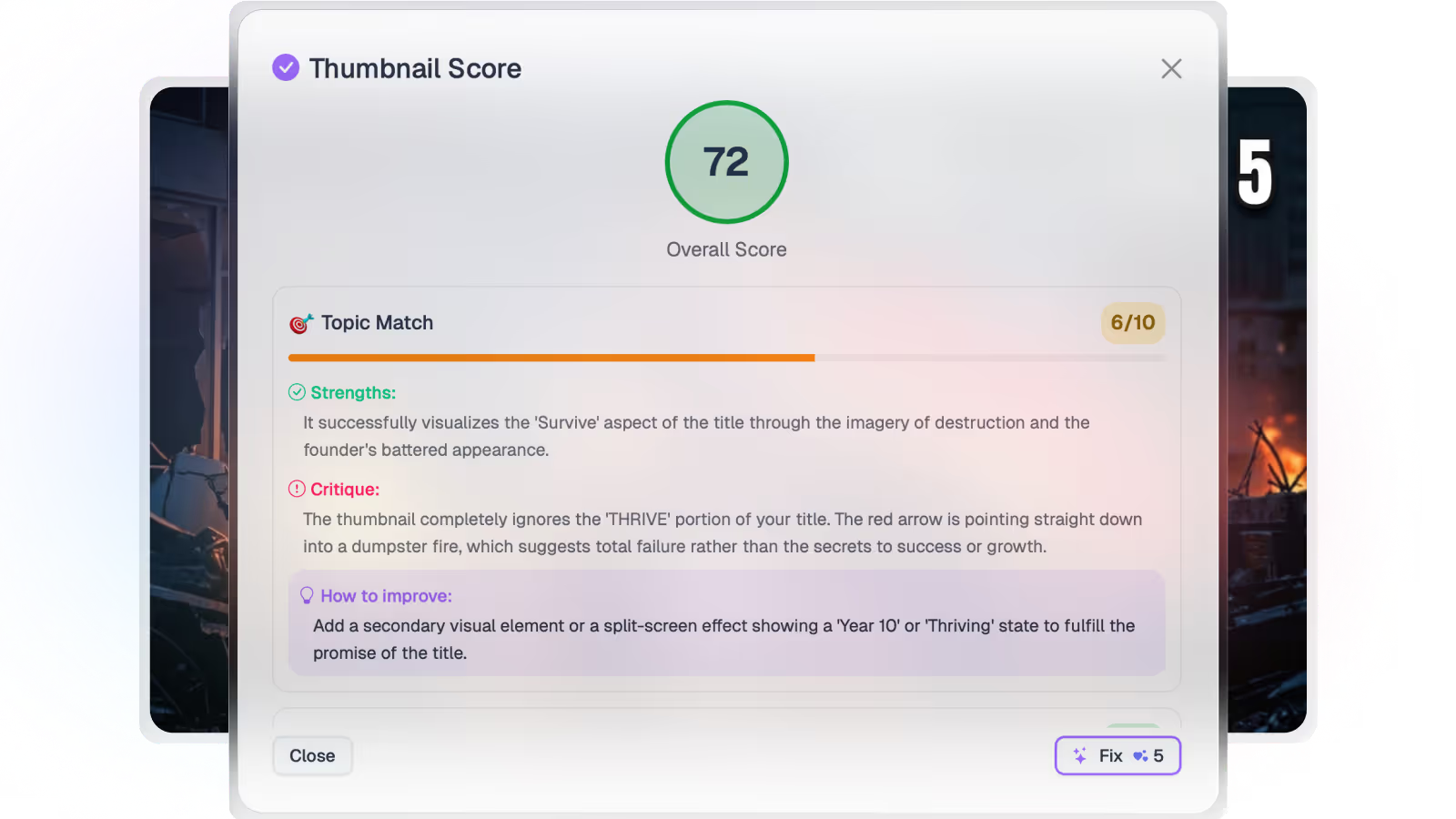
Consistency is not the same as performance, so the kit does not end the process. Every generated option is still scored for composition, legibility and title match before it goes live, overlay text can be translated for other markets without breaking the look, and approved thumbnails push straight to the connected channel.

Where this sits in Braiv Thumbnails

This is the brand-consistency attribute inside Braiv Thumbnails, alongside generation, style references, and scoring. Kits draw on the shared AI Credit balance — full plan detail on pricing.
The bigger picture

One capability, one step in a longer workflow

Braiv Thumbnails covers the Package stage. Braiv runs the rest of the sequence on the same recording — so what you make here ends up packaged, localized and published without leaving the platform.

See the full workflow
  1. 01 Capture Recorded once, ready to localize
  2. 02 Repurpose One video, dozens of assets
  3. 03 Package Packaged to perform
  4. 04 Localize Fluent in 80+ languages
  5. 05 Publish & Track Distributed and measured
Questions

Frequently asked questions

How do I build a thumbnail style guide in Braiv?
Import your channel’s recent thumbnails — up to 12 at a time — and choose the one to four covers that best represent the look you want to keep. Braiv analyses those into a brand guideline kit: palette, typography, layout conventions, the chrome that must always appear, and the things it should never copy across. From then on the kit is applied to new generations automatically.
Why not just use a template?
A template fixes the layout, which is why channels abandon them — every video is a different shape. A guideline kit fixes the *rules* instead: the palette, the type weight, the framing conventions. A tutorial and an interview can both look like your channel without being the same picture.
Can I keep different guidelines for different channels?
Yes, and this is the main reason agencies use it. Each connected channel carries its own kit, so a client’s look is applied to their uploads and never leaks into another roster. Business connects unlimited channels, Pro connects 10, Starter connects 3.
What is the difference between this and a style reference?
A style reference is a one-off: recreate the grammar of a thumbnail you found. A brand guideline kit is standing policy: this is what our channel looks like, applied to everything, until we change it.
Does the kit stop me experimenting?
No. The kit is a default, not a lock. You can override it for a single upload, run a deliberately off-brand test, or attach an outward style reference on top of it when you want to enter a format that is working elsewhere in your niche.
Does applying a kit cost extra credits?
A thumbnail generation starts at 20 AI credits and each attached reference adds 5. The Business plan includes 5,400 credits a month — up to 270 base generations — with Pro at 135 and Starter at 30. Unused credits roll over up to three times the monthly allowance.

Ready to Take Your Content Global?

Join over 100,000 creators scaling their reach with Braiv.
Get 150 AI Credits when you sign up today.