Early access Braiv Capture waitlist is open — record once, publish support videos in every language.

Braiv Capture vs Camtasia

The Camtasia alternative for localized software videos

Camtasia gives you a timeline and asks you to edit every language by hand. Braiv Capture replays the recording per locale and translates what is on the screen with it.

Trusted by 100,000+ creators, podcasters & businesses globally
Creators and teams who trust Braiv for AI video production
domaine homes logo
puma logo
tesla logo
micd-up logo
antler logo
canva logo
thirdi logo
screenapp logo
anchored outdoors logo
domaine homes logo
puma logo
tesla logo
micd-up logo
antler logo
canva logo
thirdi logo
screenapp logo
anchored outdoors logo
Side by side

Braiv Capture and Camtasia, row by row

Competitor behaviour below reflects TechSmith’s public Camtasia pages as checked on 9 August 2026, including their stated translation coverage.

Capability Braiv Capture Camtasia
Available today Early access waitlist Included
Desktop timeline editing and effects Not included Included
Filler words removed automatically Included Included
Narration rewritten, not just trimmed Included Not included
AI voiceover in your own cloned voice Included AI voices and avatars
Audio and transcript translation 80+ languages via Braiv Dubbing 7 languages, 9 dialects
On-screen text and callouts localized automatically Included Edit per language
Demo re-recorded in your localized UI Included Not included
Matching step-by-step article per language Included Not included
The short answer

Which one should you pick?

Camtasia is the stronger editor and the right tool when a video needs hand-crafting. Braiv Capture is the stronger pipeline when the same walkthrough has to exist in eight languages and be refreshed every release.

Choose Braiv Capture if

  • You maintain a library, not a handful of hero videos
  • Each new language should not mean another manual edit
  • The interface in the recording has to be localized too
  • You can wait for early access — Capture is not generally available yet

Stick with Camtasia if

  • You want frame-level control on a desktop timeline
  • Your videos are one-off productions with bespoke editing
  • You already own it and English plus a few dubs is enough
Where Braiv pulls ahead

Where the per-language work actually goes

Cleaning up narration, translating a video and re-recording a demo are all possible in an editor. The question is how much of it you redo for the ninth language.

01

AI voiceover cleanup and redub

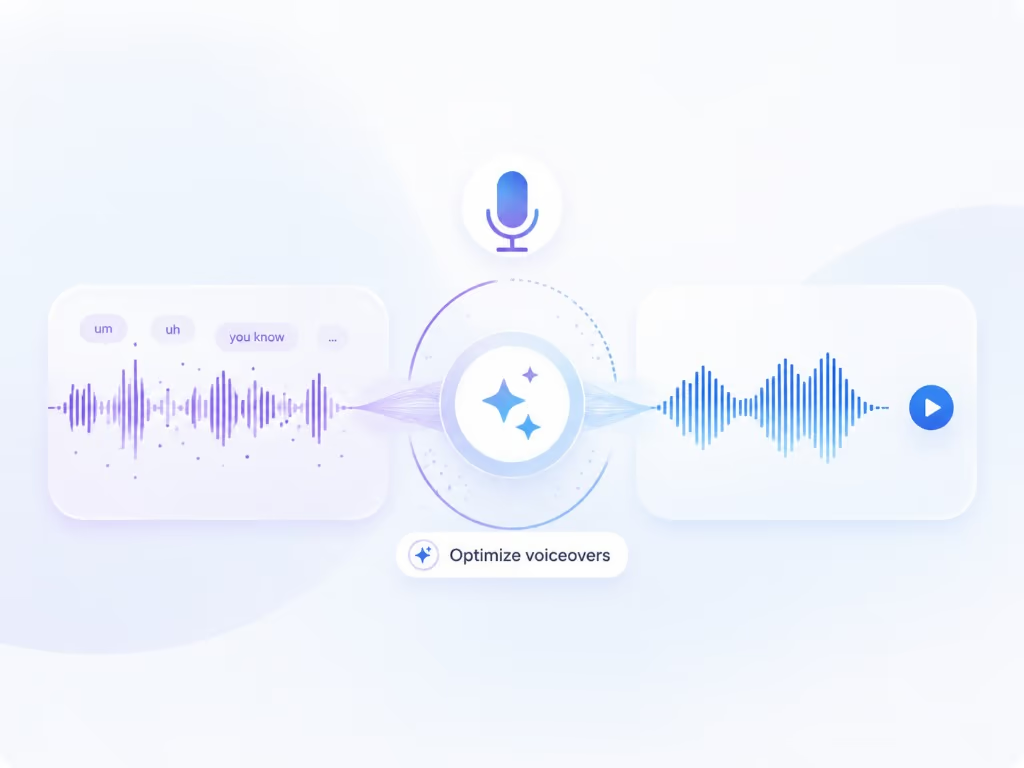
Braiv Capture strips ums, ahs, and false starts from your screen recording, rewrites the narration into support-doc language, then redubs it with a Braiv Speech narration voice clone — so a first take publishes like a scripted one.

Learn more
02

Support video translation, audio and on-screen text

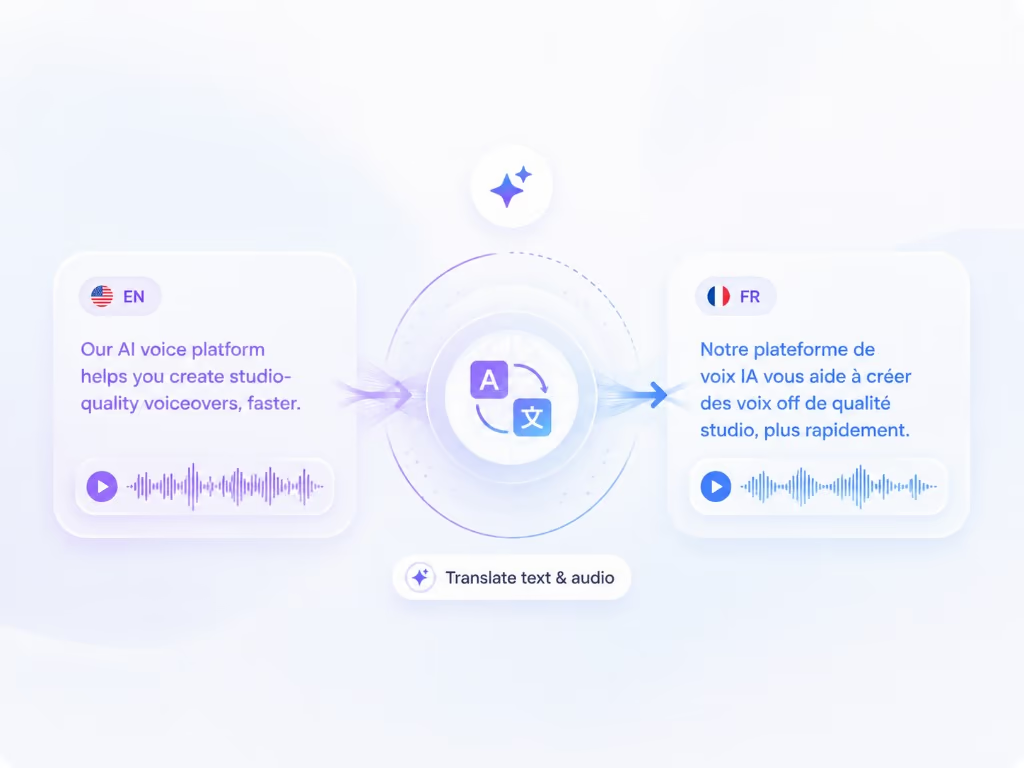
Dub a screen recording into another language and translate the on-screen text with it — narration, captions, callouts, and text overlays localized in the same pass, so a walkthrough never switches back to English halfway through.

Learn more
03

Automated re-recording in a localized UI

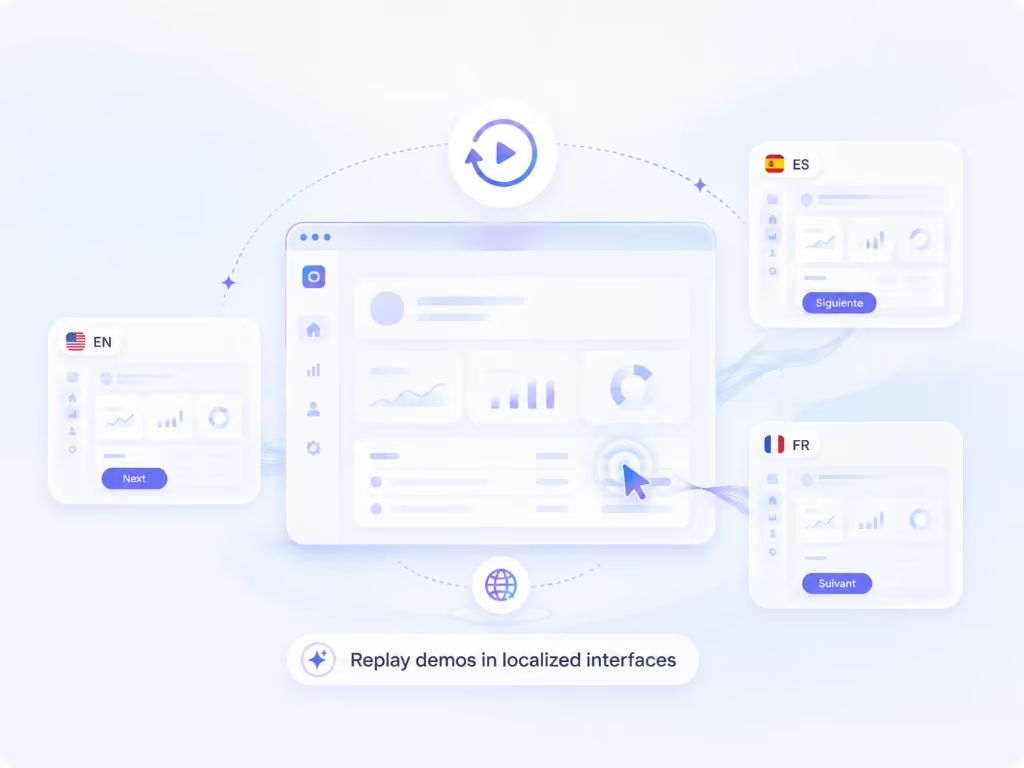
Capture keeps your walkthrough as a replayable session, so the same steps can be re-recorded against your product in another language — a native screencast per market without re-shooting anything.

Learn more
The detail

In more detail

Camtasia is a better editor than we are trying to be

TechSmith has spent two decades on the best-known screen-recording editor for tutorials, training and software demos, and the current version is not standing still: AI voiceover, AI avatars, automatic filler-word removal, editing video by editing text, and translation of audio and transcripts into 7 languages and 9 dialects.

So the honest framing of this comparison is not “Camtasia is old”. It is that Camtasia is a production tool and Braiv Capture is a pipeline. If you make ten videos a year and each one deserves attention, a timeline is the right answer. If you maintain a hundred walkthroughs across eight markets and every release changes a screen, the timeline is where your team’s month disappears.

Competitor behaviour on this page reflects TechSmith’s public Camtasia pages as checked on 9 August 2026.

The ninth language is where editors break down

Localizing a tutorial in an editor is a per-language job. Swap the audio track, retime the callouts because the new narration is 20% longer, retype the annotations, re-render, re-upload. Then a release renames a menu and every language version is subtly wrong at once.

Braiv Capture moves that work up the chain. The recording is stored as a replayable session, not a flat export, so producing the German version means replaying the steps against your German interface — not editing a German copy of the timeline. The tenth language costs roughly what the second did.

Translating the audio is the half everyone ships

Camtasia’s translation covers audio and transcript into 7 languages and 9 dialects, as they state. That is genuinely useful and it is also the audio layer.

A software tutorial instructs through the picture. The menu label, the field name, the callout you added to point at the button, the caption burned along the bottom — translate the narration and leave those, and the viewer is still reading English while listening to Portuguese. Capture treats narration, captions, titles, callouts and on-screen text as one translation pass, then re-records the screen where your product is already localized.

Cleanup versus rewriting

Both tools will remove your “ums”. Only one rewrites the sentence.

Automatic filler-word removal leaves the phrasing intact — the false start, the “sorry, let me go back”, the sentence that wandered. Capture treats the recording as source material rather than a final take: the transcript is rewritten into instructional language and regenerated in your cloned voice, which is why a subject-matter expert can record between meetings and still publish something that sounds rehearsed.

Early access, stated plainly

Capture is pre-launch — invite-based access, waitlist below, no self-serve signup yet.

Keep Camtasia for the videos that deserve an editor. Get on the waitlist for the library that has to exist in every language by next quarter.


Questions

Frequently asked questions

Is Braiv Capture available yet?
Not generally. Capture is in early access with invite-based access — the waitlist on this page is the queue. Camtasia is a shipping product you can install today, so if you need to edit a video this week, that is the honest recommendation.
Does Camtasia translate videos?
Yes, within limits they state plainly. As checked on 9 August 2026, TechSmith advertises translating your audio and transcription into 7 languages and 9 dialects, with the AI avatar, script and audio translation and dubbing features described as part of their higher tier. Braiv Dubbing covers a much wider language set, and Braiv Capture also translates the text visible on screen rather than the audio track alone.
Can Camtasia translate the on-screen text and callouts?
Annotations, callouts and titles you add on the timeline are editable objects, so they can be changed per language — by hand, once per language, every time the video changes. And the recorded interface underneath them stays whatever was captured. Braiv Capture translates captions, titles, callouts and on-screen text in the same pass as the audio.
How do you avoid re-recording the demo for every language?
Capture keeps the walkthrough as a replayable session rather than a flat export, so the same steps can be run again against your product switched to another language. The requirement is that your product is already localized — Braiv records the real interface, it does not synthesise one.
Does Camtasia remove filler words too?
It does — TechSmith advertises automatic detection and removal of filler words and hesitations. The difference is what happens next. Removing "um" leaves the clumsy sentence around it, whereas Capture rewrites the narration into support-doc language and regenerates it with a Braiv Speech clone of your voice, so the published take reads like it was scripted.
Is there a written guide as well as the video?
Yes. The cleaned script also produces a step-by-step help article in each language, which is normally a separate job in a separate tool after the edit is finished.
Can I still edit anything, or is it all automatic?
The script is the edit surface. You review and correct the cleaned narration per language before it renders, which is where the meaningful decisions live in instructional video. If a specific video genuinely needs timeline craft, Camtasia remains the better tool for that one video — the two are not mutually exclusive.

Be first to localize your support library

Join the early-access waitlist and we'll reach out when your workspace can record once and publish support content in every language.