Delivering content globally used to mean uploading ten versions of the same video. With Braiv Player you upload once: viewers pick — or inherit — their language for dubbed audio and subtitles inside a single branded embed.
One package, Netflix-like language control
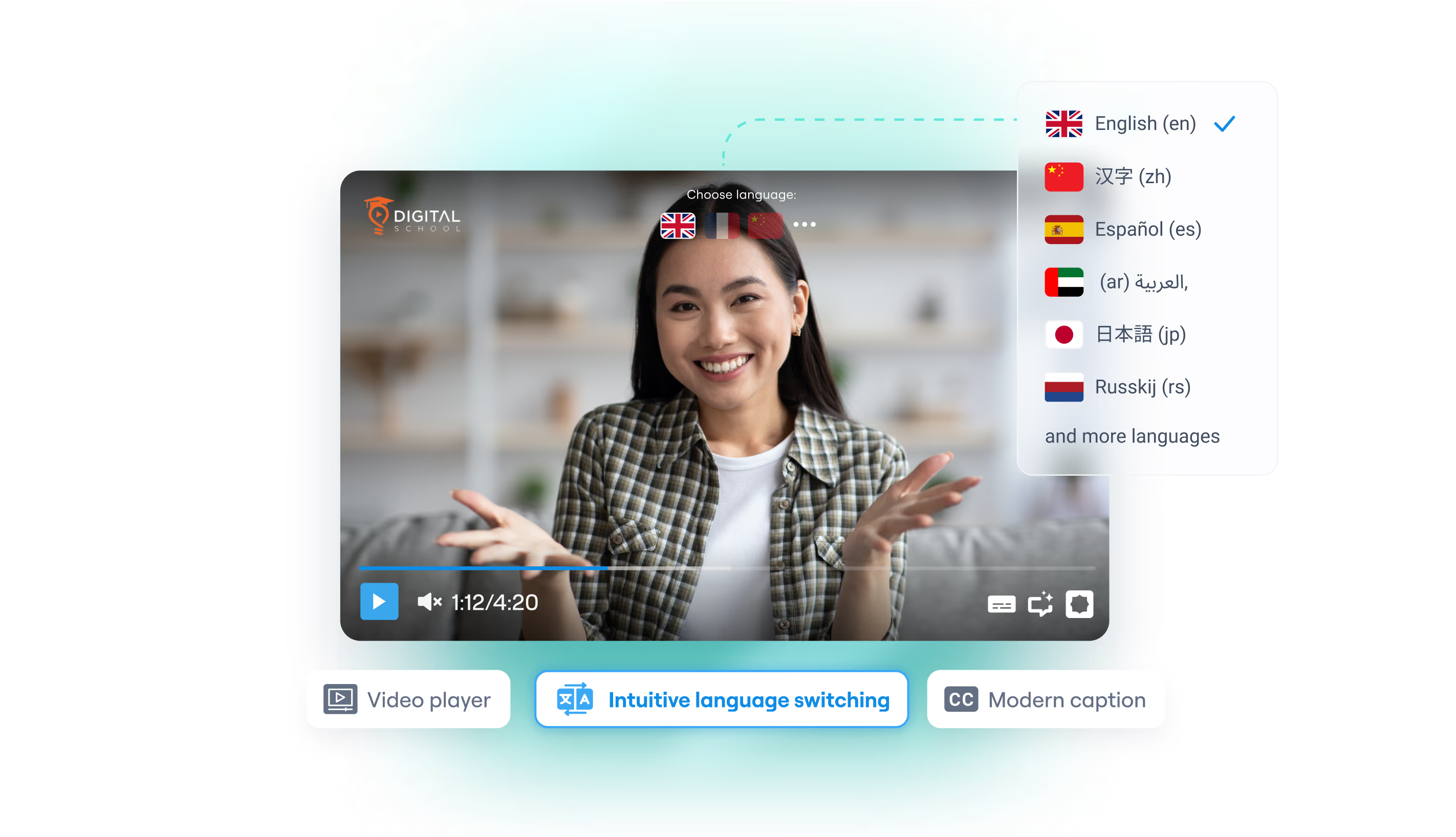
Host the source, dubbed tracks, and translated captions together. Viewers toggle Spanish, French, Hindi, and 80+ other language experiences without leaving the page — ideal for corporate training, courses, and premium creator content that cannot afford a YouTube-style distraction layer.
Branded, ad-free, embed anywhere
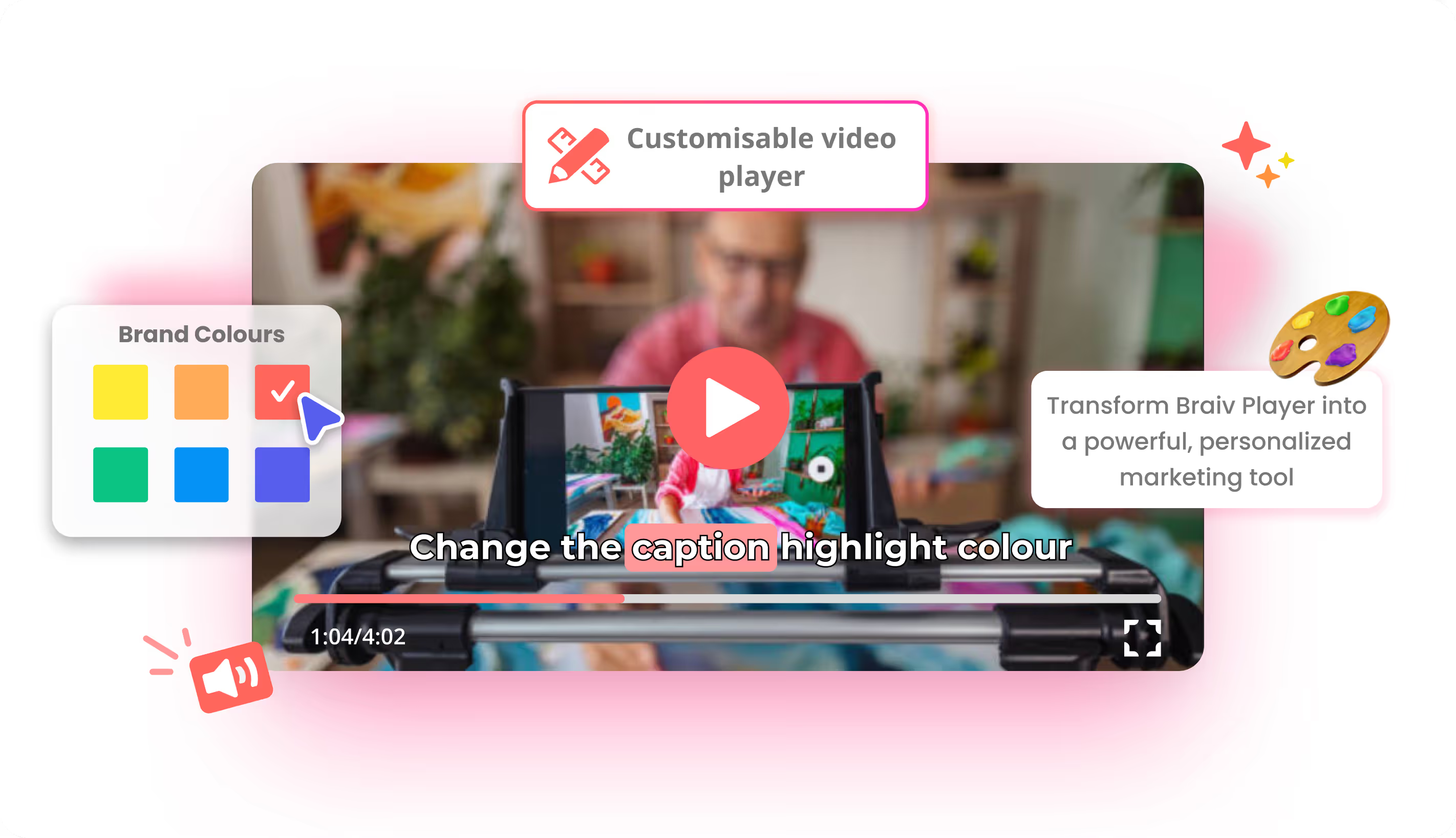
Customize logo, colors, and controls so the player feels native to your site or LMS. A lightweight iframe loads on WordPress, Webflow, custom HTML, Thinkific, Teachable, Kajabi, and similar platforms — without third-party ads or suggested videos pulling people away from the lesson.
Language that follows the viewer
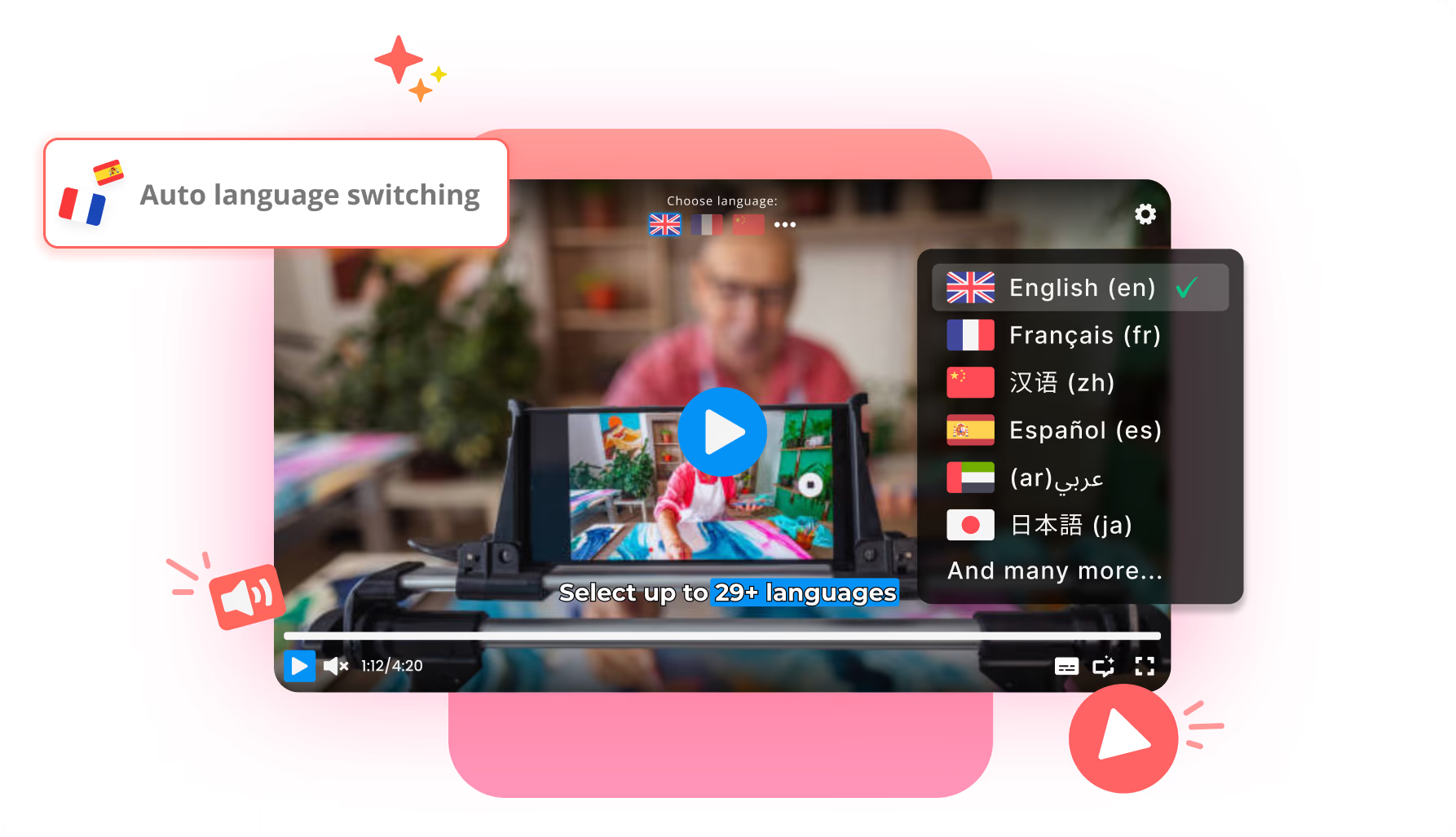
As a language-switching player, Braiv can default to the browser language before play starts, then still allow manual switches. Retention improves when the first second is already in a language the viewer understands. Pair with Braiv Dubbing and captions on the same subscription — see pricing.