Early access Braiv Capture waitlist is open — record once, publish support videos in every language.

Trusted by 100,000+ creators, podcasters & businesses globally
Creators and teams who trust Braiv for AI video production
Braiv Dubbing

Take your videos global... in minutes

AI video dubbing with voice cloning and editable transcripts — so training, marketing, and creator content reaches every market without agencies or re-records.

Try For Free

Translate and dub your video

Choose how you bring in your video (YouTube link or upload), pick a target language, then we validate length and send you into Braiv dubbing.

Add a video URL or upload a video before translating.
At a glance
80+
Dubbing languages One upload, many markets — same cloned voice
300
Minutes/month on Business Credits roll over up to three times the allowance
1
Editable transcript Fix terms and pacing before you render
Optional
AI lip sync Match mouth movement when immersion matters
domaine homes logo
puma logo
tesla logo
micd-up logo
antler logo
canva logo
thirdi logo
screenapp logo
anchored outdoors logo
domaine homes logo
puma logo
tesla logo
micd-up logo
antler logo
canva logo
thirdi logo
screenapp logo
anchored outdoors logo
Part of the Braiv workflow
Capabilities

Built for localization at catalog scale

Three capabilities carry the job: full-video AI dubbing in 80+ languages, voice cloning that keeps the speaker sounding like themselves, and optional lip sync when on-camera immersion matters.

01

AI video dubbing in 80+ languages

Transcribe, translate, and regenerate audio with voice cloning that keeps the speaker identity — then review the transcript before you render and ship.

  • Affordable AI Voice dubbing
  • Natural voice replication
  • Transcript translation editing
Learn more
02

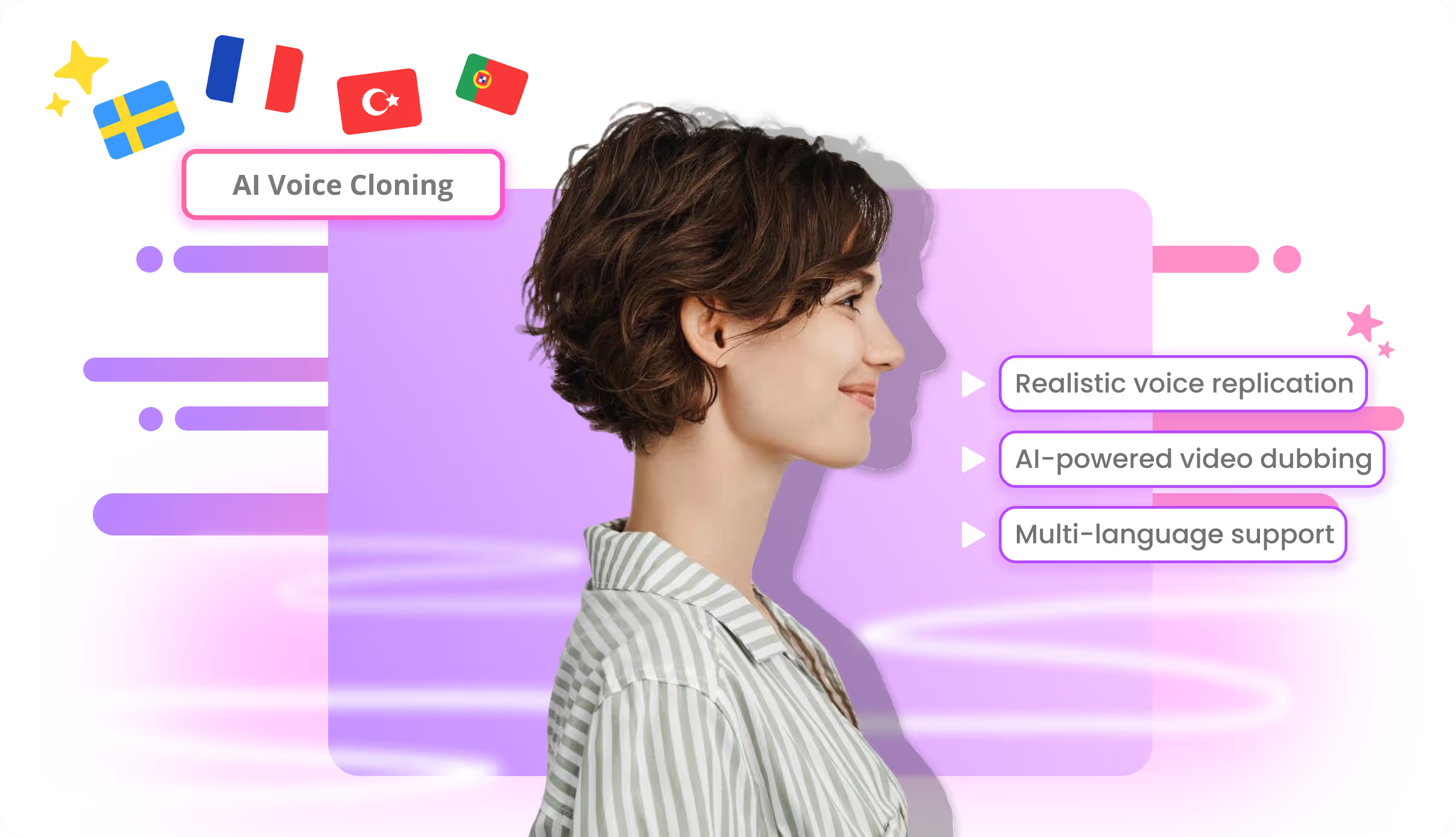
AI voice cloning for video dubbing

Voice cloning for video localization matches tone and speaking style across markets, so Spanish, Hindi, or Japanese dubs still read as the original speaker.

  • Natural voice replication
  • Multi-language support
  • Authentic foreign accents
Learn more
03

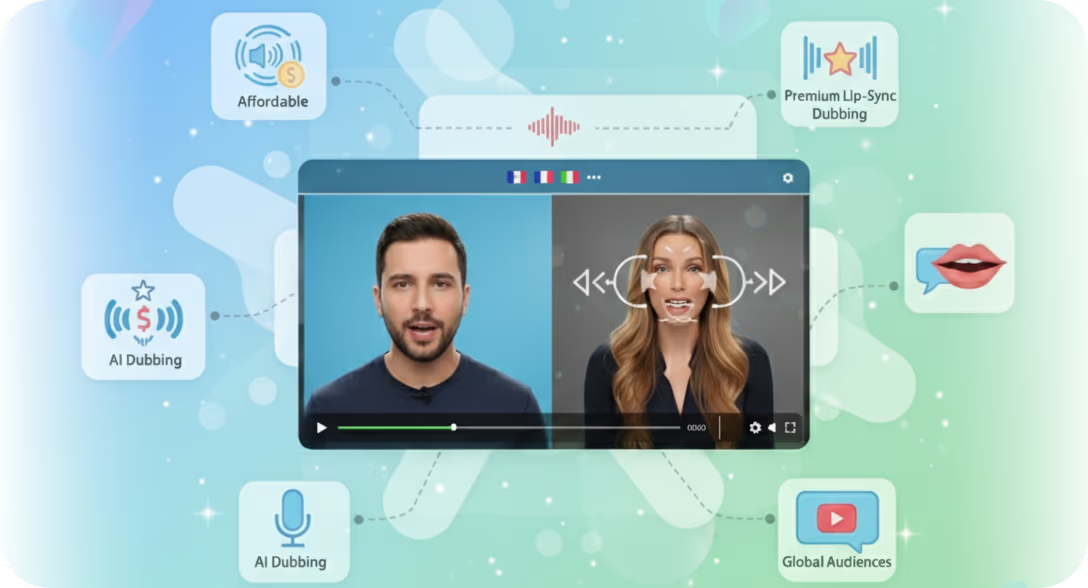
AI lip sync for dubbed video

Toggle lip sync inside Braiv Dubbing when immersion matters. Skip it when speed and AI Credits matter more — the picture stays your source footage either way.

  • Affordable AI lipsync
  • Industry leading AI lipsync
  • 10 minute lipsync
Learn more
How it works

From upload to published

  1. 01

    Upload or paste a link

    Drop an MP4 or a YouTube URL. Braiv transcribes the source, detects speakers, and prepares a translation workspace — no desktop install.

  2. 02

    Review the transcript, keep the voice

    Edit translations and timing in the browser. Voice cloning carries tone and style into every target language so the dub still sounds like the original speaker.

  3. 03

    Render, optional lip sync, publish

    Generate dubbed audio, add lip sync when you need it, then package with captions, thumbnails, and metadata across every connected channel.

Deep dive

Everything you need to know about Braiv Dubbing

Most AI dubbing tools stop at a voice track. The real job for creators, L&D, and marketing teams is getting a video into every market — with the same speaker identity, an editable script, and a path to publish — without agencies or re-records.

Braiv Dubbing is built for that pipeline: translate, clone the voice, optionally lip-sync, then package and ship.

Clone the voice, not a stock narrator

Voice cloning is in the dubbing workflow, not a separate product. Braiv carries tone, pacing, and style into 80+ languages so a Spanish or Japanese version still sounds like the original presenter. Teams review and edit the transcript before render, which matters when product names, compliance language, or brand terms have to land exactly right.

Browser-based, catalog-ready

Upload an MP4 or paste a YouTube URL. Transcription, translation, synthesis, and mixing run in the cloud — no desktop install, no export-stitch-import loop. Optional AI lip sync is there when on-camera immersion matters; skip it when speed and cost matter more. Either way, the picture stays the source you uploaded.

One subscription through publish

A dubbed file still needs captions, localized thumbnails, and SEO metadata before it earns views. The same Braiv subscription covers those stages and native publishing to connected channels, so localization is not four tools and four invoices. Support content runs on this same engine too: Braiv Capture uses Braiv Dubbing to localize product walkthroughs, cloning either the original recording or a cleaned Braiv Speech voiceover. If you are comparing voice-first or avatar-first stacks, see the ElevenLabs alternative and HeyGen alternative pages, and pricing for credit detail.


Questions

Frequently asked questions

Can I try AI video dubbing before committing to a plan?
Yes. Every new Braiv account includes AI Credits to dub sample content into any of our 80+ languages. Evaluate voice cloning quality on your own videos before upgrading for production volume.
Can I dub videos online without installing software?
Yes. Braiv runs entirely in your browser. Upload a file or paste a YouTube link — no desktop software, plugins, or local rendering required.
Does AI dubbing clone my actual voice?
Yes. Voice cloning is built into the dubbing workflow. Braiv analyzes your tone and speaking style so translated audio sounds like you — not a generic text-to-speech voice.
Is this a viable ElevenLabs video dubbing or HeyGen alternative?
Yes. Braiv is built for multi-channel creators and studios: dubbing into 80+ languages sits inside a pipeline that also covers translation, thumbnails, shorts, and publishing. Compare our HeyGen alternative and ElevenLabs alternative pages for workflow and pricing details.
How accurate is the AI voice translation?
Braiv uses contextual models so translations are culturally appropriate for the target audience, not just word-for-word. Every dub includes an editable transcript so you can correct terminology before final render.
What does it cost to dub content into several languages?
Dubbing is billed from your plan's monthly AI credits rather than per language, so five languages costs five times the credits of one — not five subscriptions. On our Business plan you can dub across up to 10 video languages from your monthly AI Credits; unused credits roll over up to three times the monthly allowance, and usage beyond it is billed per credit rather than blocked. Full detail on pricing.
Does dubbing reduce my video quality?
Dubbing replaces the audio track and leaves your footage as the source you uploaded — the picture is not regenerated. Plan limits are expressed in minutes of managed video by duration, not by resolution tier.
Where does Braiv fit among AI dubbing platforms?
Voice-first tools lead on raw synthesis APIs; avatar-first tools lead on presenter video. Braiv sits with workflow platforms: dubbing is one stage of a pipeline that also covers captions, thumbnails, shorts, and publishing to every connected channel on one subscription.

Ready to Take Your Content Global?

Join over 100,000 creators scaling their reach with Braiv.
Get 150 AI Credits when you sign up today.