Support content ages badly and multiplies fast. Every release changes a screen, every new market needs the same twenty walkthroughs again, and the person who knows the product best is rarely the person who wants to re-record twenty videos in a studio voice.
Braiv Capture is built for that specific problem: record the task once, imperfectly, and let Braiv produce the polished, localized versions.
What English-only support content costs you
The bill arrives quietly, in three places:
- A help centre that is out of date in every language but one. The English article got updated after the release. The other six did not, so your best-documented markets are the ones you sell to least.
- Tickets that only exist because the video did not fit. When self-serve help is unreadable, customers ask a person instead — and the same twenty questions arrive per market, per week.
- A re-shoot bill that scales with your roadmap. Ship weekly, and every screen change quietly invalidates the tutorial library. Re-recording is hard in one language and off the table in ten.
None of that is a translation budget problem. It is a production problem: the assets are built in a way that makes every language and every release a new project.
Translated audio over an English screen does not help
Dubbing the voiceover is the easy half, and it is the half most tools ship. Read the fine print on “publish in 50+ languages” and it almost always means the audio track.
A support video also carries captions, callouts, titles, and the interface itself. A walkthrough that talks in Portuguese while every menu stays in English still leaves the viewer translating the screen in their head — which is most of the effort you were trying to remove.
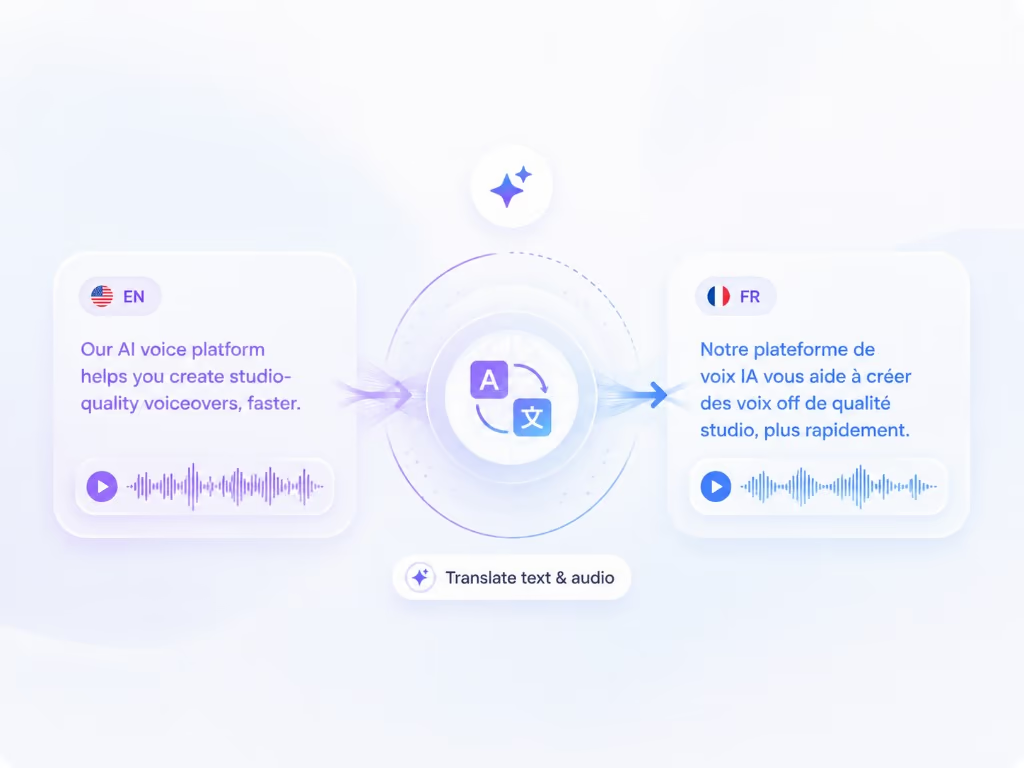
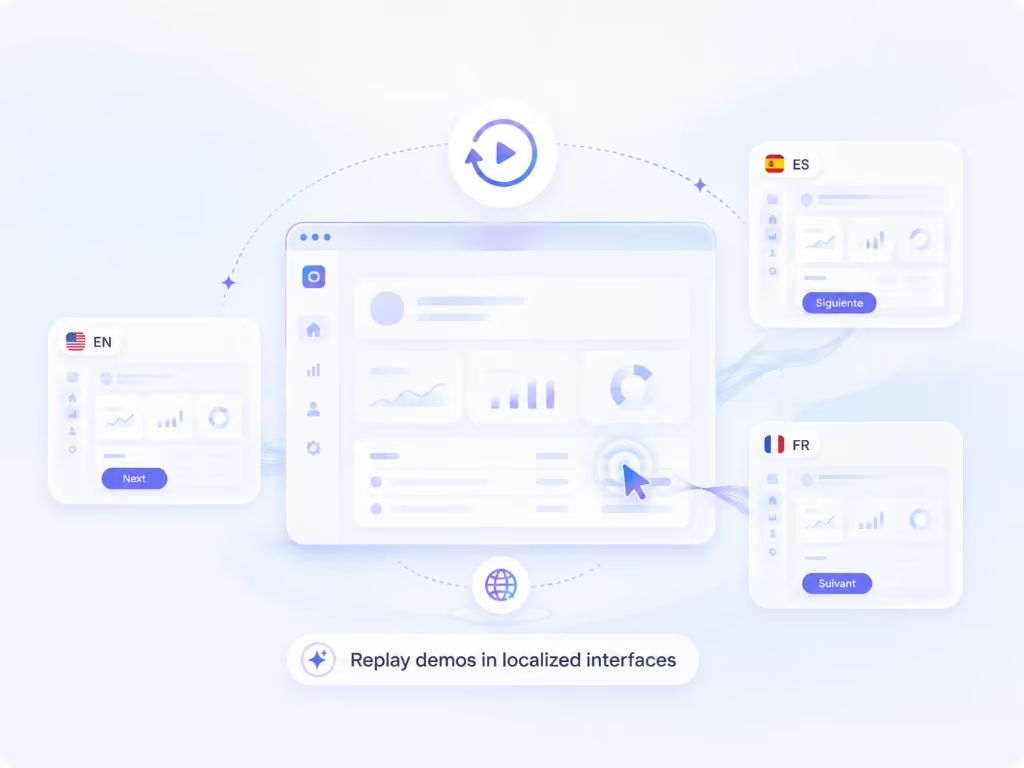
Capture localizes the whole asset: cleaned narration, dubbed audio, captions and on-screen text, and the screen recording itself replayed in your localized product.
The dubbing runs on Braiv Dubbing, and you decide what it clones: the original voice from your recording, or the cleaned Braiv Speech voiceover. Consistency across a library usually argues for the latter; a founder walkthrough where delivery is the point often argues for the former.
Your first take is the only take
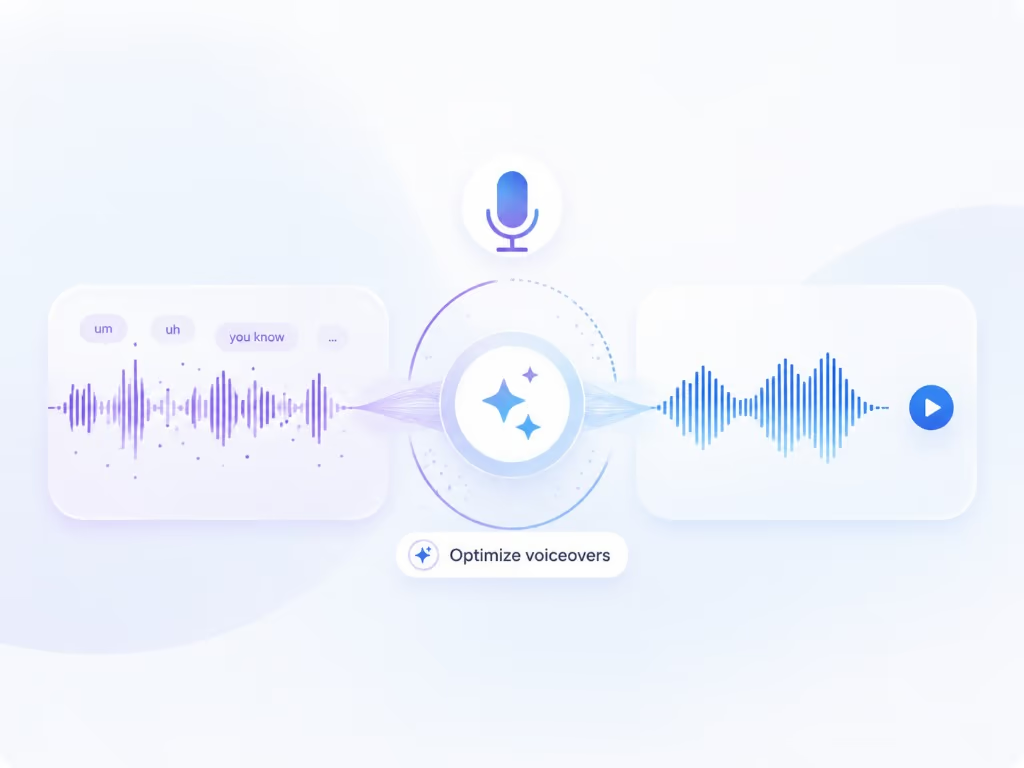
Most screen-recording tools ask you to perform. Capture assumes you will stumble, repeat yourself, and think out loud — then treats that as raw input. The transcript is rewritten into the tight, instructional language a help centre needs, and the narration is regenerated with a Braiv Speech voice clone: your voice, set up once and optimized for voiceover rather than conversation.
The practical effect is that subject-matter experts can record support content between meetings instead of booking a recording session.
How to make instructional videos without a production project
The same pipeline covers most of what a product team has to demonstrate: software tutorials, instructional videos, employee training videos, onboarding walkthroughs, and the help centre library. A screen recording with voiceover goes in; a publishable set of localized videos and articles comes out.
If you have looked into how to make instructional videos with AI, you have probably found tools that generate the content — a script about your product written by a model that has never used it, read by a stock voice over stock footage. Capture inverts that. The instruction is you performing the real task in the real interface; AI handles the cleanup, the translation, and the re-recording.
That matters because these assets usually get built in different tools by different teams — a training video in Canva or PowerPoint, a support clip in a screen recorder, an article in the help centre — and then none of them get localized. Capture makes the localized version the default output rather than a project someone has to fund later.
The demo, re-recorded for you
Because Capture keeps the walkthrough as a replayable session rather than a flat export, the same steps can be run again against your product in another language. That is the difference between a translated video and a native one: a French customer watches the French interface being used, at the same pace, with the same narration script.
For teams shipping a product in six languages, that removes the part of localization nobody has time for — re-shooting the screen.
Video and article, in sync
Every walkthrough produces two outputs from the same cleaned script: the support video and the written help article. When the wording changes, both change. When a language is added, both are added.
Capture is not a silo. It builds on Braiv Speech for the narration clone and Braiv Dubbing for localization, and pairs with Braiv Player so one embed serves every language in your help centre.