Why long-form needs a trailer, not just a cut
A 45-minute webinar or a two-hour podcast does not sell itself in a feed. Viewers need a reason to commit before they hit play on the full recording.
A promo is that reason: a short, trailer-style montage that teases the strongest moments and points back to the original. It is not a standalone chapter and not a vertical Short — it is the announcement asset.
Scoring hooks across the whole recording
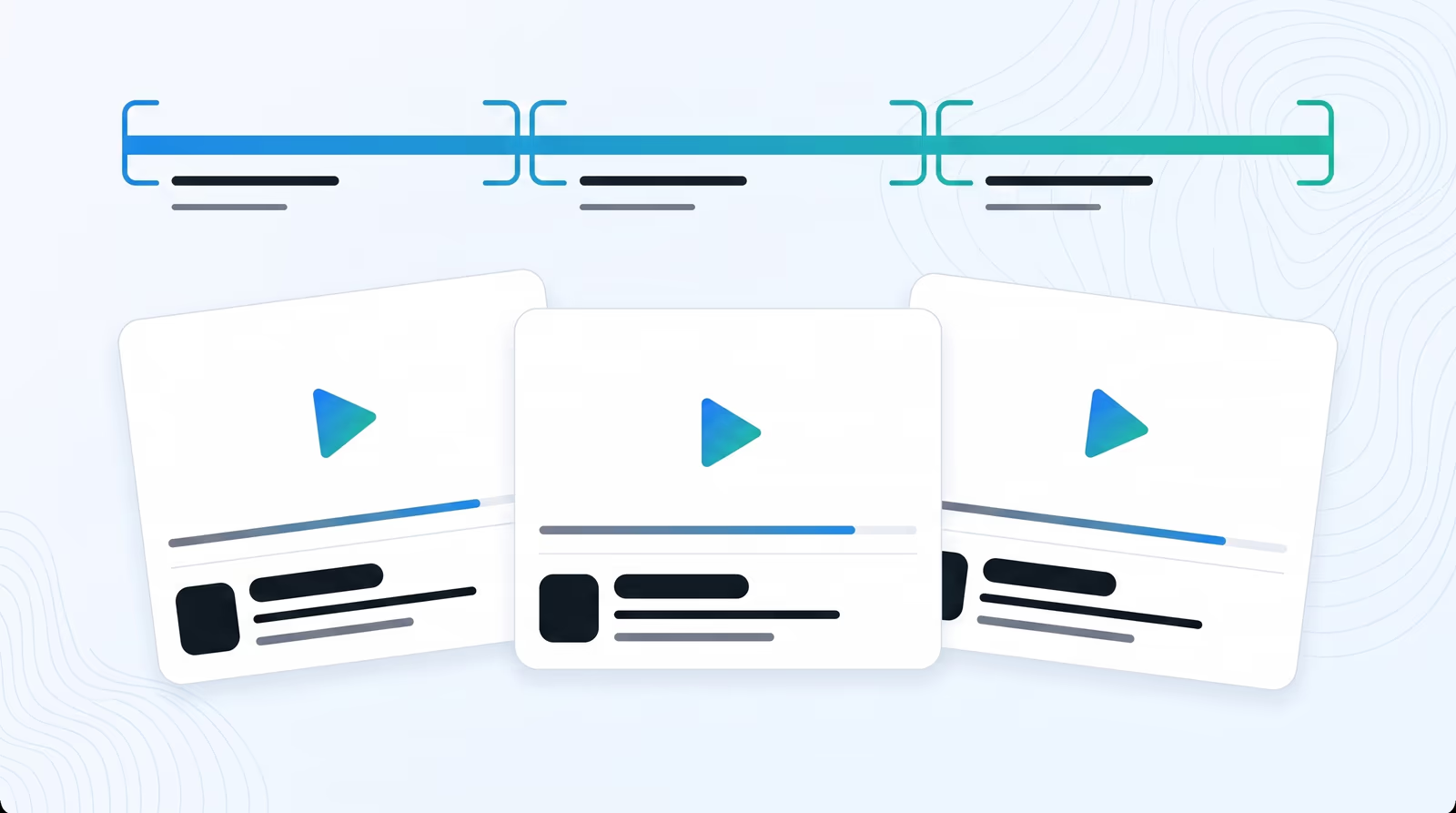
Manual trailer edits mean scrubbing for “good bits” and hoping the pacing works. Braiv scores the transcript and delivery for engagement, then shortlists moments that still land without the surrounding hour of context.
The montage is built to invite the full watch, not to replace it. Spoilers stay out; hooks stay in.
Soundtrack and packaging for launch day
A silent teaser underperforms a cut with a bed that ducks under speech. Braiv offers royalty-free soundtrack options so the promo is ready for registrations, episode drops, and multi-channel announcements without a separate audio pass.
Each promo also gets its own title and description, so the announcement asset can publish on its own timeline.
Promos beside clips and shorts
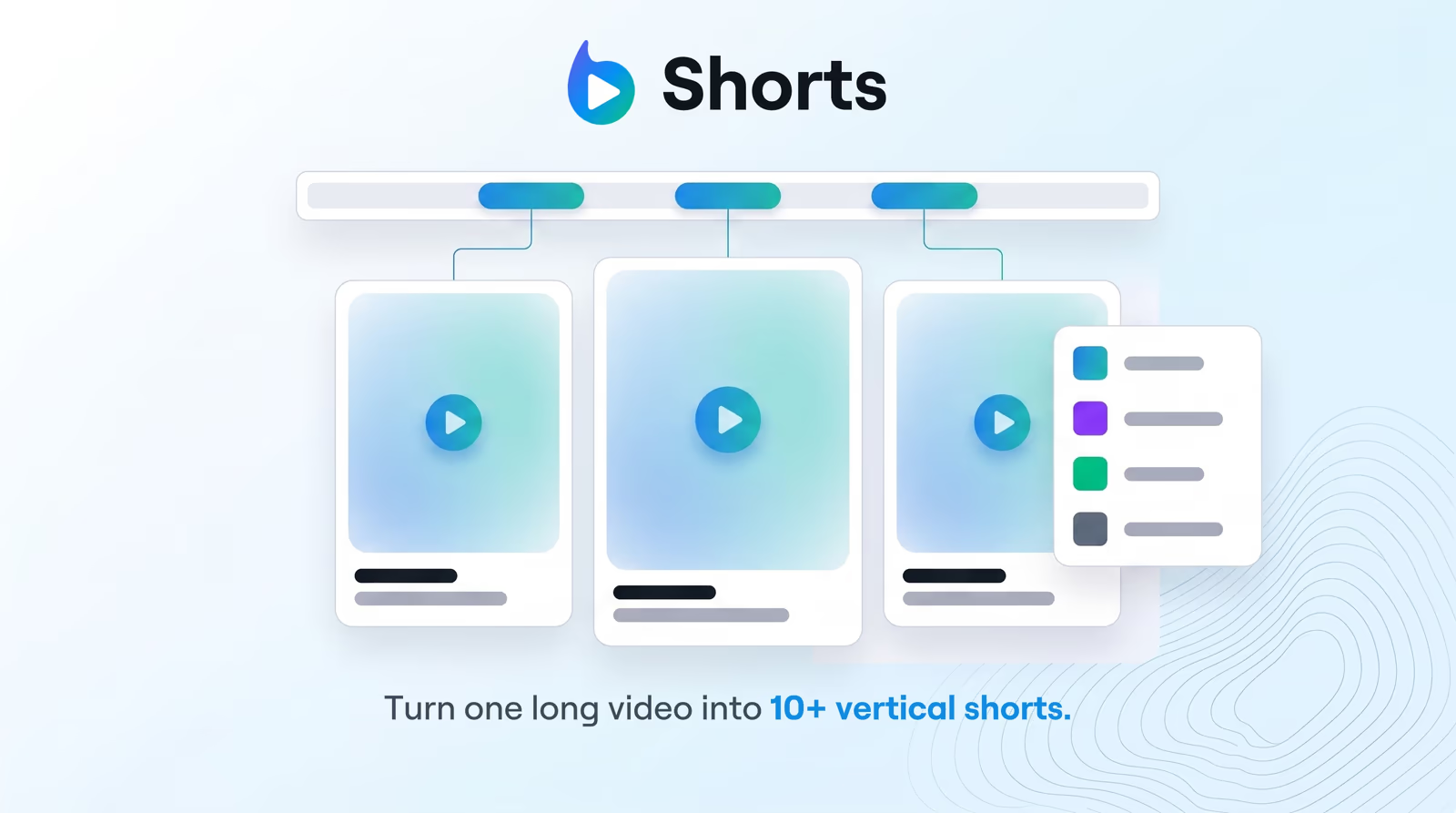
Use promos to sell the full recording. Use standalone AI clips when you need 5–25 minute stories that publish as their own videos. Use viral AI shorts when you need daily vertical volume for TikTok, Reels, and YouTube Shorts.
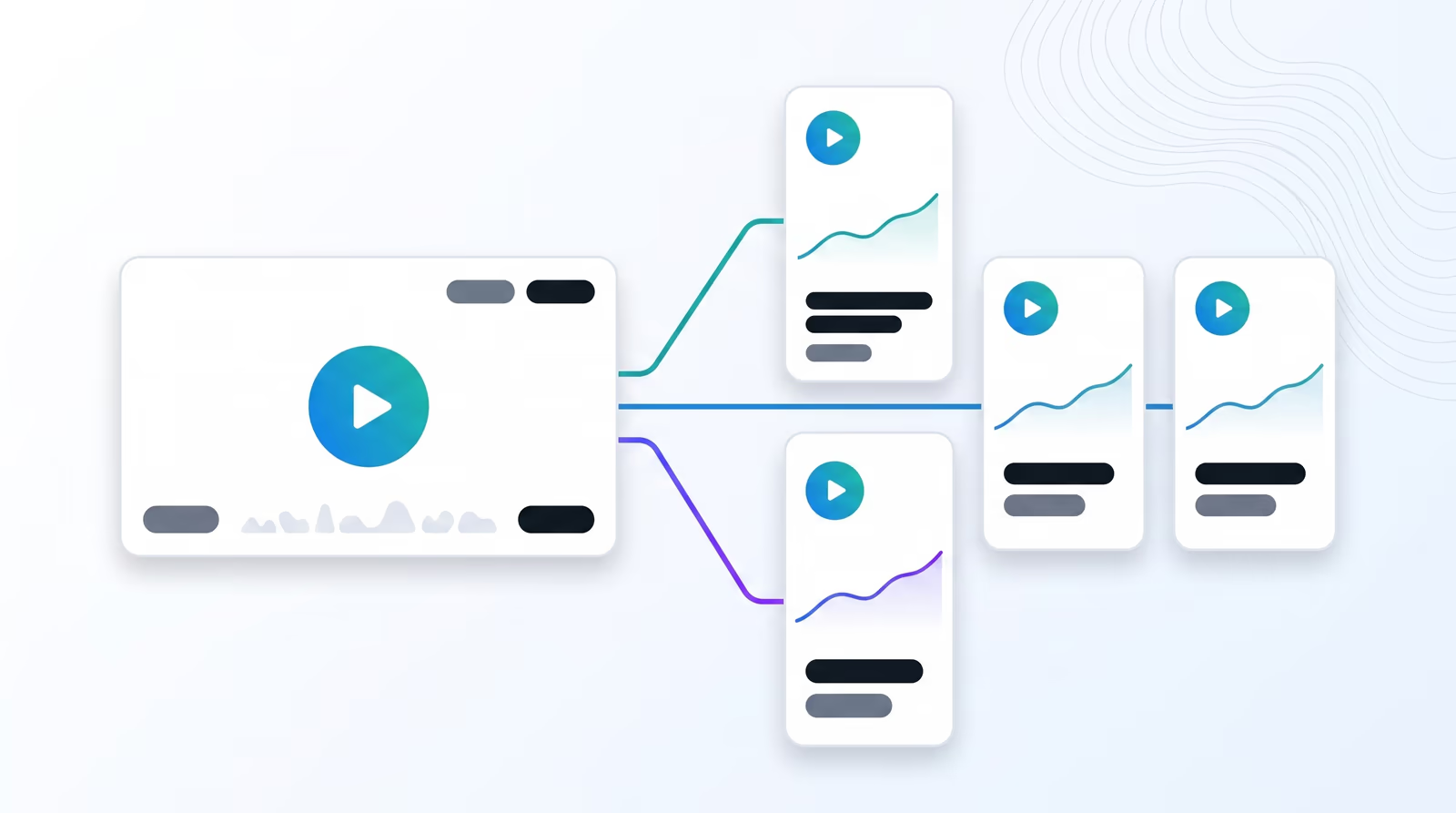
One webinar can ship all three — trailer, mid-length clips, and Shorts — from Braiv Shorts.
Where this sits in Braiv Shorts
This is the promo/trailer attribute inside Braiv Shorts. Pair with narrative clipping for the library and Shorts for the daily feed. Shared AI Credits and plan limits are on pricing.