

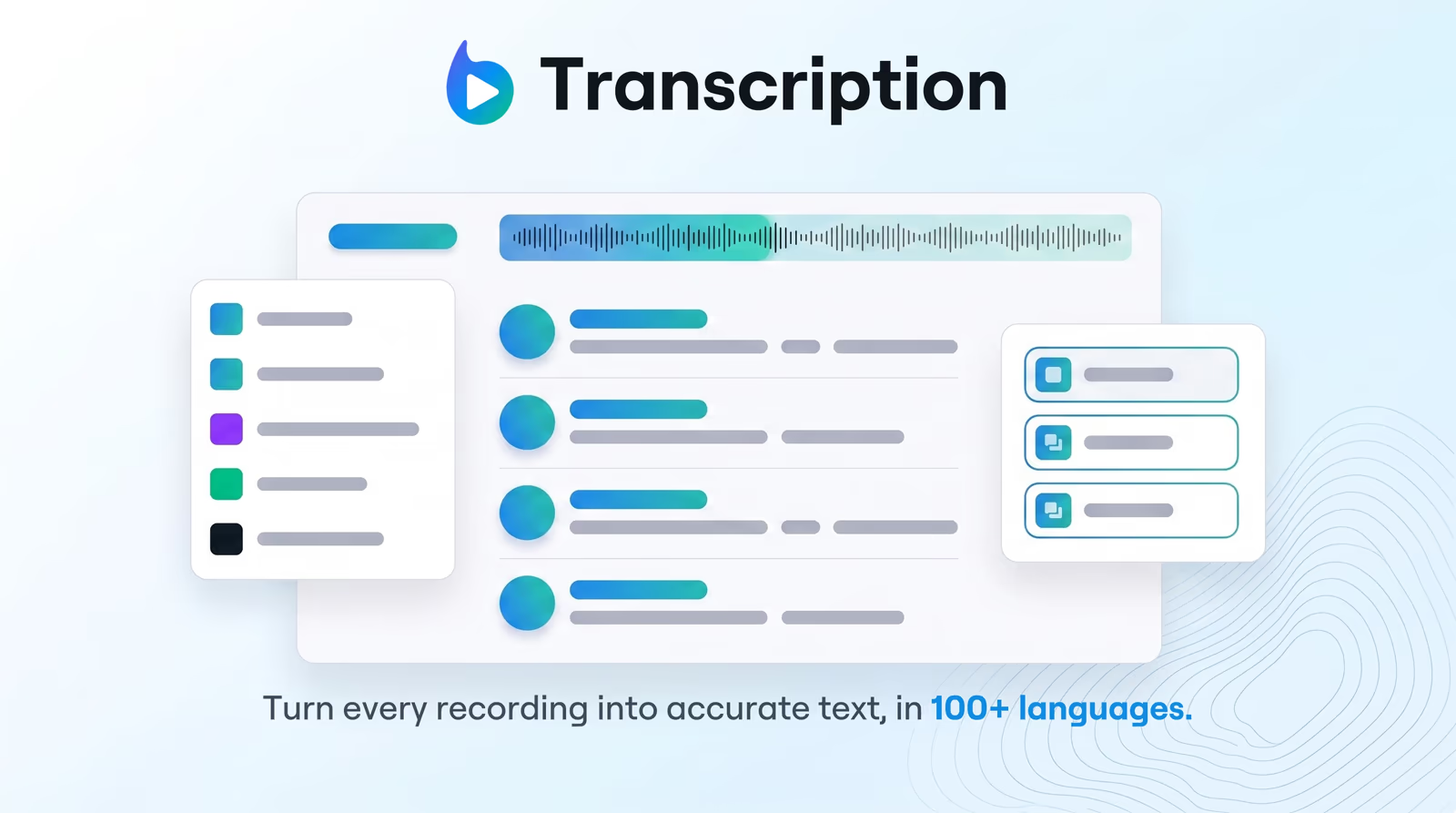
Early access Braiv Capture waitlist is open — record once, publish support videos in every language.

Trusted by 100,000+ creators, podcasters & businesses globally
Creators and teams who trust Braiv for AI video production

Speech to text in 100+ languages

Upload a file or paste a link — Braiv detects language, handles accents and dialects, and returns accurate text without per-file configuration.

Where this fits

Braiv Transcription

Enterprise-grade speech-to-text with speaker detection, timestamps, and instant translation into 80+ languages — so teams search, quote, and localize faster.

Explore Braiv Transcription

Capability 1 of 3

What this does

What multilingual transcription gives you

Transcribe audio and video in 100+ languages with automatic accent and dialect handling — the foundation for searchable scripts, captions, and localization.

  • Language detected for you

    Upload or paste a link — Braiv identifies the spoken language and starts speech-to-text.

  • Accents treated as normal

    Regional dialects and varied speech patterns are handled without a separate settings pass.

  • A script ready for the next step

    Searchable text that feeds diarization, translation into 80+ languages, captions, and dubbing.

Deep dive

Everything you need to know about AI transcription in 100+ languages

Transcription is the foundation, not a side tool

Most localization stacks fail at the first mile: if the transcript is wrong or missing for a language, every caption, short, and dub inherits the gap.

Braiv Transcription treats multilingual speech-to-text as that foundation — 100+ languages recognized so webinars, interviews, and courses become searchable text before you decide what to publish where.

Auto-detect instead of per-file setup

Catalogs are messy. One folder holds an English podcast, a Spanish customer call, and a Mandarin training module. Asking editors to tag language on every upload is how jobs stall.

Upload a file or paste a link; Braiv detects language and starts. Zero-configuration is not a gimmick — it is how mixed libraries get through the queue.

Accents and dialects are part of the job

Real speech is not broadcast English. Automatic accent and dialect handling means regional variation is expected input, not an error class you configure around.

That accuracy is what makes the next steps safe: speaker diarization needs a clean base script, and translation into 80+ languages should not be fixing recognition mistakes in every market.

From text to the rest of Braiv

A finished transcript exports as TXT, SRT, VTT, DOCX, or JSON — or feeds captions and dubbing without re-uploading. Multilingual STT is stage one of the pipeline, not a siloed converter.

See Braiv Transcription for the full product surface and pricing for credit detail.

Where this sits in Braiv Transcription

This is the language-coverage attribute inside Braiv Transcription. The same product also covers AI speaker diarization and transcription translation.
The bigger picture

One capability, one step in a longer workflow

Braiv Transcription covers the Localize stage. Braiv runs the rest of the sequence on the same recording — so what you make here ends up packaged, localized and published without leaving the platform.

See the full workflow
  1. 01 Capture Recorded once, ready to localize
  2. 02 Repurpose One video, dozens of assets
  3. 03 Package Packaged to perform
  4. 04 Localize Fluent in 80+ languages
  5. 05 Publish & Track Distributed and measured
Questions

Frequently asked questions

How many languages can Braiv transcribe?
Speech-to-text covers 100+ languages with automatic accent and dialect handling. That is recognition of the source audio — separate from translation, which covers 80+ target languages once you have a transcript.
Do I need to select the language before uploading?
Usually no. Braiv auto-detects the spoken language on upload or from a YouTube, Vimeo, or Dropbox link so you are not configuring every file in a mixed-language library.
What file types work for multilingual transcription?
Major audio and video formats including MP3, MP4, WAV, M4A, and WebM, plus direct links from YouTube, Vimeo, or Dropbox. Same intake whether the recording is English, Spanish, Mandarin, or another supported language.
How accurate is transcription across accents?
Models are built for real recordings — regional accents and mixed speech patterns — not studio-only English. You can still review and fix names or terms before export or translation.
Can I translate after transcribing?
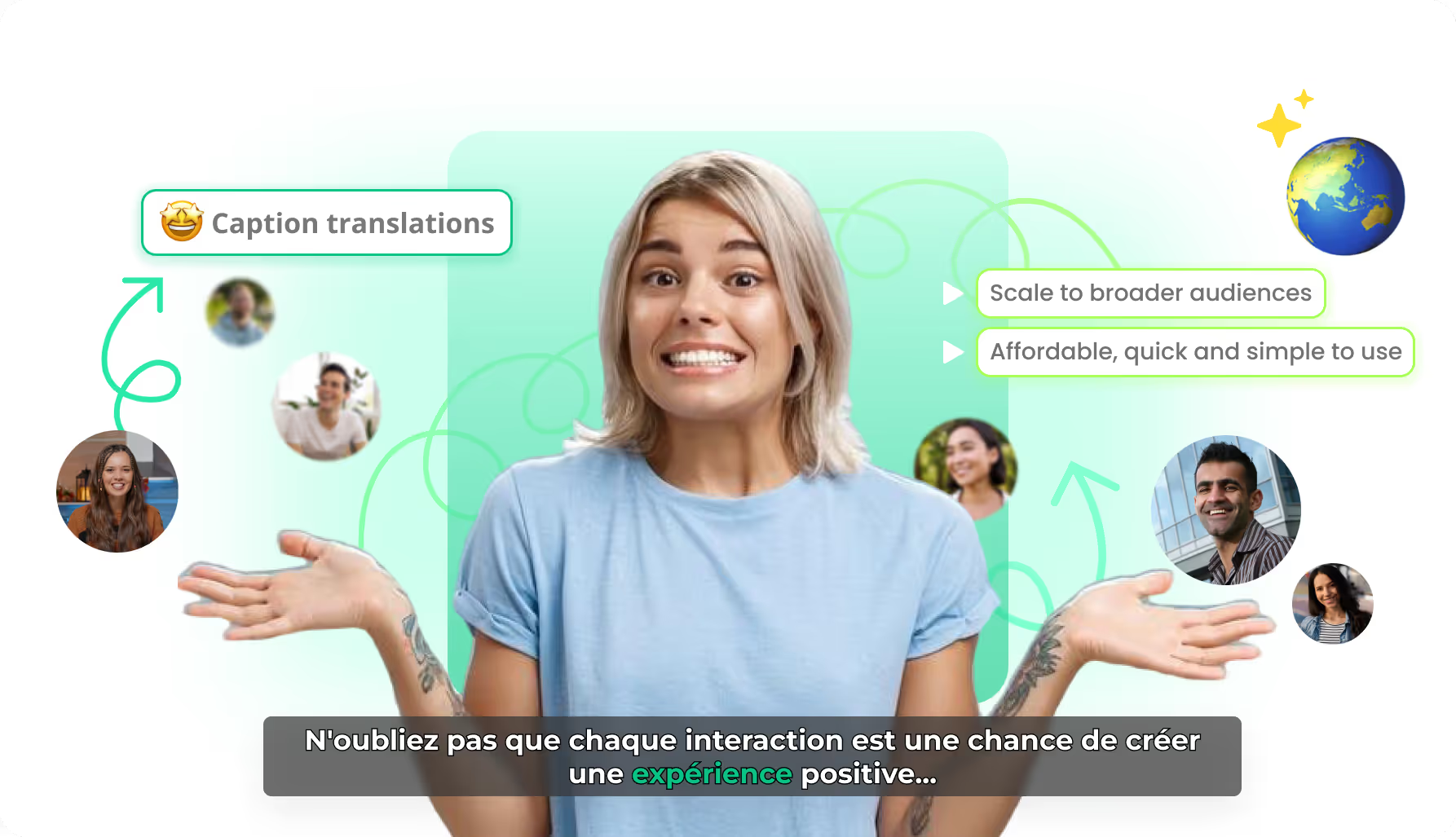
Yes. Transcription is the first stage. One click sends the script into 80+ languages with timeline sync preserved — see transcription translation and Braiv Dubbing.
How is transcription billed?
Through AI Credits based on audio length. New accounts include credits to evaluate accuracy on your own content. Full detail on pricing.

Ready to Take Your Content Global?

Join over 100,000 creators scaling their reach with Braiv.
Get 150 AI Credits when you sign up today.