

Early access Braiv Capture waitlist is open — record once, publish support videos in every language.

Trusted by 100,000+ creators, podcasters & businesses globally
Creators and teams who trust Braiv for AI video production

Know who said what — automatically

Braiv labels speakers and stamps every line so interviews, podcasts, and meetings become searchable, quotable scripts instead of a wall of text.

Where this fits

Braiv Transcription

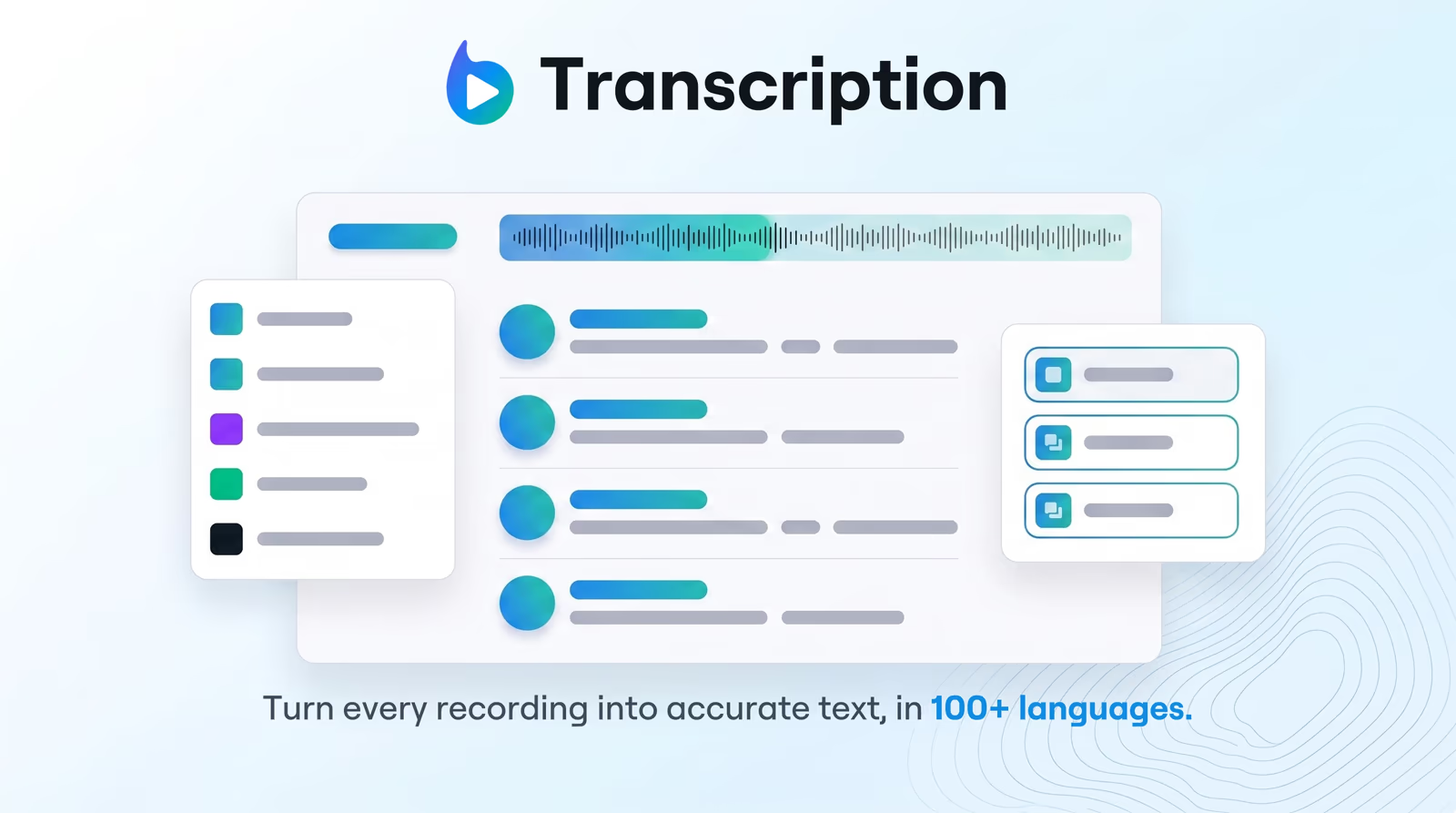
Enterprise-grade speech-to-text with speaker detection, timestamps, and instant translation into 80+ languages — so teams search, quote, and localize faster.

Explore Braiv Transcription

Capability 2 of 3

What this does

What diarization changes in the workflow

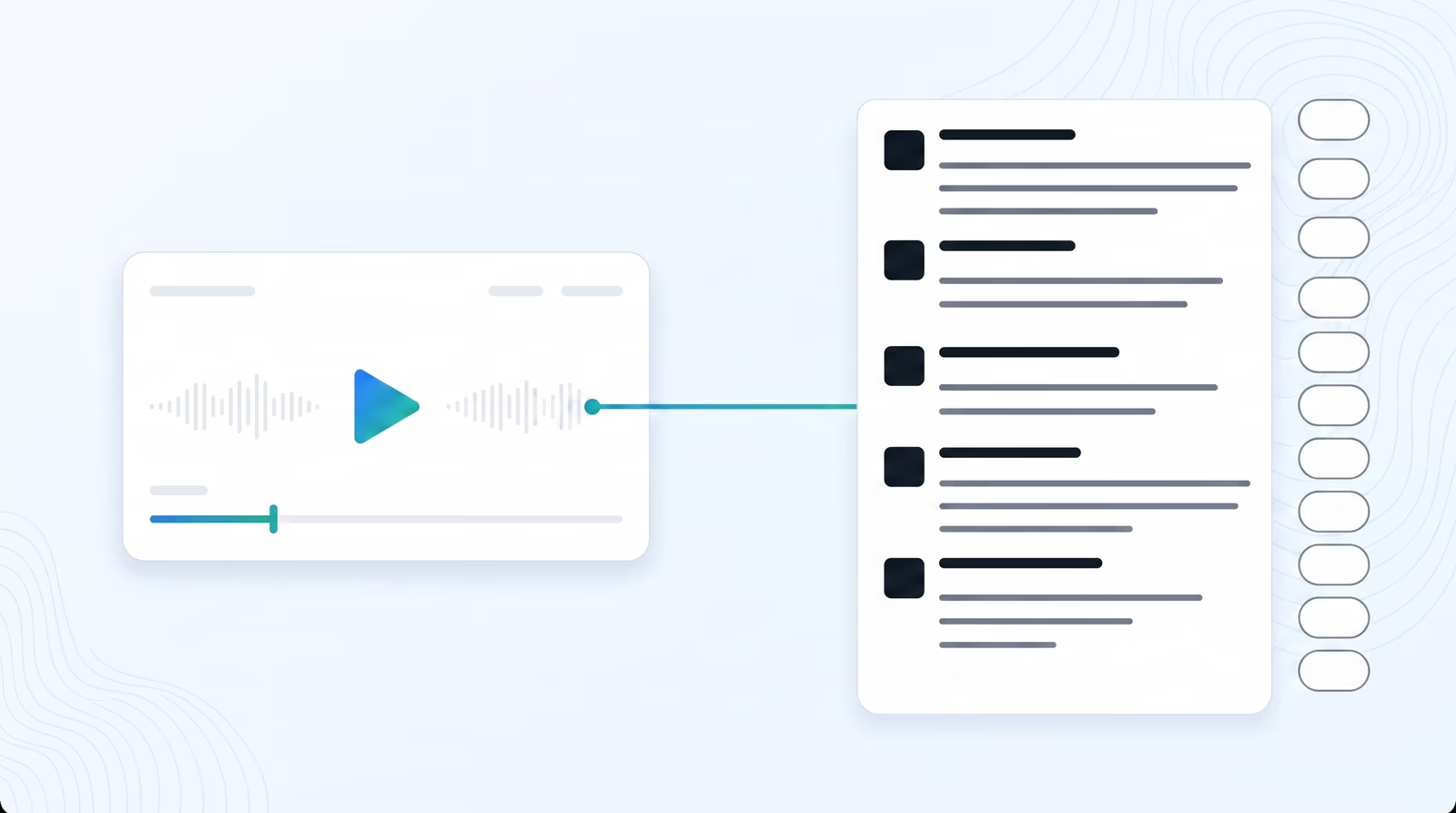
AI speaker diarization separates and labels speakers with precise timestamps — so teams jump to quotes, attribute sound bites, and hand clean scripts to editors.

  • Speakers labeled for you

    Speaker 1, Speaker 2, and so on — rename to real names across the transcript in one pass.

  • Timestamps you can click

    Jump through long recordings to the exact line instead of scrubbing a waveform.

  • Scripts editors can trust

    Attribute quotes and hand off clean dialogue without reconstructing who was talking.

Deep dive

Everything you need to know about AI speaker diarization for transcripts

A transcript without speakers is half a document

Wall-of-text transcripts force the next person to re-listen. For interviews, panels, and standups, the valuable unit is not “words that were said” — it is who owned the claim, the joke, or the decision.

Diarization turns the recording into dialogue: labeled speakers, stamped lines, and a document you can search and quote without reconstructing the room from memory.

How Braiv separates speakers

The model listens for vocal characteristics and acoustic signatures, then clusters turns into Speaker 1, Speaker 2, and so on. You rename those labels once; the assignment holds across the file.

That is enough for most podcasts, customer calls, and training sessions. You spend time verifying names and terms, not drawing boundaries on a waveform.

Timestamps make long files navigable

Hour-long interviews are unusable as plain text. With diarization and timestamps, editors jump to the moment, copy a attributed quote, and move on.

The same timeline bindings feed subtitle exports and later localization — the script stays a production asset, not a disposable dump.

From labeled script to translation and dubbing

Speaker-aware text is easier to translate and easier to dub: turns stay intact when you push into 80+ translation languages or send the job into Braiv Dubbing.

Upstream accuracy still matters — start from solid multilingual speech-to-text so labels are attached to the right words.

Where this sits in Braiv Transcription

This is the speaker-labeling attribute inside Braiv Transcription. The same product also covers transcription in 100+ languages and transcription translation. Credits and plans on pricing.
The bigger picture

One capability, one step in a longer workflow

Braiv Transcription covers the Localize stage. Braiv runs the rest of the sequence on the same recording — so what you make here ends up packaged, localized and published without leaving the platform.

See the full workflow
  1. 01 Capture Recorded once, ready to localize
  2. 02 Repurpose One video, dozens of assets
  3. 03 Package Packaged to perform
  4. 04 Localize Fluent in 80+ languages
  5. 05 Publish & Track Distributed and measured
Questions

Frequently asked questions

What is AI speaker diarization?
Diarization answers “who spoke when.” Braiv analyzes vocal characteristics in the recording, separates speakers, and labels them with timestamps so a multi-person session reads as dialogue instead of an anonymous block of text.
Can I rename speakers after labeling?
Yes. Default labels (Speaker 1, Speaker 2, and so on) can be renamed to real names across the transcript so exports and shared docs are ready for writers, legal, or L&D without a second cleanup pass.
Does diarization work on noisy or overlapping speech?
The engine clusters by vocal characteristics and is built for real meetings and interviews — including imperfect rooms. Heavy crosstalk may still need a quick human review on the hardest segments.
How do timestamps help after diarization?
Every line stays bound to the timeline. Click a stamp to jump in the player, pull a quote with attribution, or export SRT/VTT that still lines up for captions.
Does diarization work with multilingual transcription?
Yes. Diarization runs on the transcript Braiv produces — including speech-to-text in 100+ languages. Speaker labels travel with the script when you translate into 80+ languages.
Who uses speaker-aware transcripts?
Podcast and webinar teams pulling sound bites, L&D building searchable training archives, agencies processing client recordings, and compliance teams that need an auditable record of who said what. See Braiv Transcription and pricing.

Ready to Take Your Content Global?

Join over 100,000 creators scaling their reach with Braiv.
Get 150 AI Credits when you sign up today.