Why prompt-based thumbnail tools break at volume
Most AI thumbnail generators ask you to describe the image you want. That works for one hero upload. It collapses when the job is a daily channel, an agency roster, or a back catalog of hundreds of videos that never got a decent thumbnail.
The bottleneck is not art direction. It is describing the same kind of content over and over — or rewatching archive footage just so you can write a prompt. Generation that starts from the video removes that step.
Generation from transcript and frames
Braiv reads what is said and what is on screen, then proposes concepts grounded in the actual episode, webinar, or podcast — not a generic “excited creator pointing” template.
Each option comes back structured for the feed: text that stays legible at small sizes, contrast that holds on light and dark YouTube chrome, and a composition that still reads when it is a few centimeters wide on a phone.
Brand consistency without rebuilding every image
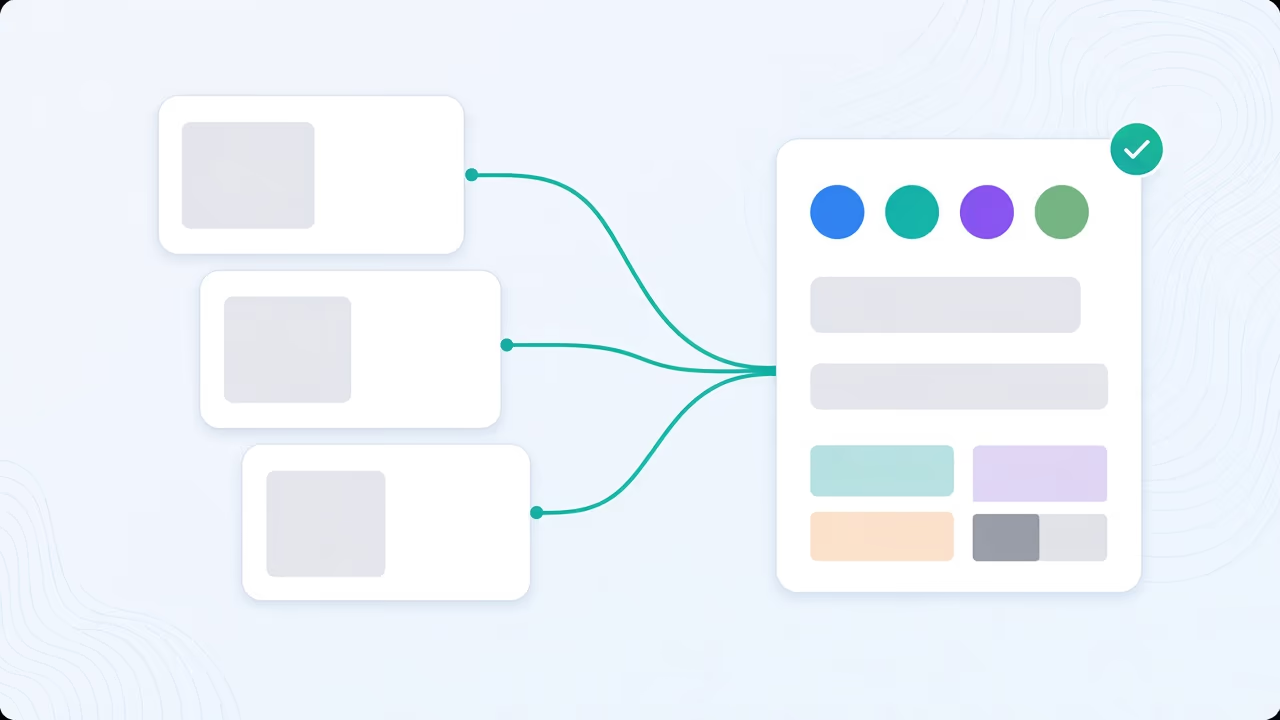
Volume only helps if the channel still looks like itself. Braiv applies your style, colors, and face assets across options so a week of uploads — or a dozen client channels — stays cohesive without opening Photoshop for every title card.
To make that permanent rather than per-upload, build a thumbnail brand guideline kit from covers that already performed. To borrow a look from outside your channel instead, attach a style reference — including one taken straight from a YouTube URL.
Creative or Precision — same action, different contract
Generation runs in one of two modes, and choosing the right one matters more than any prompt would.
Creative is free to invent: composed scenes, generated characters, stylised imagery, whatever produces the strongest click. It is the right default for entertainment, commentary and most lifestyle channels.
Precision is constrained to what is genuinely in the video. It selects real frames as the picture, switches character generation off entirely so no invented face appears, and lets you write the headline yourself or drop overlay text altogether. News, education, documentary and interview formats usually want this one. Full detail on Precision thumbnails.
Both modes honour your brand kit and style references — the difference is only whether the imagery is invented or taken from your footage.
Score, fix, and localize in the same pipeline
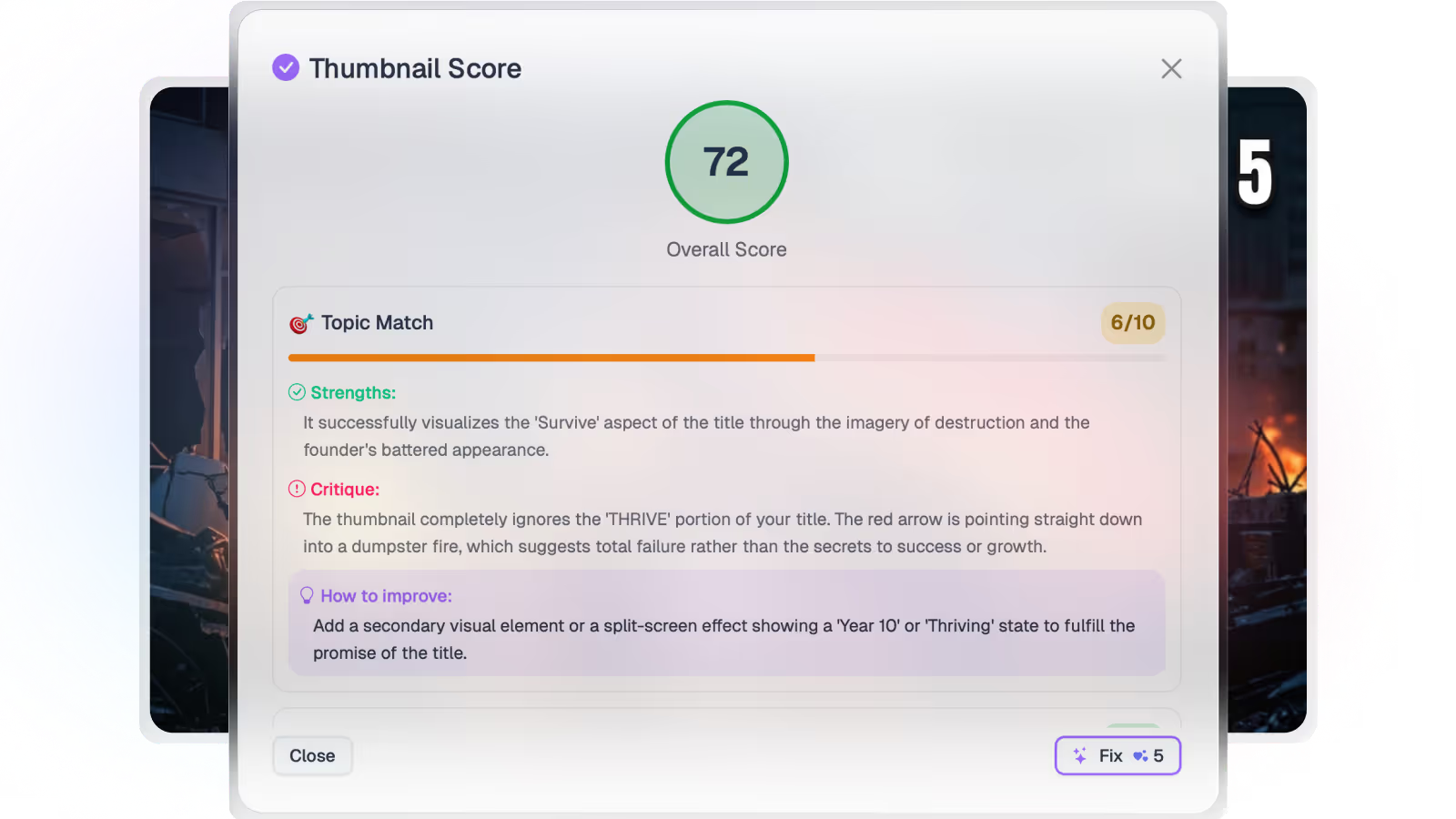
Generation is the first step. Score every option before it goes live, apply one-click fixes when contrast or text fails at feed size, and translate overlay text into the languages you publish in so a dubbed video does not ship with an English thumbnail on top.
Where this sits in Braiv Thumbnails
This is the generation attribute inside Braiv Thumbnails. The same product covers scoring, one-click optimization, and overlay localization. Thumbnail generation draws on the shared AI Credit balance — full plan detail on pricing.