Early access Braiv Capture waitlist is open — record once, publish support videos in every language.

Trusted by 100,000+ creators, podcasters & businesses globally
Creators and teams who trust Braiv for AI video production

Thumbnails built from your real footage, not invented

Precision picks the moments that actually happened in your video and treats them as the picture — no generated faces, no scene that never occurred, and a headline you control.

Where this fits

Braiv Thumbnails

Turn any YouTube thumbnail into a style reference, lock your own look into a brand kit, generate from real footage or free invention, score every option before it ships, and publish across every channel you run.

Explore Braiv Thumbnails
What this does

What Precision changes

Generate YouTube thumbnails from real video frames. Precision mode keeps your actual footage as the image, never invents faces or scenes, and lets you set the headline or leave text off entirely.

  • The moment is real

    The image comes from frames in your video, so the thumbnail promises something the viewer will actually see.

  • No invented faces

    Precision switches character generation off entirely — nobody appears who was not in the footage.

  • You write the headline

    Type the text yourself, or turn overlay text off completely and let the frame carry it.

Deep dive

Everything you need to know about Precision YouTube Thumbnails

When invention is the wrong answer

AI thumbnail tools are optimised to invent. For a lot of channels that is exactly right — a stylised, impossible, maximally clickable image is the job.

For plenty of others it is disqualifying. A news channel cannot run a composed scene that never happened. An education channel loses trust the moment the thumbnail shows a lab it does not have. Interview and documentary formats live or die on the viewer believing the moment is real. And a growing number of creators simply do not want a generated version of their own face on their channel.

Precision exists for that whole category. It is not a lower-quality mode — it is a different promise about where the picture comes from.

Real frames as the picture

In Precision, Braiv scans the video for the moments that carry it — the reaction, the reveal, the point where the argument lands — and proposes those frames as plates. You can take what it found, or hand it the frames you already know are the ones.

Up to two plates can be composed into a single thumbnail, which covers the common shapes: a before and after, a subject and the thing being discussed, a face and a reaction.

Because the source is your footage, the thumbnail keeps a promise. Whatever made someone click is genuinely in the video, which is the half of click-through that retention actually cares about.

Character generation is off, not dialled down

Switching into Precision clears character generation completely. This is a hard constraint rather than a preference, and it is deliberate — a mode that usually does not invent people is not one you can hand to a compliance-sensitive team.

Nobody appears in the thumbnail who was not in the video.

Your headline, or none

Creative will write you a line. Precision assumes you may have views about that.

Type the headline yourself and it is used as written — useful when the wording is legally, editorially or factually load-bearing. Or switch overlay text off entirely and ship a clean frame. For a strong visual moment, and for channels whose audience has learned to distrust big yellow text, no text is frequently the better performer.

Brand still applies — as grammar, not as content

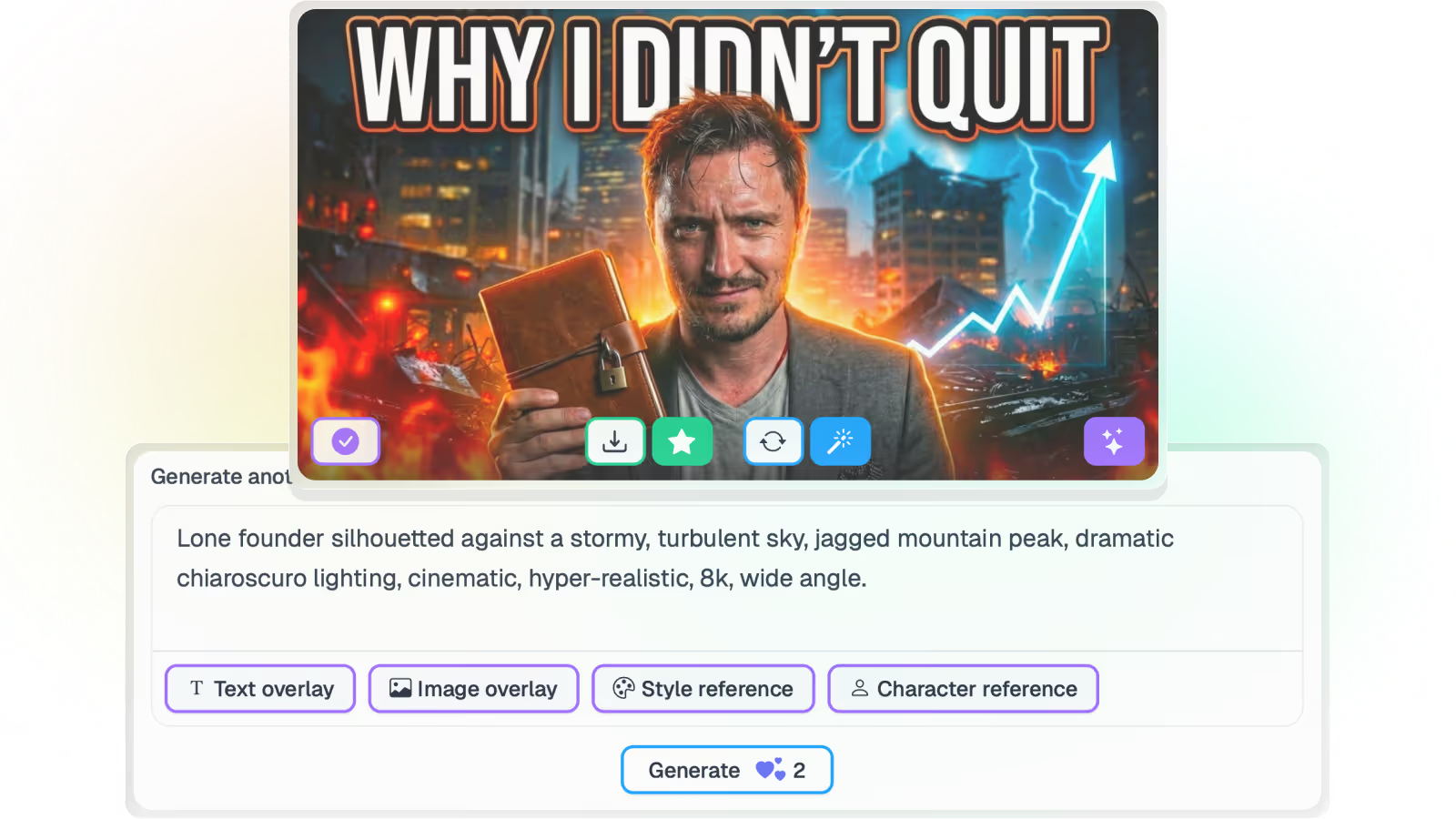
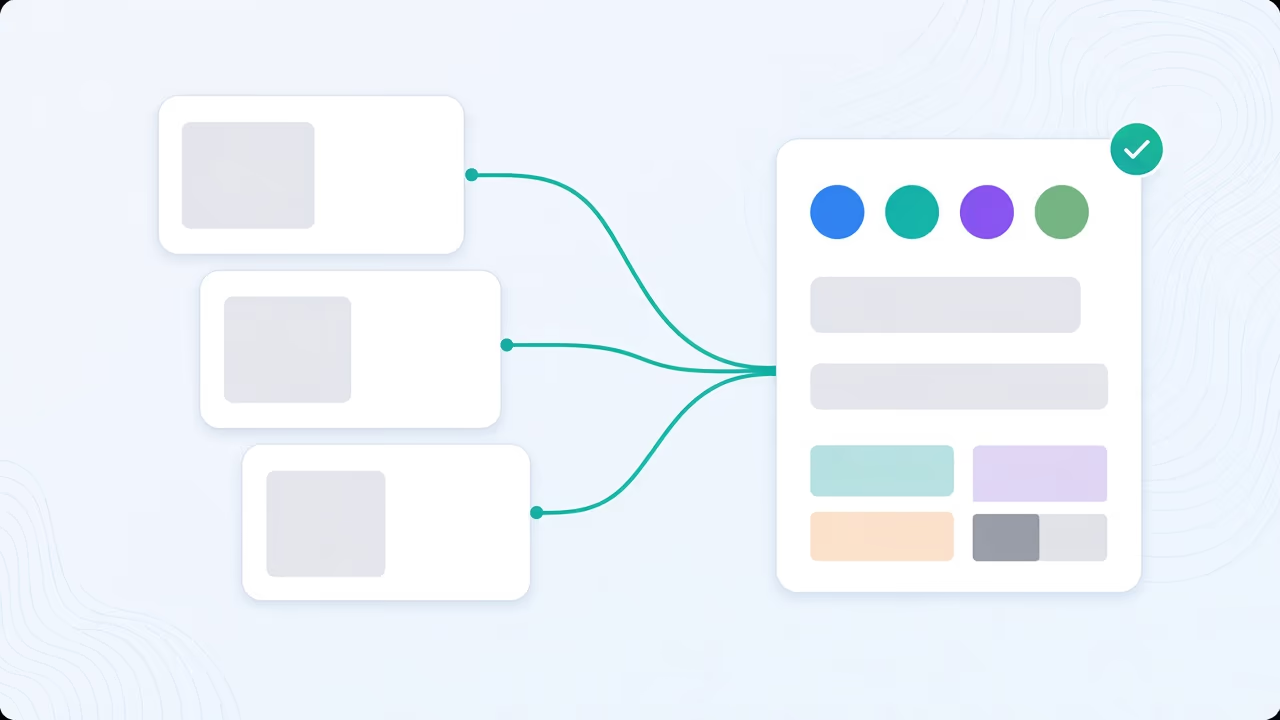
Precision does not mean unstyled. A brand guideline kit still governs palette, type weight and required chrome, and a style reference still supplies layout grammar.

The split is clean: references control how it is treated, your footage controls what is shown. That is what lets a documentary channel look designed without looking fabricated.

Score it the same way

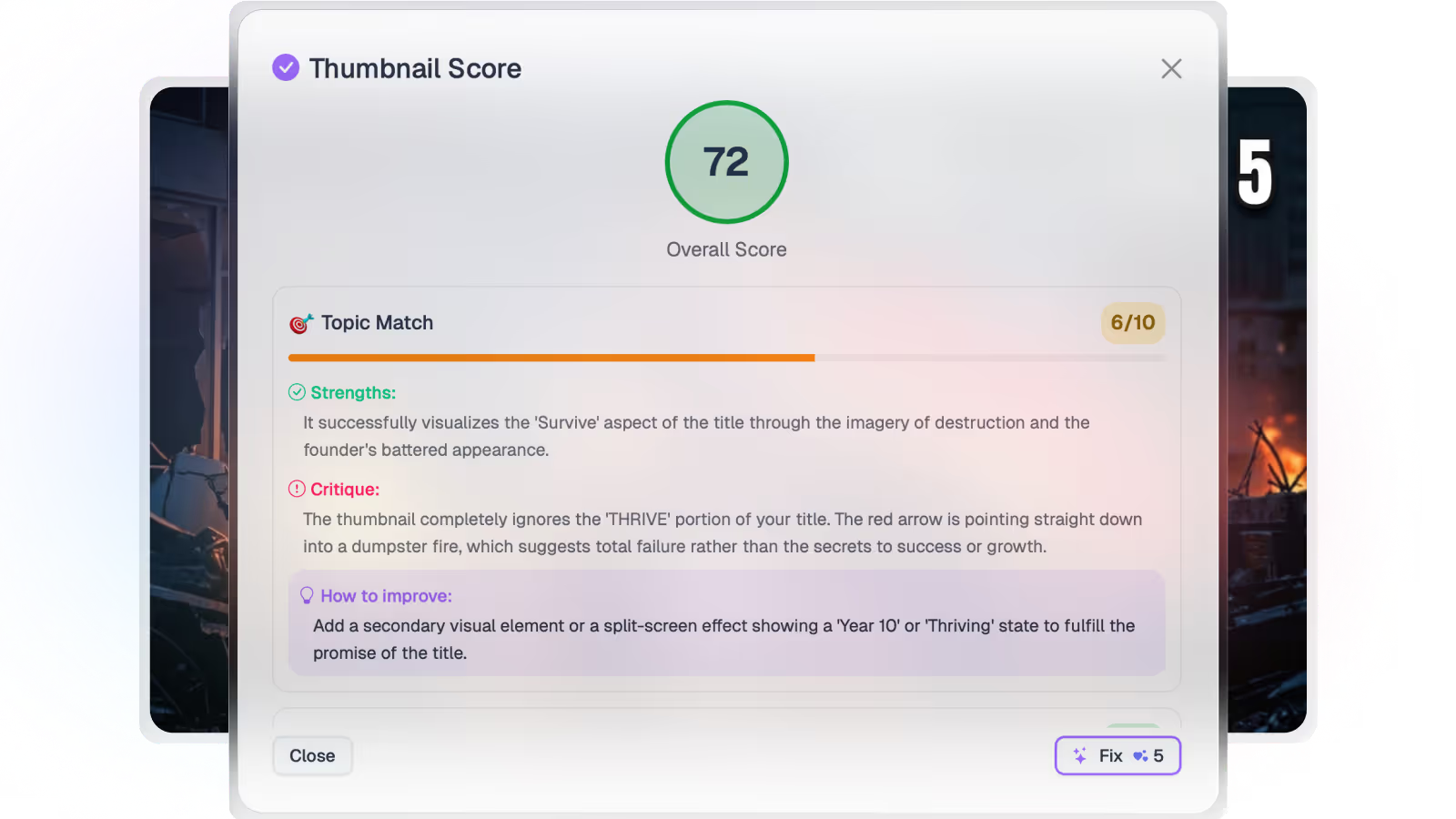
Precision output goes through the same checks as anything else. Every option is scored for composition, legibility at feed size and title match, weak options can be fixed in one click, and overlay text can be translated for other markets before publishing to a connected channel.

Where this sits in Braiv Thumbnails

Precision is a mode of the generator inside Braiv Thumbnails, not a separate product. The AI thumbnail generator covers Creative and the zero-prompt pipeline; Precision is the setting you switch to when the footage has to be real. Both draw on the shared AI Credit balance — see pricing.
The bigger picture

One capability, one step in a longer workflow

Braiv Thumbnails covers the Package stage. Braiv runs the rest of the sequence on the same recording — so what you make here ends up packaged, localized and published without leaving the platform.

See the full workflow
  1. 01 Capture Recorded once, ready to localize
  2. 02 Repurpose One video, dozens of assets
  3. 03 Package Packaged to perform
  4. 04 Localize Fluent in 80+ languages
  5. 05 Publish & Track Distributed and measured
Questions

Frequently asked questions

What is the difference between Creative and Precision?
They are the same generate action with a different contract. Creative is free to invent the strongest possible click — composed scenes, generated characters, stylised imagery. Precision is constrained to what is really in your video: it selects actual frames as the picture and uses style or brand only as graphic treatment on top.
Does Precision generate faces?
No. Switching to Precision clears character generation entirely, so no person appears who was not in the footage. That is the point of the mode — for documentary, news, education, interviews and anything where an invented face would be a misrepresentation.
How does Braiv choose which frames to use?
It detects the strongest content moments in the video automatically and proposes them as plates. You can accept what it finds or supply your own frames instead — Precision works with up to two content plates in a single thumbnail.
Can I control the headline text?
Yes. Precision lets you type the headline yourself rather than accepting a generated line, and you can switch overlay text off completely if the frame is strong enough to carry the click on its own.
Can I still apply my brand look in Precision?
Yes. Style references and brand guideline kits still govern palette, typography and required chrome. The difference is that they act as graphic grammar over real imagery instead of generating the imagery itself.
Does Precision cost more than Creative?
A generation starts at 20 AI credits either way. Letting Braiv auto-detect the content moments for you is a flat 20-credit fee that includes the plates it selects; supplying your own frames bills 5 credits per plate. Full plan detail is on pricing.

Ready to Take Your Content Global?

Join over 100,000 creators scaling their reach with Braiv.
Get 150 AI Credits when you sign up today.