Early access Braiv Capture waitlist is open — record once, publish support videos in every language.

Trusted by 100,000+ creators, podcasters & businesses globally
Creators and teams who trust Braiv for AI video production

Copy the style of any YouTube thumbnail, not the thumbnail itself

Paste a YouTube URL or drop in a saved image, and Braiv reads its layout, type and colour grammar — then builds your video a thumbnail in that language.

Where this fits

Braiv Thumbnails

Turn any YouTube thumbnail into a style reference, lock your own look into a brand kit, generate from real footage or free invention, score every option before it ships, and publish across every channel you run.

Explore Braiv Thumbnails
What this does

What a style reference gives you

Turn a downloaded YouTube thumbnail into a style reference. Braiv analyses the layout, typography and colour of any thumbnail you point it at, then generates your own video in that visual grammar.

  • A saved thumbnail becomes a generator

    The images in your swipe file stop being a mood board and start producing covers for your own uploads.

  • Grammar, not a copy

    Braiv reads composition, type weight and colour relationships — your subject and your footage stay yours.

  • Dial how far it goes

    Low, Medium or High influence decides whether the reference is a hint or the whole look.

Deep dive

Everything you need to know about YouTube Thumbnail Style Reference

The swipe file problem

Most people who download a YouTube thumbnail are not collecting art. They are collecting evidence — this channel is winning, this cover is why, and I want mine to feel like that.

Then the folder fills up and nothing happens. A swipe file is a reference you cannot act on. The gap between “I saved forty thumbnails I admire” and “my next upload looks like it belongs beside them” is still a designer, a brief, and a week.

A style reference closes that gap. The image you saved becomes the input to the thing that makes yours.

Paste a URL, get the grammar

Point Braiv at a YouTube URL and it resolves the video’s thumbnail straight into a style reference slot — no downloading, re-uploading or cropping in between. You can also drop in an image you already saved.

What Braiv reads is the grammar of that thumbnail:

  • How the frame is composed — where the subject sits, how much air is around it, what the eye hits first
  • How the type behaves — weight, case, outline, how many words it trusts you to read at phone size
  • How colour and contrast work — the palette, the separation between subject and background, how it holds against light and dark YouTube chrome

What it does not take is your subject. Your footage, your face, your headline. The result reads as a sibling of the reference, not a copy of it.

Low, Medium, High

Influence decides how literally the reference is applied.

  • Low — a nudge. Your existing look leads; the reference informs colour and contrast.
  • Medium — a genuine blend. The reference’s layout logic shows through while your identity survives.
  • High — full adoption. Use this when you deliberately want to enter a format that is already working in your niche.

Start at Medium. It is the setting that most often produces something you would actually publish.

Style reference or brand reference

They solve opposite problems and Braiv keeps them as separate slots.

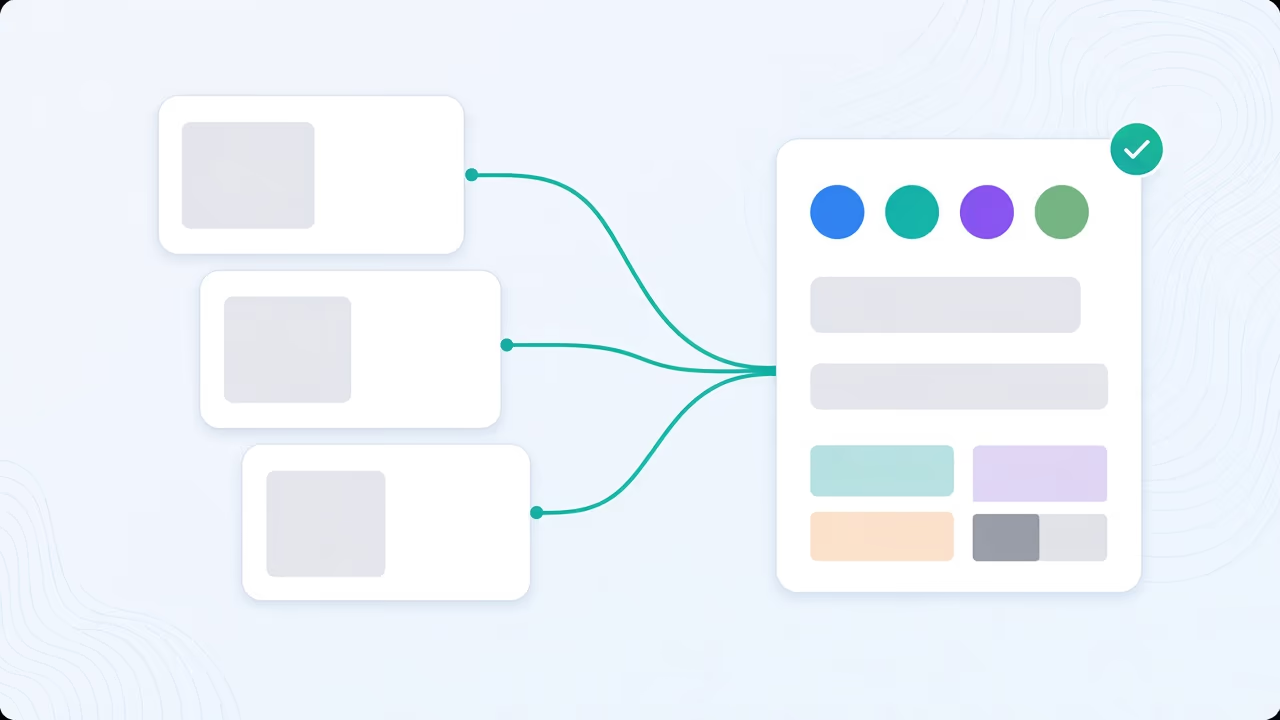
A style reference points outward: recreate a look from somewhere else. A brand reference points inward: take this design and remap it onto my identity. Attach one, or both — an outward style with an inward brand lock is how you enter a proven format without your channel losing its face.

When the inward half becomes permanent, promote it into a brand guideline kit so it applies automatically instead of being re-attached every time.

From reference to published

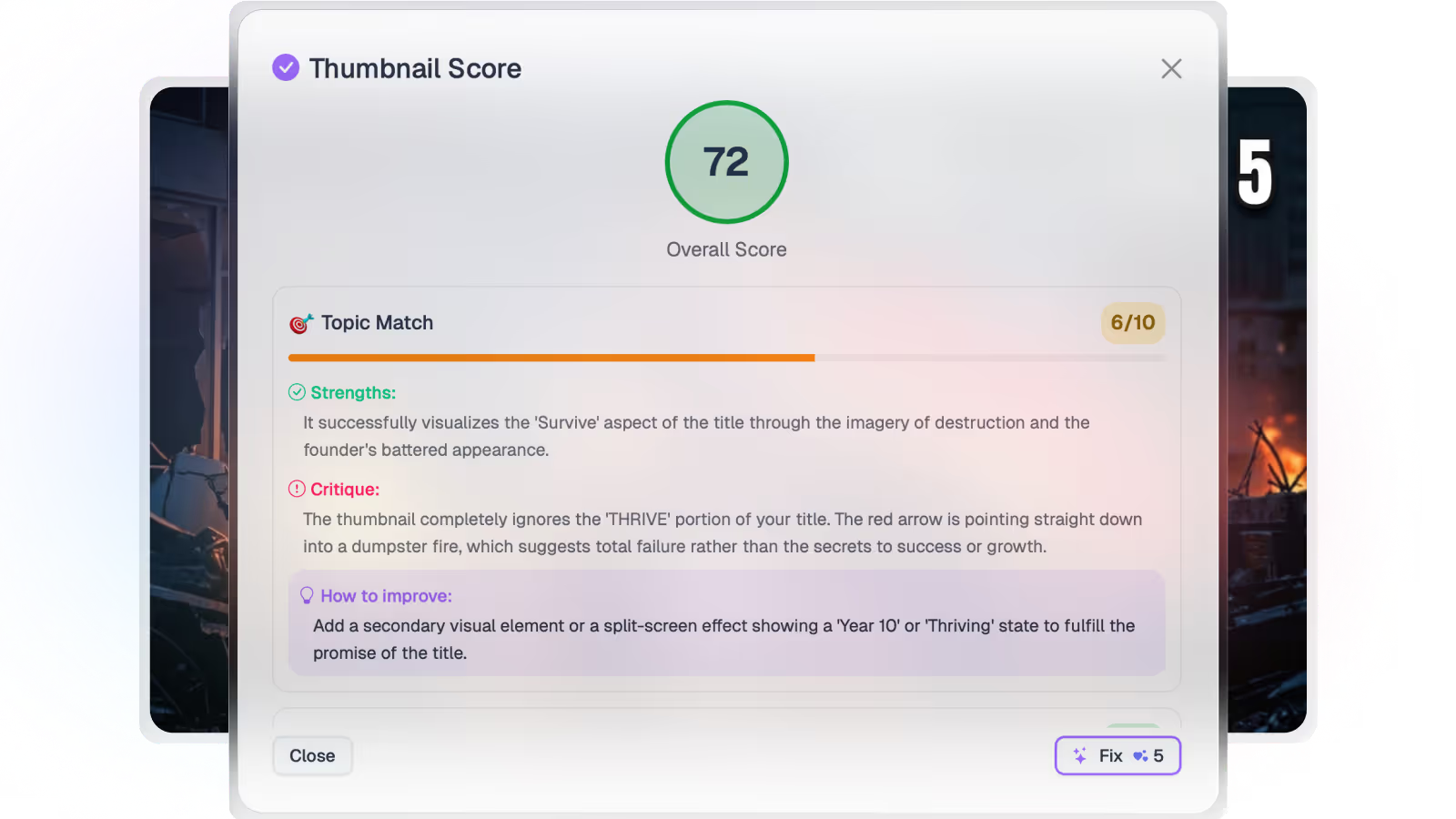
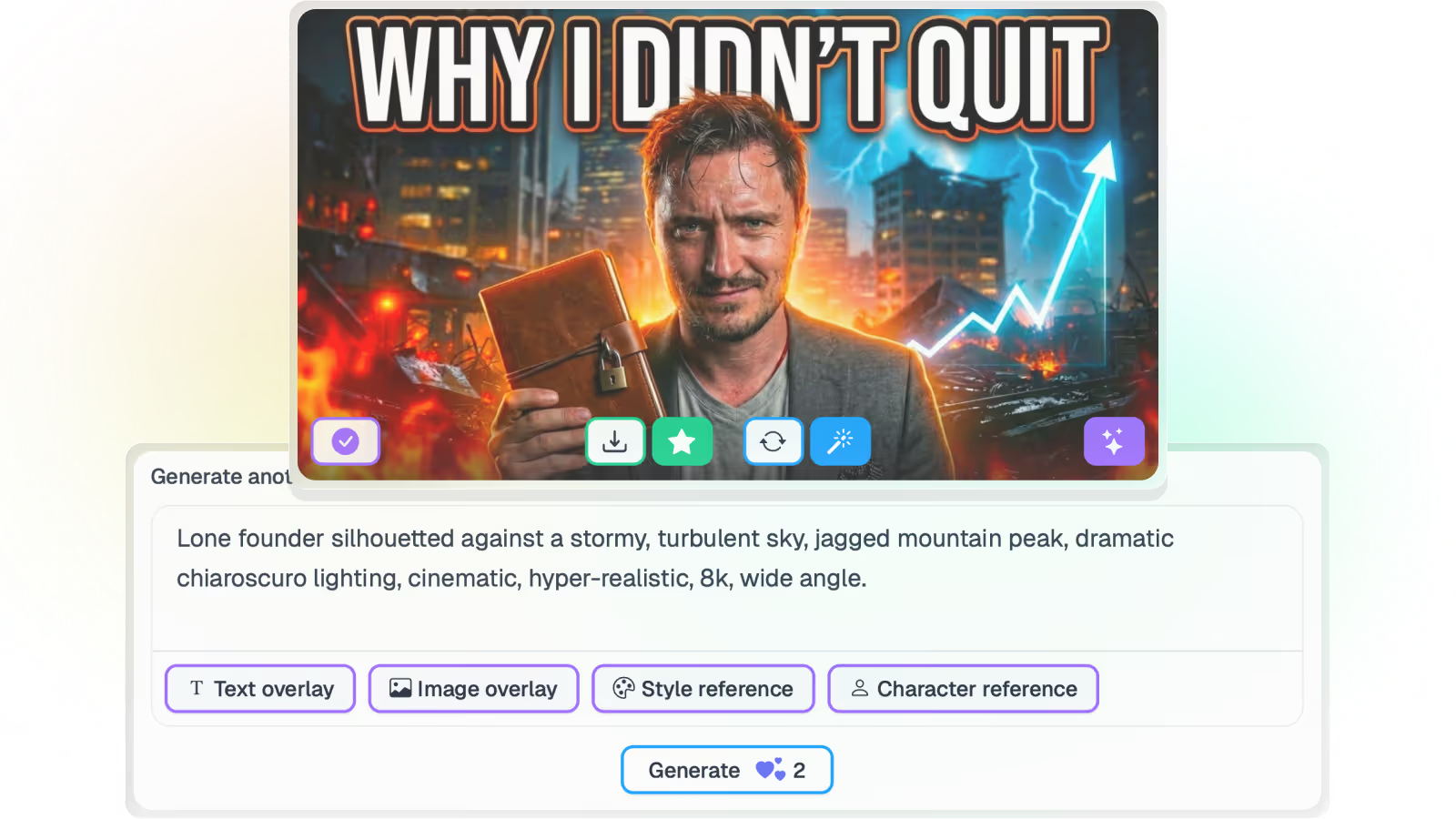
A style reference is one step in a loop, not a one-off image request. Generate options from the reference, score each one for composition, legibility and title match before anything ships, translate the overlay text for the markets you publish in, then push live to a connected channel.

Where this sits in Braiv Thumbnails

This is the style-lock attribute inside Braiv Thumbnails. Generation itself is covered by the AI thumbnail generator, footage-faithful output by Precision, and channel-wide consistency by brand guidelines. References draw on the shared AI Credit balance — full detail on pricing.
The bigger picture

One capability, one step in a longer workflow

Braiv Thumbnails covers the Package stage. Braiv runs the rest of the sequence on the same recording — so what you make here ends up packaged, localized and published without leaving the platform.

See the full workflow
  1. 01 Capture Recorded once, ready to localize
  2. 02 Repurpose One video, dozens of assets
  3. 03 Package Packaged to perform
  4. 04 Localize Fluent in 80+ languages
  5. 05 Publish & Track Distributed and measured
Questions

Frequently asked questions

Can I use a downloaded YouTube thumbnail as a style reference?
Yes — that is exactly what the feature is for. Paste the video URL or upload the image you saved with the YouTube thumbnail downloader, and Braiv resolves it into a style reference slot. It reads the layout, typography and colour treatment, then generates a thumbnail for your video in that visual grammar.
Does this copy someone else’s thumbnail?
No. A style reference is read for its grammar — how the frame is composed, how heavy the type is, how colour and contrast are used. The subject, footage and text come from your video. You get something that sits naturally beside the reference in a feed, not a duplicate of it.
What is the difference between a style reference and a brand reference?
A style reference recreates a look you found somewhere else — layout and graphic grammar. A brand reference remaps a design onto your own identity instead, at Low, Medium or High influence. You can use either on its own, or both together. See thumbnail brand guidelines.
What does a style reference cost?
A thumbnail generation starts at 20 AI credits, and each reference you attach adds 5. The Business plan includes 5,400 credits a month — up to 270 base generations — with Pro at 135 and Starter at 30. Unused credits roll over up to three times the monthly allowance.
Can I reuse the same reference across a whole channel?
Yes. Save the references you keep returning to and apply them across a run of uploads, so a week of videos shares one look. If you want that look defined and enforced rather than re-picked each time, build it into a brand guideline kit.
Will the generated thumbnail use my actual video?
It can. Switch to Precision and the reference controls the graphic treatment while the imagery comes from real frames of your video, so nothing is invented.

Ready to Take Your Content Global?

Join over 100,000 creators scaling their reach with Braiv.
Get 150 AI Credits when you sign up today.