Early access Braiv Capture waitlist is open — record once, publish support videos in every language.

Trusted by 100,000+ creators, podcasters & businesses globally
Creators and teams who trust Braiv for AI video production

Translate thumbnail text for every market

Braiv reads overlay text on your thumbnail, swaps it into 80+ languages, and keeps fonts, colors, and layout intact — so a dubbed video never ships with an English image on top.

Where this fits

Braiv Thumbnails

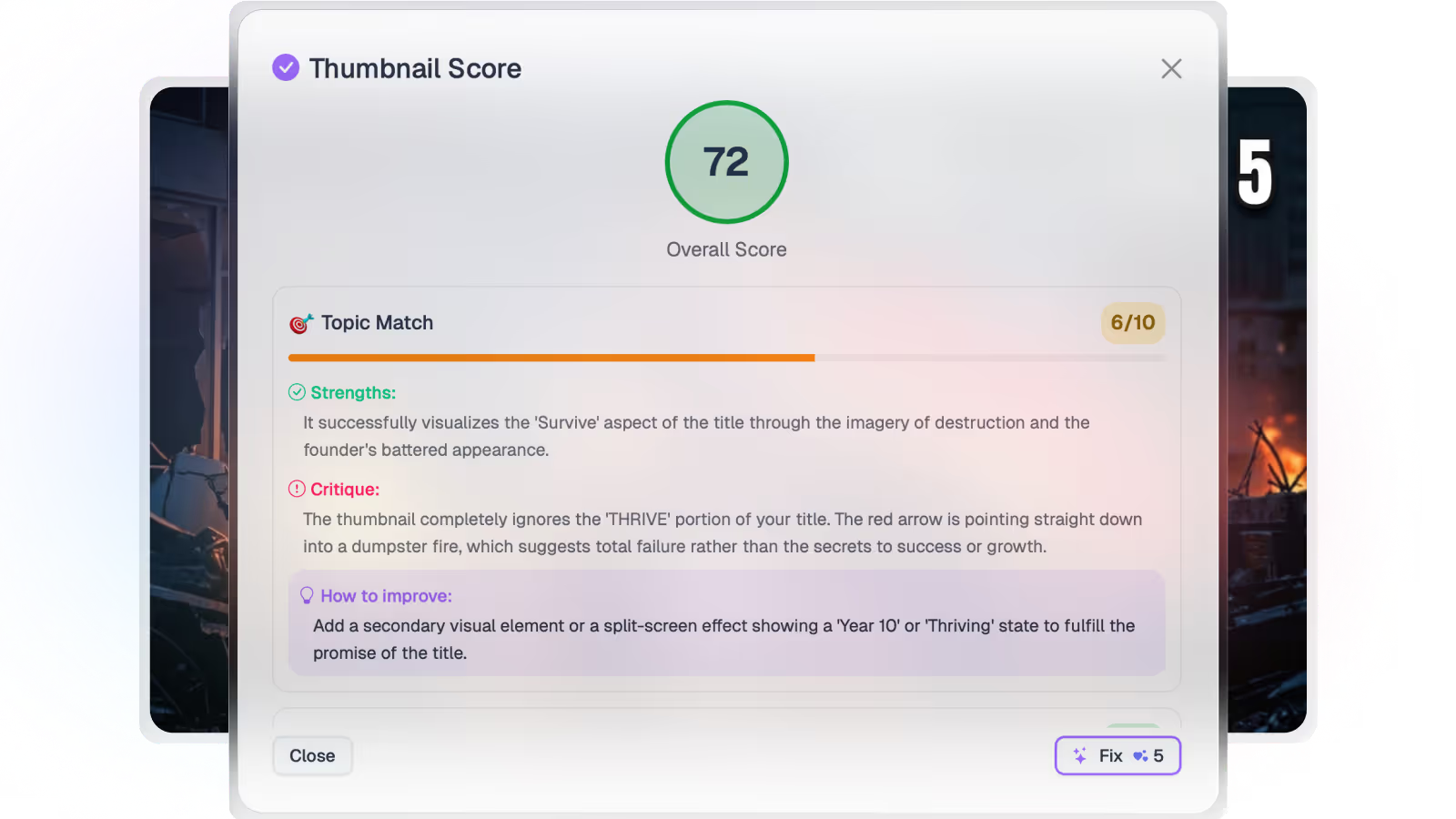
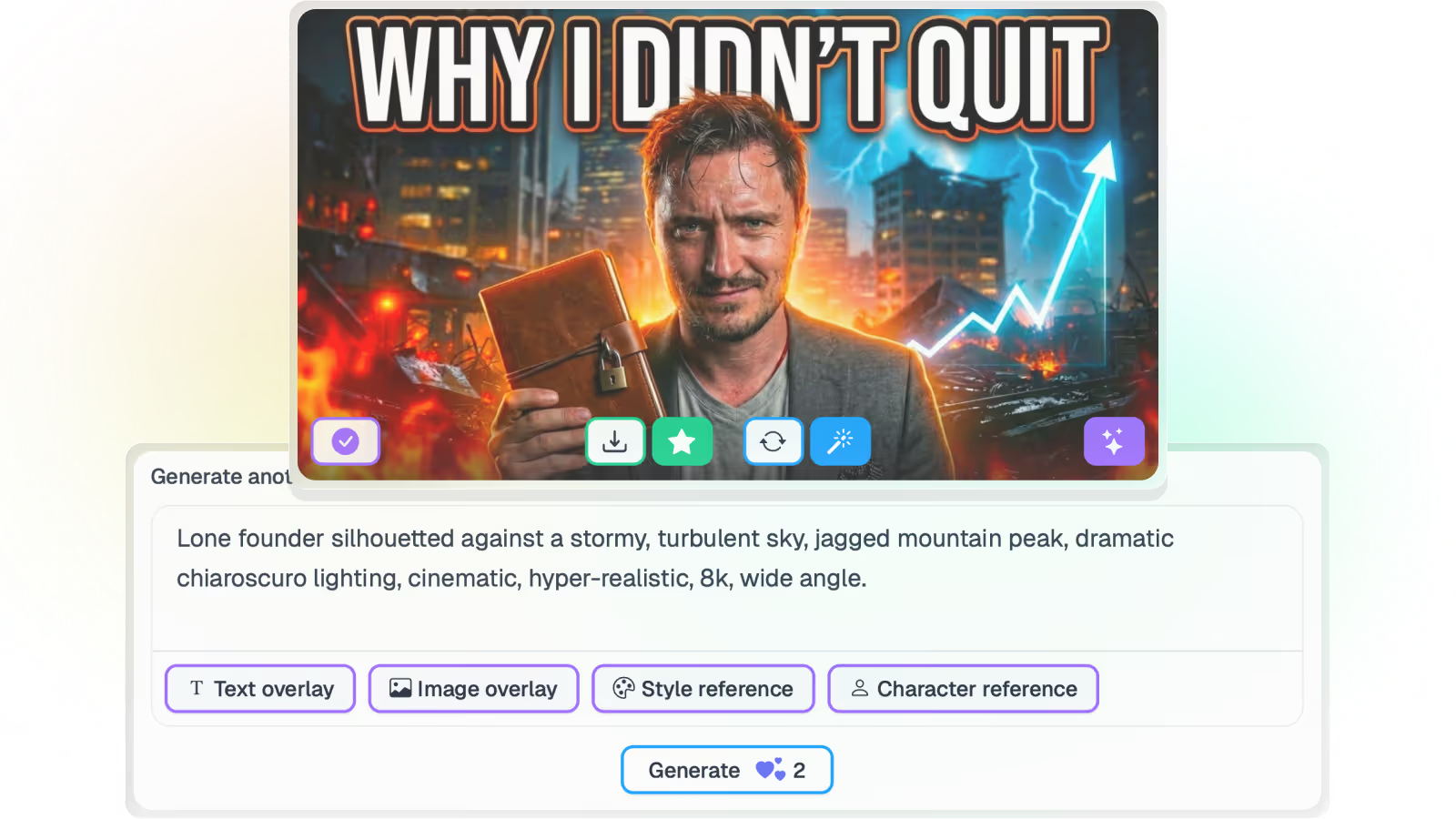
Generate from the video itself, score every option for click-through, localize text overlays for every market, and push them live across an unlimited number of connected channels.

Explore Braiv Thumbnails
What this does

What localized thumbnails unlock

YouTube does not translate thumbnail text. Localize overlays into every language you publish in, preserve brand styling, and ship thumbnails that match dubbed titles and audio.

  • Overlays in the viewer’s language

    Text layers detected and translated into 80+ languages — not left in English on a dubbed upload.

  • Brand styling preserved

    Fonts, colors, and layout stay put. Only the words change.

  • A complete package per market

    Match localized thumbnails to dubbed audio, titles, and descriptions before you publish.

Deep dive

Everything you need to know about Auto-localize thumbnail text

Why dubbed video still fails in the feed

Localized audio is only half the job. A Spanish or Portuguese viewer scrolling past a dubbed video with English text on the thumbnail has no signal that the video is for them — and they scroll on.

Matching the overlay language to the market is what turns those international impressions into clicks. YouTube will not do that step for you.

Automatic overlay translation

Braiv detects the text layers on the original thumbnail and translates them into any of 80+ supported languages. You are not rebuilding the image per market or pasting strings into a design file by hand.

The output is a publish-ready variant of the same composition — ready to ship with the dubbed title and description for that locale.

Styling that survives the swap

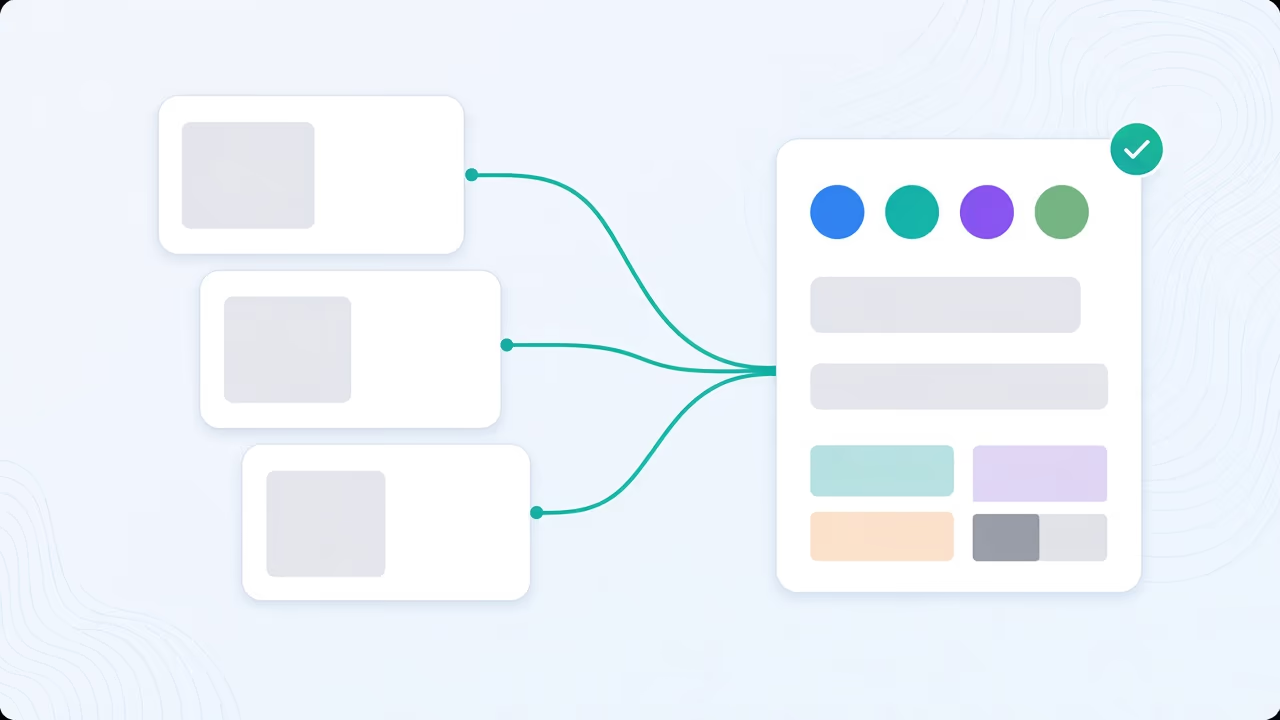
Fonts, colors, branding, and layout stay put. Only the words change. That is what keeps a multi-language channel visually cohesive instead of looking like a different brand in every market.

For recurring brand elements and style lock-in across generations, see maintain thumbnail styles.

One package per market, not four loose assets

A complete international upload needs aligned audio, title, description, and thumbnail. Run AI generation and scoring on the master, apply one-click fixes if needed, then translate overlays so every market gets the same quality bar.

Pair with Braiv Dubbing when the soundtrack needs to move with the image.

Where this sits in Braiv Thumbnails

This is the localization attribute inside Braiv Thumbnails. Generation, scoring, one-click optimization, and overlay translation share one pipeline and the shared AI Credit balance — full plan detail on pricing.
The bigger picture

One capability, one step in a longer workflow

Braiv Thumbnails covers the Package stage. Braiv runs the rest of the sequence on the same recording — so what you make here ends up packaged, localized and published without leaving the platform.

See the full workflow
  1. 01 Capture Recorded once, ready to localize
  2. 02 Repurpose One video, dozens of assets
  3. 03 Package Packaged to perform
  4. 04 Localize Fluent in 80+ languages
  5. 05 Publish & Track Distributed and measured
Questions

Frequently asked questions

Does YouTube translate thumbnail text automatically?
No. YouTube may localize titles and descriptions in some cases, but thumbnail overlays stay exactly as you uploaded them. If the image says English, every market sees English — even when the audio is dubbed.
Will translation change my fonts and layout?
No. Braiv swaps the words and leaves font, color, branding, and composition in place so each market still looks like your channel — not like a rebuilt design.
How many languages are supported?
Overlay text can be translated into 80+ languages you publish in. That pairs with the rest of Braiv’s localization stack so audio, captions, metadata, and thumbnails can move together.
Should I localize the thumbnail before or after scoring?
Generate and score the master image first, optimize if needed, then translate overlays for each market. That way you are not fixing the same contrast issue once per language.
Can I localize thumbnails for a whole back catalog?
Yes. Connect channels, pull published videos, and run overlay translation as part of a bulk refresh — the same volume workflow as AI generation inside Braiv Thumbnails.
How does this relate to video dubbing?
Localized audio without a localized thumbnail is an incomplete package. Pair overlay translation with Braiv Dubbing so the image, title, and soundtrack all signal the same market. Credit and plan detail on pricing.

Ready to Take Your Content Global?

Join over 100,000 creators scaling their reach with Braiv.
Get 150 AI Credits when you sign up today.