Early access Braiv Capture waitlist is open — record once, publish support videos in every language.

Trusted by 100,000+ creators, podcasters & businesses globally
Creators and teams who trust Braiv for AI video production

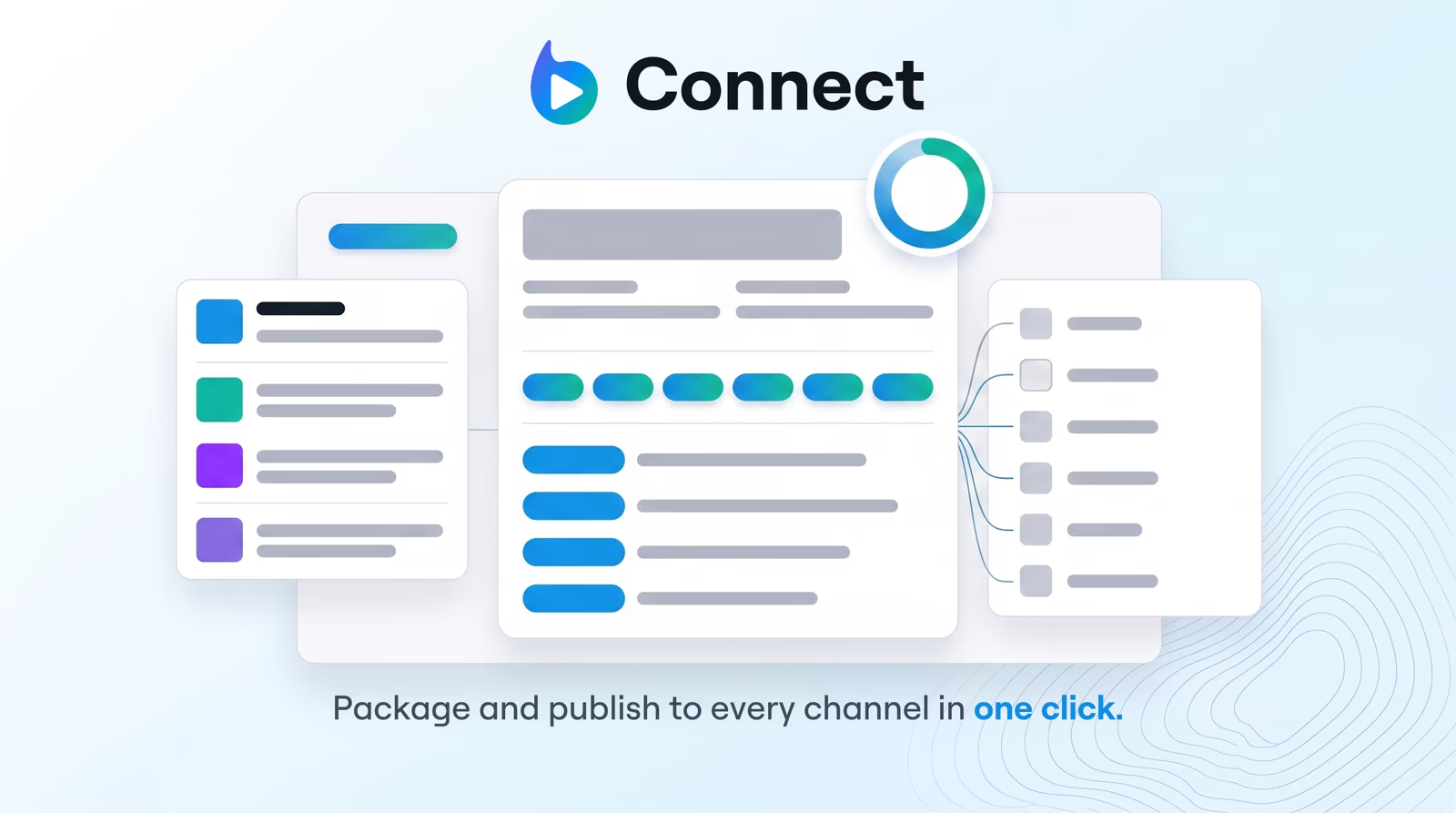
Publish packaged video to every channel at once

Push finished shorts and videos to every connected YouTube channel in one approval — no re-upload loop.

Where this fits

Braiv Connect

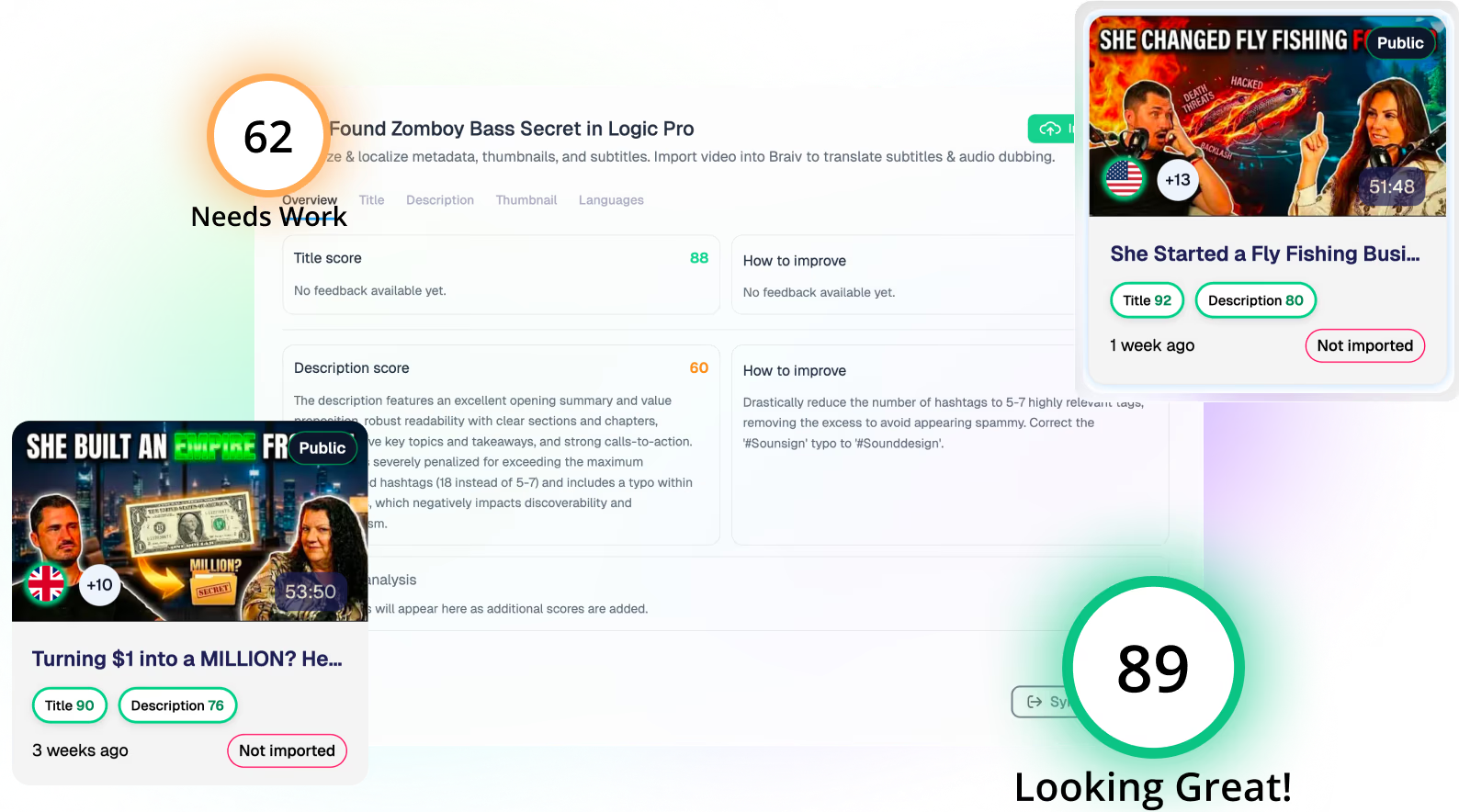
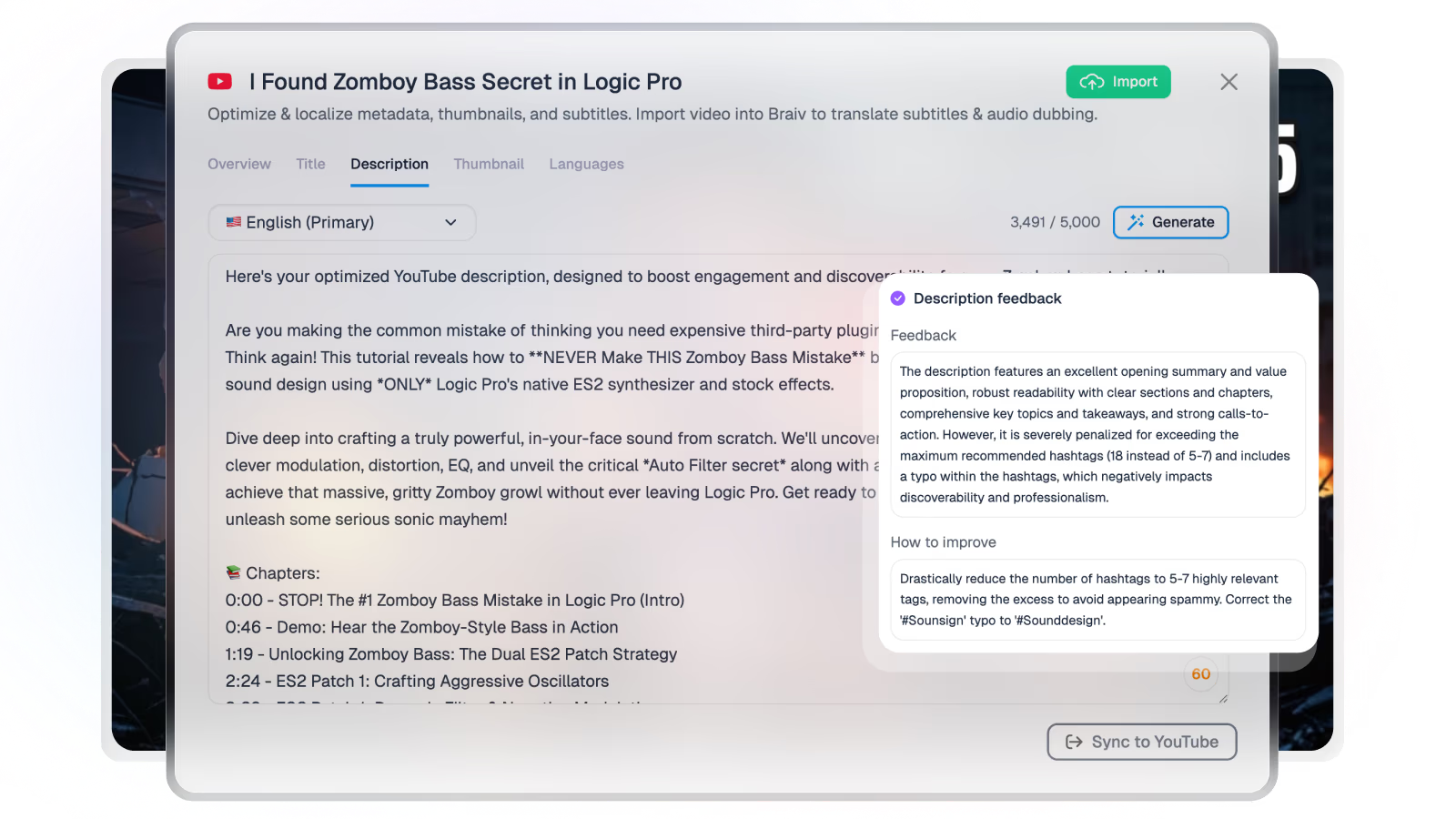
Generate SEO-ready titles, descriptions, tags, and chapters from your transcript — then auto-publish everything to every channel in one click.

Explore Braiv Connect
What this does

What multi-channel publish unlocks

Link your YouTube accounts once, then publish fully packaged assets — titles, captions, thumbnails, and localized versions — across every channel your team runs.

  • One approval, many destinations

    Ship the same short or long-form package to every connected YouTube channel without re-uploading the file per account.

  • Packaging that travels with the file

    Titles, descriptions, captions, and thumbnails stay attached — so secondary channels do not go live half-finished.

  • Language channels without a second workflow

    Push localized versions to international secondaries from the same approval that ships the primary upload.

Deep dive

Everything you need to know about Auto-publish to multiple YouTube channels

Why re-uploading is the wrong bottleneck

Most multi-channel teams do not fail at editing. They fail at distribution: the short is done, the title is written, and someone still has to open YouTube Studio for every brand, client, and language channel to push the same file again.

That loop is where weeks of content quietly die. The wrong goal is a better upload button. The right goal is one approval that ships a finished package to every destination that should have it.

One approval versus a re-upload loop

Braiv Connect links YouTube accounts once, then publishes fully packaged assets — titles, descriptions, captions, thumbnails, and localized versions — across every channel you select. The file and its packaging travel together, so a secondary channel does not go live half-finished.

The practical difference is where ops time goes. Instead of an afternoon of copy-paste uploads, you review the package once and the destinations are already covered — including language-specific secondaries when the cut has been localized.

Shorts, long-form, and market channels

The same publish path covers AI viral shorts and long-form uploads. Each short keeps segment-specific metadata; each market channel can receive its localized package without a second workflow. Agencies and brand networks keep client catalogs in one place instead of juggling Studio sessions.

Pair publish with backlog optimization when the job is refreshing videos already live, not only shipping new ones.

Where this sits in Braiv Connect

This is the distribution attribute inside Braiv Connect. The same product also covers title and description generation, AI title options, and optimizing existing YouTube videos. It is also the publish path used by Braiv Shorts. Packaging and publish draw on the shared AI Credit balance — full plan detail on pricing.
The bigger picture

One capability, one step in a longer workflow

Braiv Connect covers the Package stage. Braiv runs the rest of the sequence on the same recording — so what you make here ends up packaged, localized and published without leaving the platform.

See the full workflow
  1. 01 Capture Recorded once, ready to localize
  2. 02 Repurpose One video, dozens of assets
  3. 03 Package Packaged to perform
  4. 04 Localize Fluent in 80+ languages
  5. 05 Publish & Track Distributed and measured
Questions

Frequently asked questions

Can I publish to more than one YouTube channel at once?
Yes. Connect your YouTube accounts once, then approve a packaged asset and Braiv pushes it to every destination you select — primary brand channels, client catalogs, and language-specific secondaries — without a re-upload loop.
Does packaging stay intact when I auto-publish?
Yes. Titles, descriptions, captions, thumbnails, and localized metadata travel with the file. Secondary channels get a finished package, not a bare upload that still needs a manual metadata pass.
Can I auto-publish localized videos to language-specific channels?
Yes. Once Braiv localizes your content, Braiv Connect can publish directly to international secondary channels in a single click — so Spanish and Japanese cuts do not wait on a separate upload workflow.
Does this work for Shorts as well as long-form?
Yes. Approved shorts and clips can publish across connected channels the same way long-form does. Each short keeps its own context-aware title and description rather than copying the parent video’s metadata.
Is this built for agencies managing client channels?
Yes. Multi-channel publish is designed for teams that run more than one catalog — brand networks, client accounts, and market-specific secondaries — from one approval instead of logging into each YouTube Studio separately.
Do I need a separate tool to generate titles before publishing?
No. Title and description generation lives in the same Braiv Connect workflow. Generate packaging from the transcript, approve it, then publish everywhere — research, packaging, and distribution in one pass.

Ready to Take Your Content Global?

Join over 100,000 creators scaling their reach with Braiv.
Get 150 AI Credits when you sign up today.