Early access Braiv Capture waitlist is open — record once, publish support videos in every language.

Trusted by 100,000+ creators, podcasters & businesses globally
Creators and teams who trust Braiv for AI video production
Braiv Shorts

Long-form video transformed into viral clips in minutes

Paste a YouTube link or upload a recording. Braiv finds the hooks, cuts vertical shorts, burns animated captions, and queues them for every channel you publish to.

Try For Free

Turn one video into shorts

Paste a YouTube link or upload a clip, choose how many shorts and a caption style, then we stage your request in Braiv.

At a glance
10+
Shorts per long video Often 5–20+, based on length and density
80+
Languages supported Extract, caption, and dub for every market
Zero
Watermarks on paid plans Optional Braiv mark when you want to save credits
9:16
Vertical-ready exports TikTok, Reels, and YouTube Shorts in one pass
domaine homes logo
puma logo
tesla logo
micd-up logo
antler logo
canva logo
thirdi logo
screenapp logo
anchored outdoors logo
domaine homes logo
puma logo
tesla logo
micd-up logo
antler logo
canva logo
thirdi logo
screenapp logo
anchored outdoors logo
Part of the Braiv workflow
Capabilities

Built for a week of shorts, not one lucky clip

Three capabilities carry the workload: AI highlight extraction from long-form, word-by-word captions that hold attention on mute, and one-click publish across every connected channel.

01

AI viral shorts from long-form video

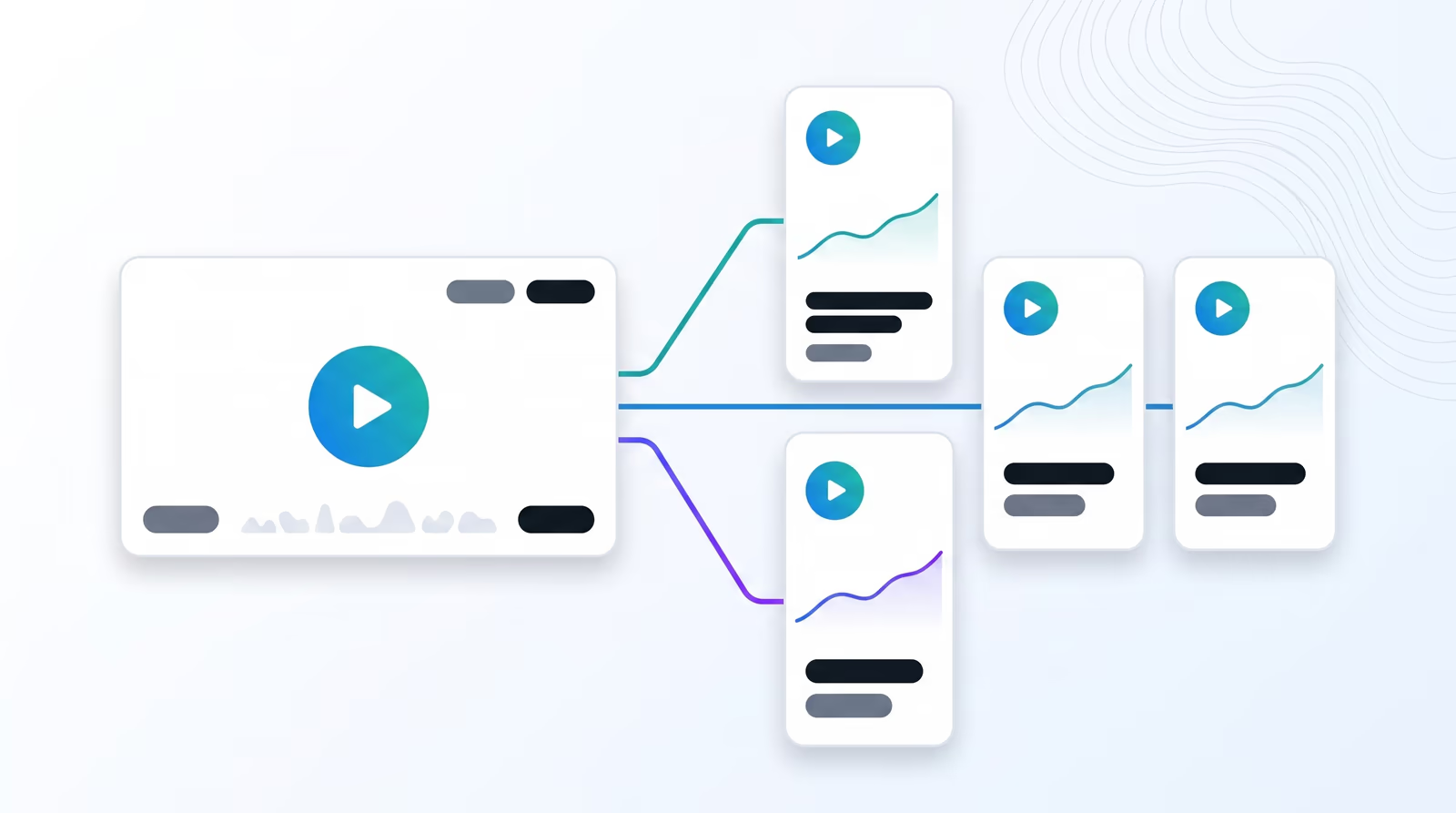
Braiv scans the transcript for hooks, jokes, and value moments, reframes them to 9:16, and returns publish-ready shorts — so one recording feeds every short-form channel.

  • Viral highlights
  • Dubbing shorts with lipsync
  • AI shorts soundtrack
Learn more
02

Word-by-word animated captions

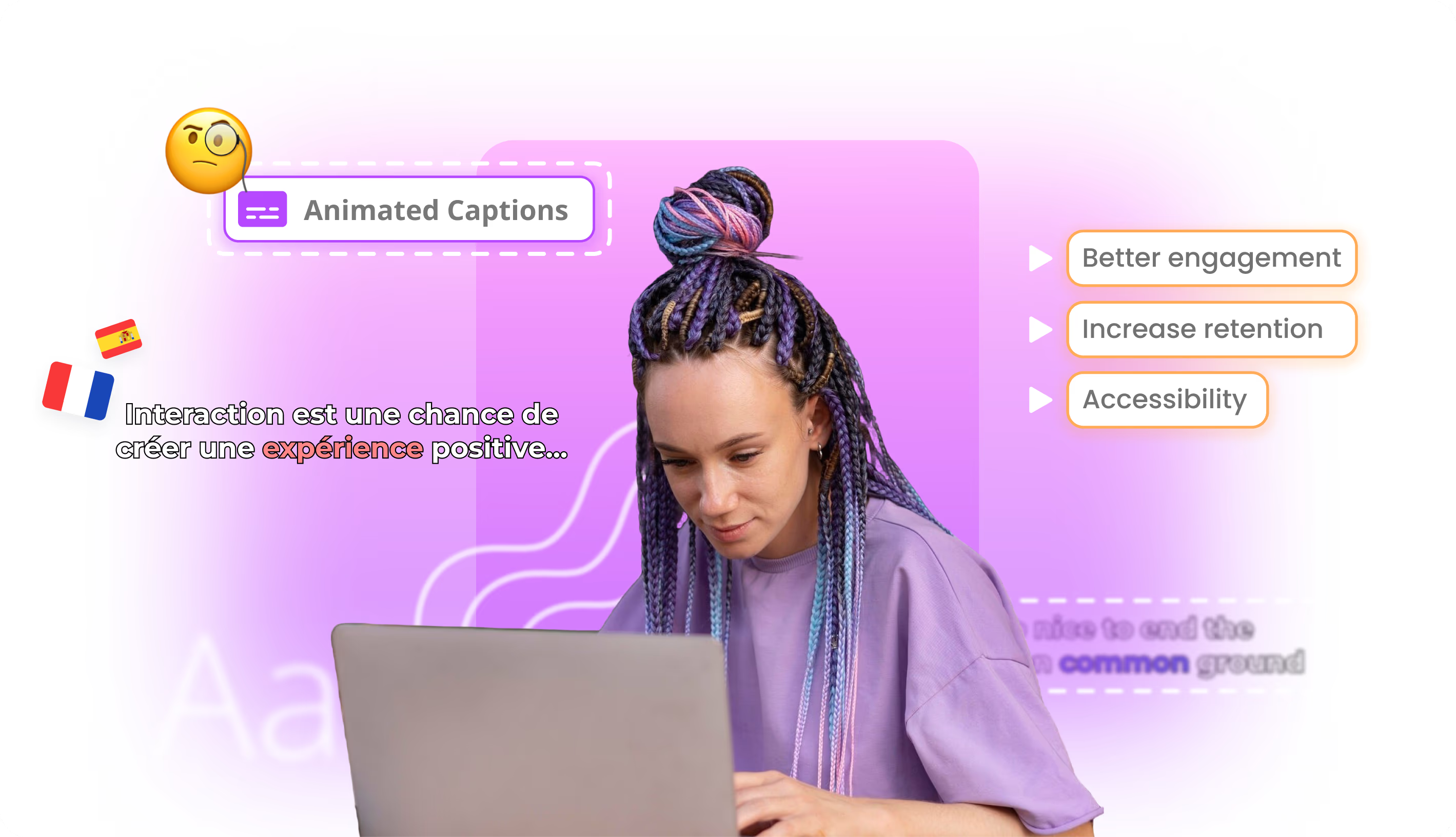
Static subtitle blocks get skimmed. Braiv burns karaoke-style captions that guide attention word by word, lifting watch time on social feeds, explainers, and branded video.

  • Branded shorts captions
  • Integrated caption translations
  • Transcript translation editing
Learn more
03

Auto-publish to multiple YouTube channels

Link your YouTube accounts once, then publish fully packaged assets — titles, captions, thumbnails, and localized versions — across every channel your team runs.

  • Connect & manage multiple YouTube channels
  • Package & publish viral YouTube content
  • Update existing YouTube videos
Learn more
How it works

From upload to published

  1. 01

    Paste a link or upload

    Drop in a YouTube URL or upload the recording. Braiv reads the transcript and pacing — no download, no timeline editing, no prompt writing.

  2. 02

    Review the shorts Braiv finds

    Hooks, punchlines, and value moments come back as vertical clips with animated captions and soundtrack options already applied.

  3. 03

    Approve and publish

    Pick the winners, tweak branding if you want, and push to TikTok, Reels, and YouTube Shorts — or schedule a drip so one webinar feeds the feed for weeks.

Deep dive

Everything you need to know about Braiv Shorts

Most clipping tools help you make one short well. That is the wrong shape for a channel that needs a week of Shorts from every webinar, podcast, or keynote you already recorded.

Braiv Shorts is built for that second job: a pipeline of vertical clips from the long-form library you already have, captioned and ready to publish.

Hooks found in the transcript, not on a timeline

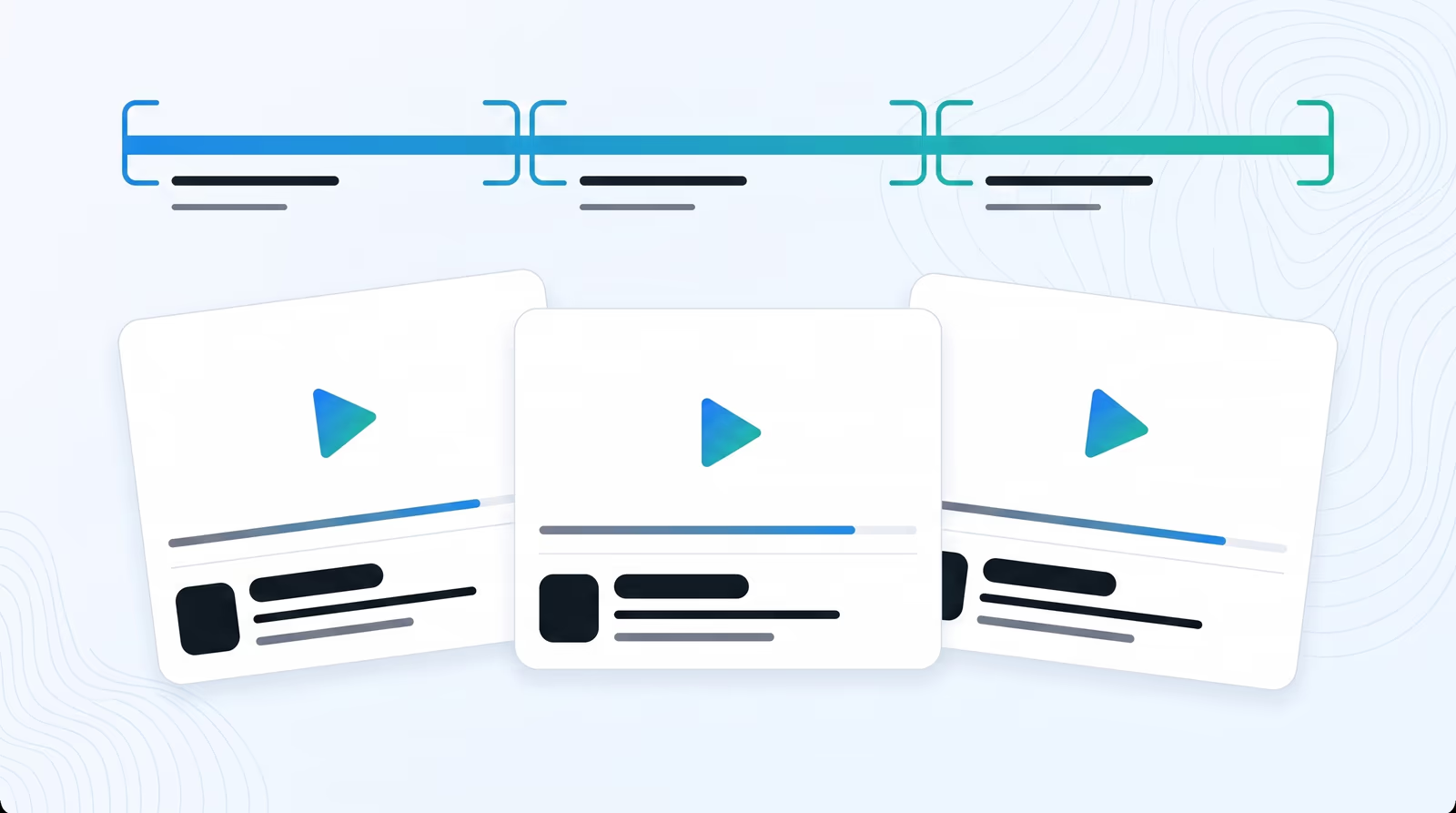
Braiv reads the transcript and engagement pacing, then proposes shorts based on what actually lands — jokes, answers, proof points — rather than asking you to scrub a timeline for an hour. Paste a YouTube link or upload the file; the vertical crop keeps the active speaker centered for 9:16 feeds.

Captions that work when the sound is off

Most social video is watched on mute. Word-by-word animated captions are applied automatically in your brand style, so every short communicates without relying on audio. Translate those captions — and optionally dub the audio — into 80+ languages without starting over.

One recording, weeks of publishing

Approve a batch, publish immediately, or drip shorts across connected channels so a single long-form upload fuels TikTok, Reels, and YouTube Shorts for days. Pair with Braiv Clips for longer standalone segments and Braiv Captions when you need caption control outside the shorts pipeline. Full detail on pricing.

Questions

Frequently asked questions

Can I try Braiv Shorts before subscribing?
Yes. New accounts receive AI Credits to extract and preview shorts from your own long-form content — no credit card required to start. Upgrade when your team is ready to publish at volume.
Can I generate AI shorts from a YouTube video link?
Yes. Paste a YouTube link into the generator and Braiv processes the video, finds the strongest moments, and returns vertical shorts ready to review.
Do exported shorts include watermarks?
Paid plans deliver watermark-free exports for TikTok, Reels, and YouTube Shorts. You can optionally apply a Braiv watermark to reduce AI Credit usage when prototyping or running internal reviews.
How many viral clips can the AI extract from one video?
Typically 5 to 20+ shorts per long-form video, depending on length and how dense the engagement moments are. A packed keynote yields more than a slow interview.
Does the video-to-shorts AI add captions automatically?
Yes. Karaoke-style animated captions are applied automatically. Customize fonts and colors to match your brand once, and every short inherits the style.
What languages does the YouTube shorts creator support?
Extraction, captioning, and dubbing cover 80+ languages, so the same long-form source can feed short-form channels in every market you publish in.
What happens if I go over my monthly AI Credits?
Nothing stops mid-export. Usage past the included allowance is billed at USD$0.01 per AI Credit on Business, with higher per-credit rates on Pro and Starter.

Ready to Take Your Content Global?

Join over 100,000 creators scaling their reach with Braiv.
Get 150 AI Credits when you sign up today.