

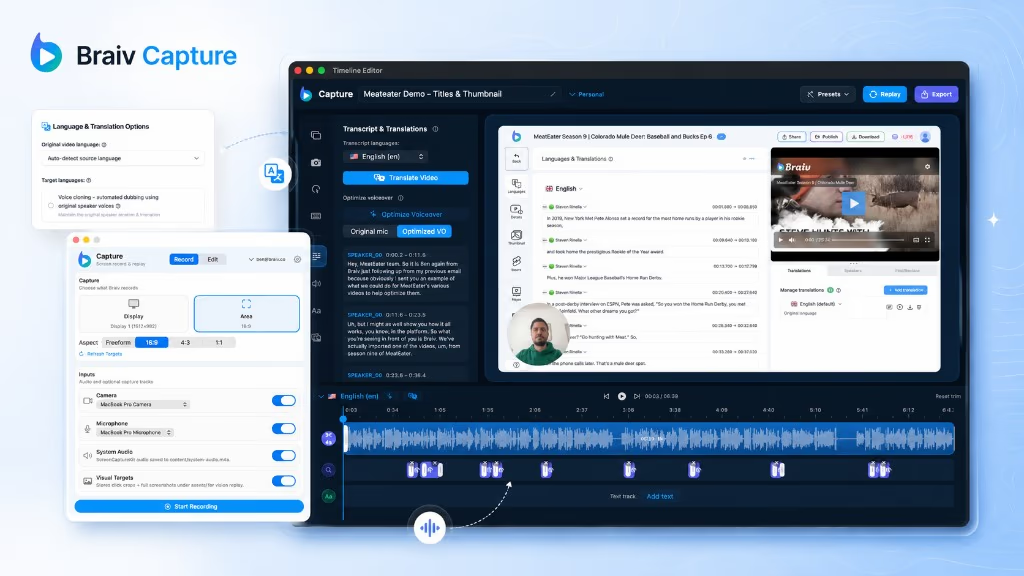
Early access Braiv Capture waitlist is open — record once, publish support videos in every language.

Trusted by 100,000+ creators, podcasters & businesses globally
Creators and teams who trust Braiv for AI video production

Replay the demo inside your localized interface

Capture keeps your walkthrough as a replayable session, so the same steps can be re-recorded against your product in another language — a native screencast per market without re-shooting anything.

Where this fits

Braiv Capture

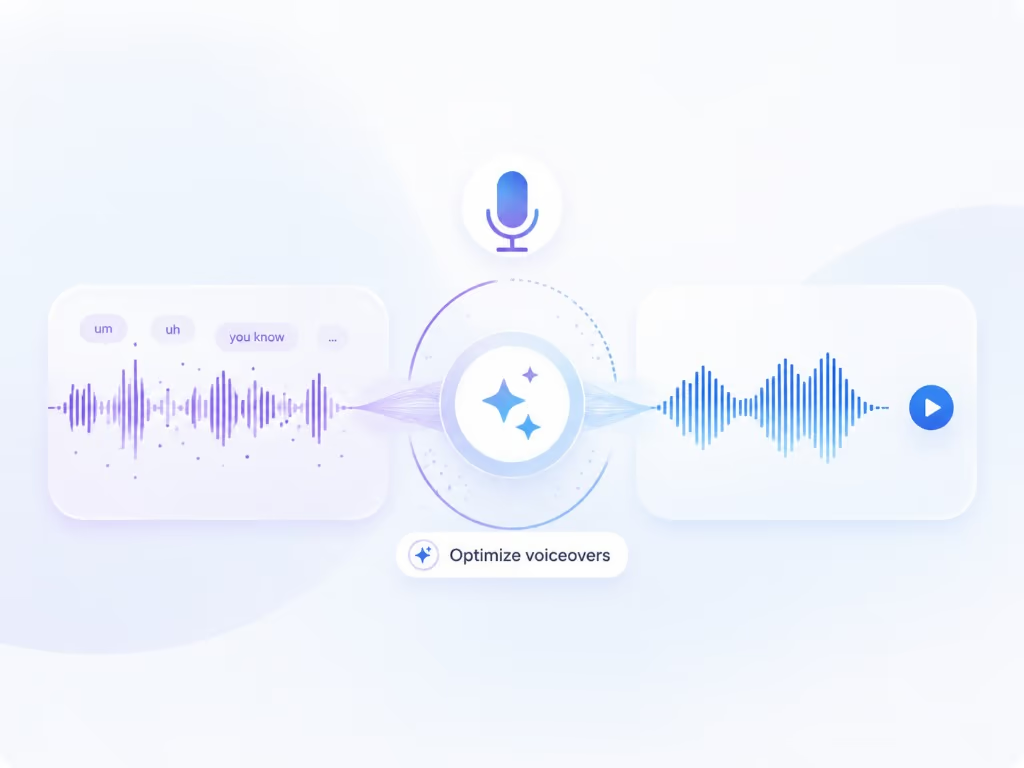
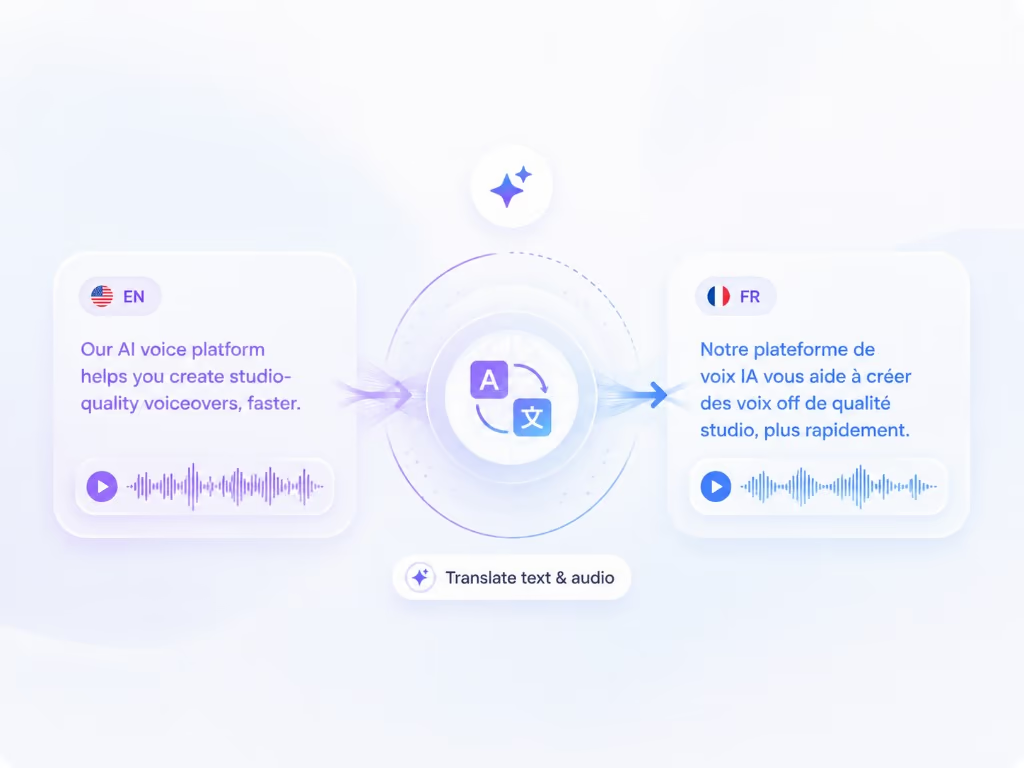
Braiv Capture turns one screen recording with voiceover into clean support videos, software tutorials, and help articles in any language. Filler words are stripped, the narration is revoiced with a Braiv Speech clone, audio and on-screen text are localized together, and the demo is re-recorded inside your localized interface.

Explore Braiv Capture

Capability 3 of 3

What this does

What replaying a capture unlocks

Automated localized screen recording replays a captured walkthrough against your product in a target language, producing a screencast of the localized interface instead of translated audio over English menus.

  • The interface matches the language

    A German viewer watches the German UI being used, not translated narration over English menus.

  • No re-shoot per market

    One recorded session produces every language version, so adding a locale is a re-run rather than a new recording day.

  • Identical steps every time

    Replay follows the captured walkthrough, so pacing and click order stay consistent across the whole library.

Deep dive

Everything you need to know about Automated re-recording in a localized UI

Translated audio over an English screen does not help

Support video has a stricter test than marketing video. The viewer is following along in their own product, in their own language, trying to find the button you just described. If your recording shows a different interface, the localization has failed even though the audio is perfect.

That is the gap this closes: the screen has to be localized too.

A capture is a session, not just a file

Most screen recorders produce a video. Capture produces a video plus the walkthrough behind it — the steps, the order, the pacing. That makes the demo repeatable.

Switch the product to another language, replay the session, and you get a new recording of the same task in that interface. Nothing is re-shot by hand, and nothing drifts between versions because every language follows the same captured path.

Software demo video examples, and what each one needs

“Software demo video” covers four fairly different jobs. They fail for different reasons, and only one of them is about production value.

  • The feature walkthrough. One capability, two to four minutes, aimed at a customer who already bought. Fails when the narrator explains the interface instead of the task. Needs: the real product, the real click order, and wording tight enough to follow at 1.5× speed.
  • The onboarding demo. The first-run path, shown end to end. Fails when it shows a mature account full of demo data that a new user will never recognise. Needs: an empty-state start and a visible outcome at the end.
  • The sales demo per market. The same story told to a prospect in Madrid or Tokyo. Fails when the interface on screen is English — prospects read that as “this product is not really for us”. Needs: the localized UI, which is exactly what replay produces.
  • The support fix. A single task answering a single ticket. Fails when it goes out of date silently after a release. Needs: to be cheap to re-record, which replay makes it.

Notice what none of them need: a studio, a script written in advance, or an actor. Three of the four need the demo to exist in more than one language, and all four need it to still be true next quarter.

The economics of the tenth language

Manual localization of support video scales linearly and painfully: twenty walkthroughs across six languages is a hundred and twenty recording sessions, each one needing someone who knows the product and the language.

Replay changes the unit of work. You record once per walkthrough, then re-run per language — which is why teams that stopped at English (or English plus one) can consider a genuinely multilingual help centre.

Also the answer to release churn

The same mechanism handles the other support-content problem: your UI moved. Instead of a backlog of “re-record this video” tickets across every language, the session is replayed against the current build and the library refreshes.

Where this sits in Braiv Capture

This is the demo-fidelity attribute inside Braiv Capture, and it works with voiceover cleanup — narration from a Braiv Speech clone — and support video translation, which runs on Braiv Dubbing. If the video already exists and only the audio needs localizing, Braiv Dubbing on its own is the simpler path.
The bigger picture

One capability, one step in a longer workflow

Braiv Capture covers the Capture stage. Braiv runs the rest of the sequence on the same recording — so what you make here ends up packaged, localized and published without leaving the platform.

See the full workflow
  1. 01 Capture Recorded once, ready to localize
  2. 02 Repurpose One video, dozens of assets
  3. 03 Package Packaged to perform
  4. 04 Localize Fluent in 80+ languages
  5. 05 Publish & Track Distributed and measured
Questions

Frequently asked questions

How does automated localized screen recording work?
When you record a walkthrough, Capture stores the interaction timeline alongside the video rather than only a flat export. With your product set to another language, that session can be replayed and re-recorded, producing a screencast of the localized interface performing the same steps.
Why not just dub the original recording?
Dubbing alone leaves every menu, button, and dialog in the source language. For support content that is a real failure mode: the viewer is trying to follow along in their own interface and cannot match what they see on screen to what they see in the video. Capture still uses Braiv Dubbing for the audio; replay fixes the picture too.
How do you create a demo video for software?
Pick one job the product does, do that job on screen at a normal pace while narrating it, and stop. That is the whole method — the difficulty is never the recording, it is the polish afterwards. Capture takes the raw take and handles the polish: narration rewritten and revoiced, captions and on-screen text translated, and the walkthrough replayed against your product in each language so the demo shows the interface that market will actually see.
Can I use this for sales demo videos as well as support content?
Yes. A software demo video for a new market has the same problem as a support video: prospects discount a demo of an interface they will not recognise. Replay produces the demo against your product in their language, and the narration is localized through support video translation.
Does my product need to already be localized?
Yes. Replay records your interface in whatever languages your product already supports. Capture localizes the content around the demo — narration, captions, on-screen text, and the article — but the UI itself comes from your app.
What if the UI changed since I recorded?
Replay is the same mechanism you use when a release moves a screen: re-run the session against the current build to refresh the recording, rather than manually re-shooting every language version of that walkthrough.
Is this an AI-generated fake interface?
No. The output is a recording of your real product in the target language. Nothing about the interface is synthesized — only the narration and text layers are generated.
Can I still edit the result?
Yes. The re-recorded screencast goes through the same pipeline as the original: cleaned narration voiced by your Braiv Speech clone, translated audio and on-screen text via Braiv Dubbing, then publish with the matching help article.

Be first to localize your support library

Join the early-access waitlist and we'll reach out when your workspace can record once and publish support content in every language.