The bottleneck is not recording, it is re-recording
Everyone can capture a walkthrough in five minutes. The reason support libraries stall is the second pass: listening back, wincing at the ums, and doing it again — three more times, badly.
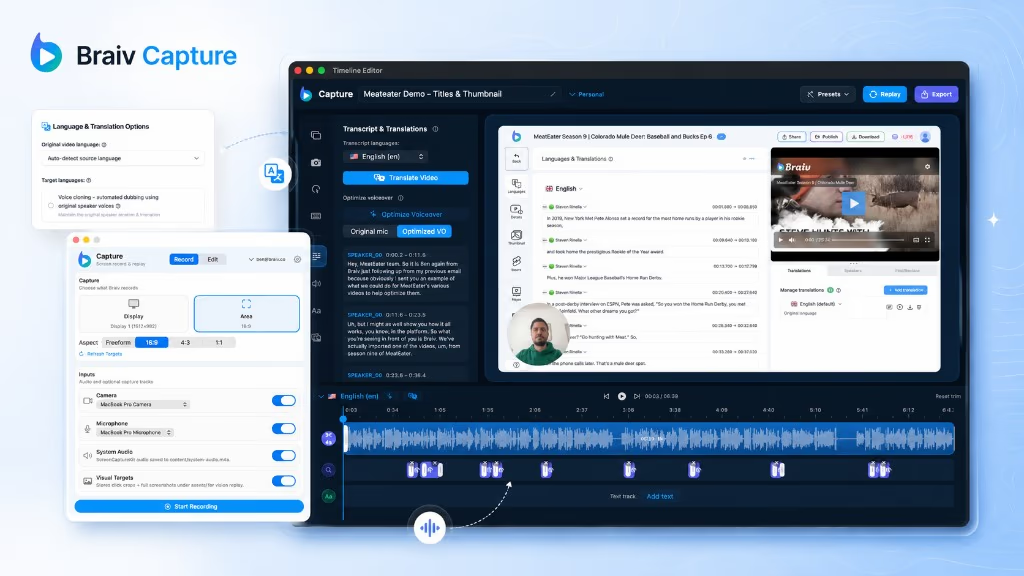
Cleanup removes that pass. The messy take becomes the source, and the published narration is regenerated from a corrected script.
Why regenerating beats trimming
The usual way to remove filler words from a video is to cut them on a timeline — CapCut and Premiere Pro both do it, and it works until you hear the result: the pacing goes staccato, half-sentences survive, and the “and so basically what I’ll do is…” opener stays because it contains no silence.
Rewriting first fixes the actual problem. “Um, so, if you click here — sorry, over here — that opens the settings” becomes “Open settings from the sidebar”, then gets voiced cleanly at a steady pace.
How to remove words from a video you have already recorded
Cutting a specific word is the other half of this job, and people ask for it in a lot of ways — how to remove words from a video, how to delete words from a video, erase words from video. The mechanism in Capture is the same for all of them: you edit the script, not the waveform.
Delete the sentence where you named the wrong plan, remove the aside about the bug you were about to file, erase the “don’t worry about that bit” — then the narration is re-voiced without it. No crossfade to hide, no gap where the audio drops out, no hunting for the exact frame.
Two things this is not. It does not remove written words burned into the picture — text on screen is handled by translating and replacing on-screen text or by re-recording the walkthrough. And it is not a censor bleep: the word is gone from the audio because the audio is generated again from the corrected script.
A narration voice, set up once
The clean track is voiced by a Braiv Speech clone rather than a generic synthetic reader. Speech clones are tuned for voiceover — steady pacing, controlled prosody, expressive cloning from a short sample — which is what instructional copy needs when the same voice has to carry a hundred walkthroughs.
Set the voice up once in Speech and every Capture recording inherits it, so your support library sounds like one narrator instead of one recording session per article.
Support language, not conversational language
Support content has a house style: imperative, short, one action per sentence. Subject-matter experts rarely speak that way while driving a UI, and asking them to is how recording sessions turn into scripting projects.
Capture does the translation between the two registers, so the person who knows the feature can just narrate what they are doing.
Clean once, localize after
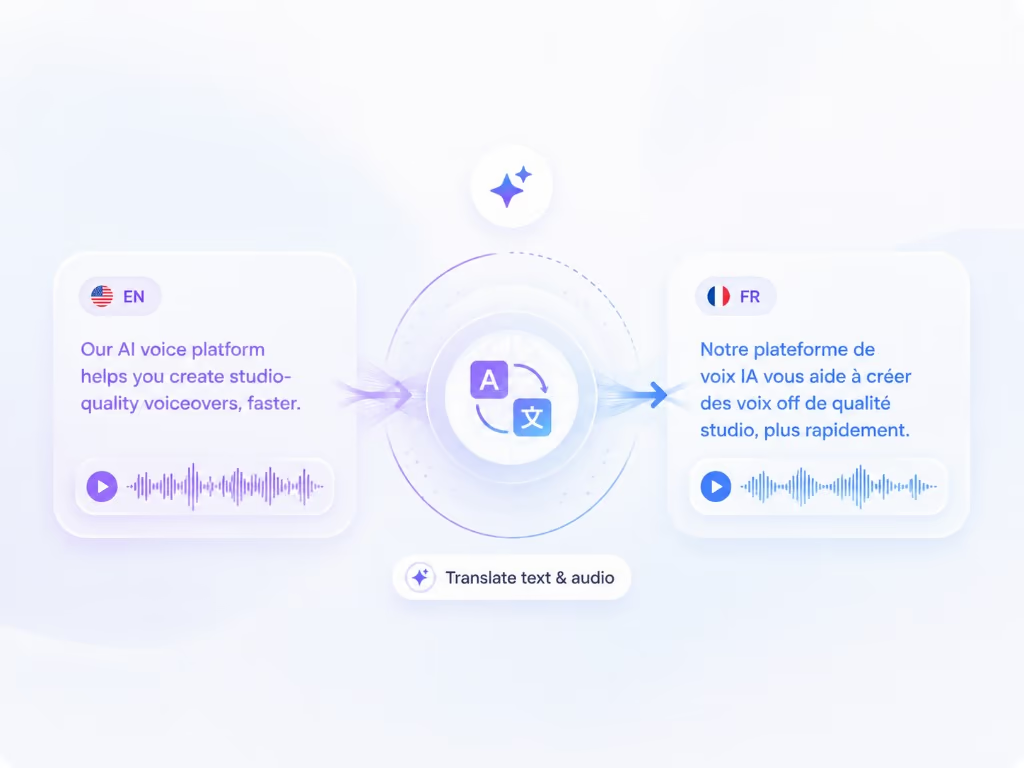
Because every language version is generated from the same cleaned script, cleanup compounds. Fix the wording once and every market inherits it — instead of translating a transcript that still contains three false starts and a phone ringing.
Localization itself runs through Braiv Dubbing, and you decide which voice it carries into other languages: the original recording or this cleaned Speech voiceover.
Where this sits in Braiv Capture
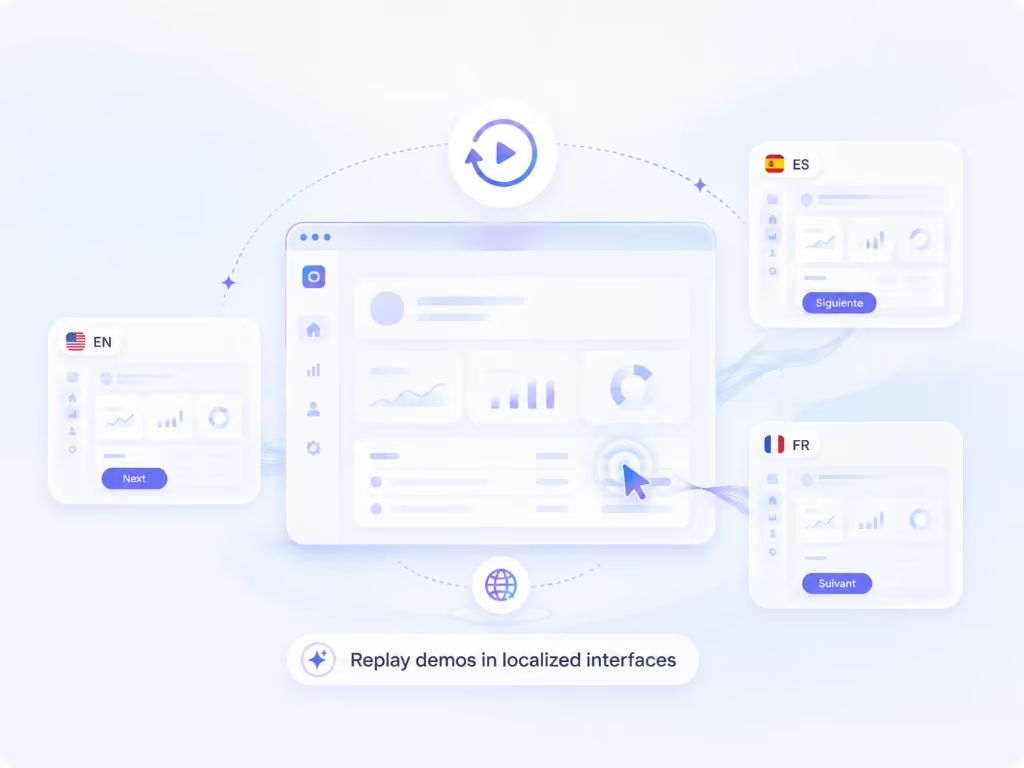
This is the narration-quality attribute inside Braiv Capture, and it runs before full support video translation and localized screen re-recording. The voice comes from Braiv Speech — use Speech directly when you need scripted narration with no source recording at all.