Braiv Shorts vs Opus Clip

The Opus Clip alternative that also publishes

Opus Clip cuts the clip. Braiv ships it.

Trusted by 100,000+ creators, podcasters & businesses globally
Creators and teams who trust Braiv for AI video production
domaine homes logo
puma logo
tesla logo
micd-up logo
antler logo
canva logo
thirdi logo
screenapp logo
anchored outdoors logo
domaine homes logo
puma logo
tesla logo
micd-up logo
antler logo
canva logo
thirdi logo
screenapp logo
anchored outdoors logo
Side by side

Braiv Shorts and Opus Clip, row by row

Every row is something buyers ask before switching. Where Opus Clip is genuinely stronger, the table says so.

Capability Braiv Shorts Opus Clip
AI viral clip extraction Included Included
Karaoke-style animated captions Included Included
Export without watermarks (paid) Included Plan-dependent
Included monthly shorts volume 540/mo on Business Credit-based
Multi-language dubbing built-in Included Not included
One-click auto-publish to channels Included Not included
Connected channels Unlimited on Business n/a
Thumbnails & dubbing in the same plan Included Not included
The short answer

Which one should you pick?

Opus Clip cuts the clip. Braiv ships it — captions, dubbing, and publish included.

Choose Braiv Shorts if

  • You need clip → caption → publish in one tool
  • You are running more than one channel
  • You want dubbing on the same plan as clipping

Stick with Opus Clip if

  • Clipping alone is the whole job
  • You already have a separate publisher
Where Braiv pulls ahead

The three capabilities buyers switch for

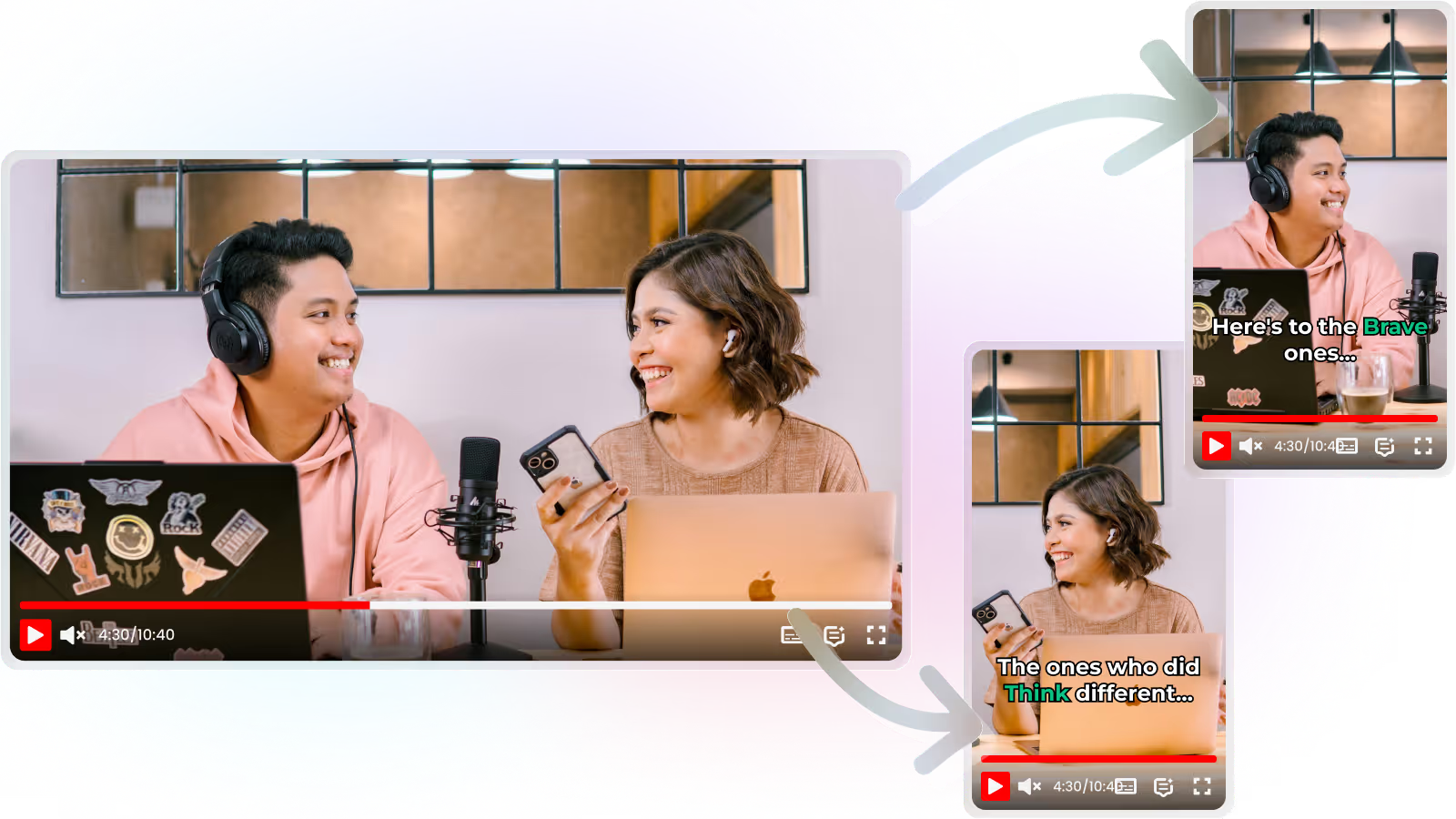
Clipping is where Opus Clip is strong. These are the steps that come after it.

01

Viral moments pulled from long-form, ready to ship

Opus Clip finds the highlight. Braiv does that too — then reframes for 9:16, scores the clip, and keeps the cut in a workflow that ends at publish, not a download folder.

  • Long-form to Shorts
  • Virality scoring
  • 9:16 reframing
Learn more
02

Karaoke-style captions that stay on brand

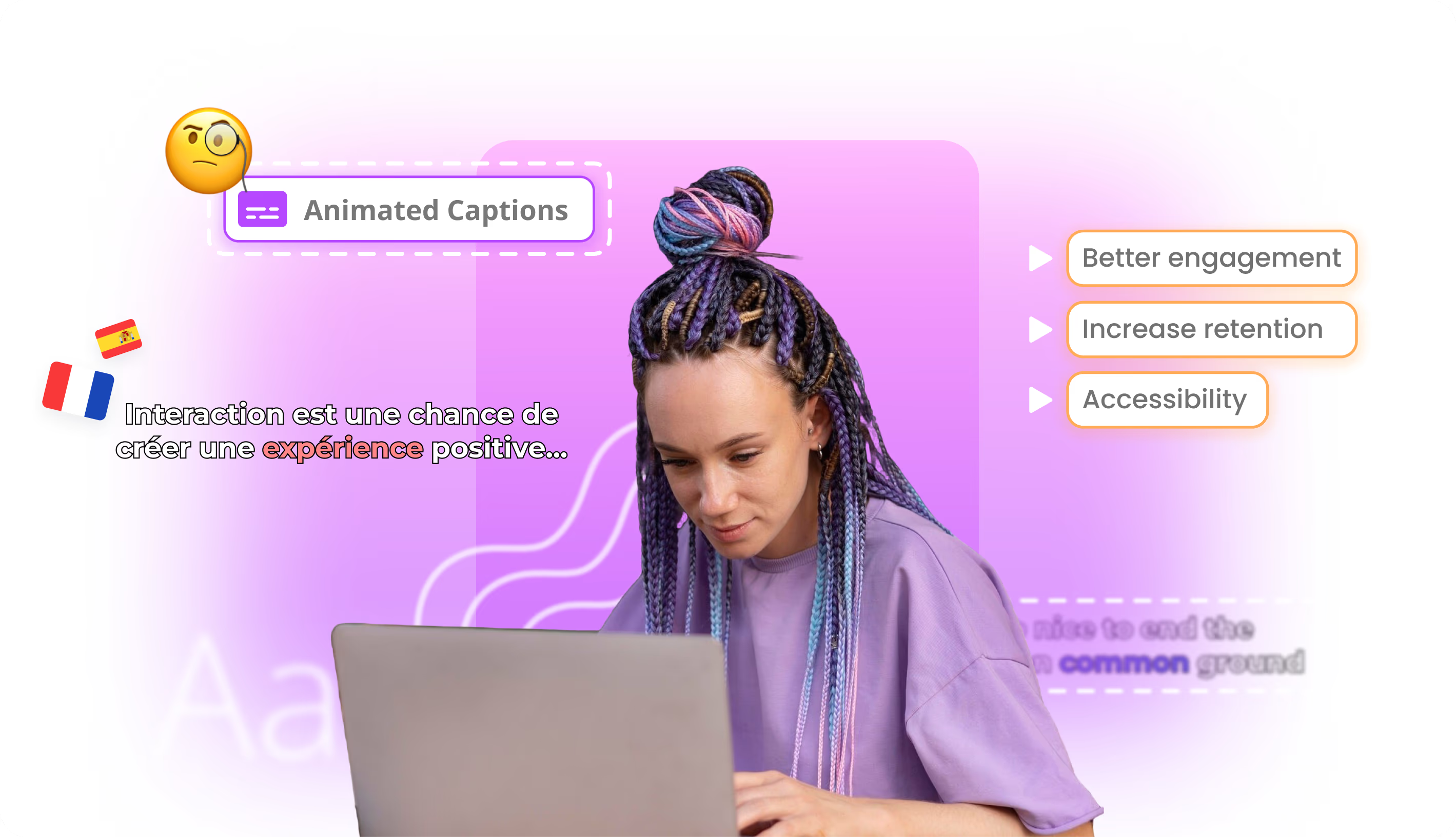
A clip without captions underperforms on mute autoplay. Braiv burns karaoke-style animated captions into the export so the short is watchable in-feed without a second editing pass.

  • Animated captions
  • Burned-in export
  • Mute-friendly
Learn more
03

Publish to every connected channel without re-uploading

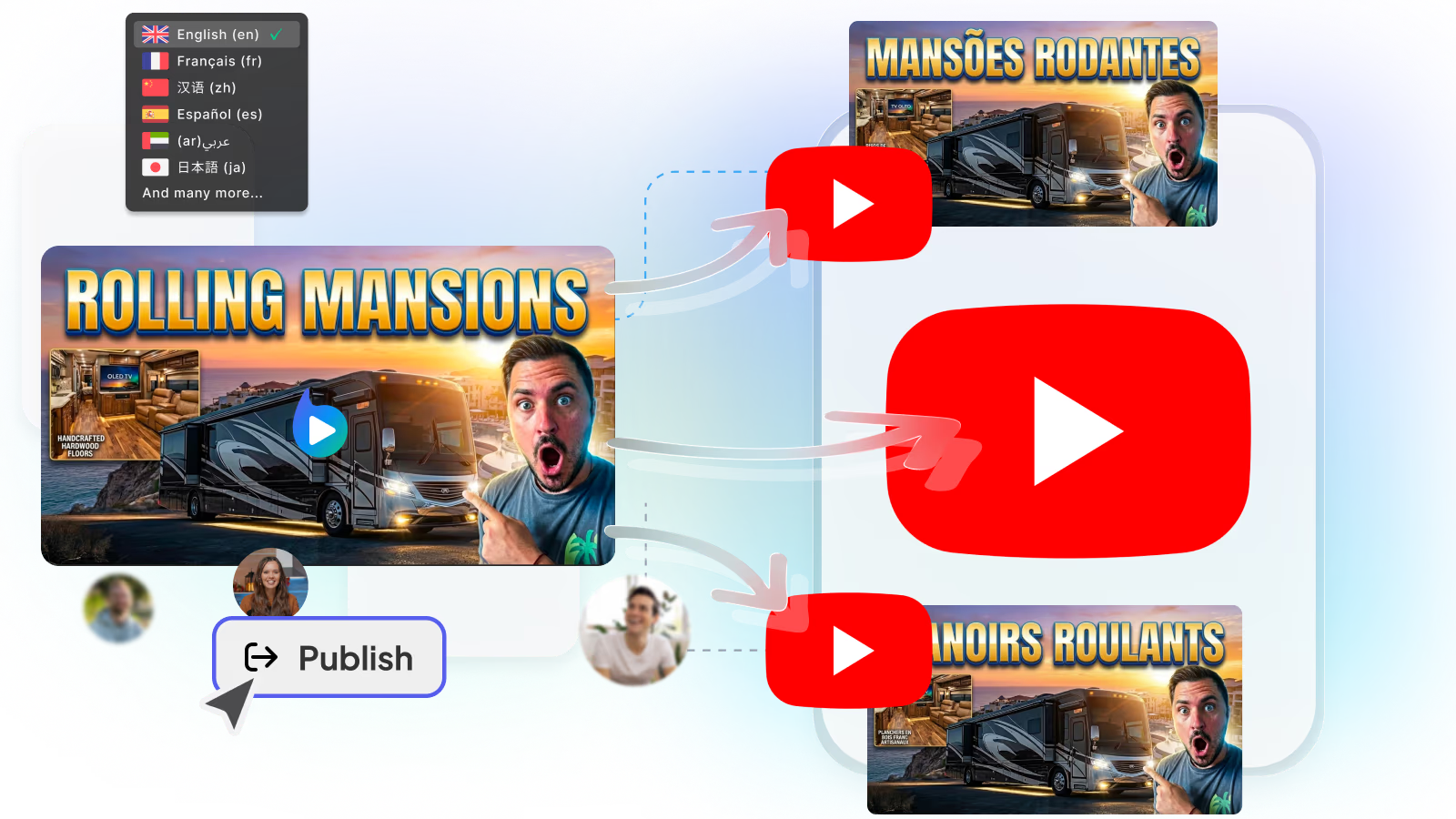
Downloading and re-uploading is the slow part of clipping tools. Braiv connects YouTube, TikTok, and Instagram so the finished short goes live from the same workspace that cut it.

  • Multi-channel publish
  • No re-upload
  • Schedule from one place
Learn more
The detail

In more detail

Where the two tools actually sit

Opus Clip is genuinely good at finding viral moments in long-form video. If your question is “which 30 seconds should become a Short”, it answers that well.

Then it hands you a download, and you open a caption tool, a scheduler, or both.

For a channel publishing a few clips a week, that hand-off is manageable. For an operator shipping daily across several channels it is the bottleneck — clipping is cheap and repeatable; getting captions, languages, and posts out the door is not.

Braiv Shorts covers the production-to-publish half. It extracts highlights, burns karaoke-style captions, can dub into additional languages on the same plan, and publishes to every connected channel.

What a month of output looks like

On the Business plan at $70/month:

  • 540 shorts generations a month
  • 5,400 AI credits, with rollover to 16,200
  • Unlimited channel connections
  • Overage at $0.60 per 60 credits if you go past the allowance
  • Plus 100 hours of managed video, dubbing into 10 languages and 180 thumbnail generations on the same plan

Pro at $35/month covers 270 shorts and 10 channels; Starter at $12/month covers 60 shorts and 3 channels. Start with a free trial to check clip quality. Full detail on pricing.

Captions and dubbing in the same cut

The useful part of a clipping tool is a publishable short, not a silent vertical file. Braiv treats captions as part of the clip — karaoke-style animation burned in for mute autoplay — and keeps dubbing in the same workspace when you need the same moment in another language.

That is the gap most “Opus Clip alternatives” still leave open: another export, another tool, another upload.

The multi-channel case

Volume is where the gap widens. Ten clips a week into one account is fine in any clipper. Thirty a week across four channels is not, especially when each market needs its own cut.

Braiv treats that as one problem: clip once, caption, dub if needed, then publish to every connected channel. Unlimited connections on Business exist because agencies and multi-channel operators were the ones hitting the ceiling.

Use both, honestly

Some creators run Opus Clip for discovery cuts and Braiv for captions, dubbing, and publish — and that can work. If you are choosing one, the question is whether your bottleneck is finding the moment or shipping it.

If it is shipping, start with Braiv Shorts.

Questions

Frequently asked questions

Does Braiv replace Opus Clip for clipping?
For most creators who need clip → caption → publish, yes. Opus Clip is a strong dedicated clipper; Braiv matches viral extraction and adds karaoke captions, multi-language dubbing, and native auto-publishing in the same plan. If clipping alone is the job and you already publish elsewhere, Opus Clip can stay.
How many shorts does a plan include?
The Business plan includes 540 shorts generations a month plus 5,400 AI credits, with unused credits rolling over to a maximum of 16,200. Generation beyond the allowance is billed at $0.60 per 60 credits rather than blocked mid-campaign.
Can I use it across several channels?
Yes. Business allows unlimited channel connections, Pro connects 10 and Starter connects 3. Agencies and multi-channel operators typically run everything from a single Business workspace.
What does it cost?
Starter is $12/month, Pro is $35/month and Business is $70/month at list price, with regional pricing applied automatically. A free trial lets you test clip quality before you subscribe. The same subscription also covers dubbing, translation, thumbnails and publishing.
Are exports watermark-free?
Paid plans export Shorts, Reels, and TikToks without trial watermarks so you can publish directly. Capacity — not branding — is the real limit: Business covers 540 shorts a month with overage instead of a hard stop.
Can I run both tools together?
Some teams keep a dedicated clipper and use Braiv for captions, dubbing, and publish. That is reasonable until the two budgets compete. When the bottleneck is shipping volume across channels, consolidating into Braiv Shorts is usually the cleaner stack.

Ready to Take Your Content Global?

Join over 100,000 creators scaling their reach with Braiv.
Get 150 AI Credits when you sign up today.