

Early access Braiv Capture waitlist is open — record once, publish support videos in every language.

Trusted by 100,000+ creators, podcasters & businesses globally
Creators and teams who trust Braiv for AI video production

Translate the transcript — keep the timeline

One click sends a finished script into 80+ languages with sync preserved — ready for subtitles, review, or the path into dubbing.

Where this fits

Braiv Transcription

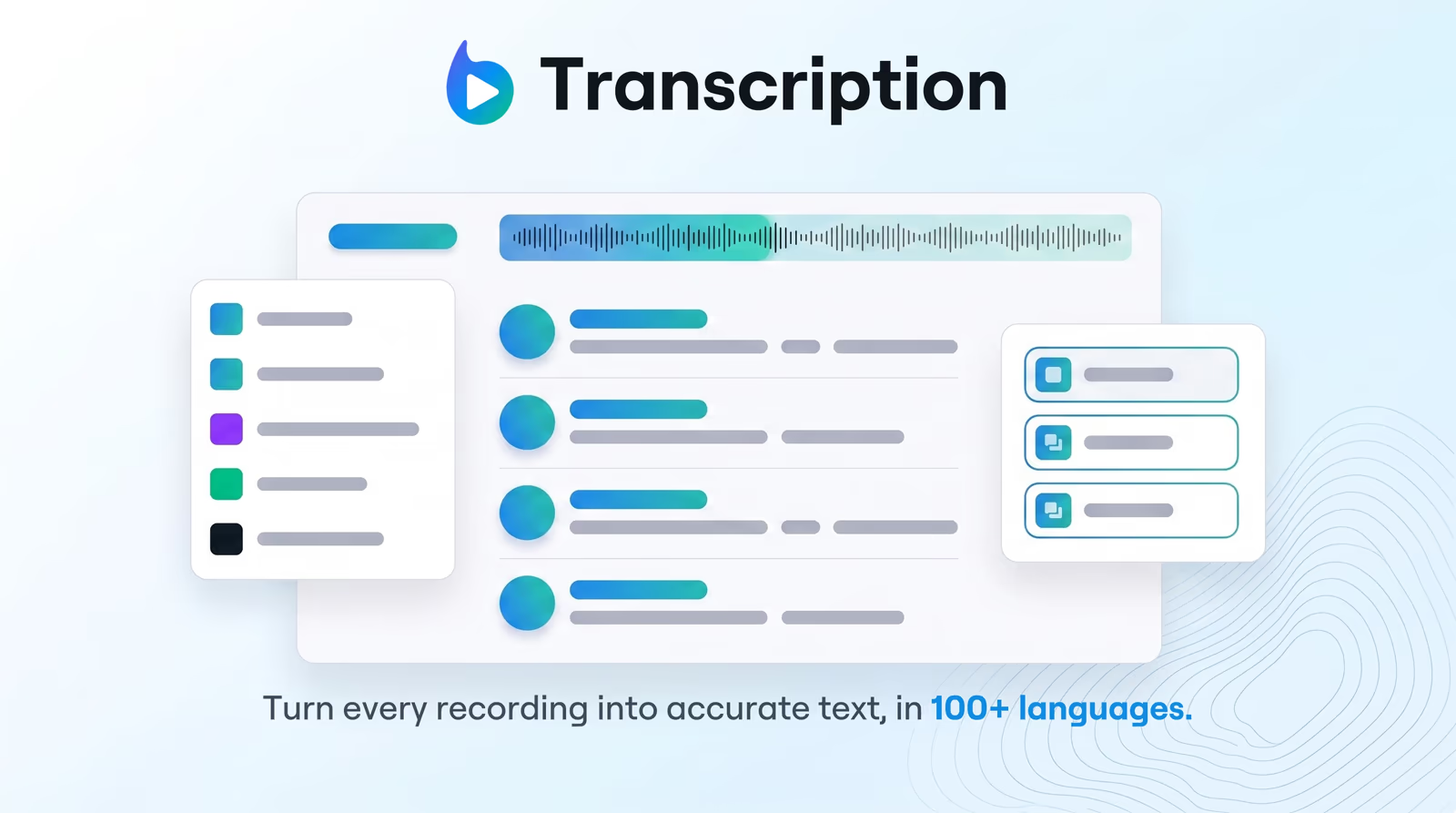
Enterprise-grade speech-to-text with speaker detection, timestamps, and instant translation into 80+ languages — so teams search, quote, and localize faster.

Explore Braiv Transcription

Capability 3 of 3

What this does

What transcript translation unlocks

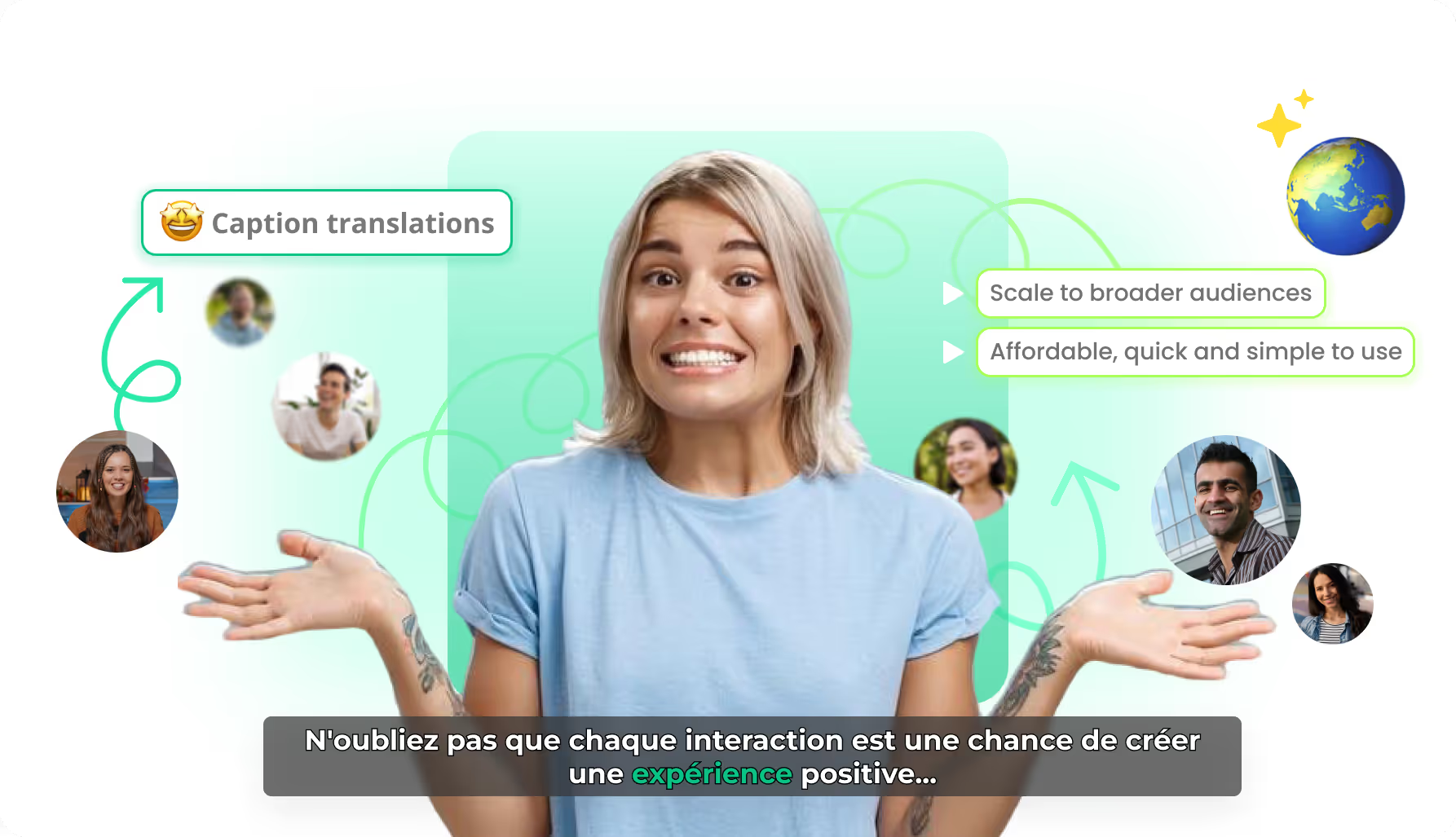
Translate Braiv transcriptions into 80+ languages while preserving timeline sync — export SRT/VTT or feed captions and dubbing without rebuilding timing.

  • Eighty-plus target languages

    Push a reviewed script into 80+ languages without re-transcribing the audio.

  • Timing that still lines up

    Timeline sync stays intact for subtitle exports and downstream caption jobs.

  • One path into localization

    Hand the same asset to editors, SRT/VTT downloads, or Braiv Dubbing.

Deep dive

Everything you need to know about Translate transcriptions into 80+ languages

Translation that starts from a real transcript

Word-for-word dump tools treat translation as a text box problem. Production teams need the opposite: a script that already knows when each line happens, so subtitles and dubs do not require a second timing pass.

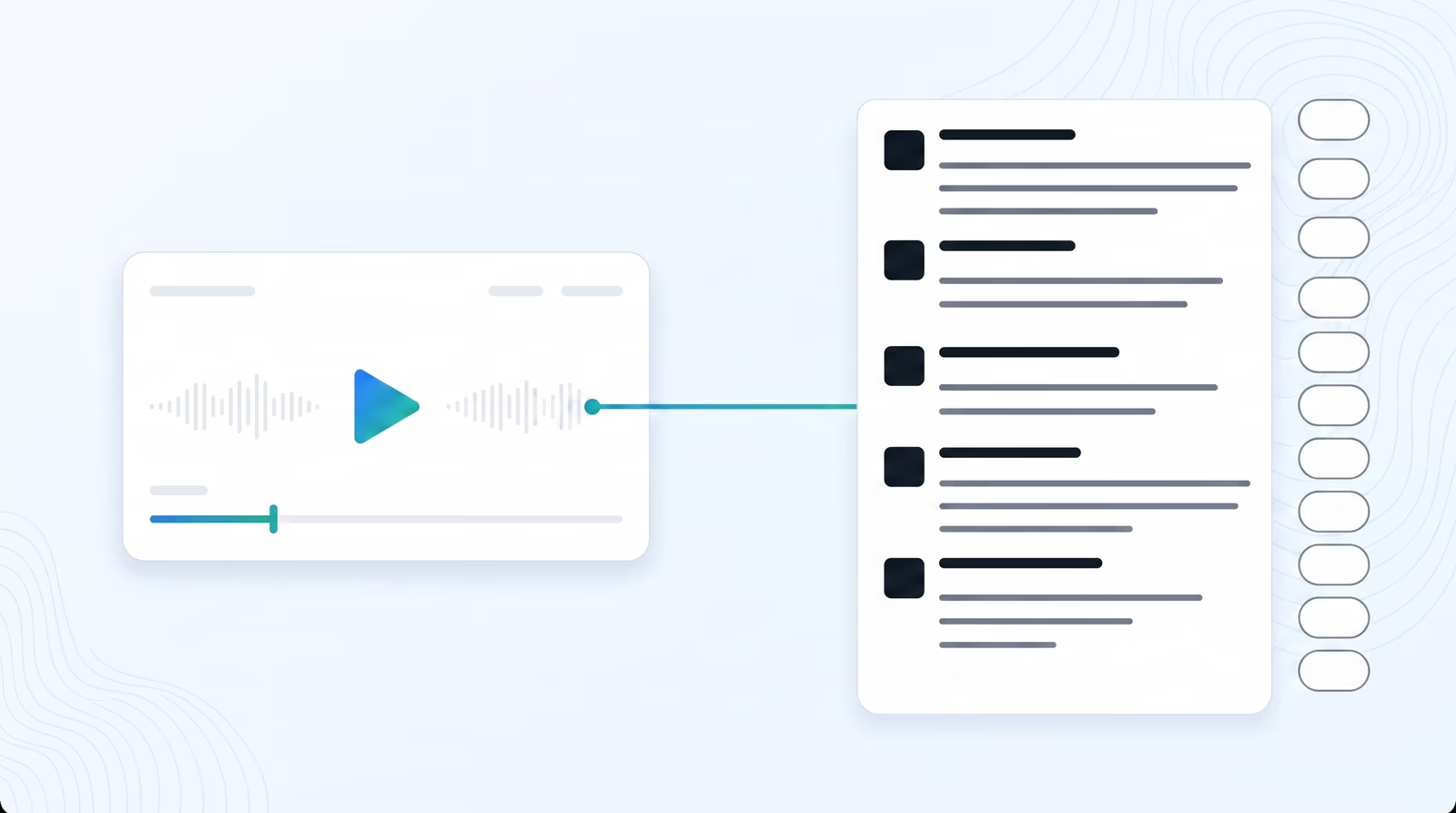
Braiv translates from the transcription you already reviewed — including speaker structure when diarization ran — into 80+ languages with the timeline still attached.

Why sync is the whole product

A beautiful translation that drifts off the audio is unusable for captions. Preserved millisecond-level bindings mean the Spanish or German script still opens at the same moments as the English one.

That is the difference between “we translated the doc” and “we can ship subtitles tonight.”

Context over literal substitution

Industry terms, product names, and conversational phrasing need more than dictionary swaps. The translation step is built for scripts that will be read as captions or spoken as dubs — not for throwing raw machine output into a PDF and calling localization done.

Review still matters on high-stakes content; the point is that you start from a timed, structured script instead of a blank project.

From translated text to captions and dubbing

Export SRT or VTT for platforms that need files, or keep the job inside Braiv and send the script into Braiv Captions and Braiv Dubbing. Transcription and translation are early stages of one pipeline.

Source coverage still starts with speech-to-text in 100+ languages.

Where this sits in Braiv Transcription

This is the localization attribute inside Braiv Transcription. The same product also covers 100+ language transcription and AI speaker diarization. Plans and credits on pricing.
The bigger picture

One capability, one step in a longer workflow

Braiv Transcription covers the Localize stage. Braiv runs the rest of the sequence on the same recording — so what you make here ends up packaged, localized and published without leaving the platform.

See the full workflow
  1. 01 Capture Recorded once, ready to localize
  2. 02 Repurpose One video, dozens of assets
  3. 03 Package Packaged to perform
  4. 04 Localize Fluent in 80+ languages
  5. 05 Publish & Track Distributed and measured
Questions

Frequently asked questions

How many languages can I translate a transcription into?
Over 80 target languages in one click from a finished Braiv transcript. That is translation of the script — speech-to-text recognition itself covers 100+ source languages.
Does translation keep subtitle timing?
Yes. Timeline synchronization is preserved so translated text still maps to the same moments — which is what makes SRT/VTT exports and caption workflows usable without re-timing every line.
What export formats work after translation?
Download translated output in formats such as SRT, VTT, TXT, DOCX, or JSON depending on the job. SRT and VTT keep timestamp sync for YouTube, Vimeo, and other platforms.
Is this the same as live player language switching?
No. Transcript translation creates localized text (and feeds captions or dubbing). Live audio/subtitle switching for viewers is Braiv Player. Translation here is the content pipeline step.
Can I edit before or after translating?
Yes. Fix names, terms, and speaker labels on the source transcript — especially after diarization — then translate. You can refine the translated script before export or dubbing as well.
How does translation connect to dubbing and pricing?
A synced multilingual script is the clean handoff into Braiv Dubbing and captions. Usage draws on AI Credits — full detail on pricing.

Ready to Take Your Content Global?

Join over 100,000 creators scaling their reach with Braiv.
Get 150 AI Credits when you sign up today.