Early access Braiv Capture waitlist is open — record once, publish support videos in every language.

Braiv Capture vs Guidde

The Guidde alternative for support videos in every language

Guidde translates the voiceover. Braiv Capture localizes the whole walkthrough — narration, on-screen text, and the interface being demonstrated.

Trusted by 100,000+ creators, podcasters & businesses globally
Creators and teams who trust Braiv for AI video production
domaine homes logo
puma logo
tesla logo
micd-up logo
antler logo
canva logo
thirdi logo
screenapp logo
anchored outdoors logo
domaine homes logo
puma logo
tesla logo
micd-up logo
antler logo
canva logo
thirdi logo
screenapp logo
anchored outdoors logo
Side by side

Braiv Capture and Guidde, row by row

Competitor behaviour below reflects Guidde’s public product and pricing pages as checked on 9 August 2026. Where Guidde is genuinely ahead — including being available today — the table says so.

Capability Braiv Capture Guidde
Available today Early access waitlist Included
Screen recording with voiceover Included Included
Filler words stripped and narration rewritten Rewritten, then revoiced Cleaned, then read aloud
Narration in your own cloned voice Included Listed as a paid add-on
Translated narration Included Enterprise / add-on
On-screen text, captions and callouts translated Included Not included
Demo re-recorded in your localized UI Included Not included
Help article generated and localized with the video Included Guide text, translation gated
Contextual in-app delivery layer Not included Included
Dubbing, captions and publishing in the same platform Included Not included
The short answer

Which one should you pick?

Guidde is the shipped choice for English video documentation. Braiv Capture is the one to wait for when those walkthroughs have to exist in several languages, screens included.

Choose Braiv Capture if

  • Your help centre has to exist in more than one language
  • Translated audio over an English interface is not good enough
  • You want the video and the written article in sync per language
  • You can wait for early access — Capture is not generally available yet

Stick with Guidde if

  • You need to publish video documentation this week
  • English-only documentation covers your audience
  • You want a contextual in-app delivery layer alongside the videos
Where Braiv pulls ahead

The three capabilities the switch comes down to

Recording a walkthrough is the part both tools do. These are the steps that decide whether a German customer watches a German video or an English one with German audio.

01

AI voiceover cleanup and redub

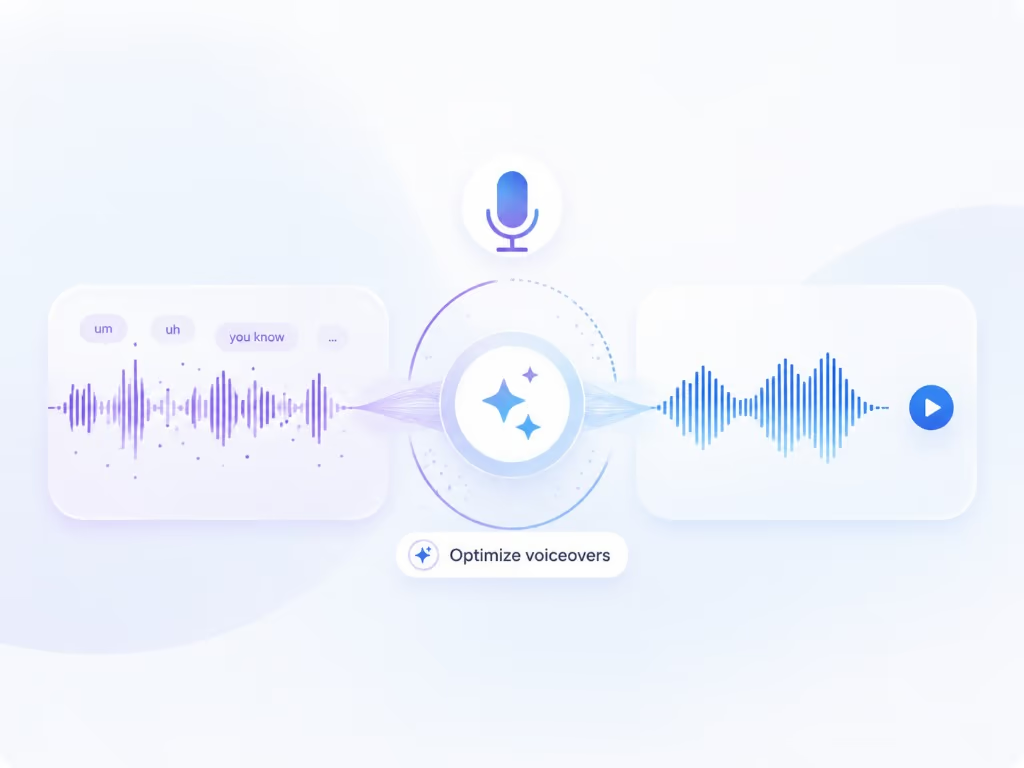
Braiv Capture strips ums, ahs, and false starts from your screen recording, rewrites the narration into support-doc language, then redubs it with a Braiv Speech narration voice clone — so a first take publishes like a scripted one.

Learn more
02

Support video translation, audio and on-screen text

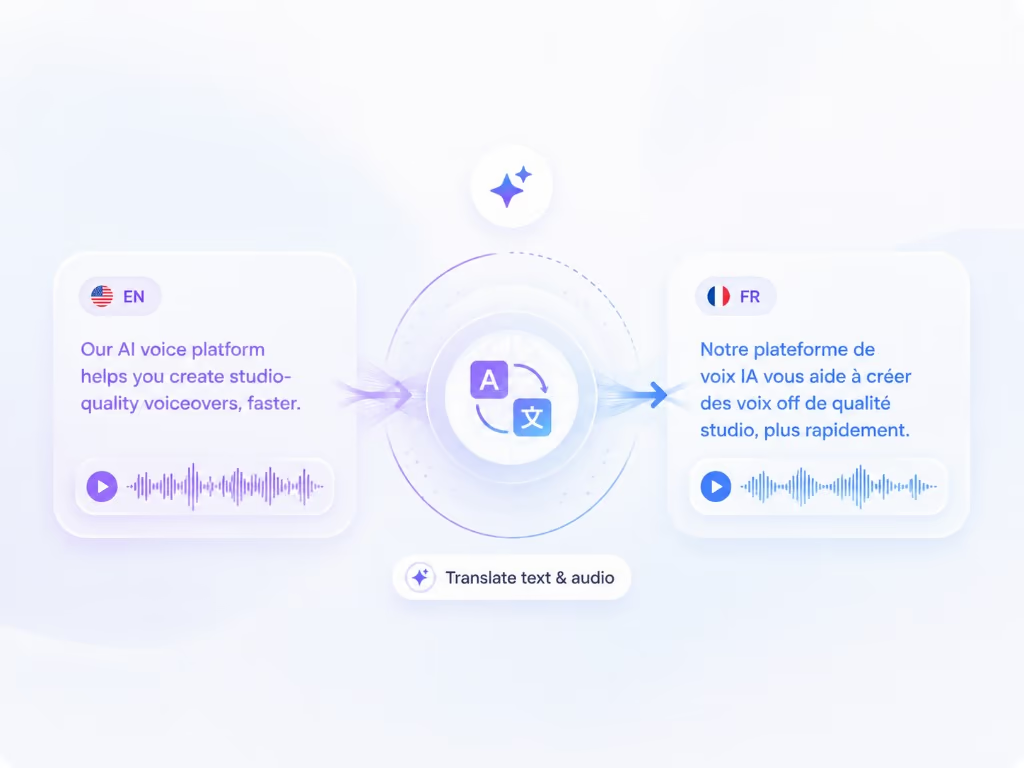
Dub a screen recording into another language and translate the on-screen text with it — narration, captions, callouts, and text overlays localized in the same pass, so a walkthrough never switches back to English halfway through.

Learn more
03

Automated re-recording in a localized UI

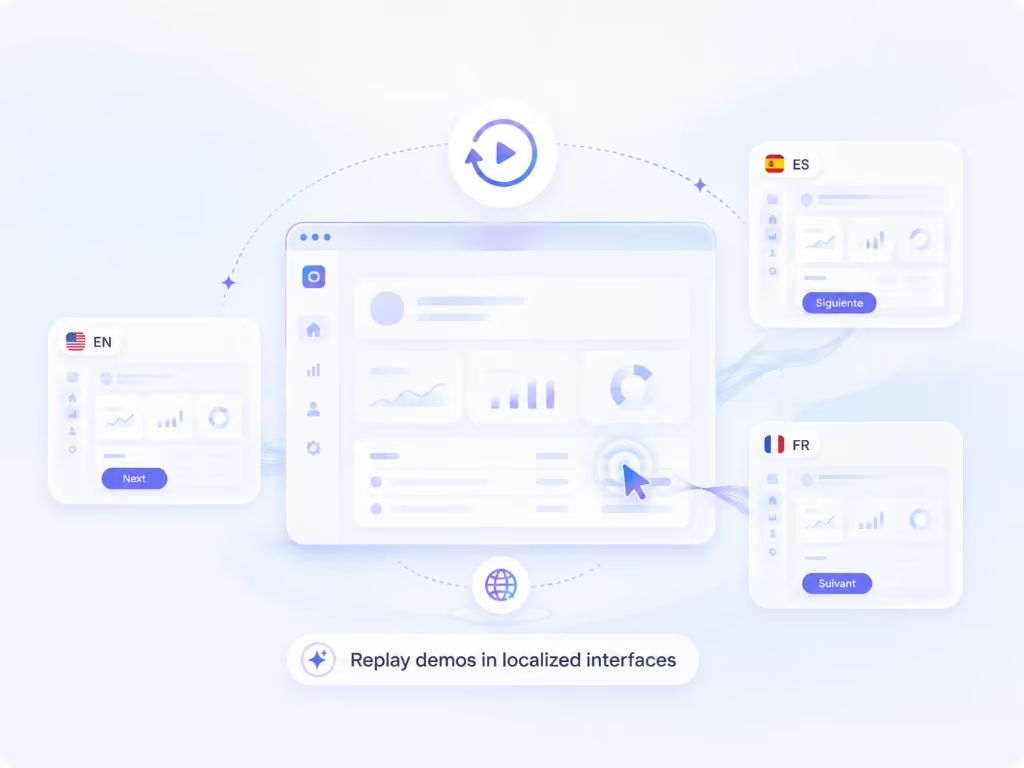
Capture keeps your walkthrough as a replayable session, so the same steps can be re-recorded against your product in another language — a native screencast per market without re-shooting anything.

Learn more
The detail

In more detail

Where Guidde is genuinely strong

Guidde built the category most people mean when they say video documentation: capture a workflow, let AI turn it into a narrated step-by-step video with a text guide beside it, then deliver it inside the tools employees already use. It ships today, it has an in-app delivery layer Braiv does not, and for an English-speaking internal audience that is often enough.

So this page is not an argument that Guidde is bad at its job. It is an argument about a second job Guidde treats as a bullet point and Braiv Capture treats as the product: publishing that same walkthrough in every language your customers use.

Competitor behaviour on this page reflects Guidde’s public product and pricing pages as checked on 9 August 2026. Vendors move; re-check before you buy.

Translated audio over an English screen does not help

Every tool in this category sells “record once, publish in 50+ languages”. Read the fine print and what that almost always means is the voiceover is translated.

Picture what the customer actually watches. The narration is in Portuguese. The menu is in English. The tooltip the narrator just described is in English. The callout you added in the editor is in English. The viewer is now translating the screen in their head while listening to a language that no longer matches it — which is most of the cognitive load you were trying to remove.

A support video is not an audio track. It carries captions, titles, callouts, and the interface itself, and localizing one of those four is not localizing the video.

What Braiv Capture localizes instead

Capture starts from the same place — one screen recording with your own voice talking through the task — and then does three things Guidde does not do together:

The honest limit on that last point: your product has to be localized already. Braiv records the real interface, it does not invent one.

The translation gate is the thing to check on their pricing page

This is where “50+ languages” gets expensive rather than untrue. As of 9 August 2026, Guidde’s own feature table puts multi-language translation on Enterprise, lists automatic language translation and voice cloning as paid add-ons, and meters on-demand translation as an allowance. Text-to-voice and desktop capture sit on the Business tier.

If your entire reason for buying is multilingual documentation, price the tier that actually delivers it before comparing monthly rates — and note that Guidde’s own programmatic comparison pages still quote prices their live pricing page no longer charges, which is a good reason to check the source rather than a third-party table. Including this one.

What one recording turns into

A single Capture session is meant to produce, per language:

  • a cleaned support video with narration in your cloned voice
  • translated captions, titles, callouts and on-screen text
  • a screencast recorded against your localized interface
  • a matching step-by-step help article generated from the same script

That is the point of doing it in one pipeline. When the wording changes, the article and the video change together. When a release changes a screen, the session gets replayed instead of re-shot in six languages.

Early access, stated plainly

Braiv Capture is pre-launch. There is no self-serve signup on this page because there is nothing to sign up to yet — access is invite-based and the waitlist below is the queue.

If you need documentation videos published this month, use Guidde. If your roadmap says the help centre has to exist in eight languages by next quarter, get on the waitlist and let us show you the localized screencast before you commit to an English-only pipeline.


Questions

Frequently asked questions

Is Braiv Capture available yet?
Not generally. Capture is in early access and access is invite-based — join the waitlist on this page and we will reach out when your workspace can create localized support content. If you need to publish documentation videos this week, Guidde ships today and that is the honest recommendation.
How much does Guidde cost?
Checked on 9 August 2026, Guidde publishes a free tier limited to 25 guiddes with a watermark, Pro and Business priced per creator per month (cheaper on annual billing), and a custom Enterprise tier. Text-to-voice and desktop capture sit on Business; the localization features sit above it. Prices change — check their pricing page before you decide.
Does Guidde translate on-screen text?
On their pricing page as checked on 9 August 2026, multi-language translation is an Enterprise line item, automatic language translation and voice cloning are listed as paid add-ons, and on-demand translation is a metered allowance. What that buys is translated narration and captions — the interface inside the recording is whatever was on screen when it was captured. Braiv Capture treats captions, titles, callouts and on-screen text as part of the same translation pass.
Can it re-record the demo in another language?
That is the difference the page is really about. Braiv Capture keeps the walkthrough as a replayable session, so the same steps can be run again against your product switched to another language — a genuine screencast of the localized interface. Your product has to be localized already: Braiv records the real UI, it does not synthesise one. Guidde captures once and translates the output.
Will the localized narration still sound like me?
Yes. The cleaned narration is regenerated with a Braiv Speech voice clone set up once and tuned for voiceover, and Braiv Dubbing carries a cloned voice into every language. You choose the source it clones — your original recording, or the cleaned voiceover. Guidde lists voice cloning as a paid add-on and otherwise reads your script with a library voice.
Do I get a written help article as well as the video?
Yes. The same cleaned script produces the step-by-step article and the voiceover, in every language you publish, so the article never ends up describing a button the video no longer shows.
Will Capture be part of my existing Braiv plan?
Capture is designed to sit inside the same subscription and AI Credit balance as the rest of Braiv rather than arriving as a separate invoice. Final plan detail lands with launch — see pricing for current allowances.
Can I run Guidde and Braiv together?
Yes, and some teams will. Guidde for English internal documentation and in-app delivery, Braiv Capture for the customer-facing library that has to ship in every market. It becomes an either/or when you are consolidating localization spend rather than adding another English documentation tool.

Be first to localize your support library

Join the early-access waitlist and we'll reach out when your workspace can record once and publish support content in every language.