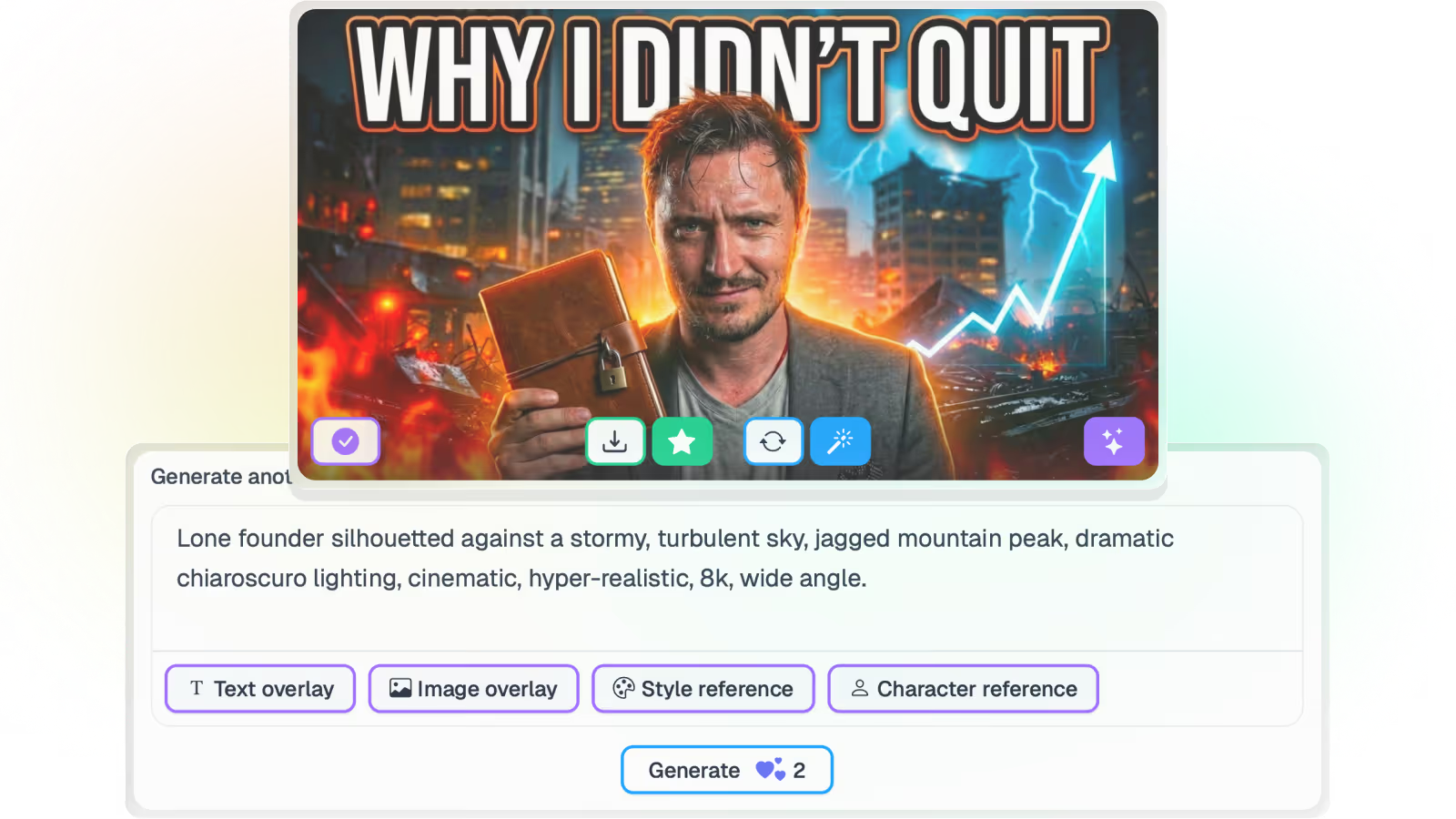
Pikzels is a capable AI thumbnail designer. If your job is to make one excellent thumbnail from a prompt, it does that job well, and it gives you more hands-on creative control over a single image than Braiv does.
Then you write the next prompt. And the next. And the next.
For a channel publishing once a week, that loop is fine. For an operator publishing daily across several channels it is the whole bottleneck — prompt-led design is strong at one hero image, and the wrong shape for a hundred.
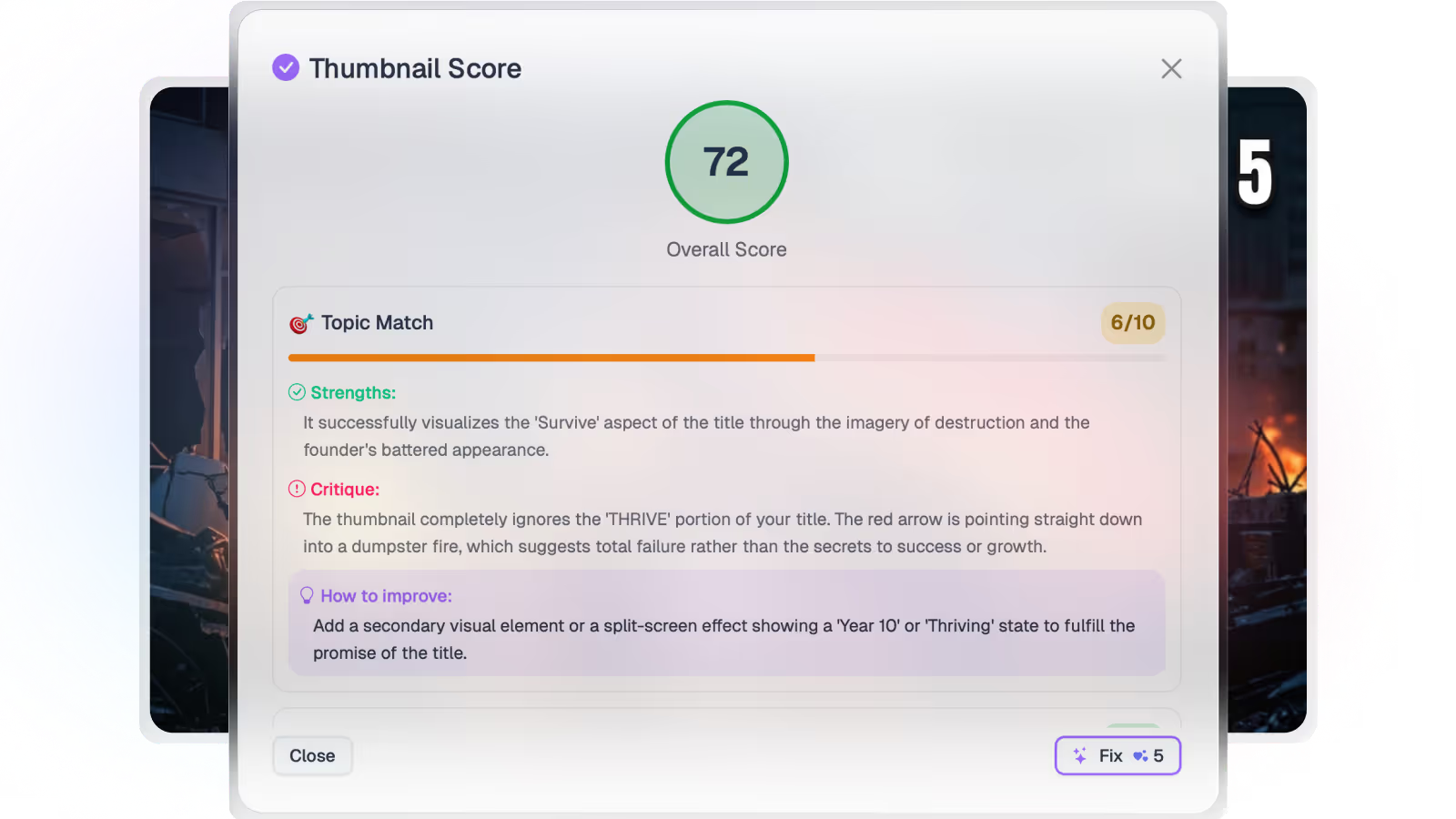
Braiv Thumbnails covers the production half. It generates candidates from your own video timeline, scores each one for composition, text legibility and title match, and publishes the winner to any connected channel.
What a month of output looks like
On the Business plan:
- 5,400 AI credits, covering 270 thumbnail generations a month
- Rollover to 16,200 credits, so unused capacity is not lost
- Unlimited channel connections
- Overage at $0.01 / credit if you go past the allowance
- Plus 100 hours of managed video, dubbing into 10 languages and 540 shorts generations on the same plan
That last point is usually the real comparison. A dedicated thumbnail tool covers the design step. If you are also paying for dubbing, clipping and scheduling separately, you are comparing one Braiv subscription against three or four line items.
Pro covers 135 thumbnails and 10 channels; Starter covers 30 thumbnails and 3 channels. Full detail on pricing.
Generated from the video, not from a prompt
Braiv pulls candidate frames out of your video timeline rather than asking you to describe what you want. For a back catalogue this matters: you can process material you shot months ago without rewatching it to write a prompt for each one.
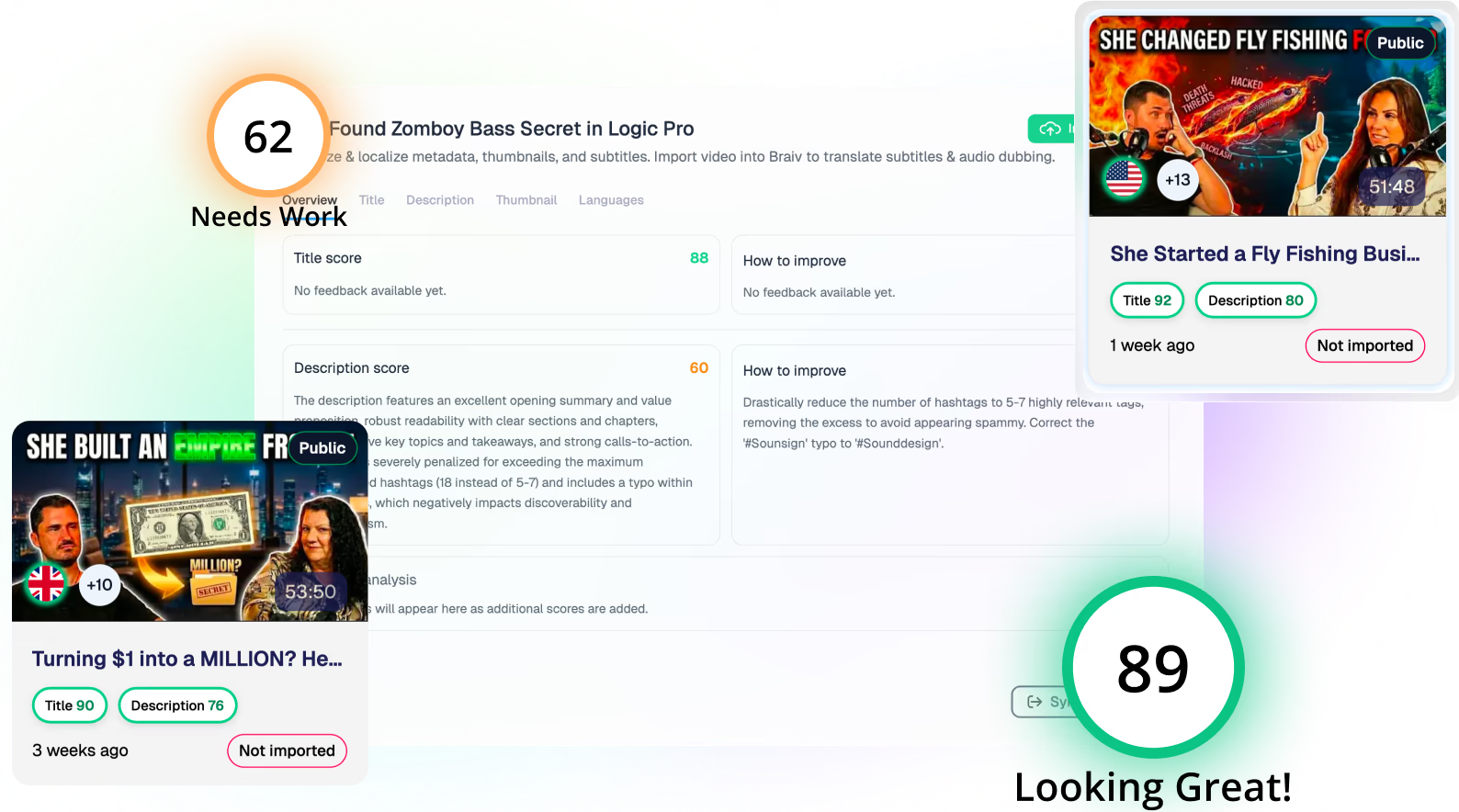
Each generated thumbnail is then scored for composition, text legibility and how well it matches the title, so you have a reason to pick one over another before it goes live — rather than iterating prompts until taste says stop.
The differentiators a prompt box doesn’t have
Prompting gets you one good image if you’re willing to iterate. It doesn’t give you a standing style, a channel-wide look, or a guarantee that nothing was invented — three things Braiv adds on top of generation itself.
- Style reference from a URL. Skip the prompt entirely: paste the YouTube link of a thumbnail you want to echo and Braiv resolves it into a style reference, reading the layout, type and colour grammar instead of asking you to describe it in words.
- A brand guideline kit, not a re-typed prompt. Import your channel’s best-performing covers and Braiv analyses one to four of them into a brand guideline kit — palette, typography, layout, required chrome, and what never to carry forward — applied automatically to every future generation. Each connected channel keeps its own, which is the part agencies rely on.
- Precision mode for when invention is the wrong answer. Precision turns character generation off entirely and builds the thumbnail from real frames of your video, with a headline you write yourself or no overlay text at all — for news, education, documentary and interview channels where a Pikzels-style invented scene would misrepresent the video.
The multi-channel and multi-market case
Volume is where the gap widens. One thumbnail a week is a manageable prompt job. Thirty a week across four channels is not, and neither is rebuilding each one when you publish the same video into a second language.
Braiv treats both as the same problem: generate once, score, fix, then translate the text layer and publish to every connected channel. Unlimited connections on Business exist because agencies and multi-channel operators were the ones hitting the ceiling.
Use both, honestly
Some channels run Pikzels for a heavily art-directed hero thumbnail and Braiv for day-to-day volume, and that is a reasonable stack. If you are choosing one, the question is whether your bottleneck is directing a single image or shipping the month.
If it is volume, start with Braiv Thumbnails.