
Introducing Braiv Capture: Record Once, Ship Support Videos in Every Language
Braiv Capture turns one screen recording with voiceover into clean software training videos, tutorials, and help articles in any language — filler words stripped, narration revoiced, on-screen text translated, and the demo re-recorded in your localized UI.
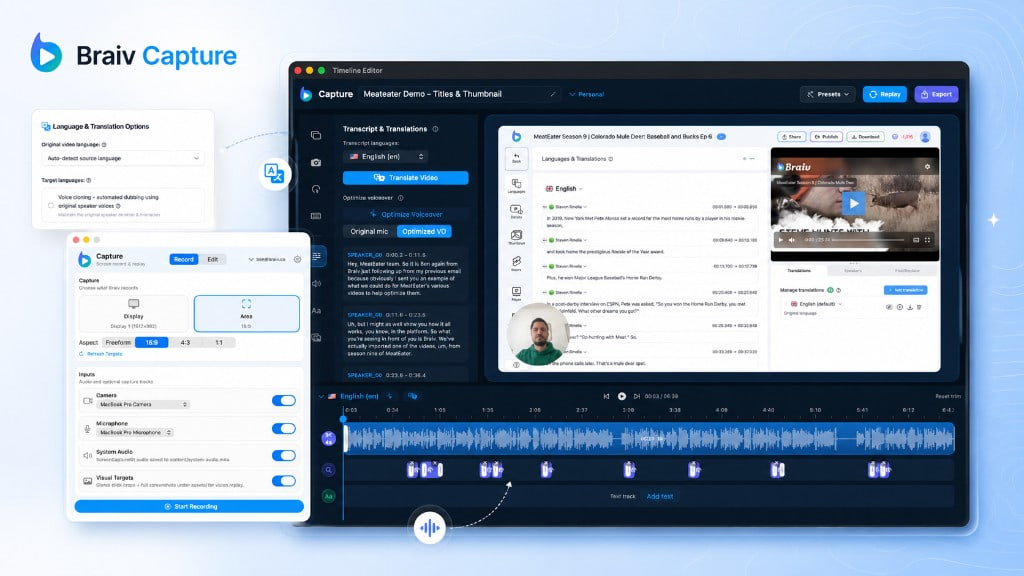
TL;DR: Support libraries die by a thousand re-takes. Braiv Capture lets you record a walkthrough once — imperfectly — then ships clean software training videos, tutorials, and help articles in every language. Join the early-access waitlist.
Every product team knows the trap.
You ship a feature. Someone records a quick walkthrough between meetings. The ums stay in. The menu labels are English-only. Then sales asks for Spanish, CS asks for Portuguese, and L&D asks for an employee training cut that does not sound like someone thinking out loud.
So you re-record. Then you re-record again. Then you give up and leave half the help centre in English.
That is the problem Braiv Capture is built to kill.
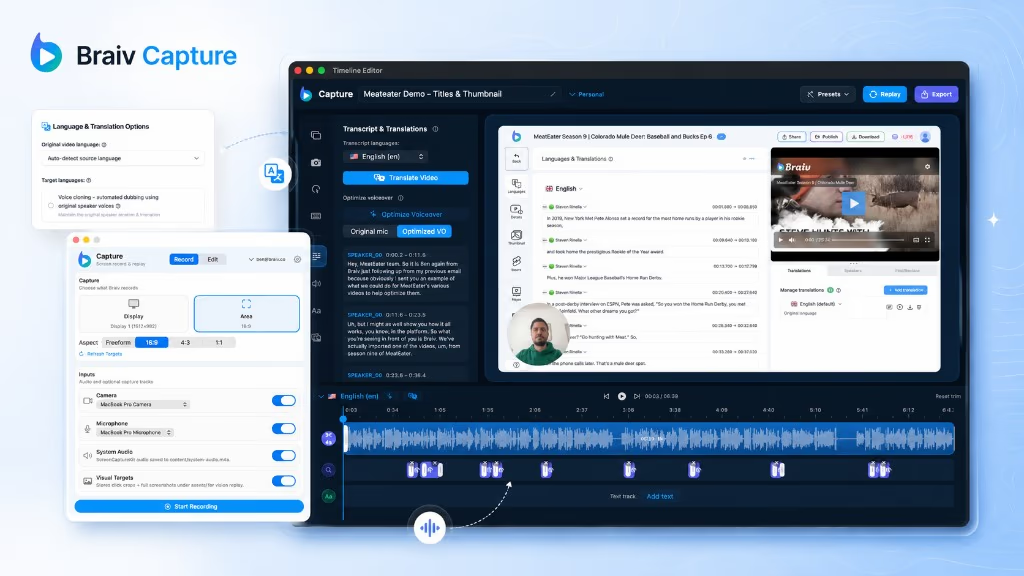
Today we are opening the early-access waitlist for Braiv Capture — a new Braiv product that turns one screen recording with voiceover into polished support videos, software training videos, instructional demos, and synced help articles in any language.
The real cost of “just record it again”
Making software training videos looks simple until you count the hidden tax:
- Performance tax — Subject-matter experts can demo the product. They cannot (and should not) become studio narrators.
- Language tax — Dubbing the audio is only half the job. Captions, callouts, titles, and the UI in frame still scream “this was made in English.”
- Library tax — Every release invalidates twenty walkthroughs. Multiply that by six markets and nobody has a localization budget left.
Teams try to patch it with CapCut filler-word cuts, Canva training decks, PowerPoint exports, Premiere timelines, or a generic AI dubbing tool bolted on at the end. None of those tools share a single cleaned script between the video and the help article — so the assets drift apart the moment someone edits a sentence.
Capture starts from a different assumption: your first take is the only take.
What Braiv Capture does
Capture sits at the start of the Braiv workflow — the new capture stage — and composes two products you may already know:
- Braiv Speech for a narration-grade voice clone
- Braiv Dubbing for localization of the audio you choose
From one recorded walkthrough, Capture produces four outcomes teams usually treat as four separate projects.
1. Clean the voiceover — remove filler words without a second take
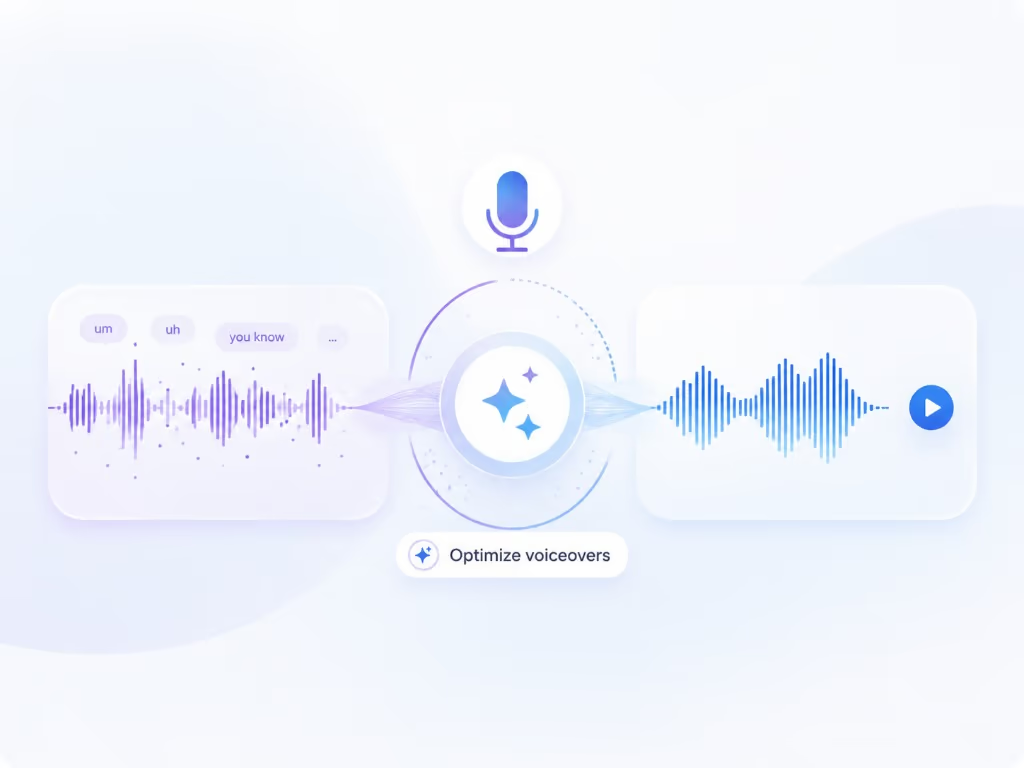
Talk through the task the way you normally would. Capture treats ums, ahs, restarts, and rambling as source material, not the final track. It rewrites the narration into short, instructional language and redubs it with a Braiv Speech clone tuned for voiceover — so a first take publishes like a scripted one.
Deep dive: AI voiceover cleanup · How-to intent we care about: remove filler words from video, screen recording with voiceover.
2. Translate the whole asset — audio and on-screen text
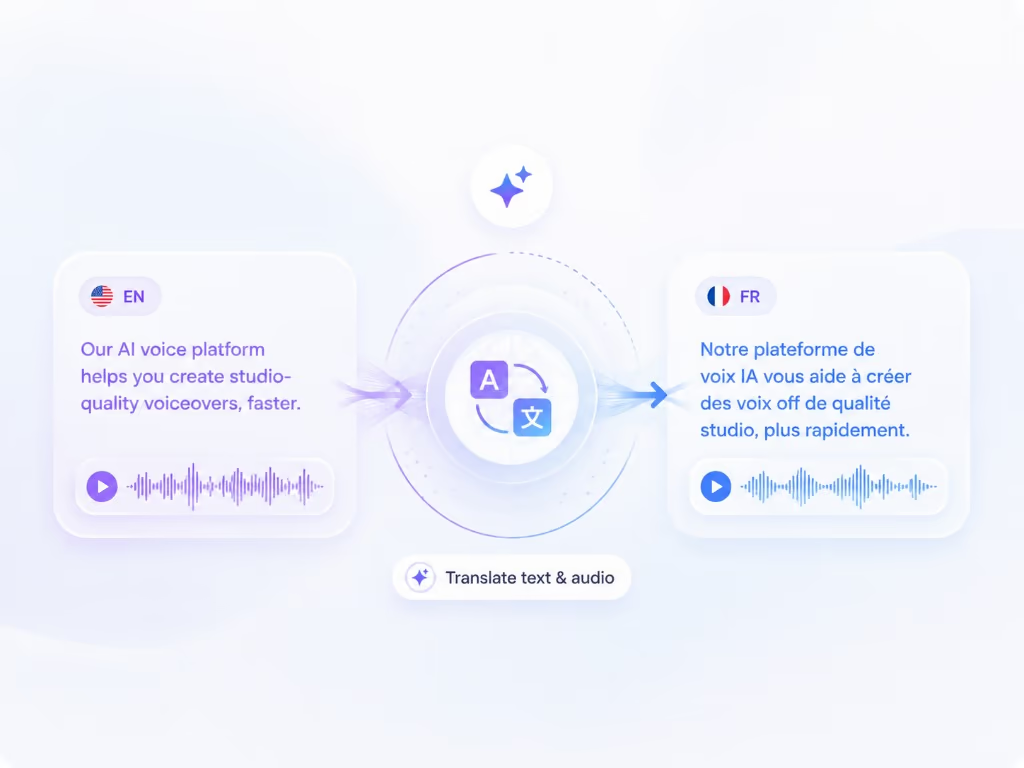
Localization is not “swap the voice track.” A support video also carries captions, titles, step callouts, and overlays. Capture runs those through Braiv Dubbing in the same pass, using either your original recording or the cleaned Speech voiceover as the clone source — your call.
Deep dive: Support video translation · Search intent: translate text in a video, dub a video in another language.
3. Replay the demo inside your localized interface
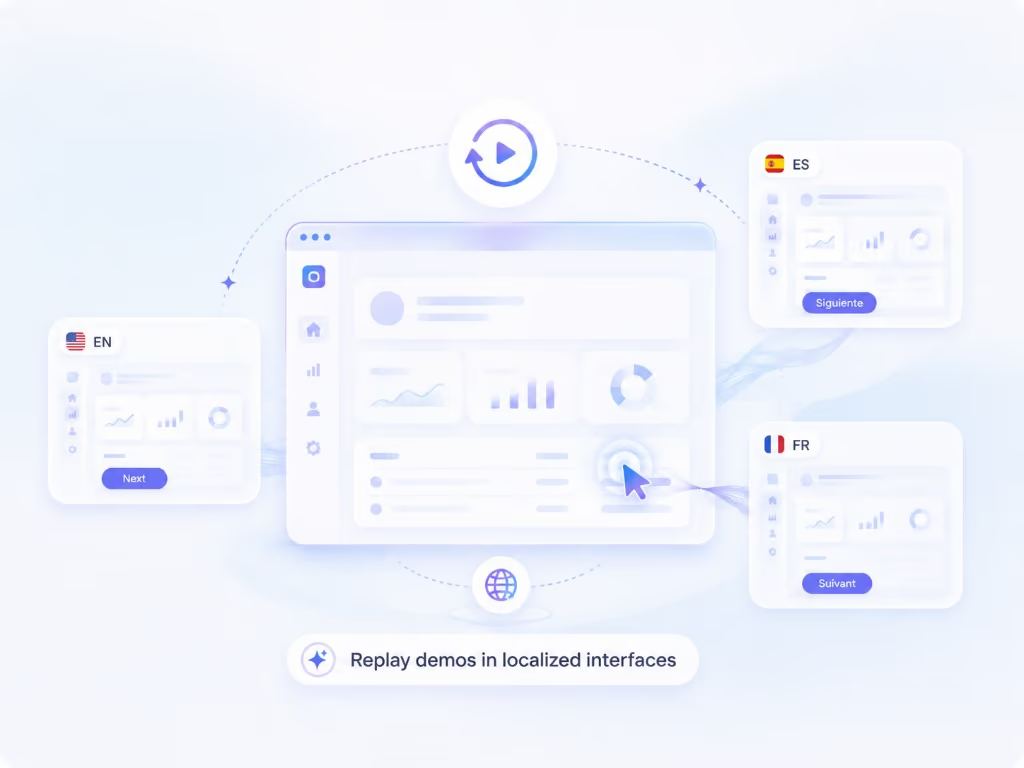
This is the piece most dubbing tools cannot touch. Capture stores the walkthrough as a replayable session, not only a flat MP4. When your product is switched to another language, the same steps can run against that UI — so a French customer watches the French interface, at the same pace, with the same script.
Deep dive: Automated localized screen recording · Search intent: localized software demo video, multilingual software demo.
4. Ship the matching help article from the same script
The cleaned transcript is not video-only. It also becomes a step-by-step help article so the written walkthrough and the video stay in sync in every language you publish — instead of a Notion doc that drifted three releases ago.
Deep dive: Convert a screen recording into a step-by-step guide · Search intent: convert video to step by step guide, software documentation from screen recording.
For teams shipping onboarding and training libraries globally, see multilingual product onboarding and training videos.
Get early access to Braiv Capture
Braiv Capture is launching soon. Join the waitlist and we'll invite you as soon as your workspace can create localized support content.
- First invites go to teams with existing support libraries to localize
- Onboarding help mapping your product UI languages to recordings
- Launch pricing for early-access workspaces
You're on the list
We'll email you when early access opens. Reply to that email if you want to tell us more about your support library.
How the Capture workflow feels in practice
| Step | What you do | What Capture does |
|---|---|---|
| 1 | Record the walkthrough once | Keeps the video and the interaction timeline |
| 2 | Review the cleaned script | Strips filler, rewrites support language, redubs with Speech |
| 3 | Pick languages | Dubbing + on-screen text localization in one pass |
| 4 | Replay in a localized UI | Re-records the screencast without a human re-shoot |
| 5 | Publish | Video + matching help article, in sync |
No separate “training video day.” No CapCut silence-trimming pass that leaves half-sentences behind. No English menus under a Portuguese voiceover.
Who this is for
Capture is for the people who currently own the pain:
- Customer support / knowledge teams maintaining help centres in multiple languages
- Product education & CS building software tutorials and demo libraries
- L&D / enablement shipping employee training videos without a video production crew
- SaaS founders and PMs who can demo the product but refuse to re-record it six times
If you have ever searched for how to make training videos with AI, how to make instructional videos, or how to make training videos for employees and still ended up with a timeline full of ums — this is aimed at you.
Why we are launching waitlist-first
Capture is real enough to talk about, and close enough that early customers can shape what ships.
We are not putting a fake “Start free” button on a product that is not ready for every workspace yet. The Braiv Capture product page runs an early-access waitlist instead — and so does this page. Tell us what you are localizing, and we will invite teams with existing support libraries first.
Request early access to Braiv Capture →
How Capture fits the rest of Braiv
Capture is not a silo. It is the missing front door for support content:
- Narration clones live in Braiv Speech
- Localization runs on Braiv Dubbing
- Published libraries can play in every language through Braiv Player
Record once at the capture stage. Localize. Publish. Stop paying the re-shoot tax.
Join the waitlist
If your help centre, training library, or product demo set has to exist in more than one language — and you are tired of treating every market like a new recording day — add your email below.
One recording. Every language. Clean enough to publish.
Get early access to Braiv Capture
Braiv Capture is launching soon. Join the waitlist and we'll invite you as soon as your workspace can create localized support content.
- First invites go to teams with existing support libraries to localize
- Onboarding help mapping your product UI languages to recordings
- Launch pricing for early-access workspaces
You're on the list
We'll email you when early access opens. Reply to that email if you want to tell us more about your support library.
Frequently asked questions
What is Braiv Capture?
Braiv Capture is Braiv’s upcoming support-content product. You record a product walkthrough once, and Capture turns it into publishable support videos, software training videos, and matching help articles in any language — cleaning the narration, translating dubbing and on-screen text, and replaying the capture so the demo can be re-recorded inside your localized interface.
How is Braiv Capture different from a normal screen recorder?
A screen recorder saves the take you performed. Capture treats that take as raw material: it rewrites messy narration, redubs it with a Braiv Speech voice clone, localizes audio and on-screen text through Braiv Dubbing, and can re-run the walkthrough against your product in another language so customers do not watch English menus under translated audio.
Can I use Capture for software training videos and employee onboarding, not only help articles?
Yes. The same workflow covers software tutorials, instructional videos, employee training videos, product demos, and multilingual onboarding videos. Anything you would demonstrate on screen once and need in more than one language is a fit.
How do you remove filler words from a video without re-recording?
Capture transcribes the session, strips ums, ahs, and false starts, rewrites the narration into support-doc language, then regenerates the audio with your Braiv Speech narration clone. That is different from timeline tools that only cut silence and leave awkward phrasing behind.
How do you translate the text in a video, not just the audio?
Capture localizes captions, titles, callouts, and other on-screen overlays in the same pass as the dubbed narration. Combined with replaying the demo in a localized UI, both the words you hear and the words you see match the target language.
When can I use Braiv Capture?
Capture is launching soon. Early access is invite-based — join the waitlist on the Braiv Capture product page and we will reach out when your workspace can create localized support content.