
Every Language Your Community Speaks. Every Word Still Yours.
A sermon, khutbah, dharma talk or lecture reaches the room it was given in. Braiv takes the recording and gives it to everyone else — dubbed in the speaker's own voice, cut into clips, and published to every channel you run. The teacher approves every line before it goes out. Whoever handles the recording gets the whole week's assets from one upload.
Sound familiar?
Your teaching stops at the language you gave it in
An interpreter serves the people in the room for an hour. The recording — the part that outlives the gathering and travels to the diaspora — still only speaks one language.
A synthetic voice sounds like a stranger reading your notes
People follow a person, not a script. Generic text-to-speech strips out the pacing, warmth, and conviction that made them listen in the first place — and a community can hear the difference immediately.
One recording, a week of deliverables, one volunteer
The full teaching, portrait clips, thumbnails, titles, and uploads to every channel — every single week, usually on someone's own time between a day job and everything else the community needs.
How Braiv gets one teaching to everyone
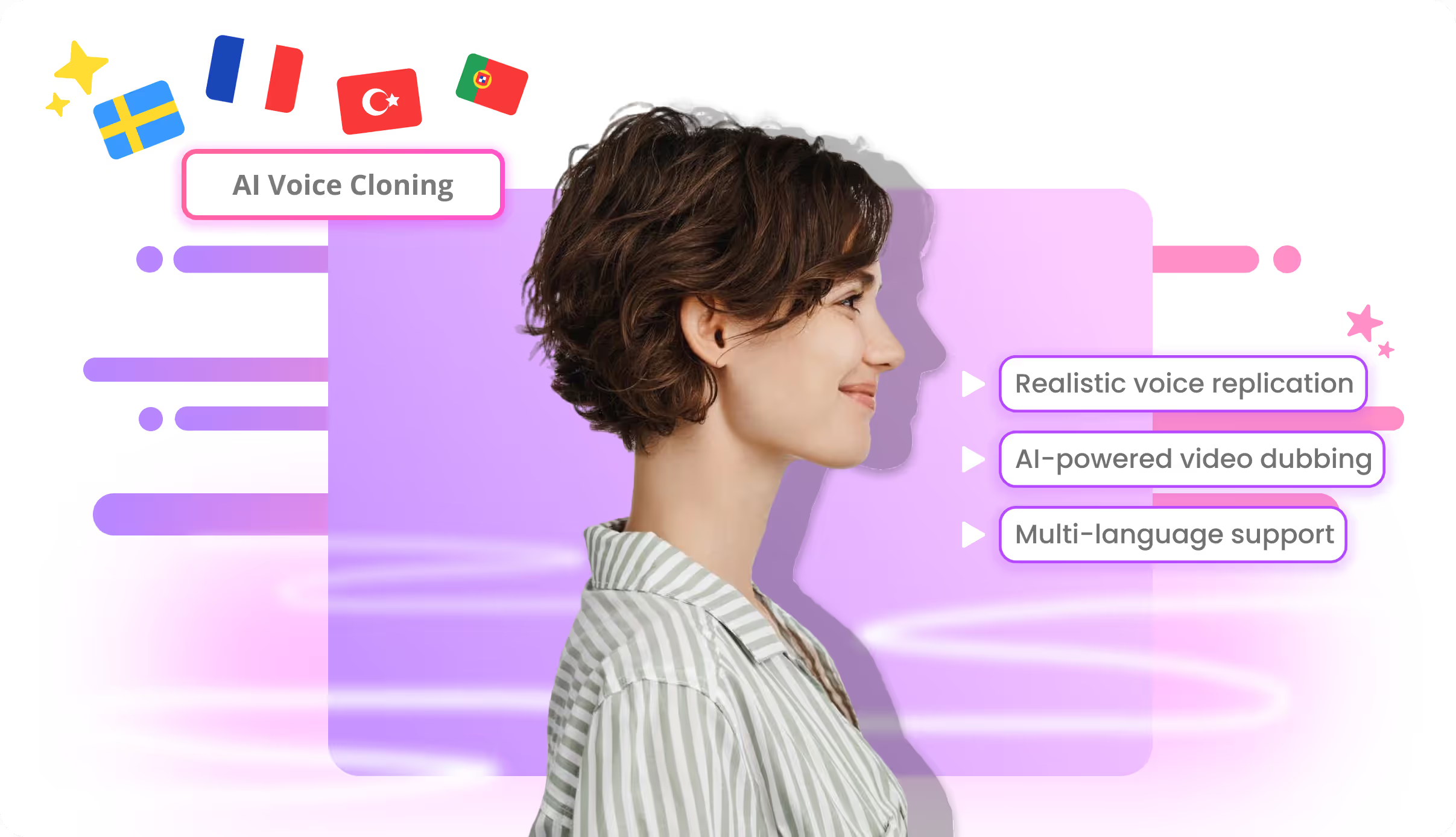
Voice-cloned dubbing in 80+ languages
Upload the recording or paste the link. Braiv translates a 20-minute talk or a 90-minute teaching and rebuilds it in the speaker's own cloned voice, so listeners hear the person they already trust — in their language. Add lip sync when the speaker is on camera.
Braiv Dubbing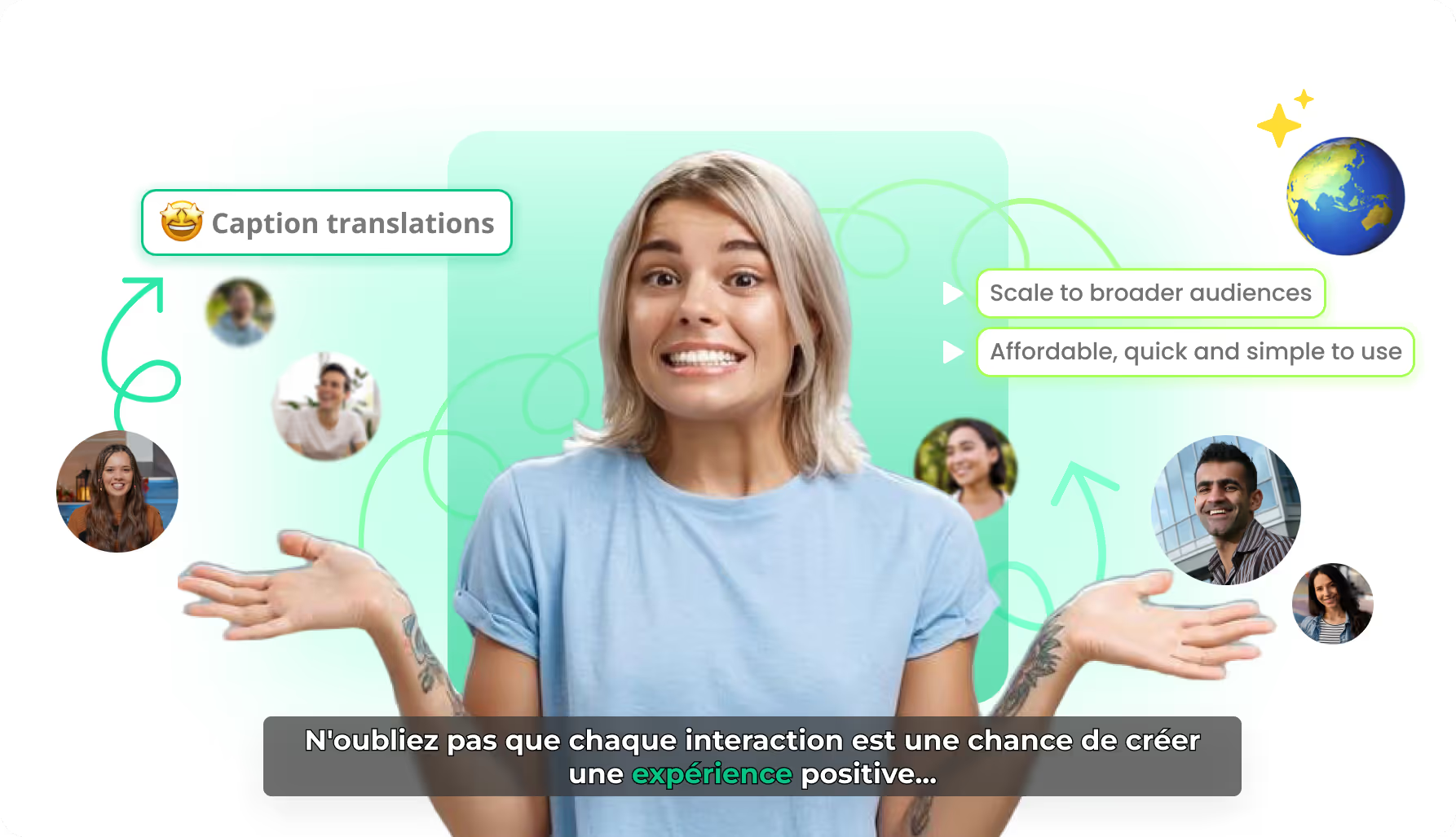
You review every line before anything renders
Braiv does not ask you to trust its judgement on your tradition. The translated transcript sits beside the original and is fully editable — correct a name, a scripture reference, or a set phrase, then regenerate just that line. Search and replace applies a term across the whole teaching.
Braiv Transcription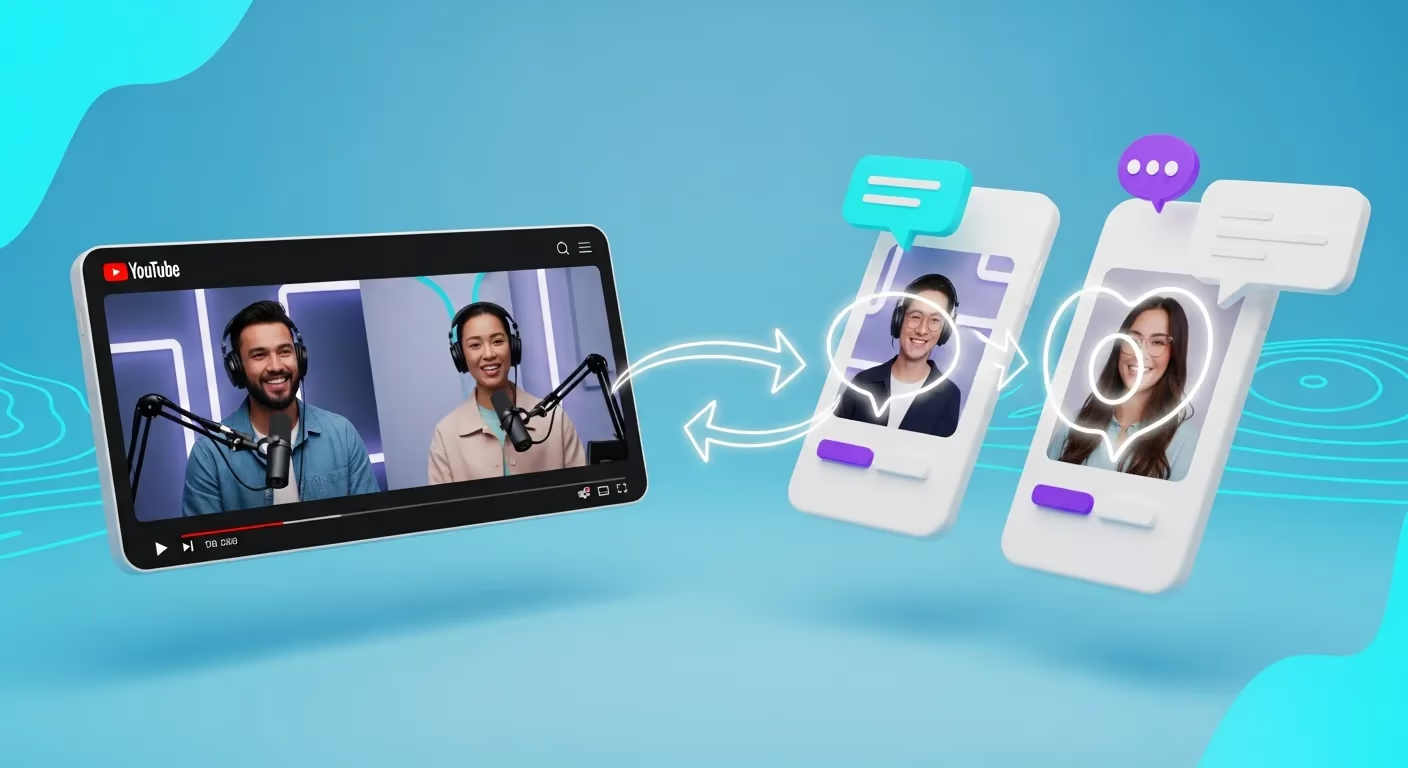
Portrait clips from the full teaching
Braiv reads the transcript, finds the self-contained moments inside a long teaching, and cuts them into portrait clips with burned-in captions and a thumbnail — in every language you dubbed. The 45-second clip is what reaches people who would never start a 70-minute video.
Braiv Shorts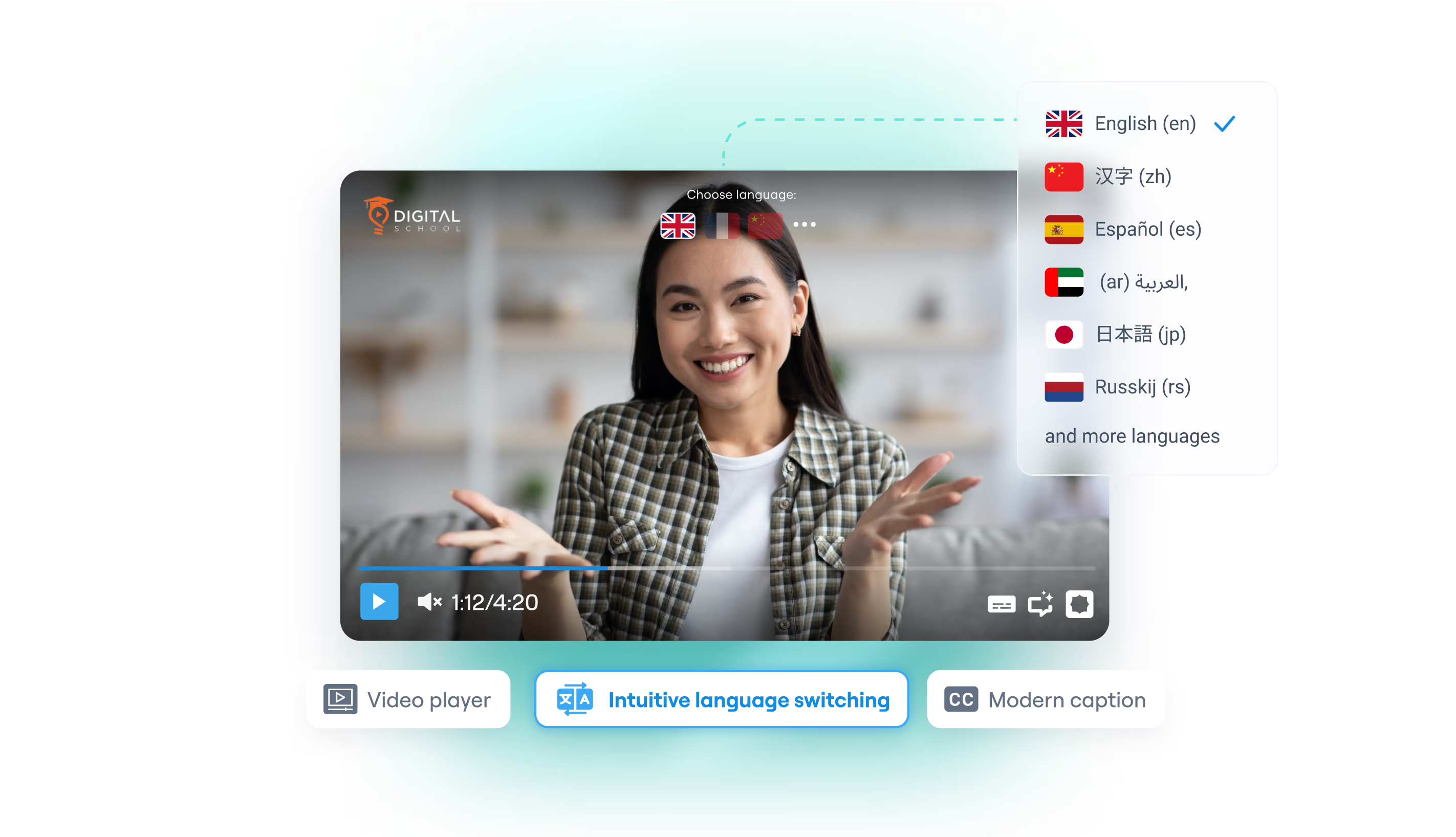
Every channel, plus one player on your own site
Push finished teachings with localized titles, descriptions, and thumbnails straight to your connected YouTube channels. Or embed Braiv Player once on your own site and let each visitor switch audio and subtitle language inside the frame — no second upload, no separate page per language.
Braiv PlayerBuilt for material you can't get wrong
How it works
Three steps from one recording to every language and every channel.
Upload the recording
Drop in the video or paste a link. A sermon, khutbah, shiur, dharma talk, or lecture all take the same path — and full-length is normal here, not an edge case.
Review the words, keep the voice
Read the translation beside the original. Fix names, references, and set phrases, then regenerate only what you changed. The speaker's cloned voice carries into every language.
Publish the teaching and the clips
Send the dubbed full-length teaching to your language channels, post the portrait clips, and embed one player on your own site for the whole archive.
Frequently asked questions
Can I translate a sermon into Spanish and keep the speaker's own voice?
Does this work for a khutbah, dharma talk, shiur, or satsang?
Is this live translation for people sitting in the room?
How do you stop the AI from guessing at sacred names and terminology?
Can we get short clips out of a full-length teaching?
Do we need a separate YouTube channel for each language?
Ready to Package and Publish Your Next Video?
Join over 100,000 creators scaling their reach with Braiv.
Get 150 AI Credits when you sign up today.