01
Paste a YouTube link or upload
Drop in a public YouTube URL or upload the recording. Braiv reads the file. You do not download it into an editor first.


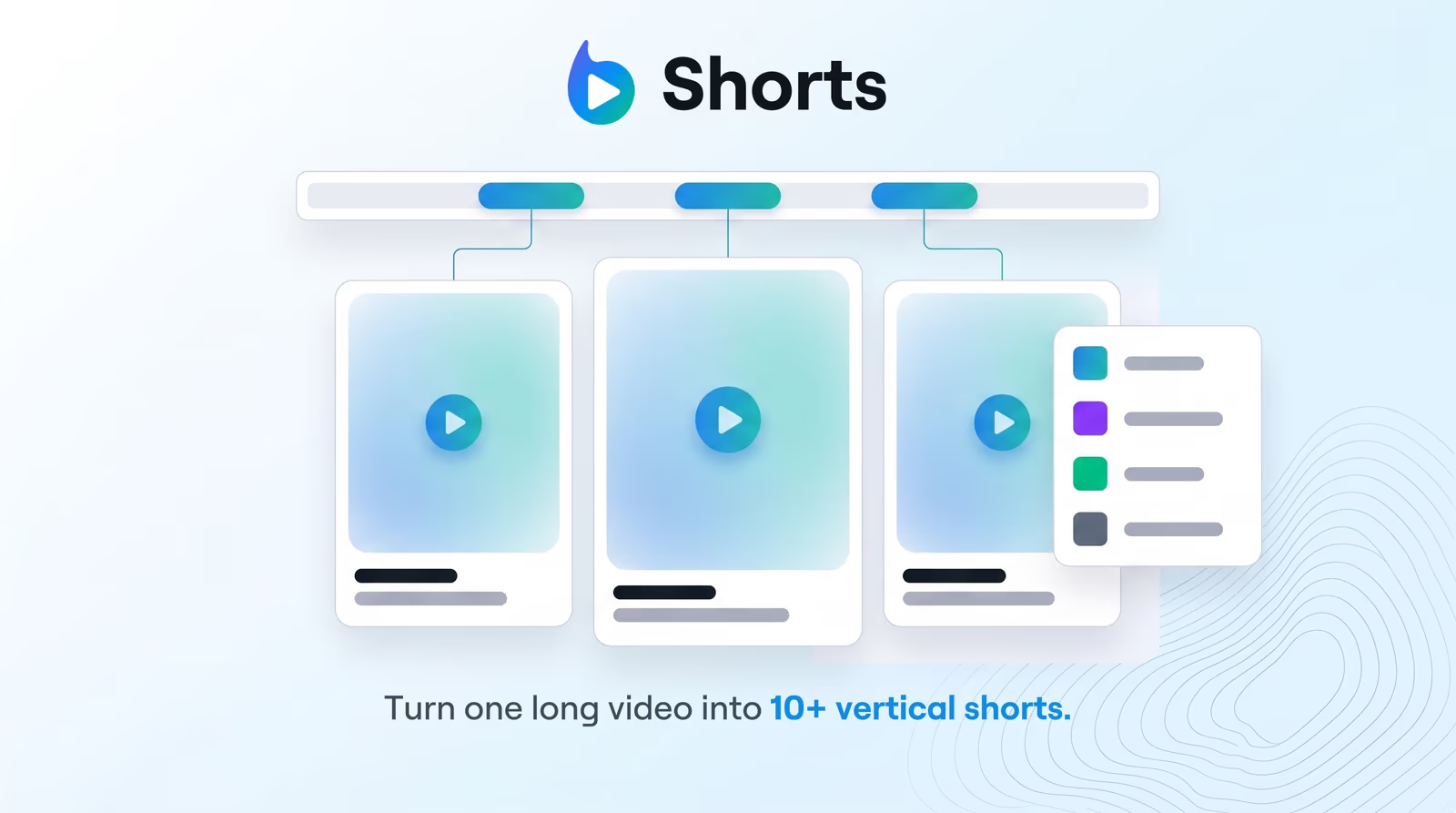
Braiv turns a long video into vertical Shorts. Paste a YouTube link or upload the file, and the AI picks highlight moments, adds captions, and exports a 9:16 cut. New accounts start free with AI Credits. Paid plans export without a watermark, and clips come back in minutes.
Paste a YouTube link or upload a recording. Braiv finds the hooks and returns vertical shorts, 5–25 minute standalone clips, and trailer-style promos — captioned and queued for every channel you publish to.
Explore Braiv ShortsCapability 1 of 5
Three steps from a long video to vertical Shorts. No timeline edit and no prompt.
Drop in a public YouTube URL or upload the recording. Braiv reads the file. You do not download it into an editor first.
Highlight moments come back from the transcript, with captions already on the cut. Karaoke-style animated captions are included, and you can edit them before you publish.
Export 9:16 Shorts for YouTube Shorts, Reels, and TikTok. Paid plans export without a watermark. A Braiv watermark is optional when you want to spend fewer credits.
A podcast episode is already a long video full of answers, stories, and asides. Paste the episode link or upload the file and Braiv cuts those moments into captioned vertical Shorts, the same way it does for a webinar or a keynote. One recording usually yields several Shorts, so a single episode can cover more than one post.
Other attributes of the same product — useful if this page was not quite the one you meant.
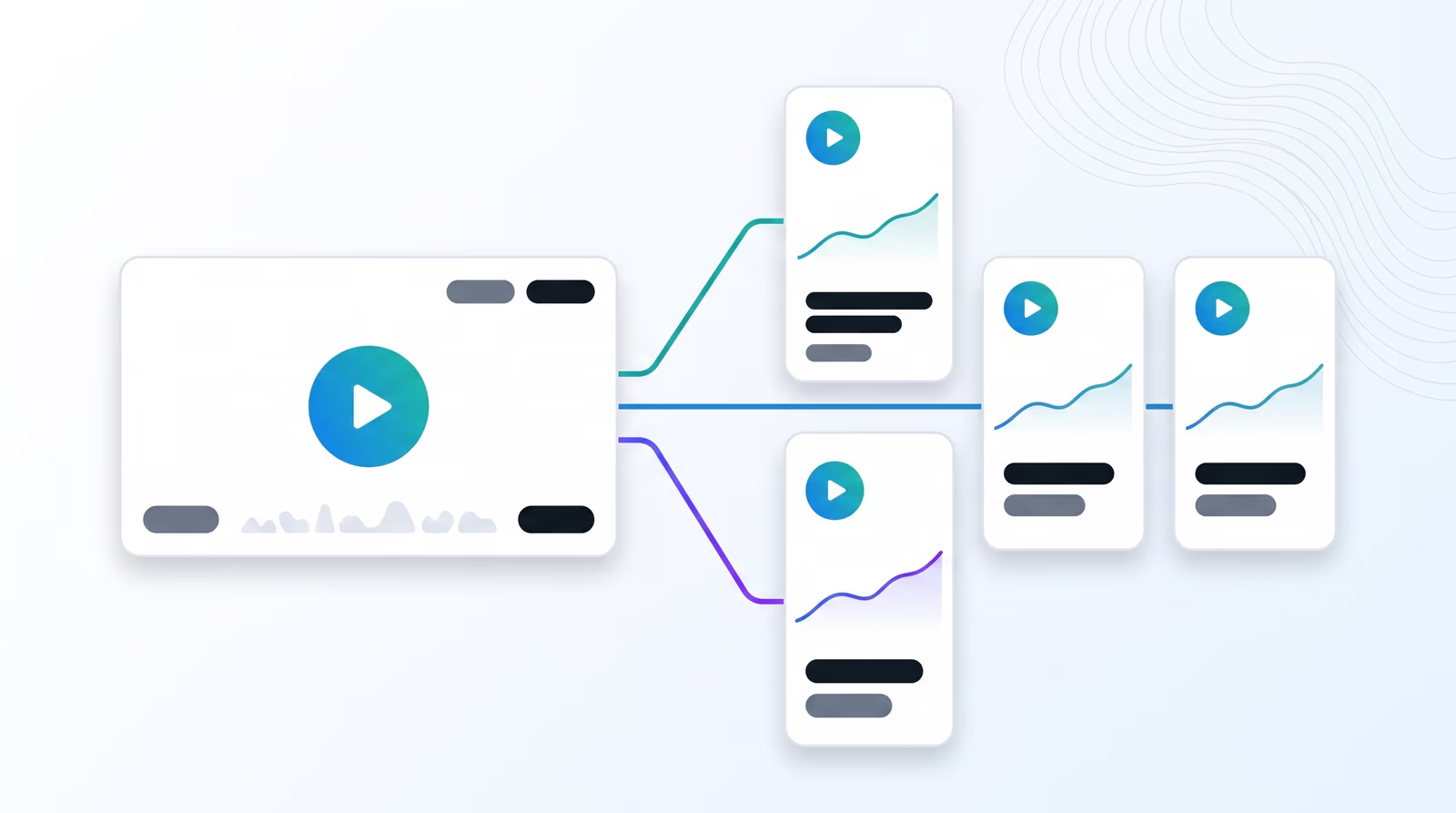
Braiv finds the hooks in a podcast, webinar, or keynote, reframes them to 9:16, and hands back publish-ready shorts for TikTok, Reels, and YouTube Shorts.
Learn more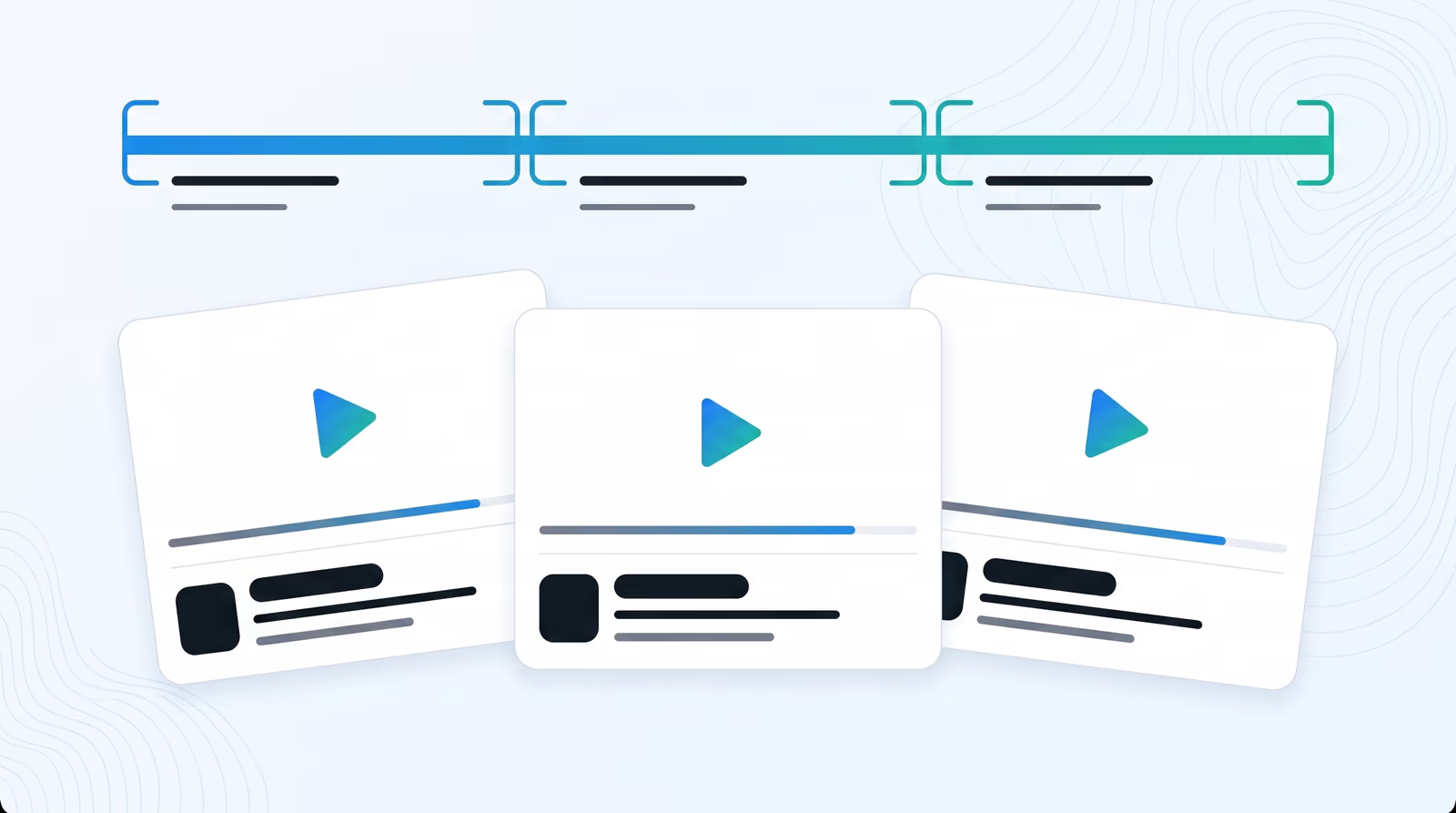
Braiv finds narrative boundaries in webinars and podcasts, then exports self-contained clips with a clear beginning, middle, and end — each ready to publish as its own video.
Learn more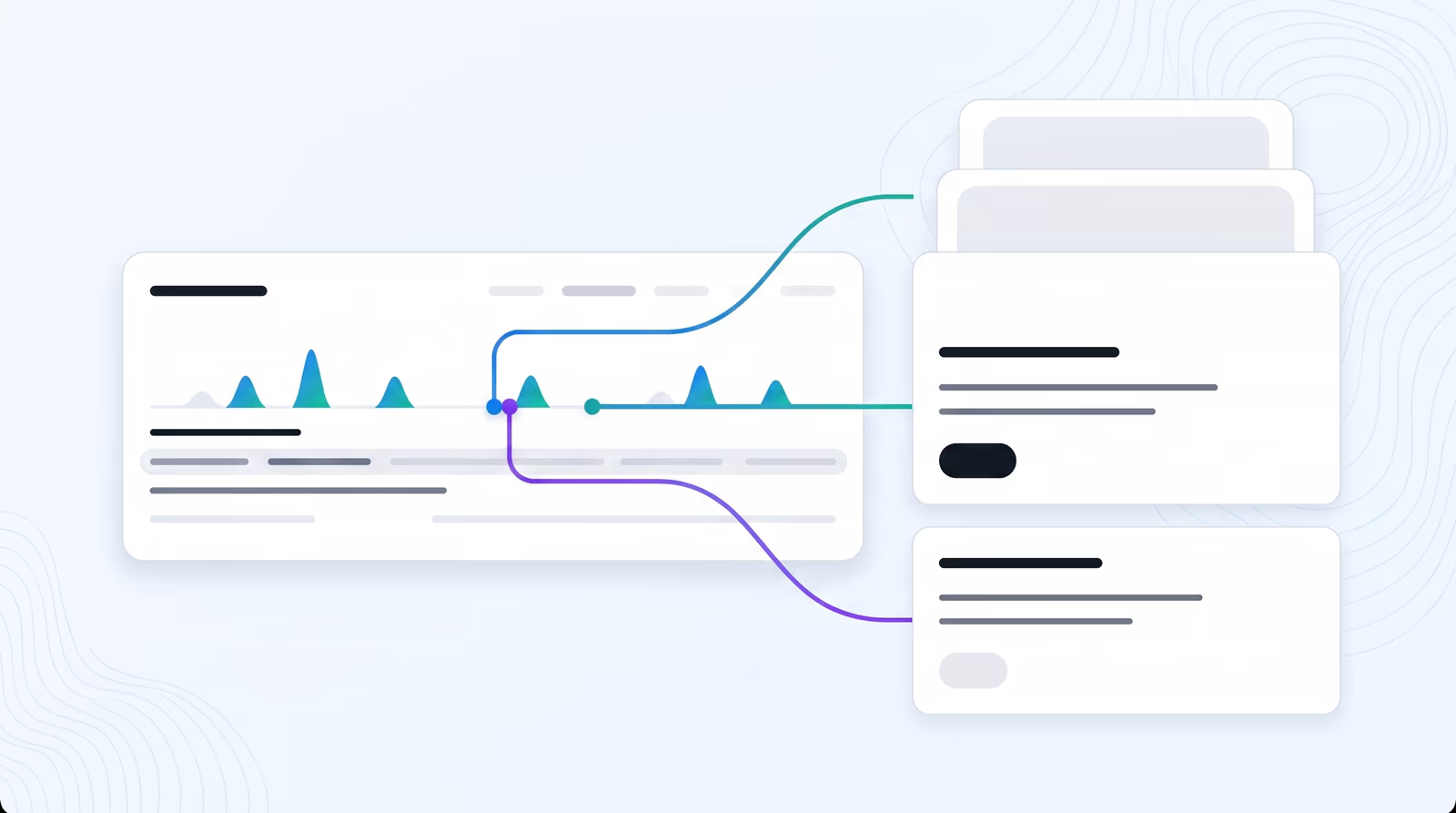
Braiv scores a webinar or podcast for engagement, picks the strongest hooks, and stitches a trailer-style montage that drives viewers to the full recording.
Learn moreBraiv Shorts covers the Repurpose stage. Braiv runs the rest of the sequence on the same recording — so what you make here ends up packaged, localized and published without leaving the platform.
See the full workflowJoin over 100,000 creators scaling their reach with Braiv.
Get 150 AI Credits when you sign up today.
Braiv Capture is launching soon. Join the waitlist and we'll invite you as soon as your workspace can create localized support content.
You're on the list
We'll email you when early access opens. Reply to that email if you want to tell us more about your support library.