
The 5 Best AI Tools to Turn Podcasts into Viral Shorts (2026)
Discover the top AI tools that automatically turn your long-form podcasts into viral, highly engaging short-form video clips.
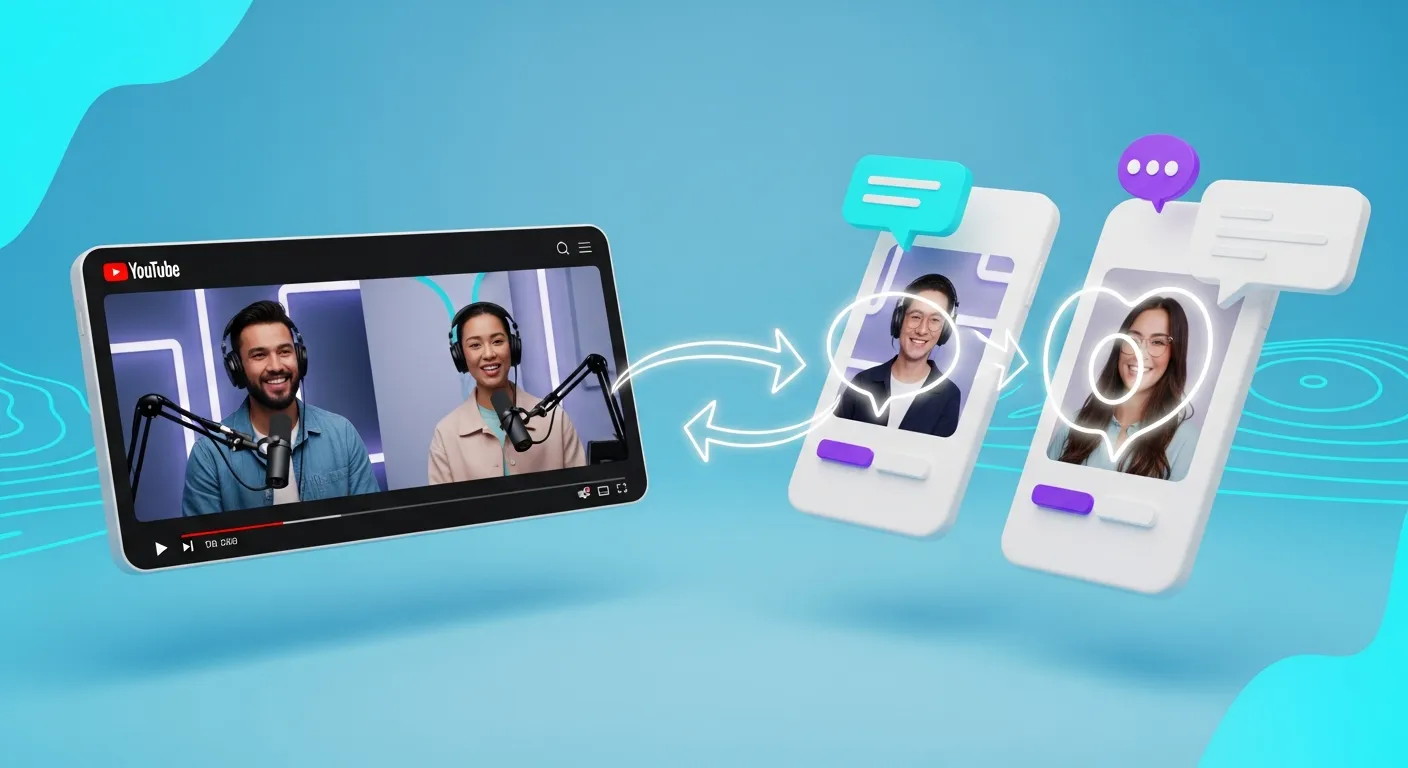
If you run a podcast in 2026, you already know that audio alone isn’t enough to grow your audience. The algorithm feeds on YouTube Shorts, TikTok, and Instagram Reels are the most powerful discovery engines on the internet. To tap into that traffic, you need to turn your long-form podcast episodes into bite-sized, vertical video clips.
But manually scrubbing through a two-hour interview to find the perfect 45-second hook is tedious and time-consuming. That’s why smart creators use AI tools to turn podcasts into shorts.
We tested the top tools on the market to help you find the best fit for your workflow. Here are the 5 best AI tools to turn podcasts into viral Shorts in 2026.
1. Braiv Shorts (Best for Global Reach & All-in-One Automation)
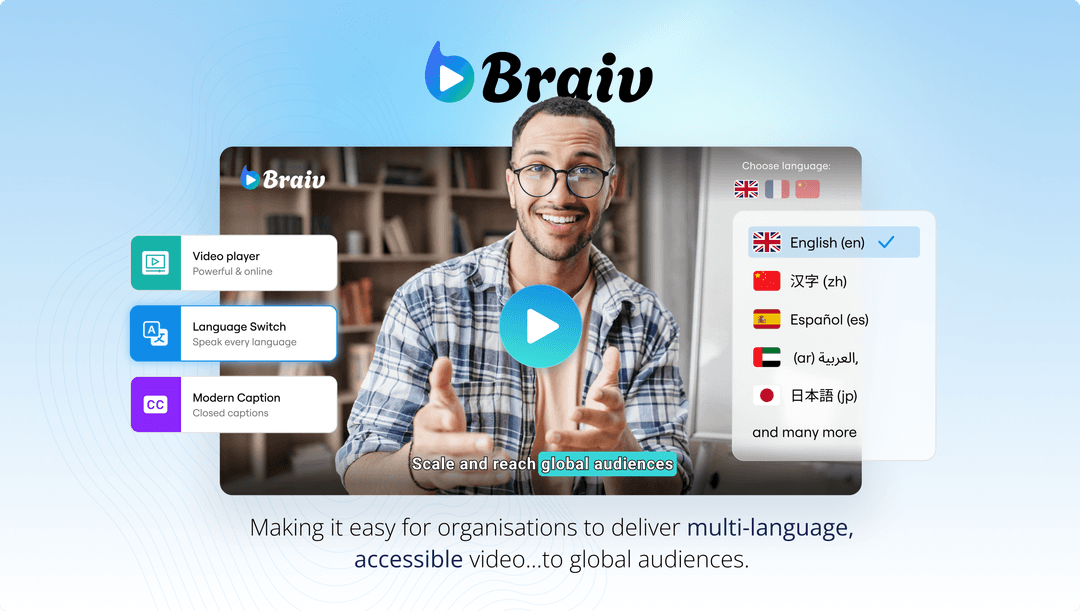
When you look at the landscape of AI clipping tools, most of them do the exact same thing: they find a hook, crop the video vertically, and add captions. Braiv Shorts takes it three steps further by integrating global translation directly into the clipping workflow.
Why Braiv stands out:
- AI Virality Scoring: Braiv analyzes the transcript and emotional cadence of the dialogue, extracting only the moments with the highest probability of going viral.
- Integrated AI Dubbing: This is the killer feature. Once Braiv extracts your Short, you can instantly run it through Braiv Dubbing to clone your voice and dub the clip into over 80 languages with perfect lip-sync. You can post the exact same viral clip to Spanish, French, and Japanese audiences simultaneously.
- Auto-Publishing: Braiv connects directly to your social accounts, allowing you to schedule and publish your generated Shorts without ever downloading a file.
If your goal is to maximize your reach and automate your entire distribution pipeline, Braiv is the undisputed leader.
2. Opus Clip (Best for Quick, Single-Language Clipping)
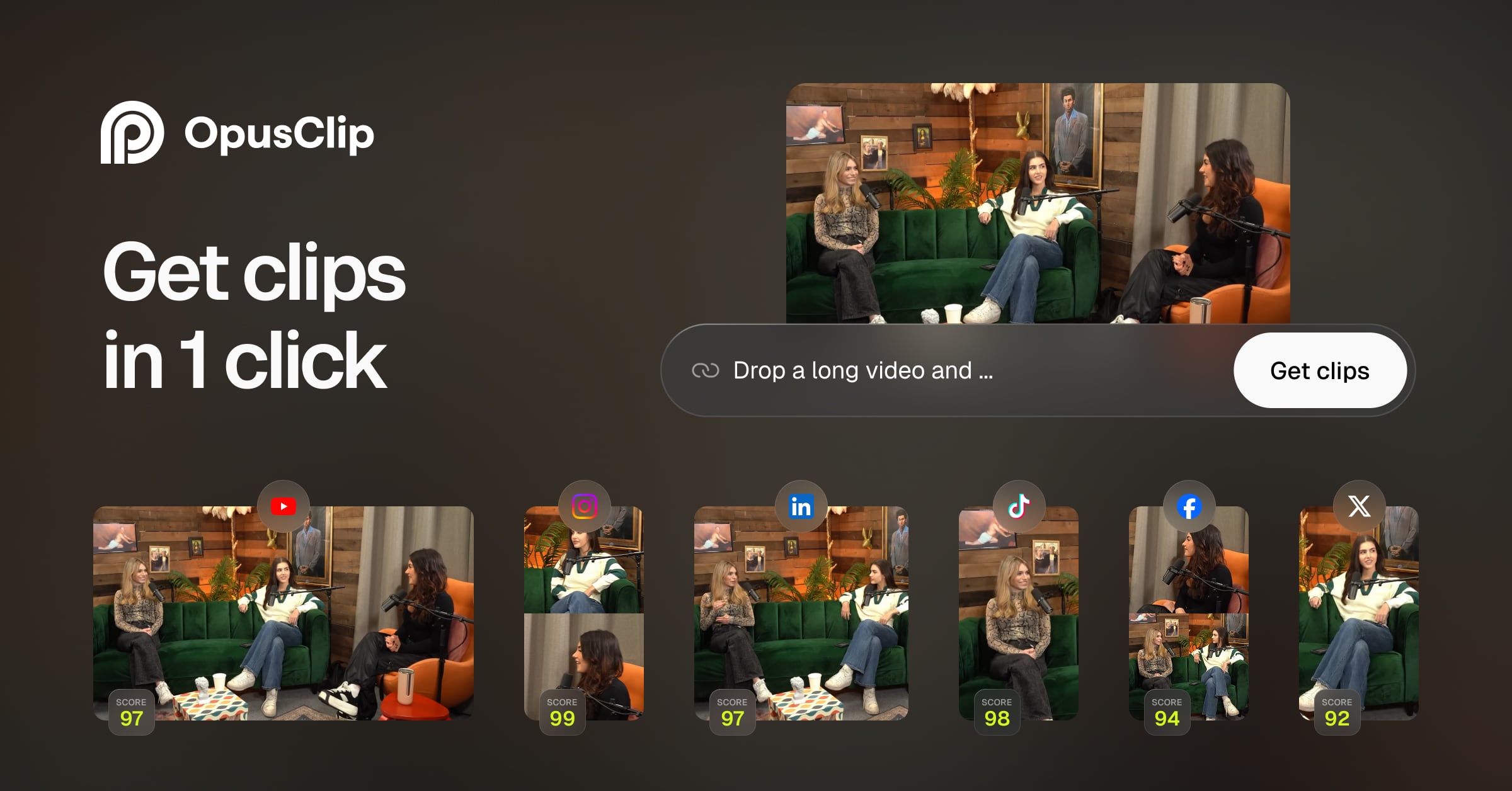
Opus Clip popularized the AI clipping space and remains a strong contender for creators who just need fast, simple English clips.
Why it’s popular:
- Fast Processing: Opus is known for taking a YouTube link and spitting out 10-15 clips very quickly.
- B-Roll Integration: Their recent updates allow the AI to automatically insert relevant B-roll footage over the speaker to maintain visual retention.
- Custom Templates: You can set up your brand colors and fonts once, and Opus will apply them to every generated clip.
The downside: Opus Clip heavily restricts its free tier with intrusive watermarks, and it lacks the native translation and dubbing features required to reach international audiences. (See our full Opus Clip Alternative guide).
3. Vizard.ai (Best for Webinar & Zoom Repurposing)

Vizard is an excellent tool if your podcast is recorded via Zoom or Microsoft Teams, or if your content leans heavily toward B2B webinars and presentations.
Why it works:
- Speaker Framing: Vizard is particularly good at identifying multiple speakers in a grid layout (like a Zoom call) and dynamically splitting the screen for vertical video.
- Text-Based Editing: You can edit your video by simply deleting words from the generated transcript, making it incredibly easy to remove filler words (“ums” and “ahs”).
- Social Scheduling: Like Braiv, Vizard offers integrations to publish directly to your social channels.
4. SubMagic (Best for Hyper-Stylized, Flashy Captions)

If your primary goal is to recreate the hyper-edited, fast-paced caption style of creators like Alex Hormozi or MrBeast, SubMagic is built specifically for you.
What makes it unique:
- Aggressive B-Roll & Emojis: SubMagic goes heavy on the visual flair. It automatically inserts sound effects, dynamic emojis, and rapid B-roll cuts to keep retention as high as possible.
- Auto-Descriptions: The AI writes optimized captions and hashtags for your TikTok or Instagram post based on the video’s content.
The catch: The aggressive style isn’t for everyone. If you run a serious business or academic podcast, the flashing emojis and sound effects might clash with your brand identity.
5. Descript (Best for Hands-On Editors)
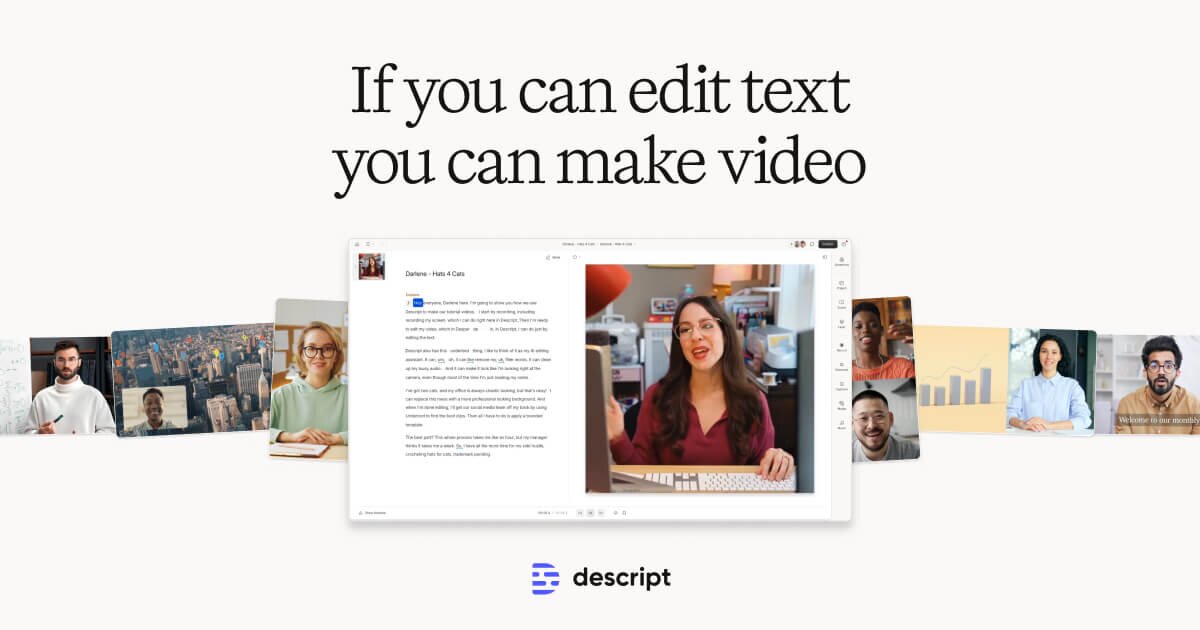
Descript isn’t just a clipping tool; it’s a full-fledged audio and video editor that operates like a Google Doc.
Who it’s for:
- Control Freaks: If you don’t trust an AI to pick your clips and you prefer to manually select the best moments, Descript gives you granular control.
- Studio Sound: Descript includes a feature called “Studio Sound” which uses AI to remove background noise and make a cheap microphone sound like a professional studio setup.
- Overdub: You can correct mistakes in your audio by simply typing the correct word, and the AI will generate your voice saying it.
Conclusion: Which Tool Should You Choose?
The best tool depends entirely on your growth strategy.
- If you want maximum control and manual editing, use Descript.
- If you want flashy, emoji-heavy captions, use SubMagic.
- If you want to automate your workflow, extract the highest-converting hooks, and instantly translate your clips into 80+ languages to reach a global audience, try Braiv Shorts today.
Extract Viral Shorts Instantly
Turn your long-form video into high-engagement Shorts with AI.