
With a style reference
Borrow the layout of a thumbnail you like and Braiv rebuilds it with your characters, not the people in the original.
Style reference

Train a Character reference once from at least three clear photos. Then choose up to three characters for any Creative thumbnail and Braiv puts the real you in the scene, with the expression the story needs, on every upload.

Upload once and Auto Packaging writes the title and description and designs the thumbnail from what actually happens in the video. Go Creative with your own characters, a style you love and your brand colours, or go Precision with real moments kept exactly as they are. Then score every option before it ships.
Explore Braiv ThumbnailsCapability 3 of 9
Character reference is how Braiv puts your face in AI YouTube thumbnails. Train a character once from at least three clear photos, then choose 0–3 characters per thumbnail, or use a frame of yourself from the video.
Trained from your own photos, so the person in the thumbnail is recognisably you.
Shocked, laughing, serious, pointing: Braiv poses you to fit the hook instead of reusing one cut-out.
Pick 0–3 characters, so co-hosts and guests you have trained can share the frame.
Returning viewers recognise you in the feed, week after week and channel after channel.
Character reference sits in Branding, so you set it up one time and pick it whenever you generate or fix a thumbnail.
In Branding → Characters, create a character from at least three clear photos: good light, face visible, different angles help.
When you generate in Creative, open Choose characters and select from your saved characters. Pick none and Braiv designs without a person.
Prefer the real moment? Choose a frame of yourself from the video as the character and Braiv builds the thumbnail around it.
Add your characters to a brand guideline and every Auto Packaging run uses them, with no choices to make per upload.
Brand guidelinesCharacter reference decides who is in the thumbnail. Stack it with the other Creative layers to decide how it looks.
Borrow the layout of a thumbnail you like and Braiv rebuilds it with your characters, not the people in the original.
Style reference
Add a single image or thumbnail of your brand and the result is painted in your palette, so your face always appears in your channel's colours.
Brand reference
Score the result on Emotion, Curiosity and the other pillars, then Fix it with your characters still in place.
Score and FixA face is the fastest thing a viewer reads in a feed. It tells them who is talking, what the mood is, and whether this is the channel they already watch. That is why so many top creators put themselves in almost every thumbnail.
The problem with most AI thumbnail tools is the face itself. They invent a person who looks vaguely like a creator, or paste the same cut-out of you into every design. The first looks fake; the second gets ignored because viewers have already seen it fifty times.
Character reference trains on at least three clear photos of you, then generates you into each new thumbnail: the expression, the angle and the pose the hook needs. It is still recognisably you, which keeps returning viewers clicking, but it is a new image every time.
Train once in Branding → Characters and the character is available whenever you generate or fix a thumbnail. Choose 0–3 characters per thumbnail, so a co-host or a recurring guest can share the frame.
Sometimes the moment you filmed is better than anything generated. Instead of a trained character, choose a frame of yourself from the video and Braiv builds the thumbnail around it. When every image must be real and unaltered, such as for news, education or interviews, switch to Precision, which uses Moments from the footage exactly as they are and never generates a person.
Character reference is one of the three Creative layers. Add a style reference, either one of your own thumbnails or any YouTube thumbnail, and Braiv mimics its layout and feel with your characters instead of the people in the original. Add a brand reference and the result is painted in your palette. You get a proven format with your face and your colours.
Picking characters per video is fine for one upload. For a channel, save them in a brand guideline and Auto Packaging applies them to every Zero-prompt Thumbnail it generates. Agencies keep a separate guideline per client channel, so the right faces land on the right uploads.
Character reference is part of Creative generation inside Braiv Thumbnails, alongside style and brand references, Precision, brand guidelines and scoring. Generation draws on the shared AI Credit balance; full plan detail is on pricing.
Other attributes of the same product — useful if this page was not quite the one you meant.
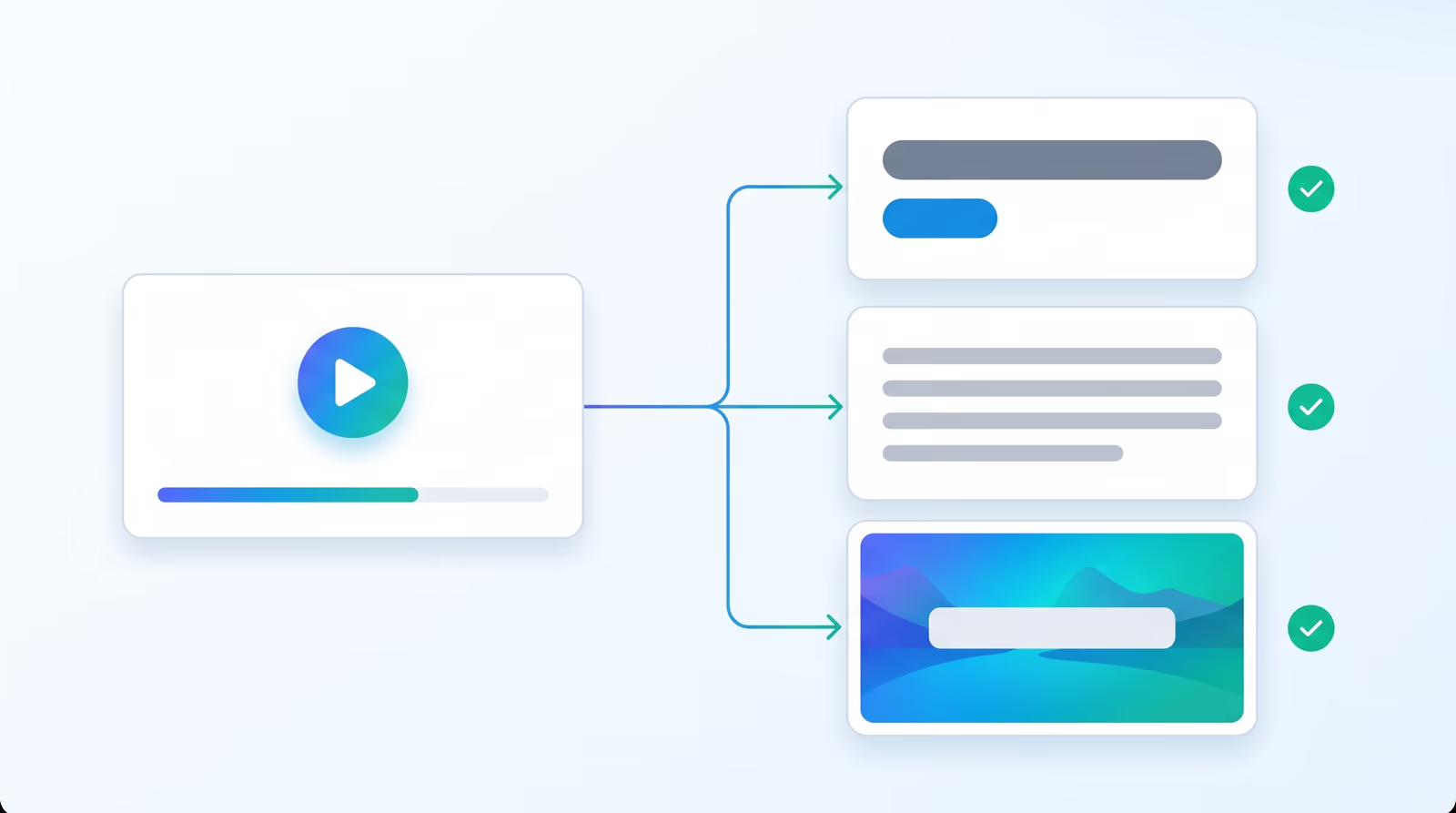
Auto Packaging is a step in the upload flow. Pick a title style, a description type and a thumbnail mode, and Braiv builds all three from the video as soon as the transcript is ready, for one upload or a whole batch.
Learn more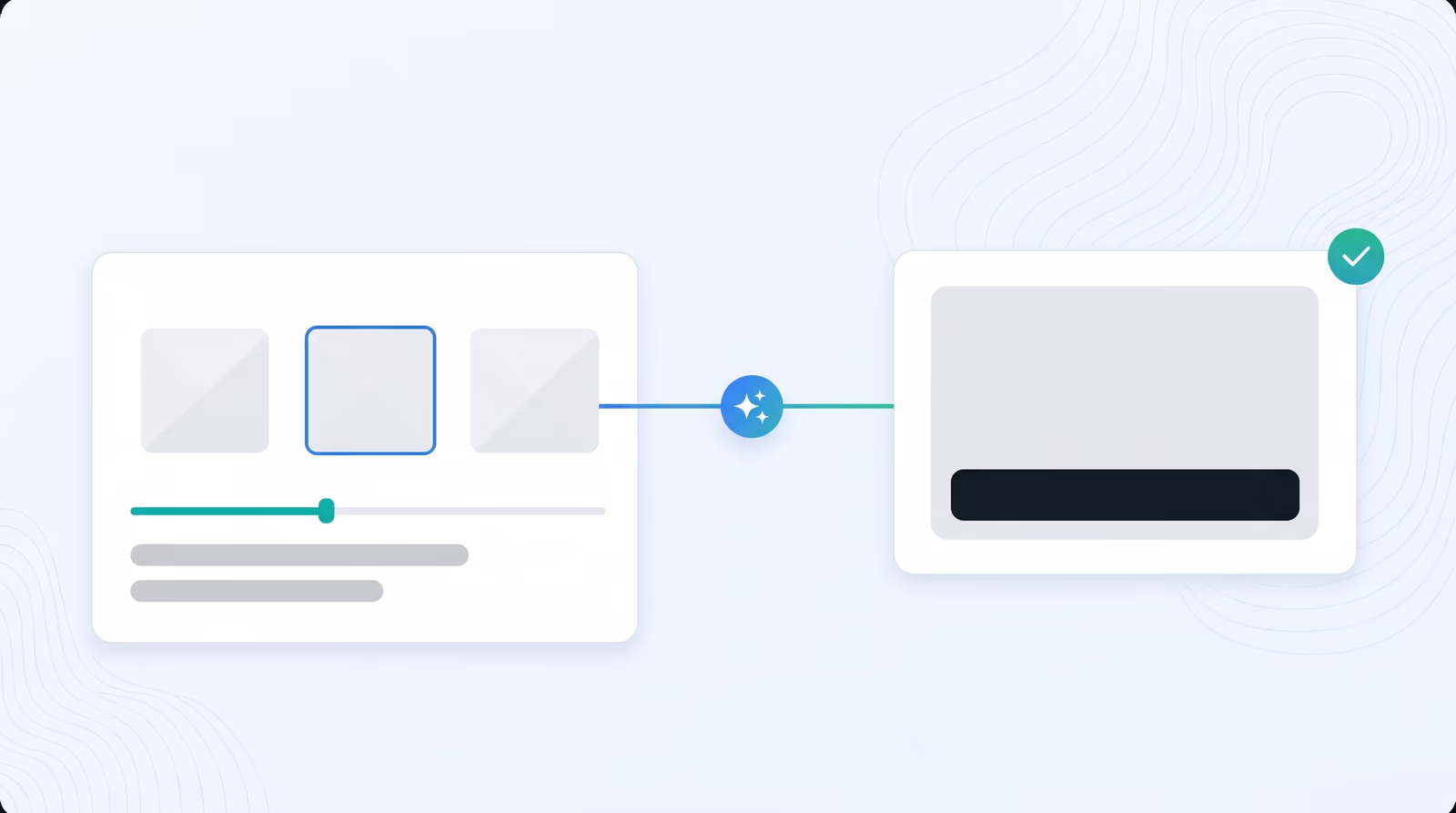
Braiv watches the whole video, works out what it is really about and designs the thumbnail for you. It pulls strong frames straight from the footage or generates its own visuals, with no prompt, no Photoshop and no rewatching.
Learn more
Paste a YouTube link or pick one of your own thumbnails. Braiv mimics its layout and feel, rebuilds it with your chosen characters and your video's subject, and a brand reference, one image or thumbnail of your brand, paints the result in your colours.
Learn moreBraiv Thumbnails covers the Package stage. Braiv runs the rest of the sequence on the same recording — so what you make here ends up packaged, localized and published without leaving the platform.
See the full workflowJoin over 100,000 creators scaling their reach with Braiv.
Get 150 AI Credits when you sign up today.
Braiv Capture is launching soon. Join the waitlist and we'll invite you as soon as your workspace can create localized support content.
You're on the list
We'll email you when early access opens. Reply to that email if you want to tell us more about your support library.