

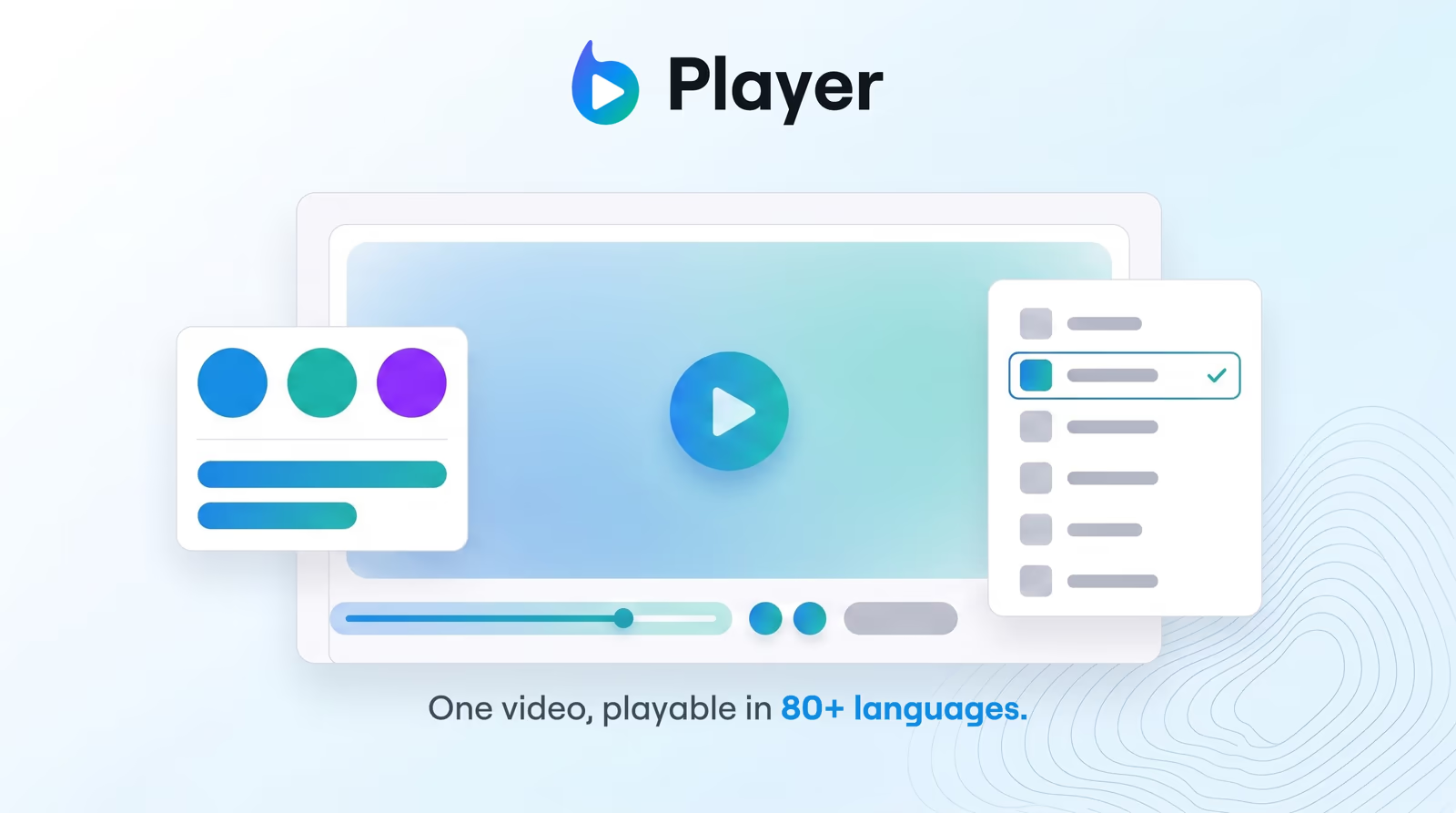
Early access Braiv Capture waitlist is open — record once, publish support videos in every language.

Trusted by 100,000+ creators, podcasters & businesses globally
Creators and teams who trust Braiv for AI video production

One upload, many language tracks

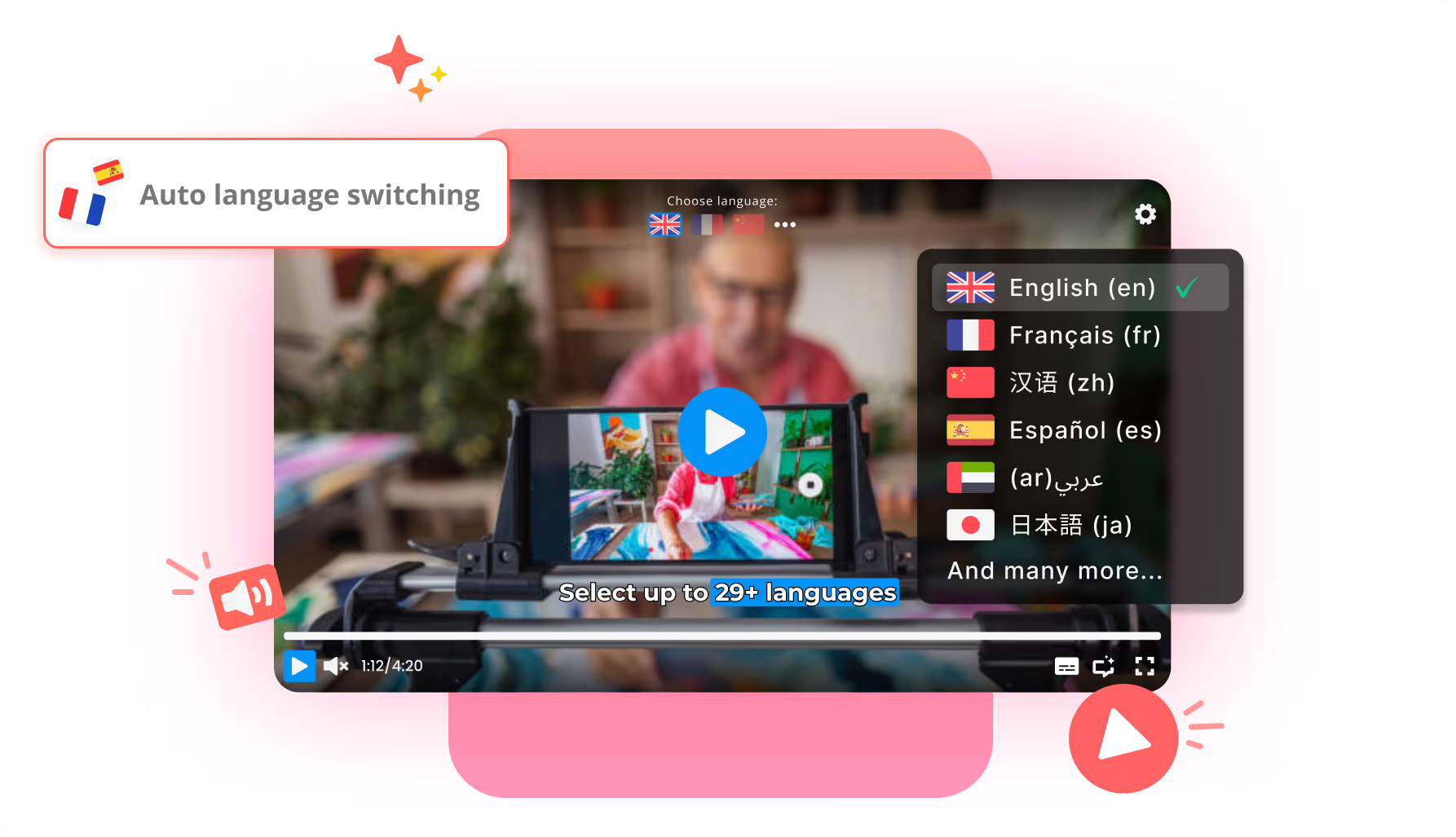
Host the source video, dubbed audio, and translated subtitles as one package — viewers switch languages live without leaving the page.

Where this fits

Braiv Player

A multilingual video player for teams that deliver one video in many languages — branded, ad-free, with live audio and subtitle switching.

Explore Braiv Player

Capability 2 of 3

What this does

What multilingual hosting unlocks

Braiv Player hosts original video, dubbed audio tracks, and translated subtitles together so global viewers switch languages in a single branded, ad-free embed.

  • One package instead of ten files

    Source, dubbed tracks, and captions live together — no parallel uploads per language.

  • Live audio and subtitle switching

    Viewers change language without reloading the page or hunting a different URL.

  • Global delivery, same embed

    CDN streaming keeps playback smooth while the language menu stays in the player.

Deep dive

Everything you need to know about Multilingual video hosting player

The ten-file problem

Global delivery used to mean uploading a Spanish cut, a French cut, a Hindi cut — each a full duplicate of the same video. Libraries ballooned, LMS modules multiplied, and every edit meant a cascade of re-exports.

Multilingual hosting collapses that into one package: the picture stays put; audio tracks and subtitle files ride along. Viewers change language the way they would on a streaming app — without you maintaining ten masters.

Audio tracks and captions in the same embed

Dynamic audio lets someone move from English to Spanish mid-session without a page reload. Translated captions sit in the same menu, so accessibility and language preference are not the same control.

That split matters for training and eLearning. A learner may want native-language audio with English captions for terminology, or the reverse. One package supports both without a second embed.

Built for libraries, not one-off uploads

Folders and a shared player mean courses, onboarding series, and product libraries stay organized as you add markets. You are not inventing a new hosting stack per language — you extend the package.

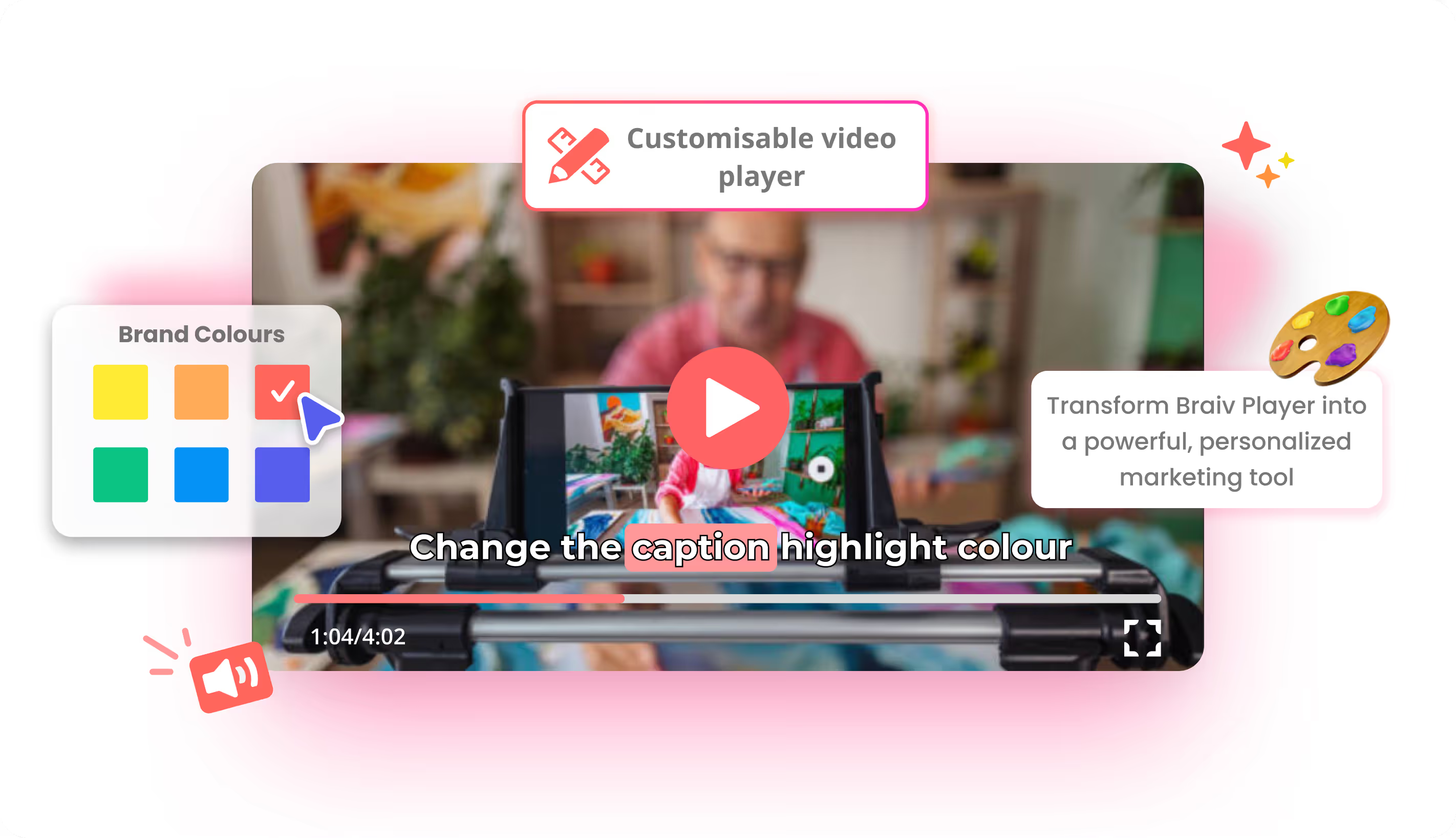
Pair hosting with a branded, ad-free player so the experience still looks like your product when the language menu opens.

Language that can follow the viewer

Hosting is the inventory. Automatic language switching is how the right track starts: browser language as a default, manual override always available. Retention improves when the first second is already intelligible.

Tracks typically come from the same Braiv subscription that runs dubbing and captions.

Where this sits in Braiv Player

This is the hosting attribute inside Braiv Player. The same product also covers player branding and automated language switching. Plan detail on pricing.
The bigger picture

One capability, one step in a longer workflow

Braiv Player covers the Publish & Track stage. Braiv runs the rest of the sequence on the same recording — so what you make here ends up packaged, localized and published without leaving the platform.

See the full workflow
  1. 01 Capture Recorded once, ready to localize
  2. 02 Repurpose One video, dozens of assets
  3. 03 Package Packaged to perform
  4. 04 Localize Fluent in 80+ languages
  5. 05 Publish & Track Distributed and measured
Questions

Frequently asked questions

What does multilingual video hosting include?
The source video, dubbed audio tracks, and translated closed captions as one intelligent package. Viewers pick — or inherit — their language for audio and subtitles inside a single embed instead of downloading separate files per market.
How many languages can viewers switch between?
Braiv Player supports 80+ language experiences for dubbed audio and subtitles. Tracks are created upstream with dubbing and caption tools, then hosted and switched in the player.
Can viewers change audio and captions independently?
Yes. Multi-language closed captions sit alongside dubbed audio, so accessibility preferences are not locked to the audio track. Someone can hear English and read Spanish captions, or match both.
Do I still need a separate video file for each language?
No. That is the point of the package model. Upload once, attach language tracks, embed once. Shipping ten near-identical files per course or training video is the old workflow.
Is playback ad-free on the multilingual player?
Yes. Hosting and language switching run inside Braiv Player — branded and ad-free, without suggested videos pulling people off the lesson. See customizable branding.
How do language tracks get into the player?
Create dubbed audio and translated captions with Braiv Dubbing and Braiv Captions, then host them on the player. Generation uses AI Credits — plan detail on pricing.

Ready to Take Your Content Global?

Join over 100,000 creators scaling their reach with Braiv.
Get 150 AI Credits when you sign up today.