
How to Refresh Old YouTube Thumbnails (Without Redesigning Each One)
The most expensive thumbnail is the one you never replace. Here is how daily publishers, MCNs and agencies re-thumbnail a live catalogue — score first, swap in batches, and skip the prompt-per-video trap.

The expensive thumbnail is the one you never replace
Most thumbnail advice is written for the next upload: open Canva, pick a face, add a three-word overlay, ship. That workflow breaks the moment the job is a catalogue.
A daily publisher, an MCN, or an agency sitting on 50–500 videos already has the footage. What they do not have is a designer hour for every title that is still collecting impressions with a cover from 2022. Those videos keep showing up in browse, search and suggested. The click they miss is not theoretical — it is inventory you already paid to produce.
Content creators feel this as a queue they never finish. Repurposing teams feel it as a second packaging pass after the cut is done. In both cases the bottleneck is throughput, not taste.
Braiv Thumbnails is built for that second job: generate from the video itself, score every option, localise overlays, and push replacements live across the channels you already run.
Which old videos to re-thumbnail first
YouTube Analytics already tells you where a new cover is worth the credits. Work the list in this order:
- High impressions, CTR below the channel average. The algorithm is showing the video. The package is wasting the impression.
- Evergreen titles that still rank or get recommended months later. A one-week spike does not need a redesign; a tutorial that keeps earning does.
- Style-dated covers — old type, old colour grade, a face crop that no longer matches the channel. Viewers compare you to your last ten uploads, not to the day you hit publish.
Skip the rest. A video with almost no impressions is not a thumbnail problem yet. Replacing it will not create distribution.
This is also where scoring earns its keep. Score and fix thumbnails runs composition, contrast and title match across what is already live, so you spend credits on the titles that can actually move.
A high score is not a guaranteed CTR. It is a reason to pick one candidate over another before you find out from the report a week later.
Why prompt tools fail on a catalogue
Prompt-first generators assume you will describe the video. That is fine for one hero image. It is a non-starter for a back catalogue.
To refresh fifty titles in Canva or Midjourney you rewatch, write a prompt, wait, then rebuild the overlay so it matches the channel. Pikzels and other prompt wrappers still need you to know what the video is about. Canva still wins when someone needs a full design canvas for campaign art. Neither is shaped for “replace the weak covers on this channel this afternoon.”
Braiv reads the transcript and the frames. There is nothing to describe, which is why archive work is the most common use — you do not have to rewatch a video from three years ago to write a prompt for it. Options come back composed for the feed: readable at phone size, high contrast, and tied to what is actually on screen.
If you want a research library and live rotating tests on YouTube itself, that is a different product. 1of10 and TubeBuddy own parts of that job. Braiv scores before publish and replaces the back catalogue. It does not run TubeBuddy-style live A/B rotation.
Score the cover before you swap it
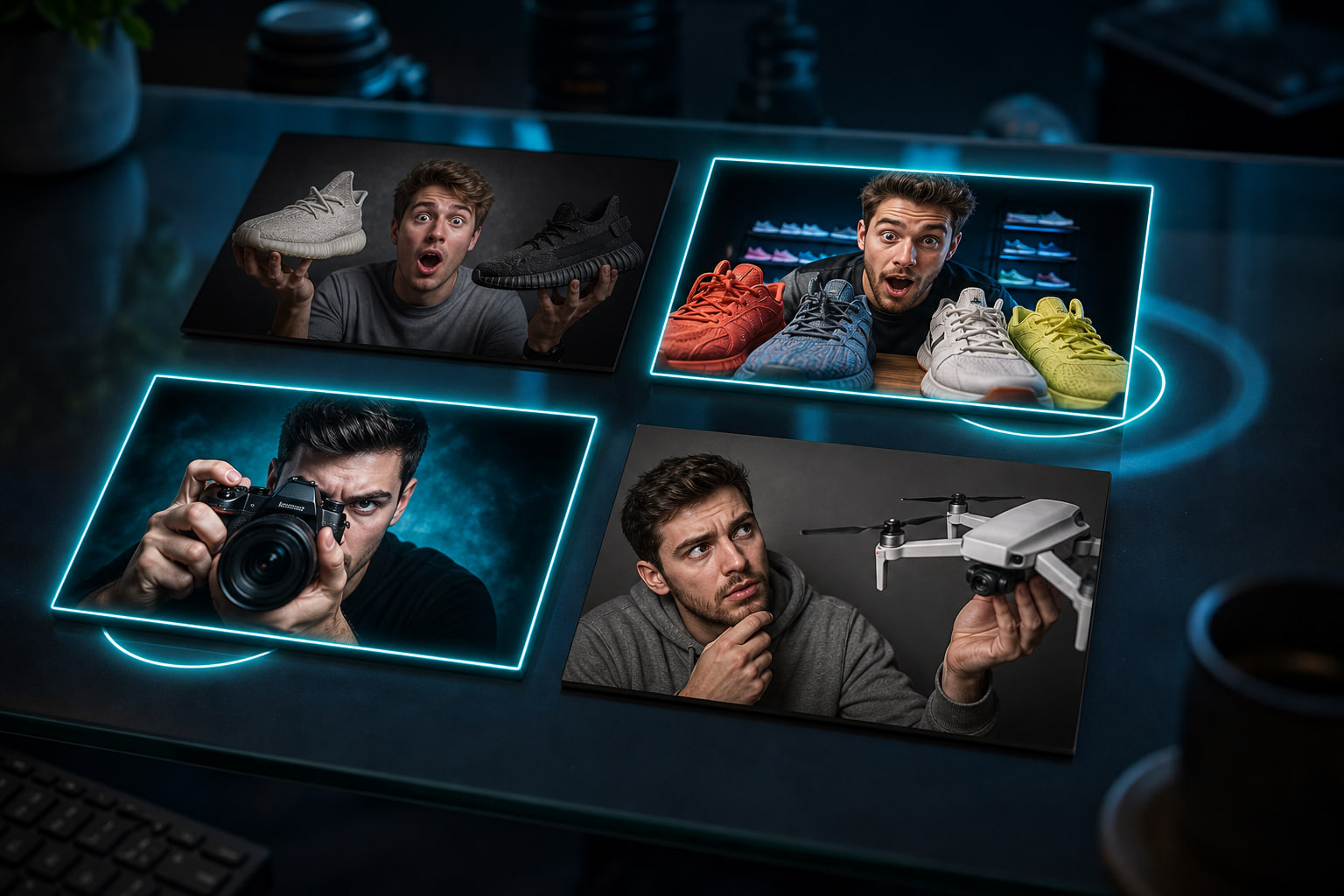
Every generated or uploaded option is scored for three things that survive a phone-sized feed:
- Composition — is there a clear subject, or is the frame busy noise?
- Legibility at feed size — will the overlay still read in a two-column browse?
- Title match — does the image promise the same video the title names?
That is the one-click optimize loop: generate, read the score, keep the option that is actually clickable, discard the rest. Use it as a filter. Do not treat a number as a forecast of clicks. YouTube still chooses the impression set; a readable cover just stops you from wasting the ones you get.
Replace in batches, publish from the same pipeline
Once the list is scored, the work is batch, not canvas.
Bulk thumbnail generation processes a back catalogue or a week of uploads in one pass, across every channel on the account. Style stays per channel, so a client roster does not collapse into one house look. Approve the winners and push them live instead of downloading, renaming and uploading fifty PNGs by hand.
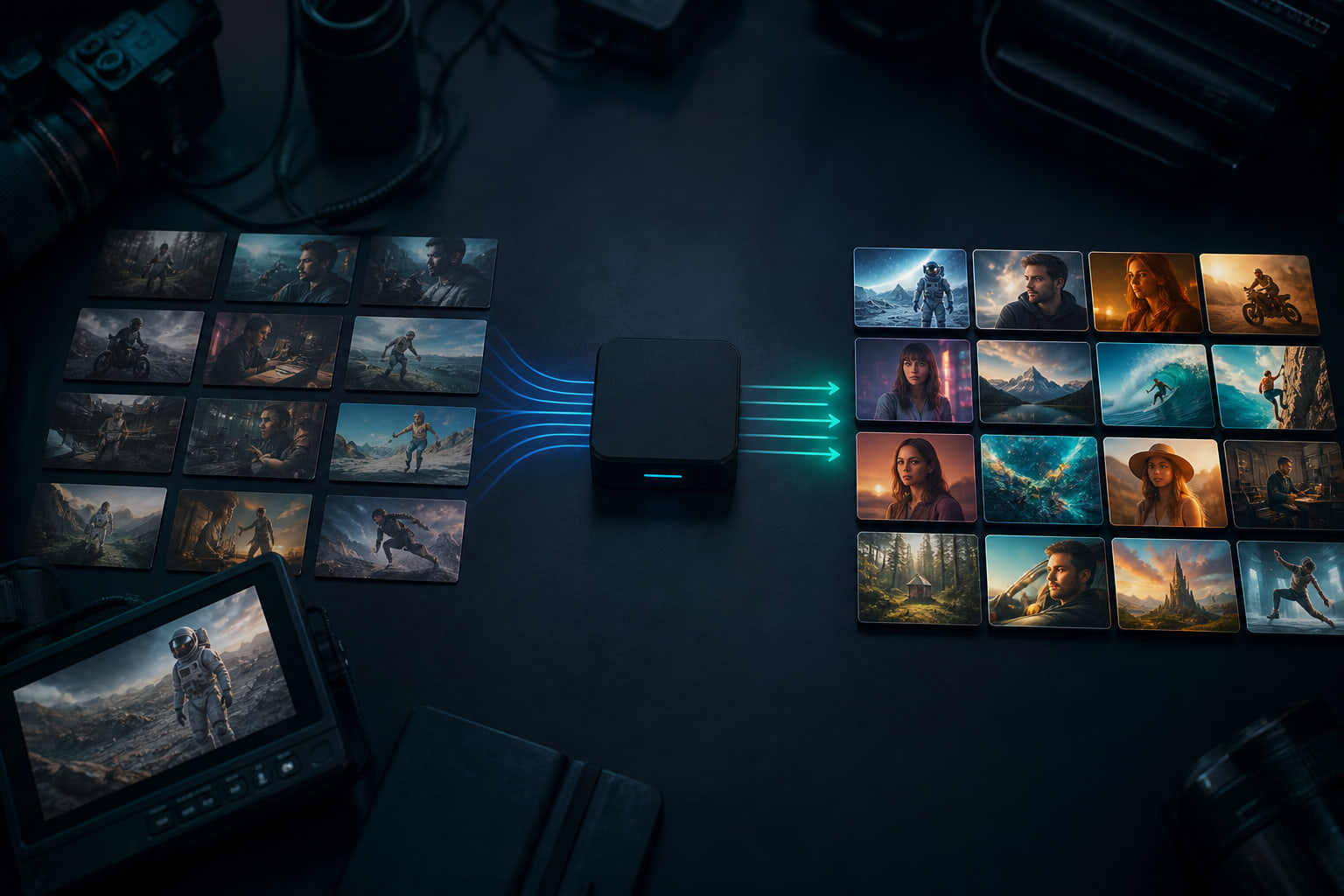
Capacity is credit-based, not “one pretty mock.” A thumbnail generation starts at 20 AI credits. The Business plan includes 5,400 credits a month — up to 270 thumbnails — with unused credits rolling over to 16,200, so a quiet month funds a refresh month. Pro covers 135 generations and 10 connected channels; Starter covers 30 and 3. Business connects unlimited channels, which is the line that matters for agencies: a twelfth client costs whatever it processes, not another seat. Generation past the allowance continues and is billed as usage (USD$0.01 per credit on Business). Full detail on pricing.
When you should not refresh
Do not spray a new thumbnail onto the entire library in a single day. YouTube needs a clean before-and-after on the titles you actually care about. Change twenty weak, high-impression covers, then watch CTR and average view duration for those URLs. If duration falls while CTR rises, the new image is attracting the wrong click.
Do not refresh a video that is still in its first-week test unless the cover is obviously broken (unreadable type, wrong episode, a face that is not in the video). Early CTR is noisy.
And do not buy Braiv expecting a live rotating YouTube A/B tester. Existing guides already say this plainly: Braiv scores candidates and replaces underperformers on the catalogue. It does not rotate thumbnails on the live listing the way TubeBuddy does.
Localised catalogues need translated overlays
A dubbed upload with an English cover is half-localised. Viewers in the target market see a package that does not match the audio.
YouTube thumbnail translator turns overlay text into the languages you publish in — 80+ — so the Spanish channel gets a Spanish cover and the Portuguese channel gets a Portuguese one. Run that pass on the same batch as the refresh, not as a follow-up project six weeks later.
Refresh the catalogue, then keep shipping
The next upload still needs a cover. The difference is you are no longer choosing between “design the new one” and “ignore everything already live.”
Start with the high-impression underperformers, score before you swap, replace in a batch, and leave the rest of the library alone until the data says they are next. Generate the first replacements in Braiv Thumbnails from the videos you already have.
Frequently asked questions
When should I update an old YouTube thumbnail?
Start with videos that already earn impressions but sit below your channel CTR. Evergreen uploads and covers that look dated against your current style are next. Leave low-impression videos alone until YouTube is actually showing them.
Can I generate thumbnails for videos I published years ago?
Yes. That is the most common use of Braiv Thumbnails. Connect a channel or upload the file and Braiv reads the transcript and frames, so you do not have to rewatch an archive video to describe it.
How do I know which thumbnail to pick before CTR comes in?
Score candidates for composition, text legibility at feed size, and whether the image and title tell the same story. A high score is a reason to publish one option over another — it is not a guaranteed click-through rate.
How many thumbnails can I refresh in a month?
A generation starts at 20 AI credits. Business includes 5,400 credits a month — up to 270 thumbnails — with unused credits rolling over to 16,200. Pro covers 135 generations and 10 channels; Starter covers 30 and 3. Usage past the allowance is billed per credit.
Does a high thumbnail score guarantee clicks?
No. Score measures composition, feed-size legibility and title match before you publish. YouTube still decides the impression set. Treat score as a filter so you do not ship an unreadable cover, not as a CTR promise.
Generate AI Thumbnails
Create click-worthy YouTube thumbnails directly from your video.