Early access Braiv Capture waitlist is open — record once, publish support videos in every language.

Trusted by 100,000+ creators, podcasters & businesses globally
Creators and teams who trust Braiv for AI video production

Turn a YouTube video into a support article

Paste a YouTube link, transcribe the tutorial in Braiv, then generate a help-centre article — numbered steps, task headings, and support-doc wording written from the transcript.

Where this fits

Braiv Transcription

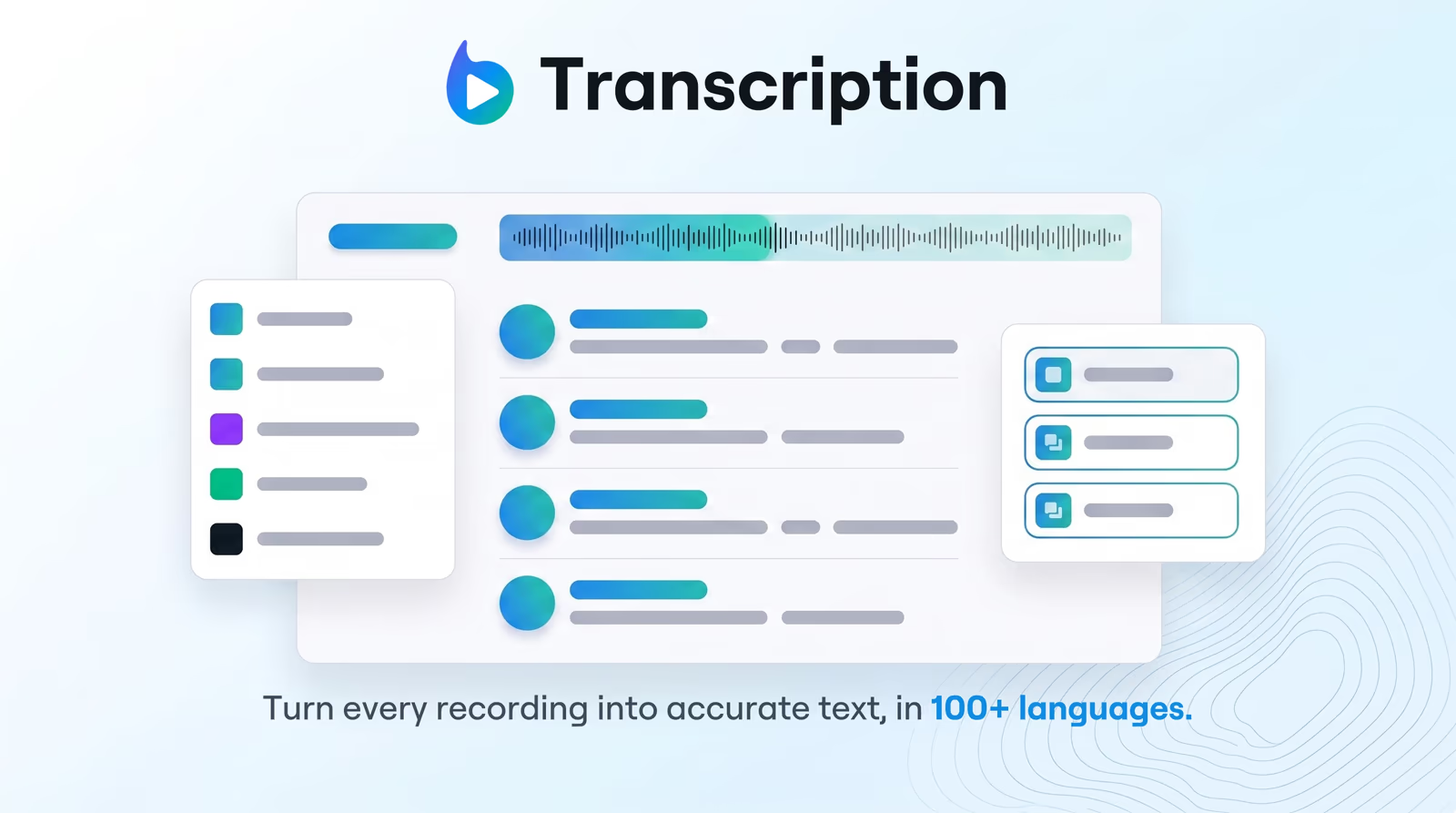
Enterprise-grade speech-to-text with speaker detection, timestamps, and instant translation into 80+ languages — so teams search, quote, and localize faster.

Explore Braiv Transcription
What this does

What a written article adds to the video

Convert a YouTube video into a support article. Braiv Transcription imports by URL, transcribes the tutorial, then generates structured how-to steps and help-centre copy.

  • Numbered steps instead of a transcript

    Actions are ordered under task headings, so a reader can follow the process without scrubbing the timeline.

  • An answer search engines can index

    The tutorial becomes crawlable prose on your own domain and in-app search, not only a YouTube result.

  • A draft you edit before publishing

    Correct product names, add prerequisites or warnings, then paste into Zendesk, Intercom, or your CMS.

  • The same article in other languages

    Translate the underlying transcript into 80+ languages and publish a localized version of the same guide.

Deep dive

Everything you need to know about YouTube video to support article

Turning a YouTube video into a support article means converting a spoken walkthrough into written documentation: ordered steps, task headings, and help-centre wording. In Braiv, you paste the YouTube URL, Braiv Transcription produces a timed transcript, and the how-to format restructures that transcript into an article you can edit and publish.

Why embedding the video is not enough

A help centre that only embeds the tutorial fails the person who is mid-task. They are searching for one error message, one menu path, or the step they missed — and video is the worst format for answering that quickly.

Written documentation answers it in seconds, gets indexed by Google, and surfaces in your in-app search. The reason teams skip it is cost: nobody wants to re-watch a twenty-minute recording and type out what happened.

How the article is generated

  1. Import the YouTube link, or upload the recording directly.
  2. Transcribe with speech to text in 100+ languages — language detected automatically.
  3. Generate the how-to format in Studio → Details.
  4. Review the draft: fix product names, add prerequisites and warnings, cut anything the recording implied but never showed.
  5. Publish to Zendesk, Intercom, Notion, or your own CMS.

When the recording features more than one speaker — a support call, a paired demo — run speaker diarization first so instructions are attributed to the right person before the article is drafted.

When to use this, and when to use Braiv Capture

Both paths produce support documentation. The difference is where the video comes from.

  • Use this page when the source already exists on YouTube or in your library: a public tutorial, a recorded webinar, a partner walkthrough. You are repurposing published video into written docs.
  • Use Braiv Capture when you are recording your product yourself and need the article, the narration, and the localized on-screen interface to stay in sync. Its help article generator is built for net-new in-app documentation.

Teams commonly run both: Capture for the docs they author from scratch, Transcription for the back catalogue already sitting on YouTube.

One transcript, more than one destination

The same import also produces a blog post for marketing, or a timestamped summary for the YouTube description itself. Choose the format per channel rather than transcribing the video three times.

Where this sits in Braiv Transcription

This is a long-tail capability of Braiv Transcription, alongside 100+ language transcription, speaker diarization, and transcription translation. Generation uses the shared AI Credit balance — full detail on pricing.
The bigger picture

One capability, one step in a longer workflow

Braiv Transcription covers the Localize stage. Braiv runs the rest of the sequence on the same recording — so what you make here ends up packaged, localized and published without leaving the platform.

See the full workflow
  1. 01 Capture Recorded once, ready to localize
  2. 02 Repurpose One video, dozens of assets
  3. 03 Package Packaged to perform
  4. 04 Localize Fluent in 80+ languages
  5. 05 Publish & Track Distributed and measured
Questions

Frequently asked questions

How do you turn a YouTube video into a support article?
Paste the YouTube URL into Braiv to import the video. Braiv transcribes it, then in Studio → Details you generate the how-to format. The timed transcript is restructured into numbered steps under task headings — not exported as raw dialogue.
Is a support article the same as a transcript?
No. A transcript preserves every word in the order it was spoken, including filler and detours. A support article is rewritten for a reader: ordered steps, headings per task, and the wording a help centre expects.
How is this different from Braiv Capture help articles?
Braiv Capture is for screen recordings you make of your own product, where the article, the narration, and the localized interface stay one synced asset. This page is for tutorial video you already published — paste the link, transcribe, and write the article from the dialogue.
How is this different from the YouTube video summarizer?
The video summarizer offers every output type — description, blog, or how-to — from one menu. This page is the support-article job specifically: help-centre structure and tone when documentation is the destination.
Can I edit the article before it goes into the help centre?
Yes, and you should. The draft covers what the video demonstrated; you still add prerequisites, permission requirements, and edge cases the presenter skipped verbally, then align wording with your product glossary.
Can the support article be published in other languages?
Yes. Run the transcript through transcription translation into 80+ languages, then generate or review the article per locale so the steps match your localized interface labels.
Does this work on webinars and internal recordings?
Yes. Any audio or video Braiv can transcribe works as a source — YouTube links, MP4 uploads, webinar replays, and recorded training sessions. The support-article format runs on the transcript, not on the file type.
Can I try it before subscribing?
Yes. New Braiv accounts include AI Credits covering an import, a transcription, and a generated draft, so you can judge the structure on your own tutorial before moving to a paid plan. See pricing.

Ready to Take Your Content Global?

Join over 100,000 creators scaling their reach with Braiv.
Get 150 AI Credits when you sign up today.