Early access Braiv Capture waitlist is open — record once, publish support videos in every language.

Trusted by 100,000+ creators, podcasters & businesses globally
Creators and teams who trust Braiv for AI video production

Repurpose a YouTube video as a blog post

Paste a YouTube link, transcribe the video in Braiv, then generate an editorial recap — headings, flow, and takeaways written from the transcript instead of captions pasted into your CMS.

Where this fits

Braiv Transcription

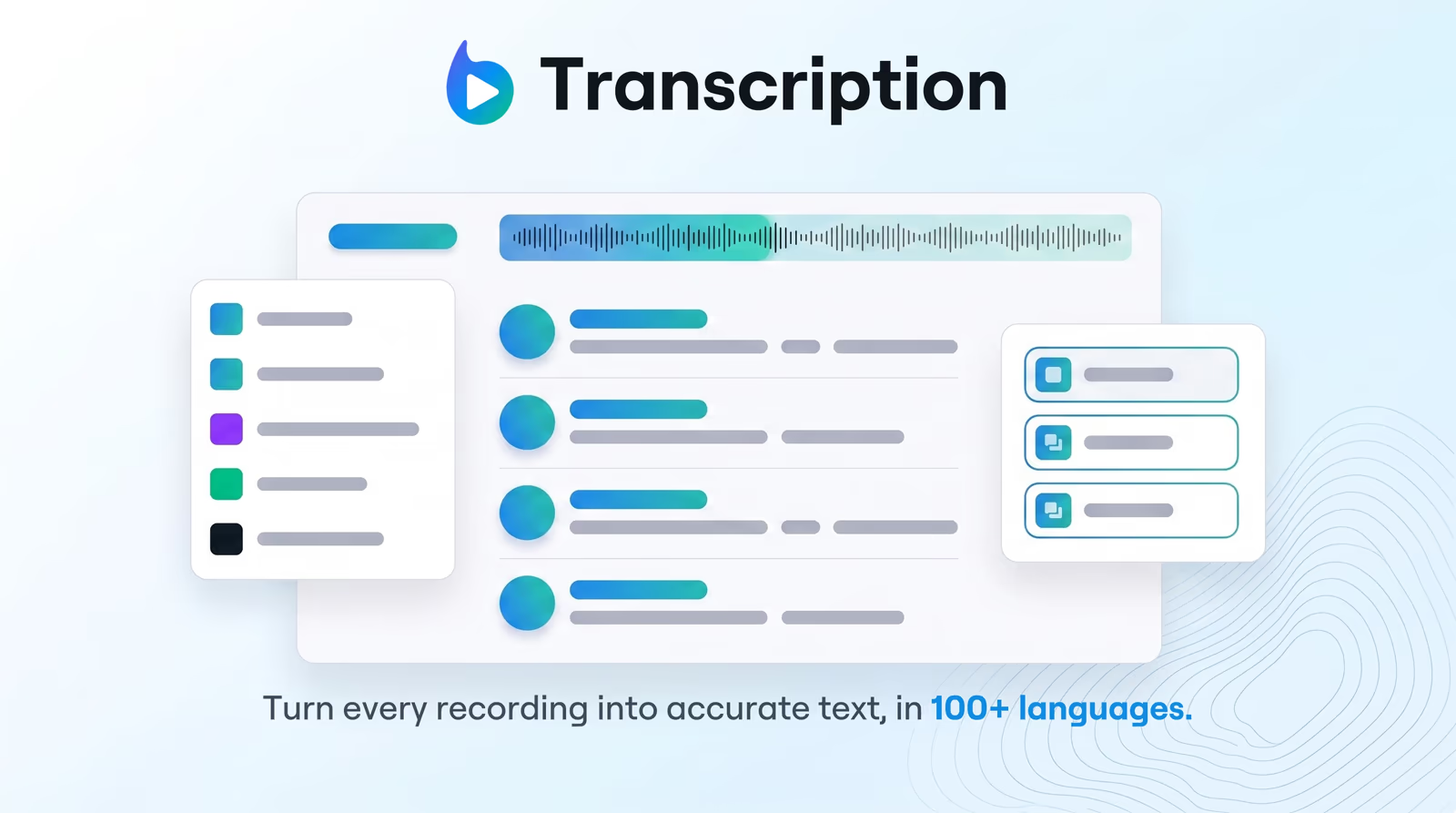
Enterprise-grade speech-to-text with speaker detection, timestamps, and instant translation into 80+ languages — so teams search, quote, and localize faster.

Explore Braiv Transcription
What this does

What the blog format changes

Convert a YouTube video into a blog post. Braiv Transcription imports by URL, transcribes the video, then generates readable, SEO-ready site copy from what was said.

  • Editorial prose, not pasted captions

    Section headings, tighter paragraphs, and takeaways — a post that stands on its own for readers who never press play.

  • Search traffic on your own domain

    The same ideas become indexable copy you control, instead of sitting only on the YouTube watch page.

  • A back catalogue you can work through

    Import each URL and draft posts from videos you published months ago, without downloading source files.

  • Localized versions from one script

    Translate the transcript into 80+ languages, then publish a post per market with local phrasing.

Deep dive

Everything you need to know about YouTube video to blog post

Turning a YouTube video into a blog post means rewriting spoken content as an article: a lead that states the point, headings that group the ideas, and paragraphs edited for reading rather than timing. In Braiv, you paste the YouTube URL, Braiv Transcription produces the transcript, and the blog format turns it into a draft you edit and publish.

Every video library is a blog backlog

Most teams publish to YouTube and never republish the ideas on their own site. It is rarely a content problem — the ideas already exist — it is the cost of turning forty minutes of speech into something someone will read.

The shortcut people reach for, pasting auto-captions into a CMS, makes the problem worse. Readers bounce off unedited dialogue, and a thin verbatim page adds nothing your video did not already do.

How the post is generated

  1. Import the YouTube link, or upload the file.
  2. Transcribe using speech to text in 100+ languages.
  3. Generate the blog format in Studio → Details.
  4. Edit the draft: sharpen the intro, add internal links, images, and a call to action.
  5. Publish to WordPress, Webflow, or your CMS.

For interviews and panels, run speaker diarization first so quotes are attributed correctly in the draft — otherwise the post reads as one voice when it was three.

Why a post earns traffic the video cannot

The watch page ranks in YouTube search and, sometimes, in video results. It does not build authority on your domain, it cannot be excerpted into a newsletter, and it is not much use to a reader who wants to skim.

An article does all three. Publishing both means one recording serves the audience that watches and the audience that reads — and the post can link back to the video, which is a better outcome for both.

Which format for which video

  • Blog post — interviews, talks, podcasts, commentary, and thought leadership.
  • Support article — tutorials and walkthroughs, where numbered steps beat narrative.
  • Timestamped summary — chapters and key topics for the YouTube description itself.

All three come from one transcription pass, so choosing a second format costs a generation rather than a re-import.

Localize the post with the script

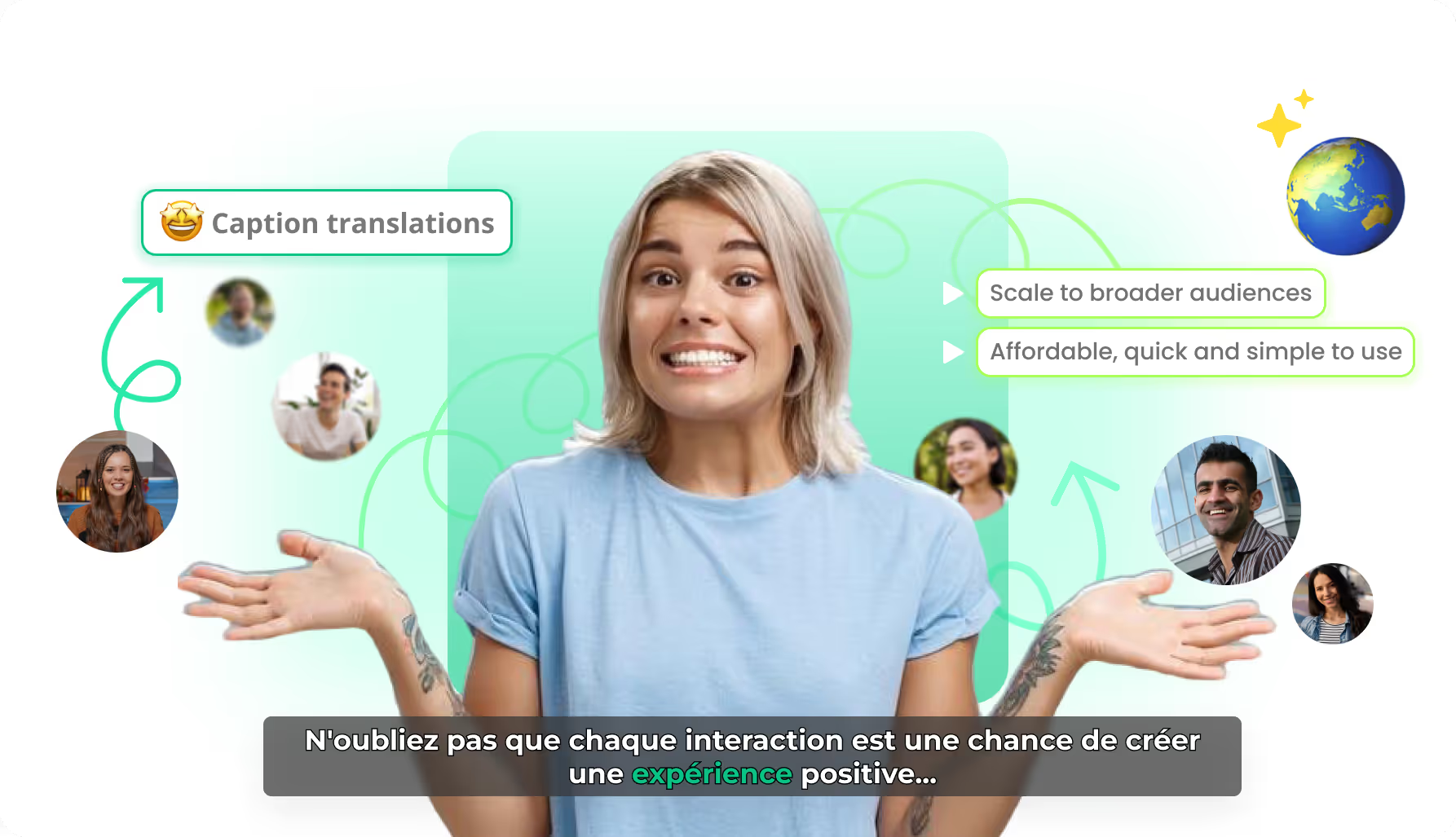
Translate the transcript via transcription translation, then generate or edit the post per language. Localized posts written from a translated script read better than a machine-translated English article, and they let you match local search phrasing. When the post promotes a channel upload, hand titles and metadata to Braiv Connect so article and video packaging stay aligned.

Where this sits in Braiv Transcription

This is a long-tail capability of Braiv Transcription, alongside 100+ language transcription, speaker diarization, and transcription translation. Generation draws on the shared AI Credit balance — plan detail on pricing.
The bigger picture

One capability, one step in a longer workflow

Braiv Transcription covers the Localize stage. Braiv runs the rest of the sequence on the same recording — so what you make here ends up packaged, localized and published without leaving the platform.

See the full workflow
  1. 01 Capture Recorded once, ready to localize
  2. 02 Repurpose One video, dozens of assets
  3. 03 Package Packaged to perform
  4. 04 Localize Fluent in 80+ languages
  5. 05 Publish & Track Distributed and measured
Questions

Frequently asked questions

How do you turn a YouTube video into a blog post?
Paste the YouTube URL into Braiv to import the video. Braiv transcribes it, then in Studio → Details you generate the blog format. The transcript is rewritten as an article — introduction, section headings, and takeaways — rather than exported as a subtitle file.
Is the blog post just the transcript with paragraph breaks?
No. A transcript follows speech, including tangents and repetition. The blog output is restructured for reading: a lead that states the point, headings that group the ideas, and paragraphs edited for flow rather than for timing.
Will a video-derived blog post hurt my SEO?
Not if you publish an edited article rather than a raw caption dump. Thin, verbatim transcripts add little for readers, which is why the output is rewritten prose. Review it, add internal links and your own analysis, and it competes as a normal post.
Can I edit the draft before publishing?
Yes, and it is expected. Adjust tone to your brand voice, add links, images, and a call to action, then publish to WordPress, Webflow, or whichever CMS you run.
Can I repurpose my whole YouTube back catalogue?
Yes. Import videos by URL and generate drafts as your credit allowance allows — transcription is billed from AI Credits by audio length, so a back catalogue is a budgeting question rather than a per-seat limit. See pricing.
How is this different from the YouTube video summarizer?
The video summarizer covers every output — timestamped descriptions, blogs, and how-tos. This page is the blog job specifically: editorial structure for a marketing site or newsletter rather than chapters for the watch page.
What if the video is a tutorial rather than a talk?
Use the support article format instead. Instructional content reads better as numbered steps under task headings; blog structure suits interviews, talks, podcasts, and thought-leadership content.
Can the post be published in other languages?
Yes. Send the transcript through transcription translation into 80+ languages, then generate or edit the post per locale so it matches how people search in that market.

Ready to Take Your Content Global?

Join over 100,000 creators scaling their reach with Braiv.
Get 150 AI Credits when you sign up today.