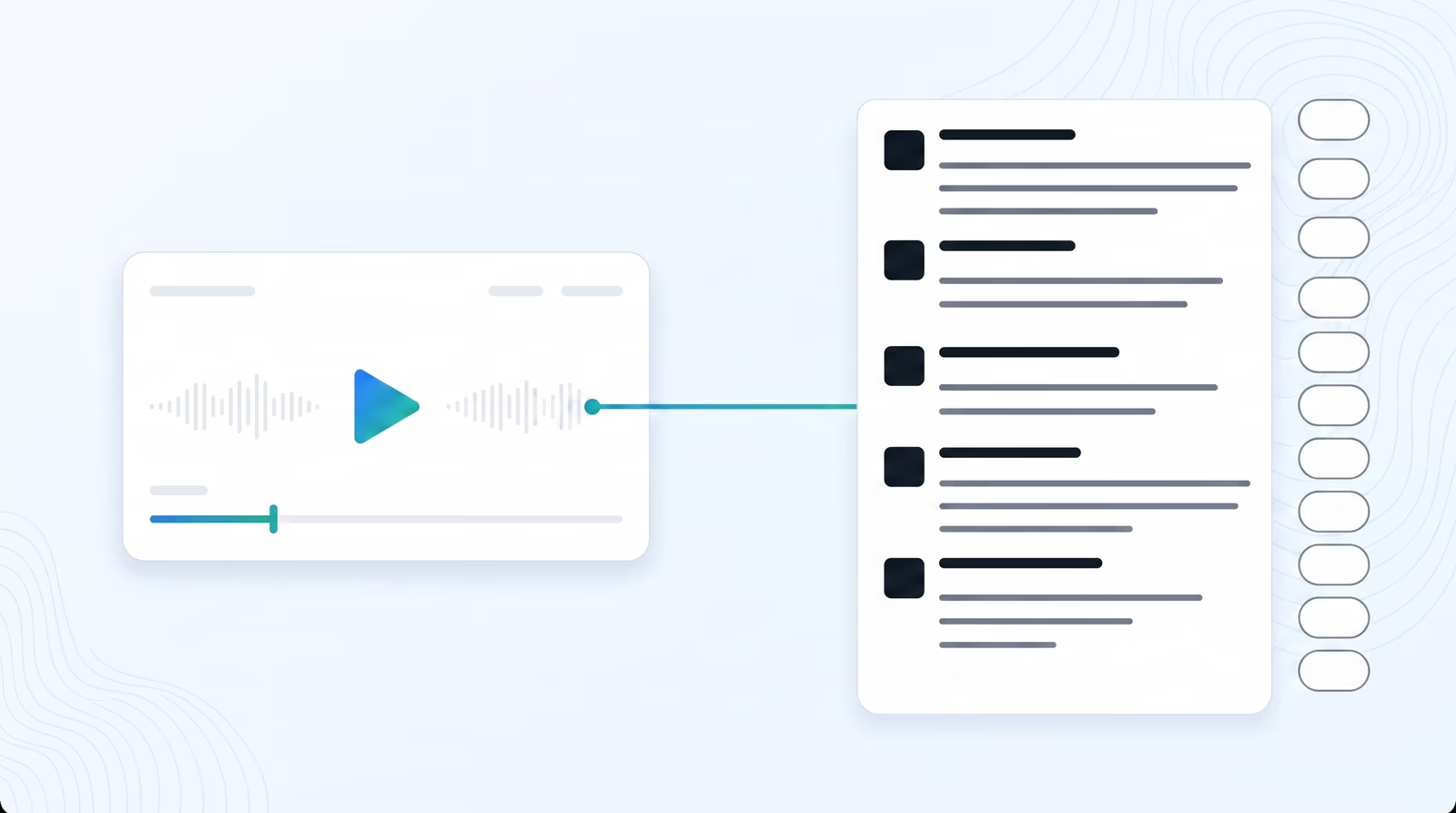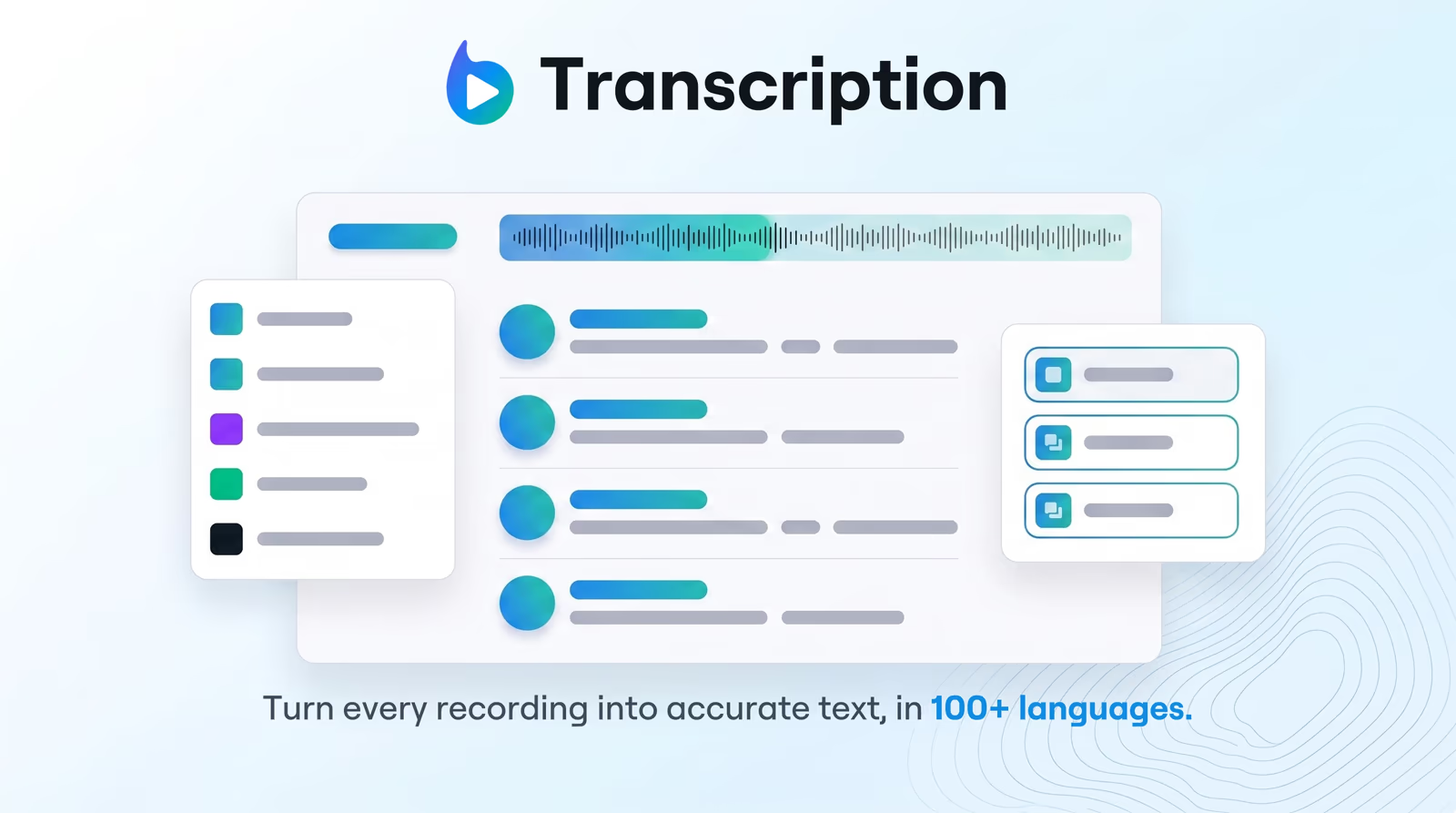
A YouTube video summarizer turns a video into structured text you can read instead of watch. In Braiv, you paste the YouTube URL, Braiv Transcription converts the audio to a timed transcript, and the summary is generated from that transcript — so every section carries the timestamp where the topic starts.
That order is what separates a usable summary from a paragraph of guesswork. Tools that summarize without transcribing cannot tell you when something was said, which is exactly what viewers, editors, and search engines want.
How to summarize a YouTube video in Braiv
- Import the video. Paste a YouTube URL, or upload an MP4, MP3, WAV, or WebM file.
- Let Braiv transcribe it. Speech to text in 100+ languages runs automatically, with language detected for you.
- Open Studio → Details. This is where generation lives for the imported video.
- Generate the summary. Braiv returns timestamped sections, key topics, and hashtags from what was actually said.
- Edit and export. Fix terminology, then save, copy the chapters, or send the description to Braiv Connect to publish.
What the summary actually contains
Three things, all derived from the transcript rather than the title or metadata:
- Timestamped sections — the time-coded markers that become YouTube chapters and let readers skip ahead.
- Key topics — the themes the video covers, useful as show notes, an internal index, or a content brief.
- Hashtags — topical tags for discoverability, generated from the subject matter instead of guessed.
When more than one person speaks, run AI speaker diarization first so quotes and sections attribute to the right voice — the difference between a usable panel summary and an unattributed wall of text.
Which summary format should you generate?
The summary is not one fixed artefact. Pick the output for where the content is going:
- YouTube description — timestamped chapters and hashtags for the watch page itself.
- Blog post — an editorial recap for your site, ranking on your own domain.
- Support article — numbered steps and help-centre tone when the video is a tutorial.
Generating a second format does not mean transcribing again. The transcript is the asset; the formats are views of it.
Summarize once, then localize
If the same video serves several markets, send the transcript through transcription translation into 80+ languages, then generate or edit the summary per locale. Summarizing first and translating second gives cleaner output than translating a raw transcript full of restarts.
Where this sits in Braiv Transcription
Summarization is a long-tail capability of Braiv Transcription, alongside 100+ language transcription, speaker diarization, and transcription translation. When a summary becomes packaging and publishing, hand off to Braiv Connect. Generation draws on the shared AI Credit balance — detail on pricing.