Early access Braiv Capture waitlist is open — record once, publish support videos in every language.

Trusted by 100,000+ creators, podcasters & businesses globally
Creators and teams who trust Braiv for AI video packaging and distribution

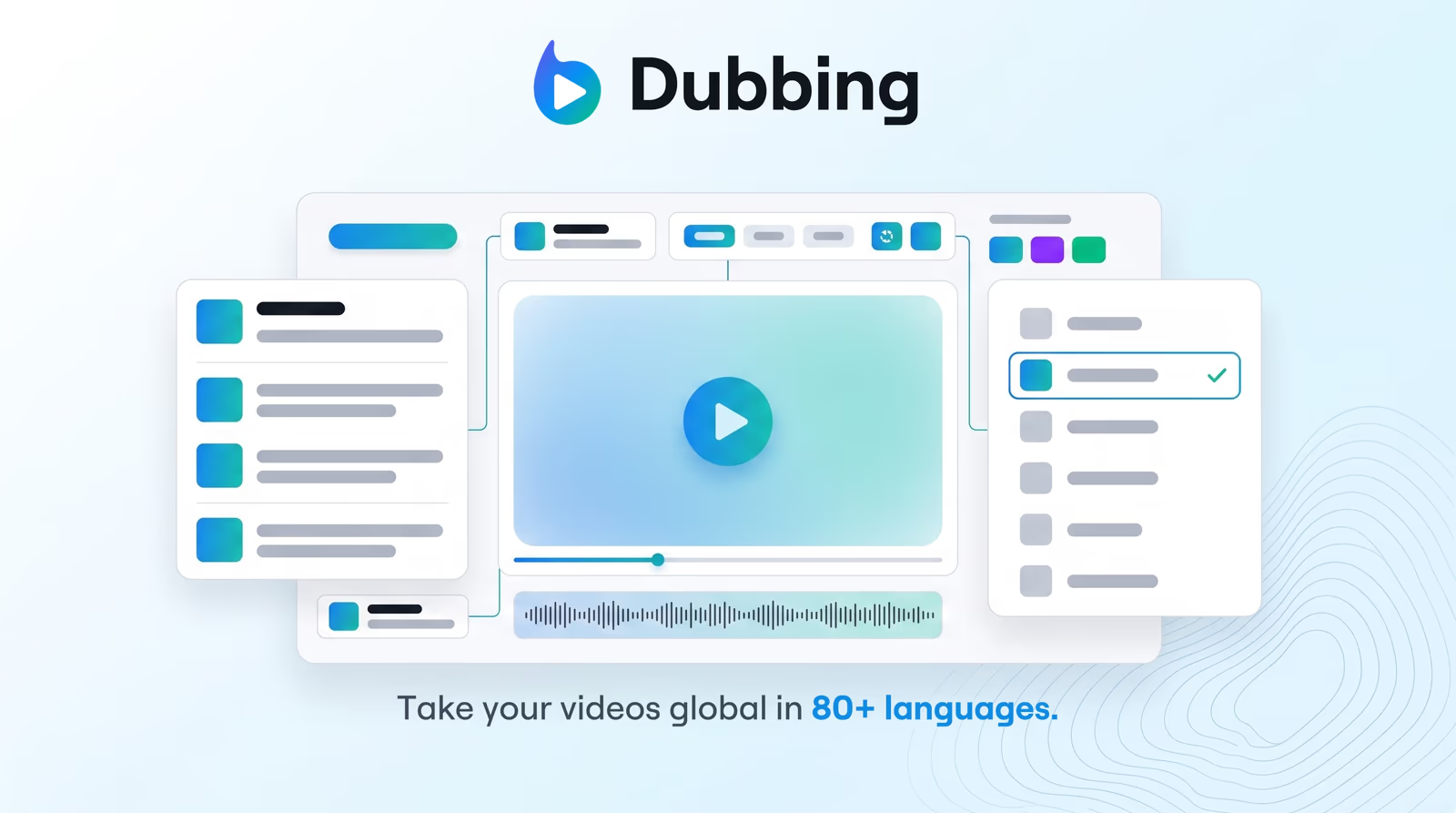
Edit the dub before it ships

Edit source and translated transcripts side-by-side, regenerate only the segments you change, and keep cloned-voice continuity across languages.

Where this fits

Braiv Dubbing

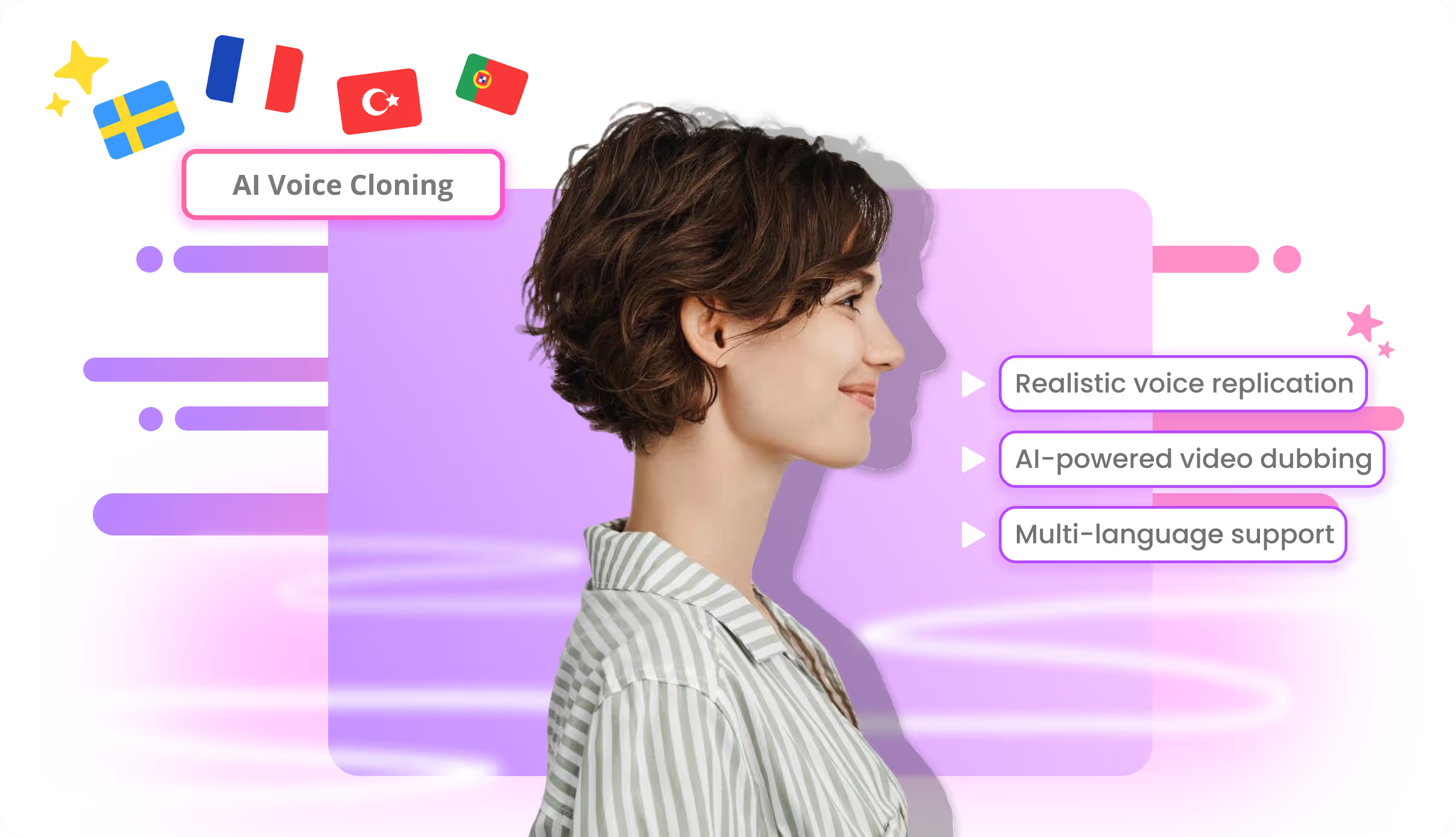
AI video dubbing with voice cloning and editable transcripts — so training, marketing, and creator content reaches every market without agencies or re-records.

Explore Braiv Dubbing
What this does

What the dubbing editor delivers

Braiv’s AI dubbing video editor gives granular control over translated audio — segment edits, brand terminology fixes, and re-renders without redoing the whole file.

  • Segment-level control

    Fix names, compliance lines, and awkward phrasing in timed chunks — not a full re-run.

  • Targeted regeneration

    Re-synthesize only modified segments so cloned voice stays continuous.

  • Dual transcript review

    Compare source and translation before you commit the render.

Deep dive

Everything you need to know about AI dubbing video editor

Machine translation is a first pass — brand-safe dubbing needs an editor

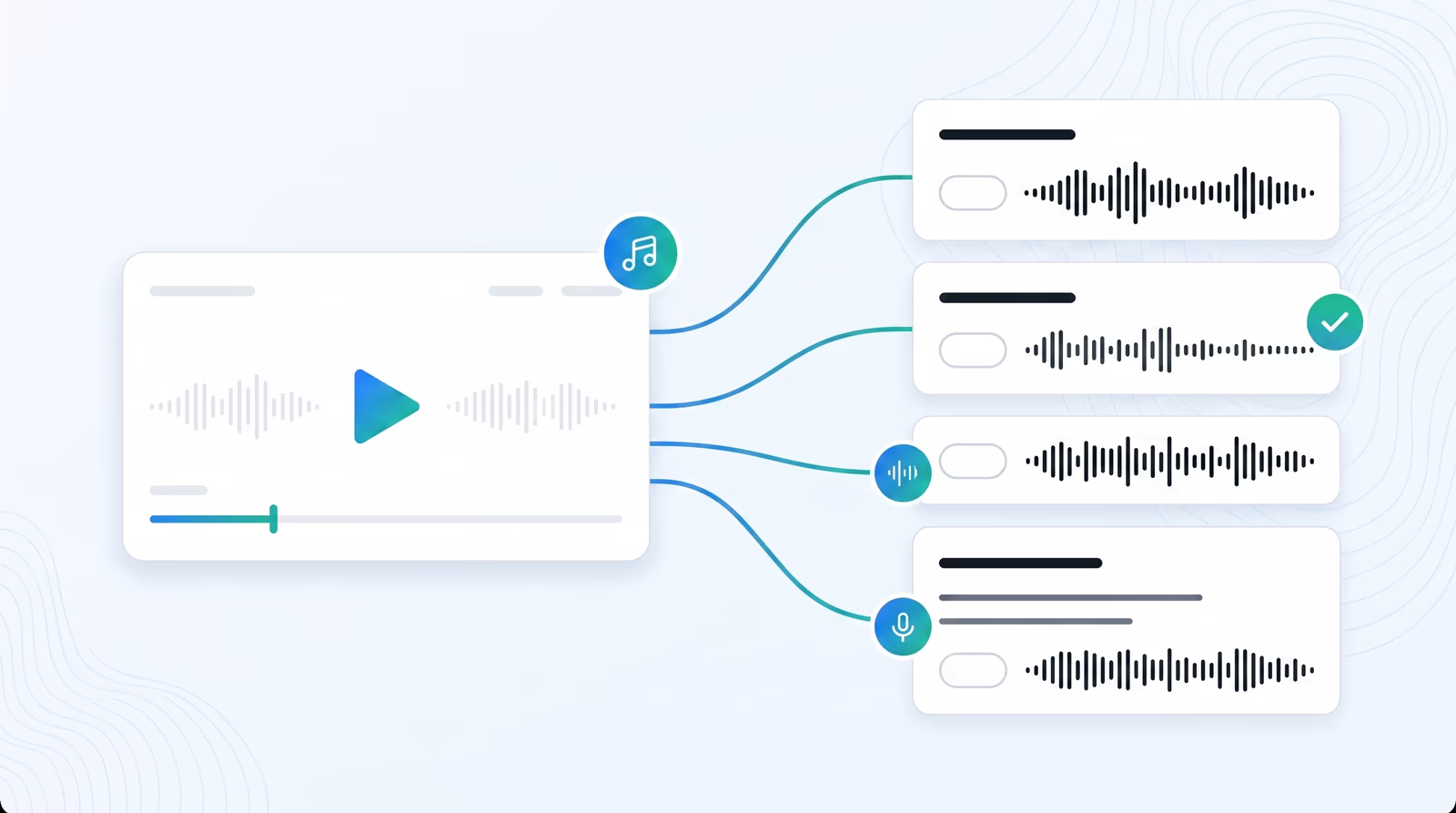
Braiv’s AI dubbing video editor keeps the original and translated transcripts side-by-side so localization teams can fix terminology, regenerate only the segments that changed, and ship without re-running the entire file.

Editor capabilities

Correct names and compliance lines in timed segments. Re-synthesize only what you changed so speaker continuity holds. Export audio/captions or embed via Braiv Player; publish through Braiv Connect when channels are connected.

Where this sits

The editor is the quality gate on AI video dubbing — not a separate SKU. Pair it with voice cloning for speaker continuity and adding multiple languages when you are expanding a catalog, not fixing a single line.
The bigger picture

One capability, one step in a longer workflow

Braiv Dubbing covers the Localize stage. Braiv runs the rest of the sequence on the same recording — so what you make here ends up packaged, localized and published without leaving the platform.

See the full workflow
  1. 01 Capture Recorded once, ready to localize
  2. 02 Repurpose One video, dozens of assets
  3. 03 Package Packaged to perform
  4. 04 Localize Fluent in 80+ languages
  5. 05 Publish & Track Distributed and measured
Questions

Frequently asked questions

Do I have to re-dub the whole video after a small fix?
No. Edit the affected transcript segment and regenerate that slice. The rest of the dub stays intact.
Can I edit both the source and the translation?
Yes. The studio shows original and translated transcripts so you can correct names, product terms, and timing in either lane before render.
Is the editor separate from Braiv Dubbing?
No. It is the review step inside AI video dubbing / Braiv Dubbing — not a standalone desktop suite.
Can I add lip sync after editing?
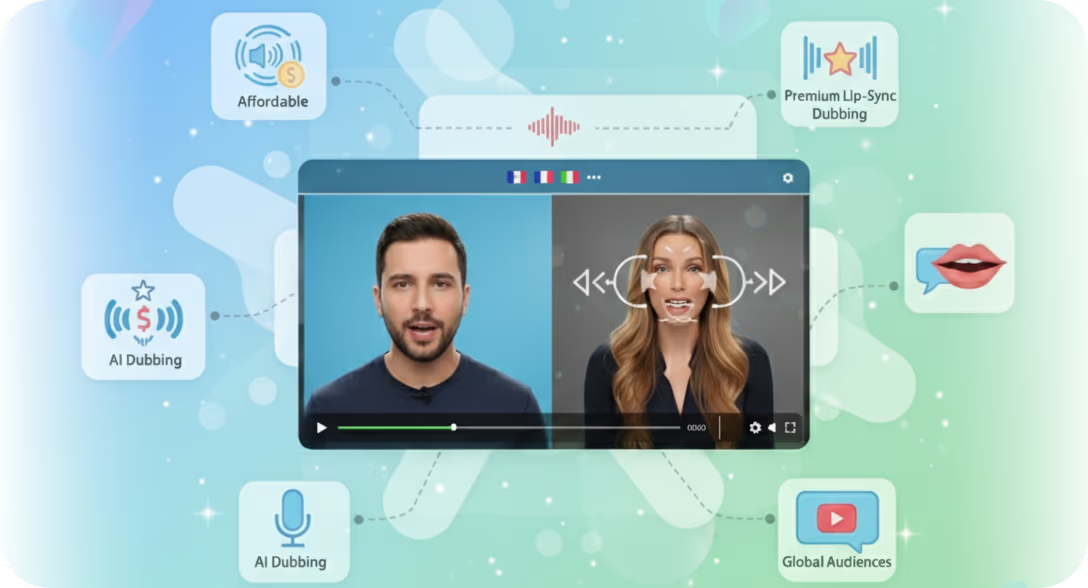
Yes. Optional lip sync can run after the audio pass when mouth movement needs to match the new language.

Ready to Package and Publish Your Next Video?

Join over 100,000 creators scaling their reach with Braiv.
Get 150 AI Credits when you sign up today.