One-language catalogs leave the market on the table
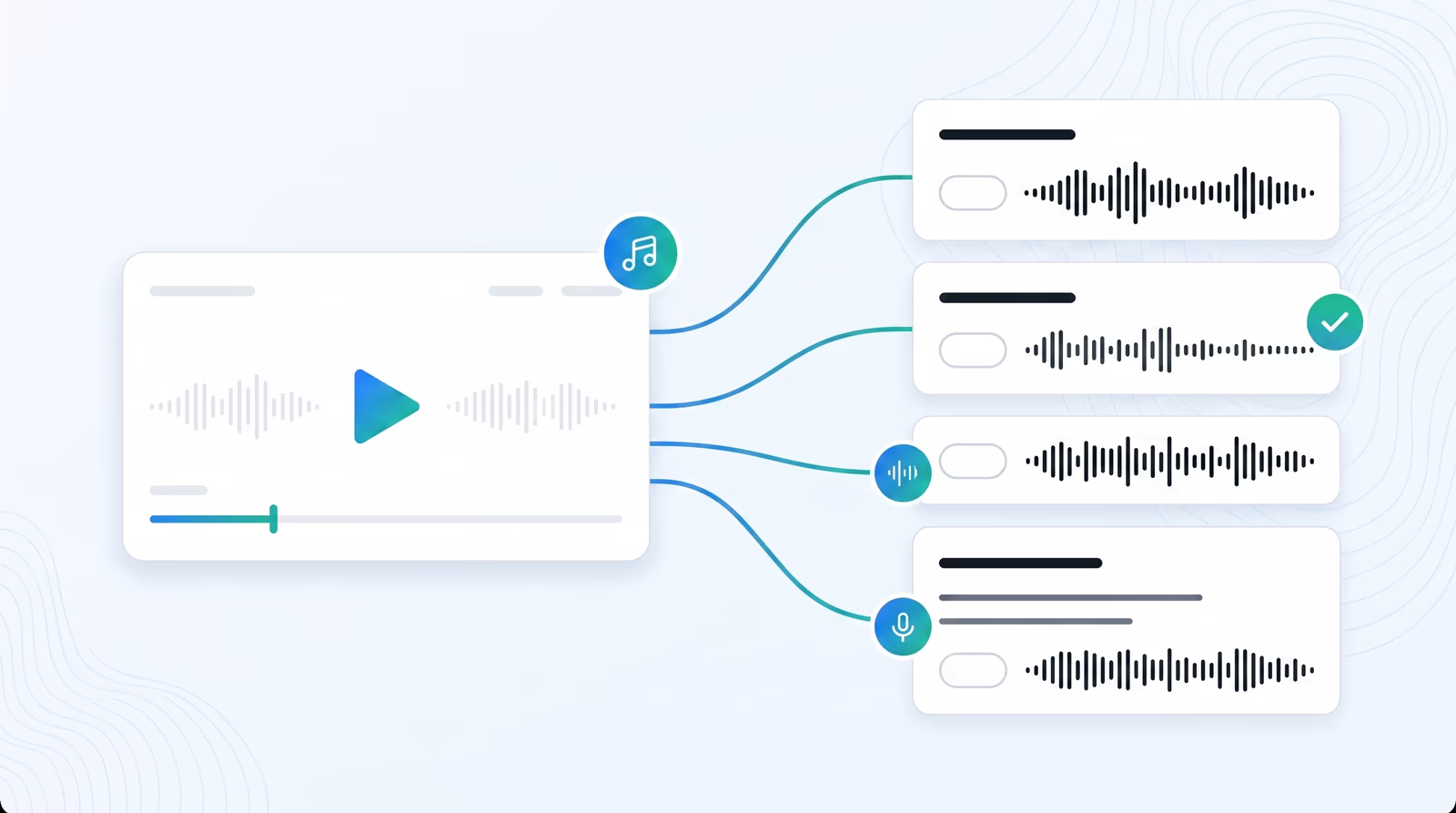
Braiv lets you add multiple languages to a video — dubbed audio plus translated captions — from a single upload, so training, marketing, and creator libraries can ship globally without a re-shoot per locale.
How to add languages in Braiv
- Open the video in your library (upload or YouTube URL).
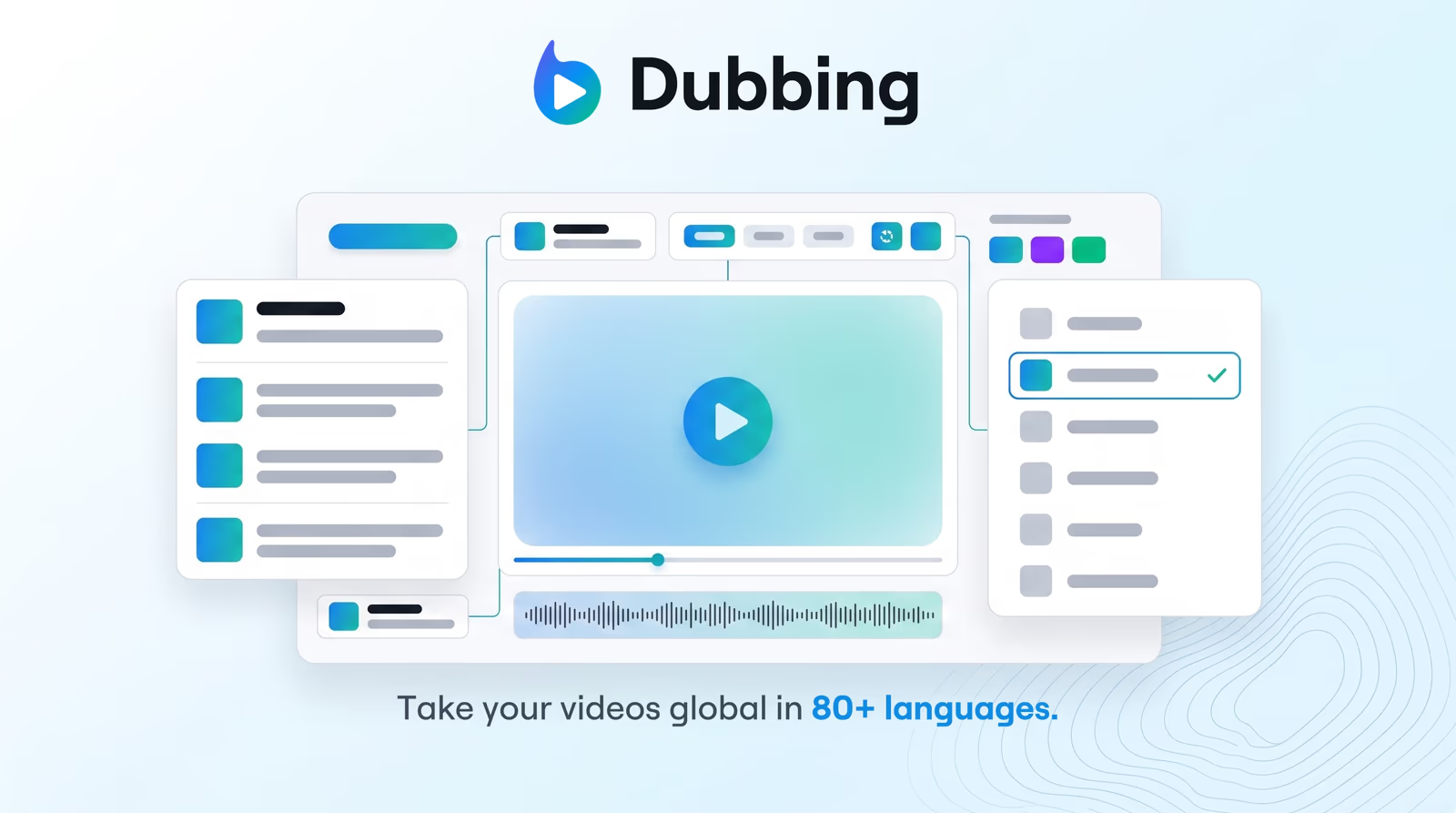
- Choose target languages from the language menu (80+ options).
- Generate translations — Braiv transcribes, translates, and synthesizes cloned-voice audio.
- Review the transcript for brand terms, then render.
- Export or publish — download audio/captions, embed with Braiv Player, or send cuts through Braiv Connect.
Why teams use this instead of agencies
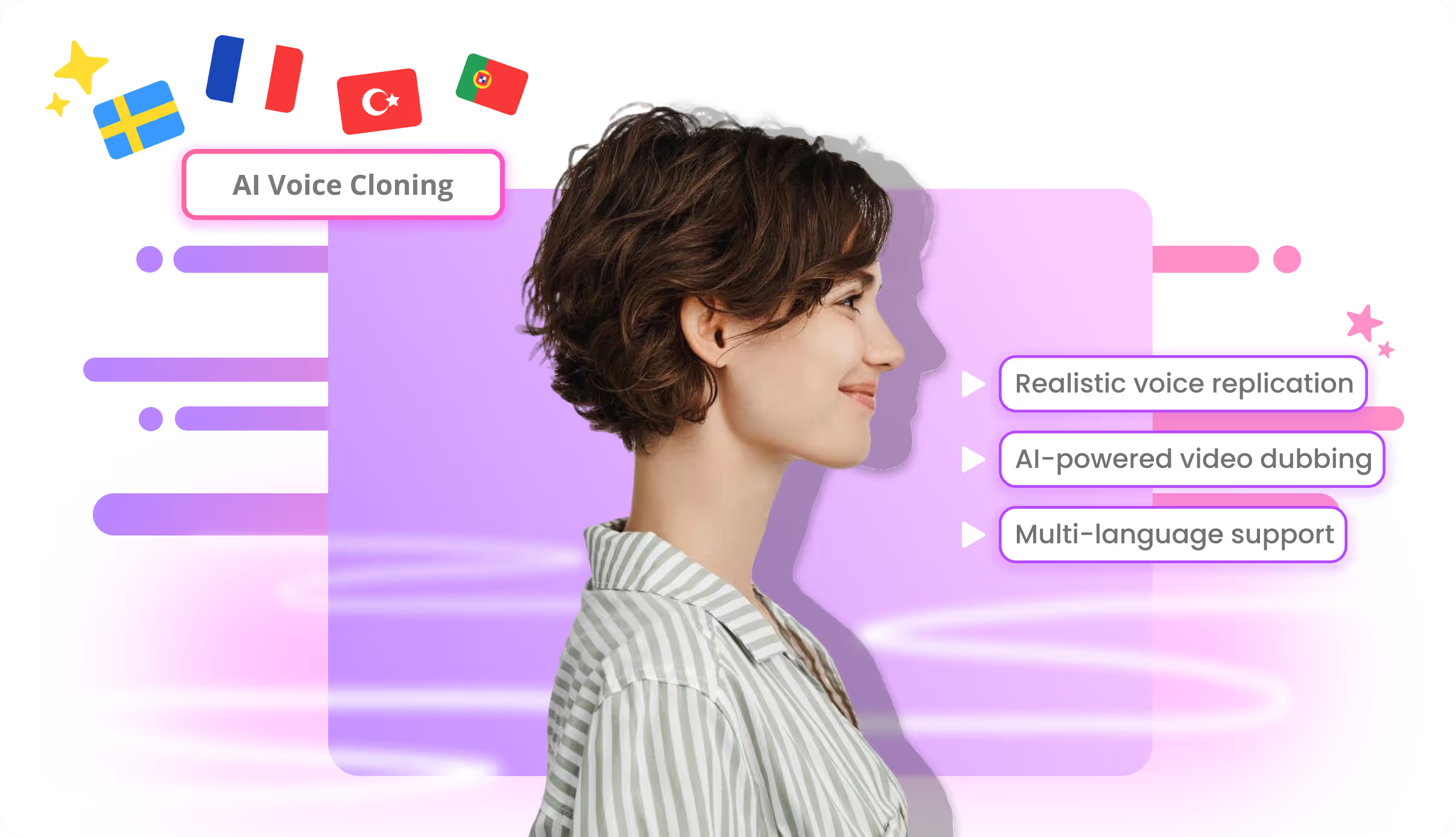
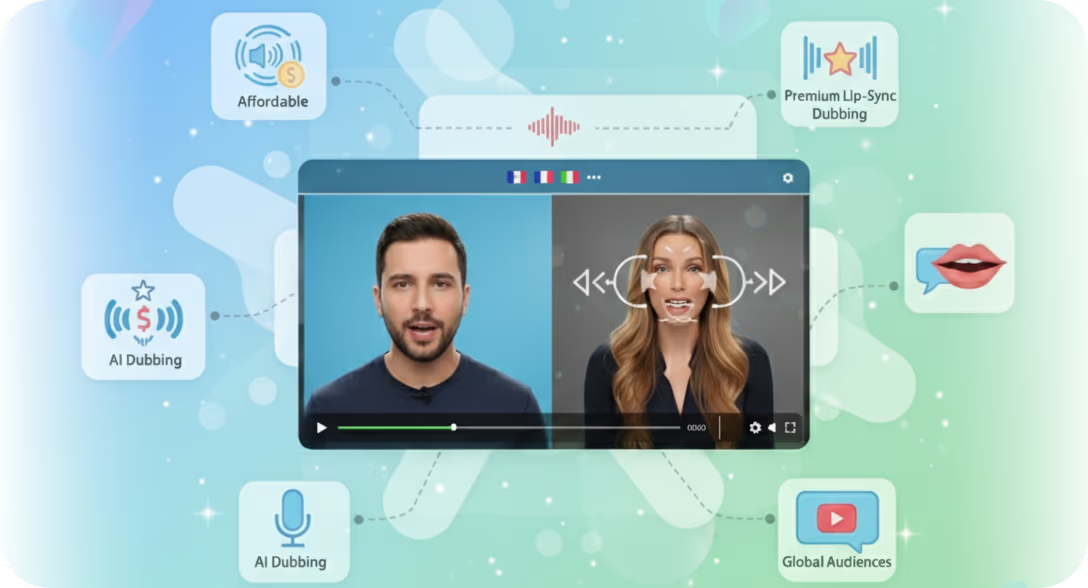
Cloning keeps tone across markets instead of a different narrator per language. Fix terminology in the browser and regenerate only what changed. Optional lip sync when on-camera immersion matters.
Where this sits in Braiv Dubbing
This use case is part of AI video dubbing inside Braiv Dubbing. Pair with the AI dubbing video editor for segment-level review and Braiv Player when viewers need in-page language switching.