Early access Braiv Capture waitlist is open — record once, publish support videos in every language.

Trusted by 100,000+ creators, podcasters & businesses globally
Creators and teams who trust Braiv for AI video production

Vertical thumbnails from the Short itself

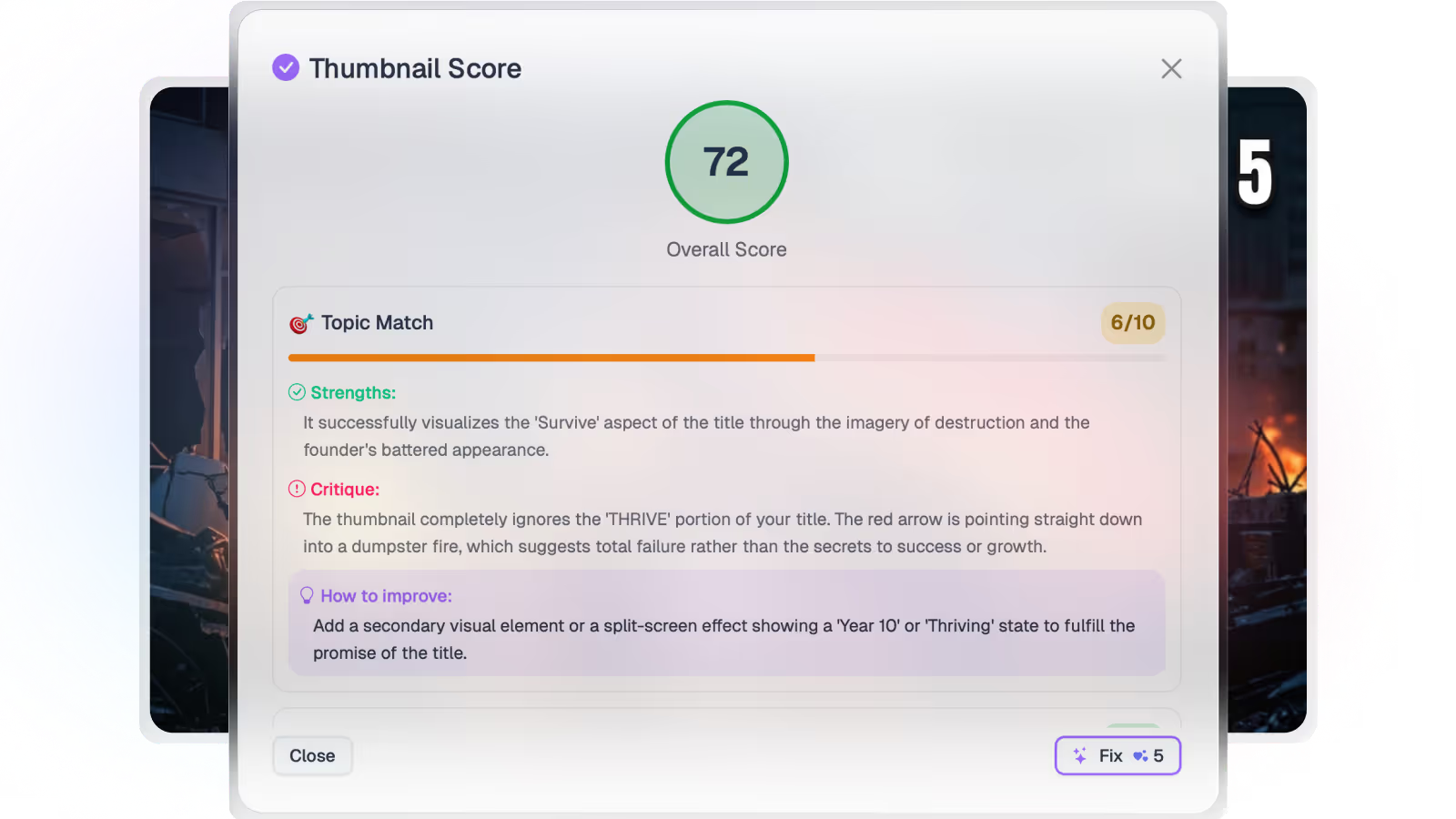
Generate vertical Shorts thumbnails from the video’s transcript and frames — then score and set the winner before you publish.

Where this fits

Braiv Thumbnails

Generate from the video itself, score every option for click-through, localize text overlays for every market, and push them live across an unlimited number of connected channels.

Explore Braiv Thumbnails
What this does

What Shorts thumbnails unlock

AI Shorts thumbnail generation for YouTube: Braiv reads vertical video context, proposes clickable treatments, and ties packaging into your publish workflow.

  • Context from the cut

    Hooks and frames come from the Short — not a generic Canva template.

  • Options you can score

    Generate treatments, then pick a winner with thumbnail scoring before publish.

  • Packaging that ships

    Set a primary and include it in the Connect publish package.

Deep dive

Everything you need to know about YouTube Shorts thumbnail generator

Vertical feeds punish weak packaging

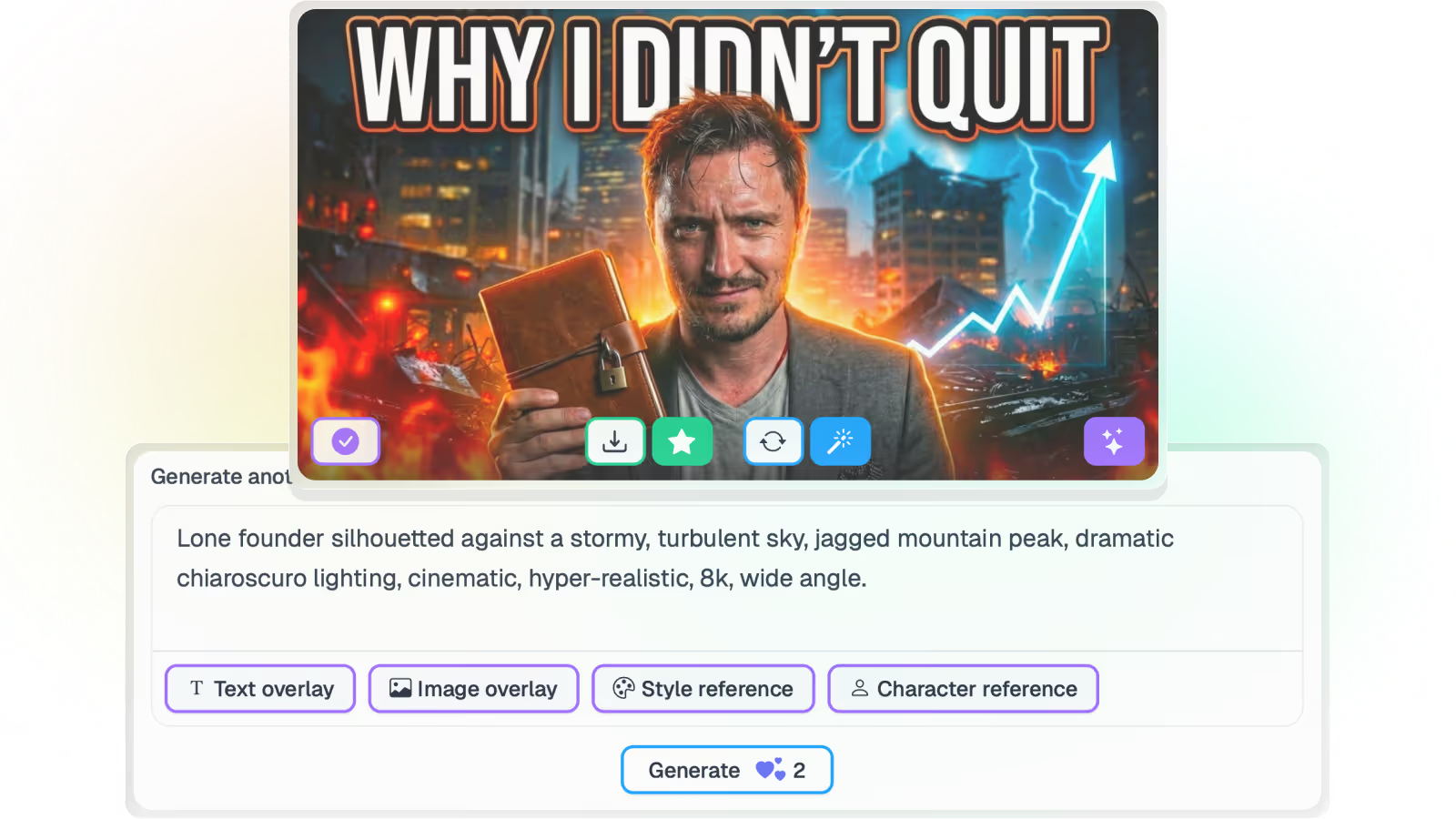
Braiv’s YouTube Shorts thumbnail generator builds clickable covers from the Short’s transcript and frames — so you are not inventing a prompt from memory after every cut.

What you get

Context from the Short itself: hooks and visual cues from what was said and shown. Generate multiple treatments, then iterate with score & fix thumbnails. Shorts is a use case of Braiv Thumbnails / AI-generated thumbnails. Pair with titles and descriptions in YouTube video packaging.

Where this sits

Thumbnail generation for Shorts feeds the packaging layer before Braiv Connect publish. If you are still extracting the Short from long-form, start with viral AI clips / Braiv Shorts.
The bigger picture

One capability, one step in a longer workflow

Braiv Thumbnails covers the Package stage. Braiv runs the rest of the sequence on the same recording — so what you make here ends up packaged, localized and published without leaving the platform.

See the full workflow
  1. 01 Capture Recorded once, ready to localize
  2. 02 Repurpose One video, dozens of assets
  3. 03 Package Packaged to perform
  4. 04 Localize Fluent in 80+ languages
  5. 05 Publish & Track Distributed and measured
Questions

Frequently asked questions

Are Shorts thumbnails different from long-form thumbnails?
Yes. Shorts need vertical-safe framing and mobile-first contrast. Braiv’s Shorts path is tuned for that aspect ratio; long-form packaging uses the same AI-generated thumbnails product with landscape treatments.
Can I score Shorts thumbnail options?
Yes. Use thumbnail scoring to compare candidates before you set a primary.
Does this set the thumbnail on YouTube automatically?
When the channel is connected via Braiv Connect, you can set a primary thumbnail in your library and include it in the publish package.
Is this only for YouTube Shorts?
The generator is optimized for YouTube Shorts packaging, but vertical treatments also transfer to Reels/TikTok-style covers when you export the asset.

Ready to Take Your Content Global?

Join over 100,000 creators scaling their reach with Braiv.
Get 150 AI Credits when you sign up today.