
Translate PDF to Spanish
An AI Spanish to Spanish document translator automatically converts text into Spanish while preserving the original formatting and layout.
It's never been quicker, easier, or more affordable to translate your PDF documents into Spanish using AI.
Step 1
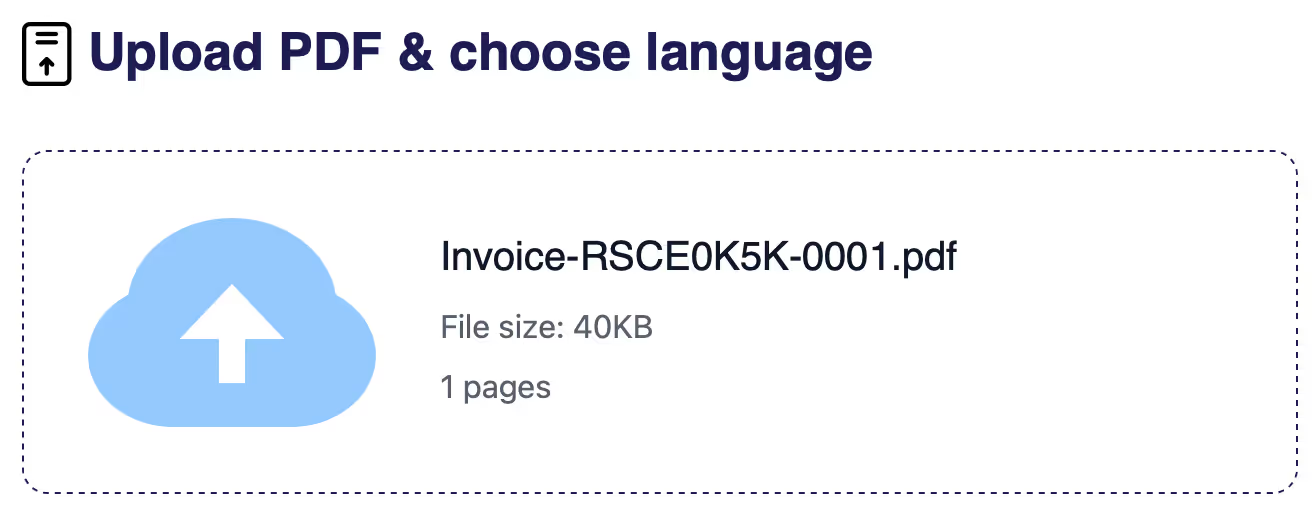
Upload a document to Braiv
Simply click New Document Translation to begin the process.
Braiv supports formats like PDF, DOCX and PPTX, with more formats rolling out over time.
Braiv supports formats like PDF, DOCX and PPTX, with more formats rolling out over time.
Step 2
Choose the source and target languages
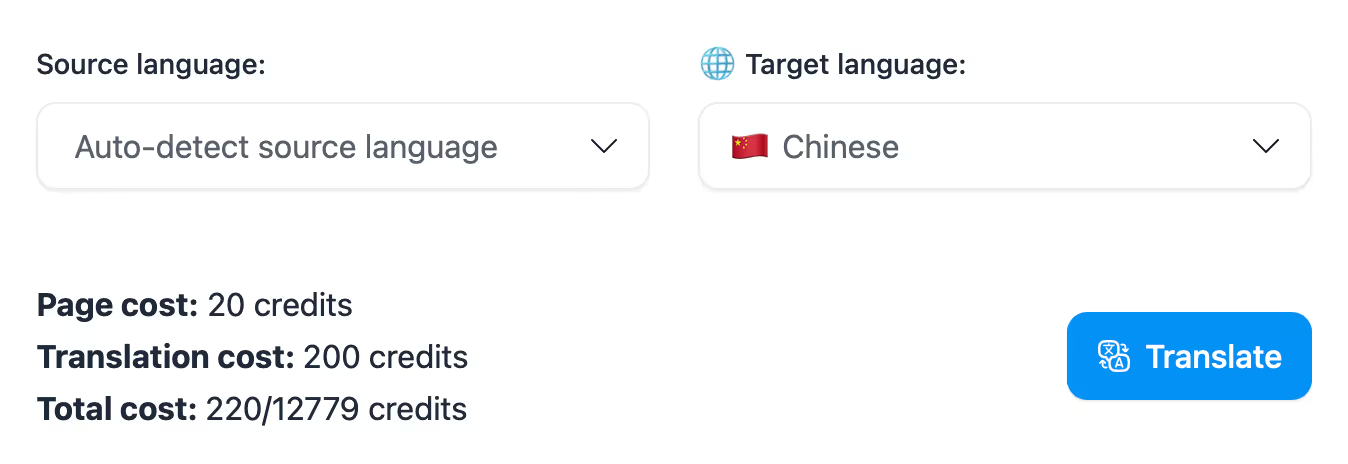
Set the source and target languages for the document being translated:
- Source language = original document language
- Target language = language to translate into
- Source language = original document language
- Target language = language to translate into
Set the target language to
Spanish
Step 3
Download your translated document
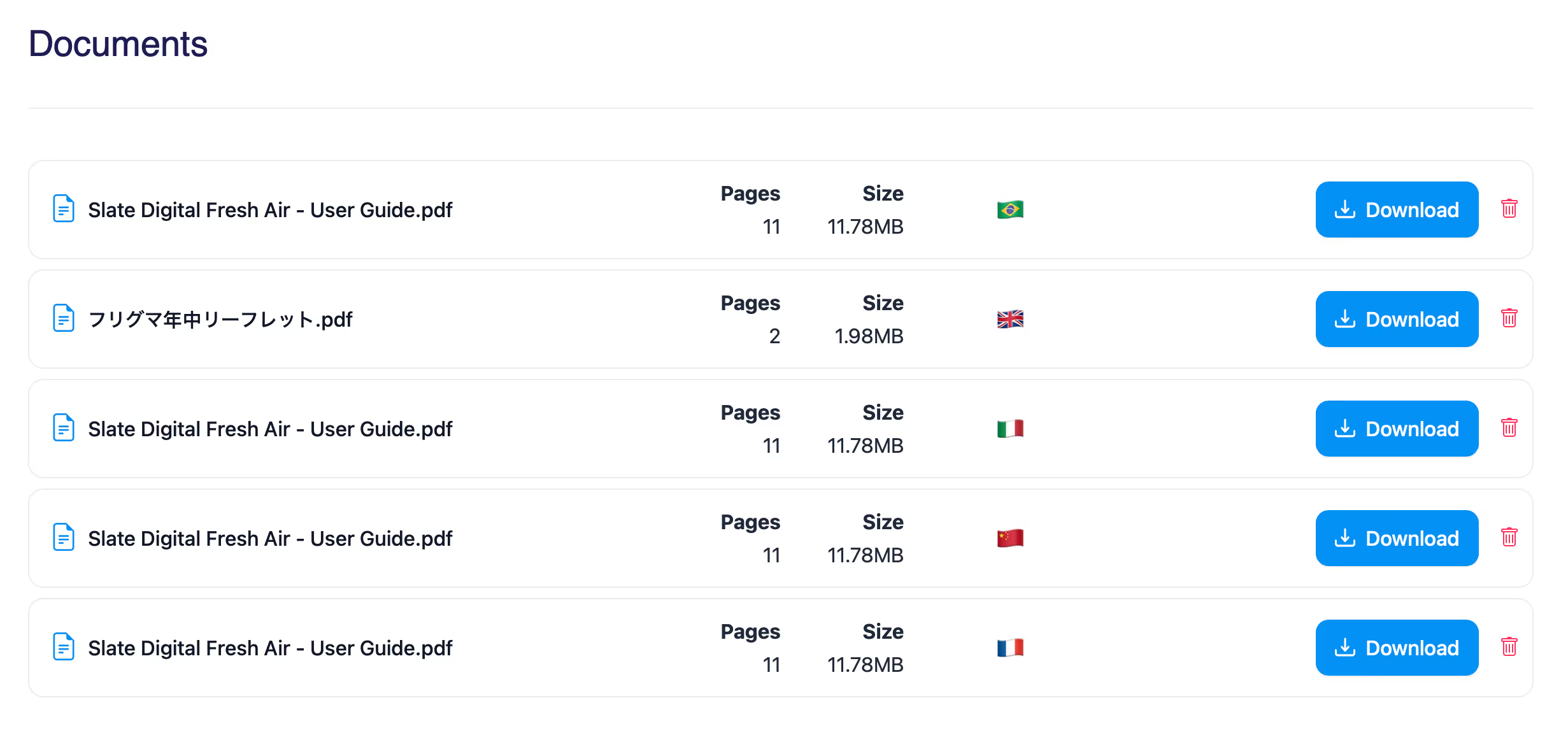
While your document is being translated, it appears in your Braiv Docs list.
Once complete, you can download directly in-platform and you will also receive an email download link.
Once complete, you can download directly in-platform and you will also receive an email download link.
Key Features
Features Built for Global Impact
Discover how Braiv simplifies document localization and unlocks global accessibility to save time, reduce costs, and expand reach.
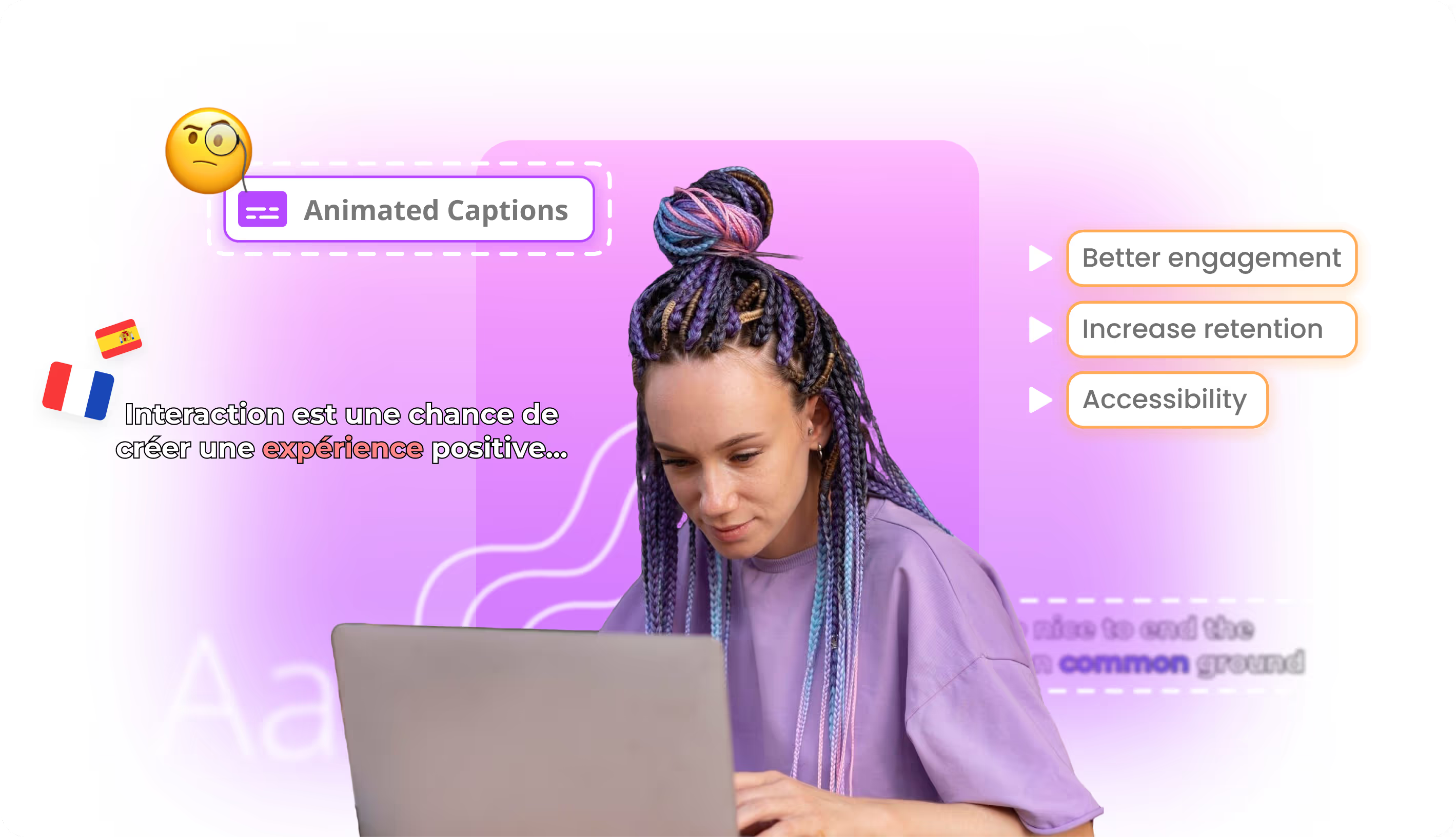
AI video captions
Generate accurate video captions automatically to improve accessibility, engagement, and watch time across marketing, training, and social content.
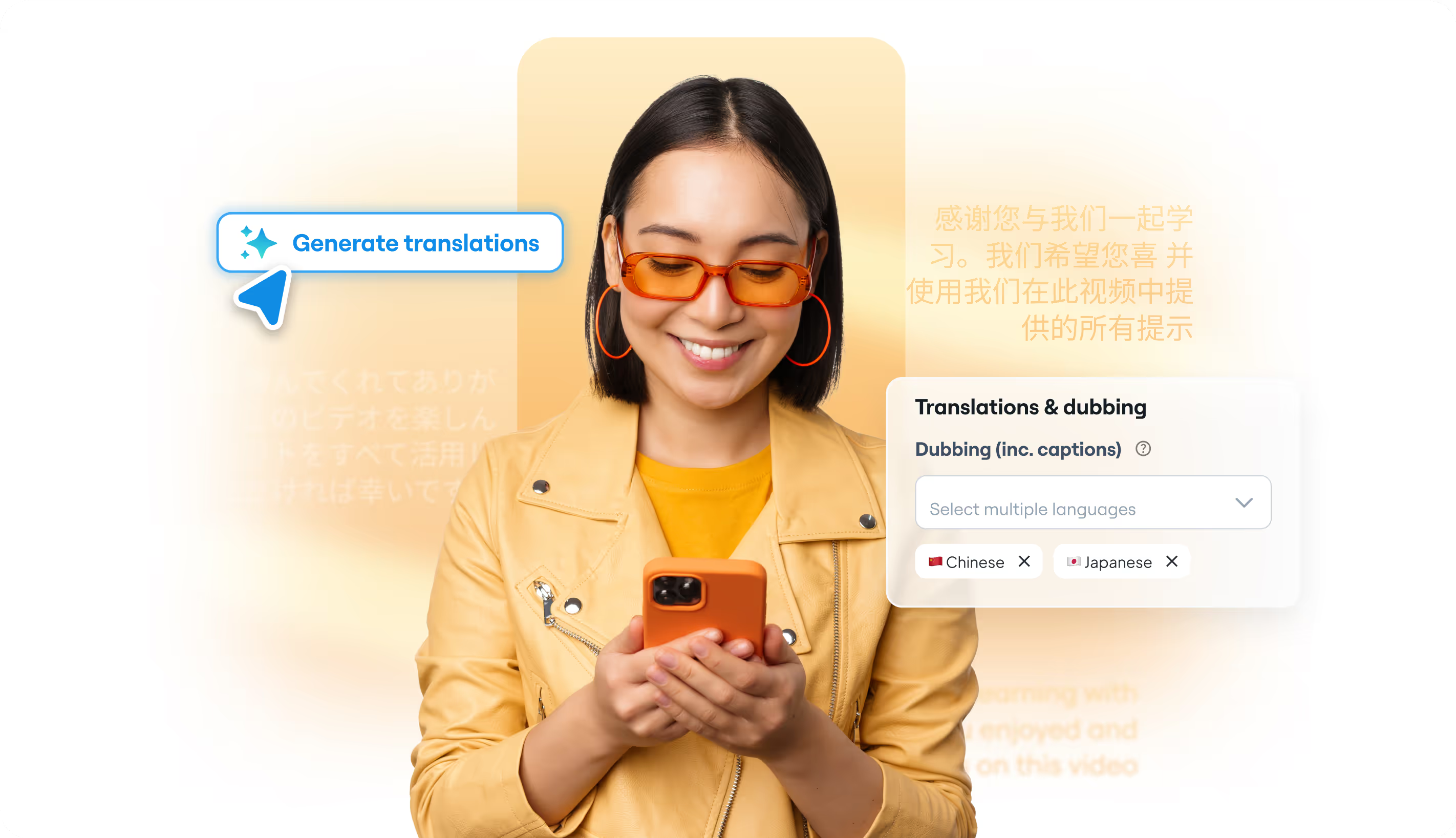
Free AI Video Dubbing Online
Edit AI-dubbed videos with controllable scripts, voices, and timing for faster multilingual localisation without starting from scratch.
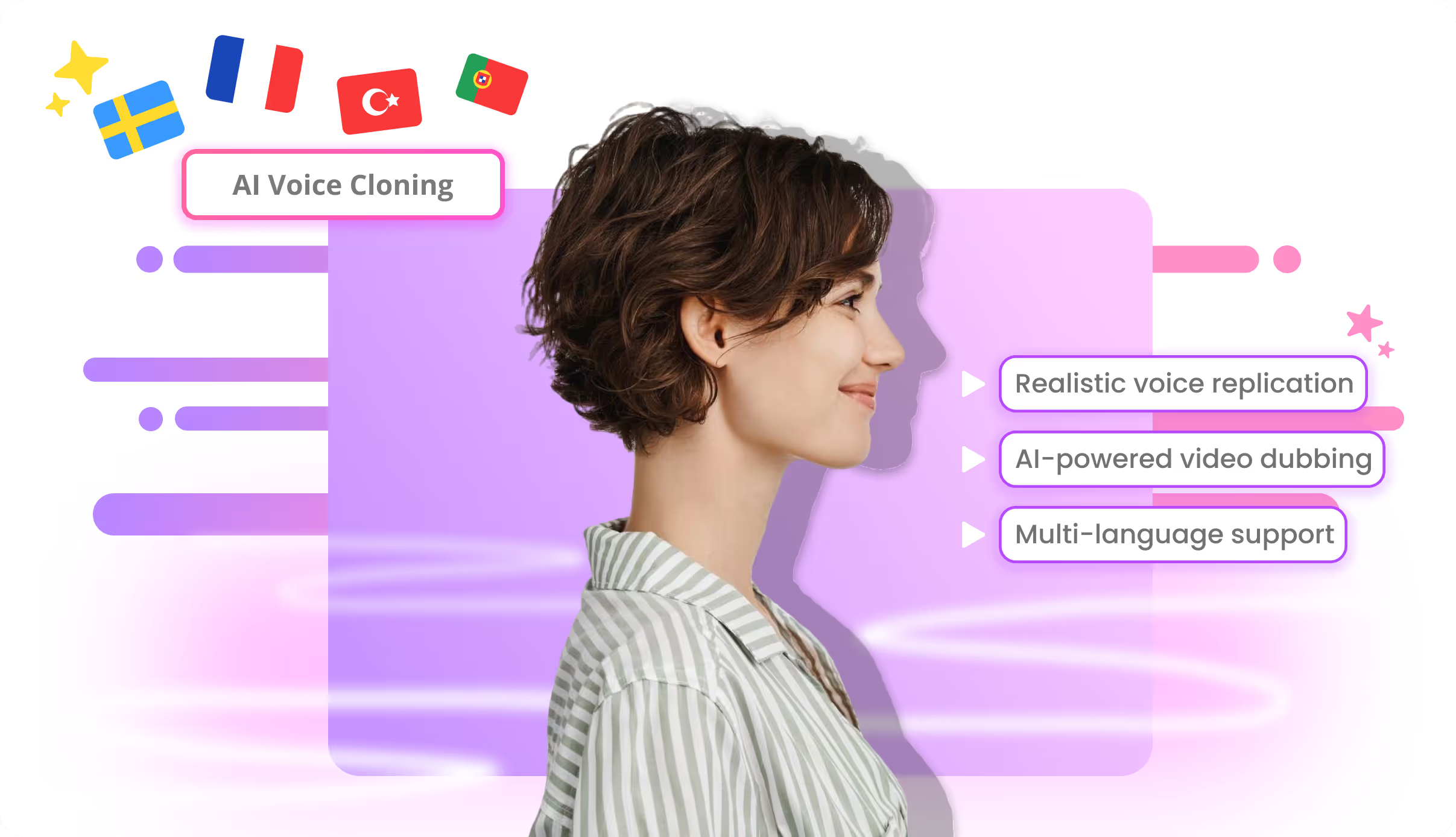
AI voice cloning
Create natural-sounding cloned voices for multilingual dubbing, brand consistency, or speaker continuity across training, marketing, and creator videos.
AI Voice Design
Design brand-new voices from scratch. Pick gender, age, accent, tone, and speaking style, then save and reuse them across dubbing, narration, and voice over.

Take your online documents from local to a global reach
Let Braiv revolutionize your approach to multilingual document delivery, ensuring maximum reach, accessibility, and engagement.