
Traducir PDF al Rumano
Un traductor de documentos con IA de Rumano a Rumano convierte automáticamente el texto al rumano conservando el formato y diseño originales.

Nunca ha sido tan rápido, fácil ni económico traducir tus documentos PDF al Rumano con IA.
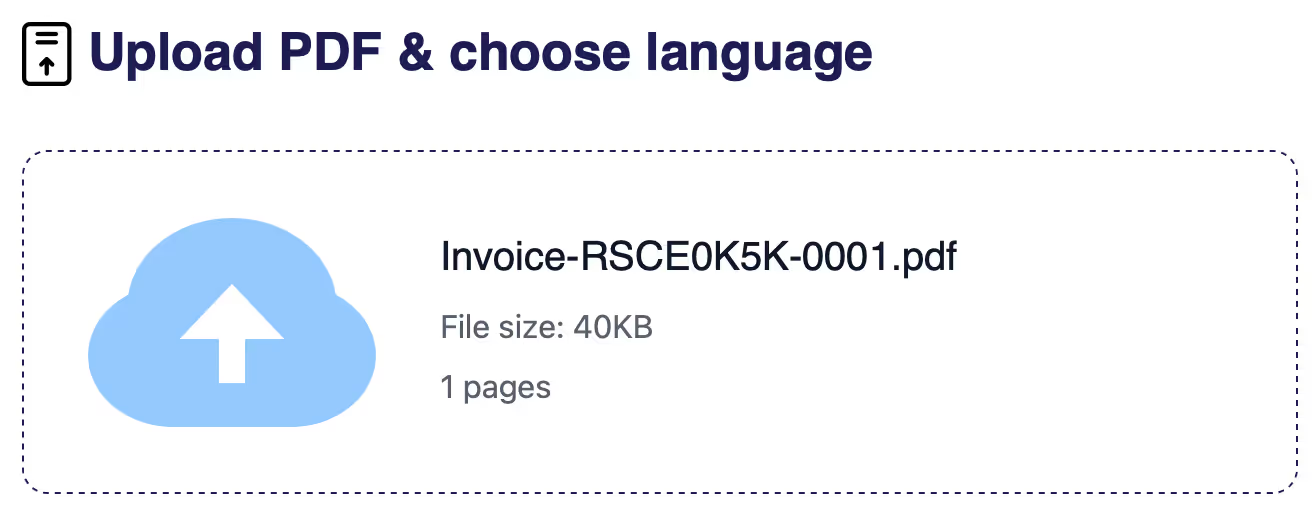
Paso 1
Sube tu documento
Haz clic en Nueva Traducción de Documento para comenzar.
Braiv admite formatos como PDF, DOCX y PPTX.
Braiv admite formatos como PDF, DOCX y PPTX.
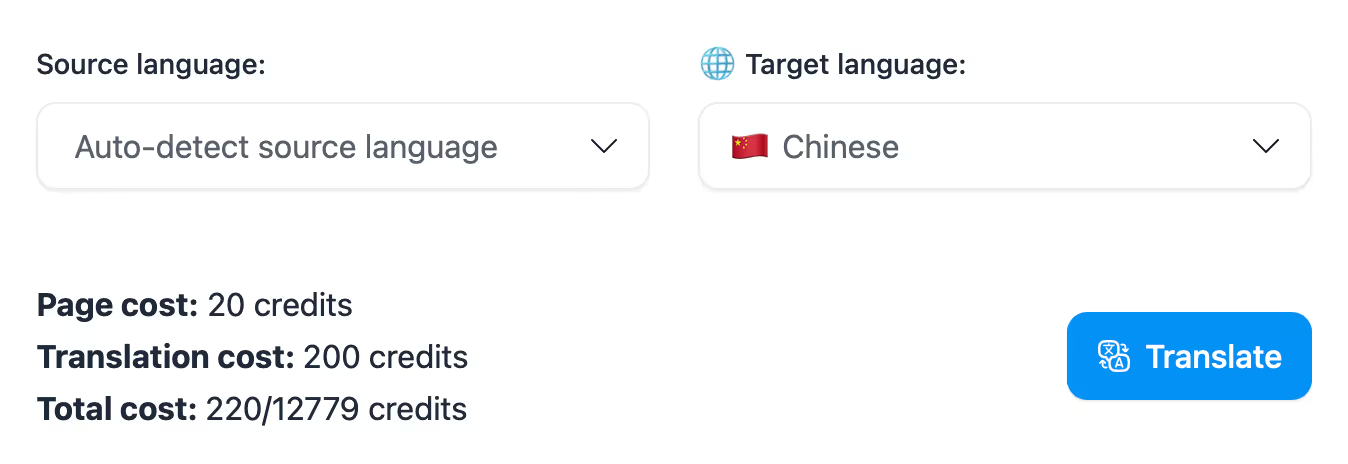
Paso 2
Selecciona idiomas
Establece el idioma de origen y destino para la traducción:
- Idioma de origen = idioma original
- Idioma de destino = idioma a traducir
- Idioma de origen = idioma original
- Idioma de destino = idioma a traducir
Set the target language to
Rumano
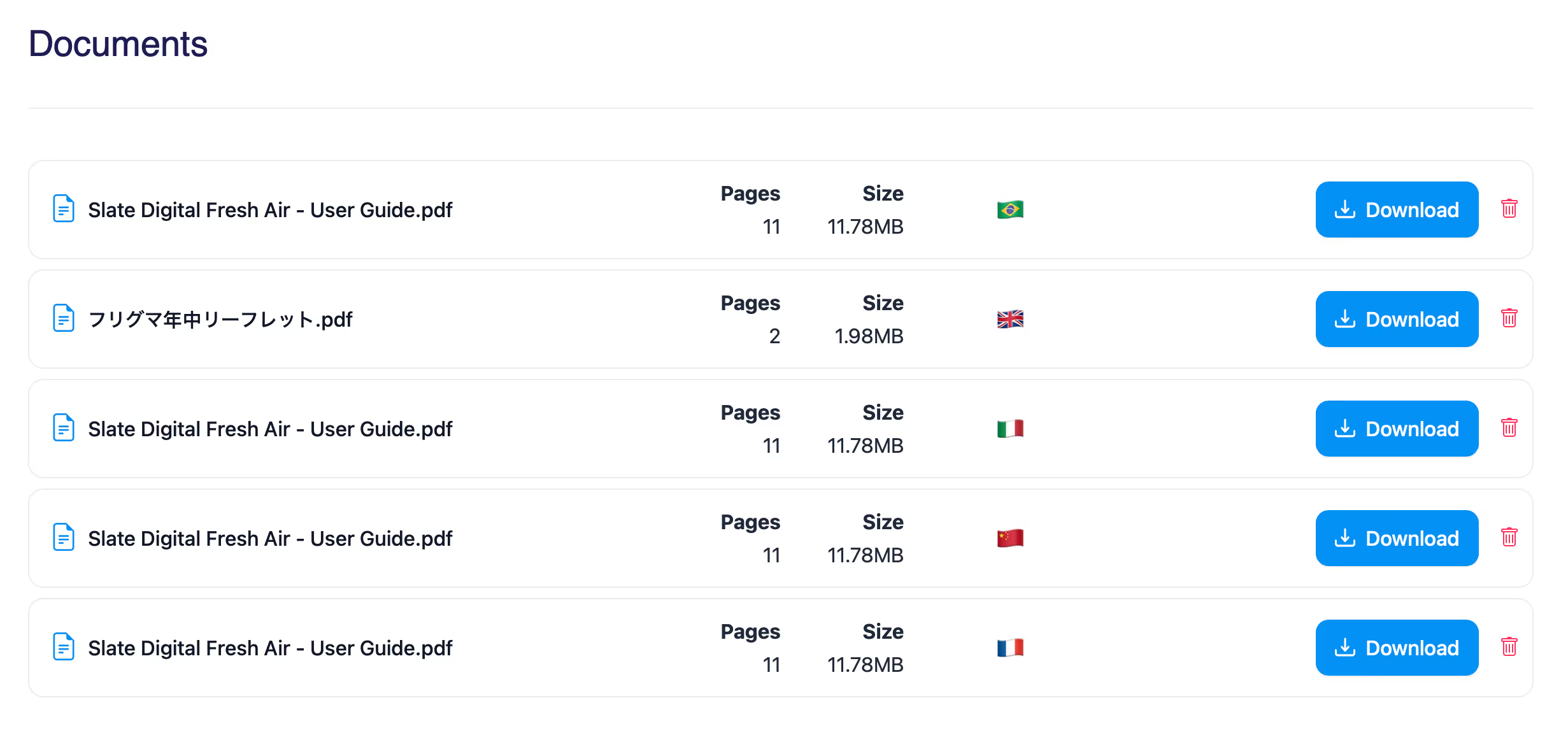
Paso 3
Descarga tu documento traducido
Una vez completado, puedes descargarlo directamente en la plataforma o mediante el enlace por correo electrónico.
Características clave
Funciones creadas para Impacto Global
documentTranslationsPage.keyFeaturesDescription
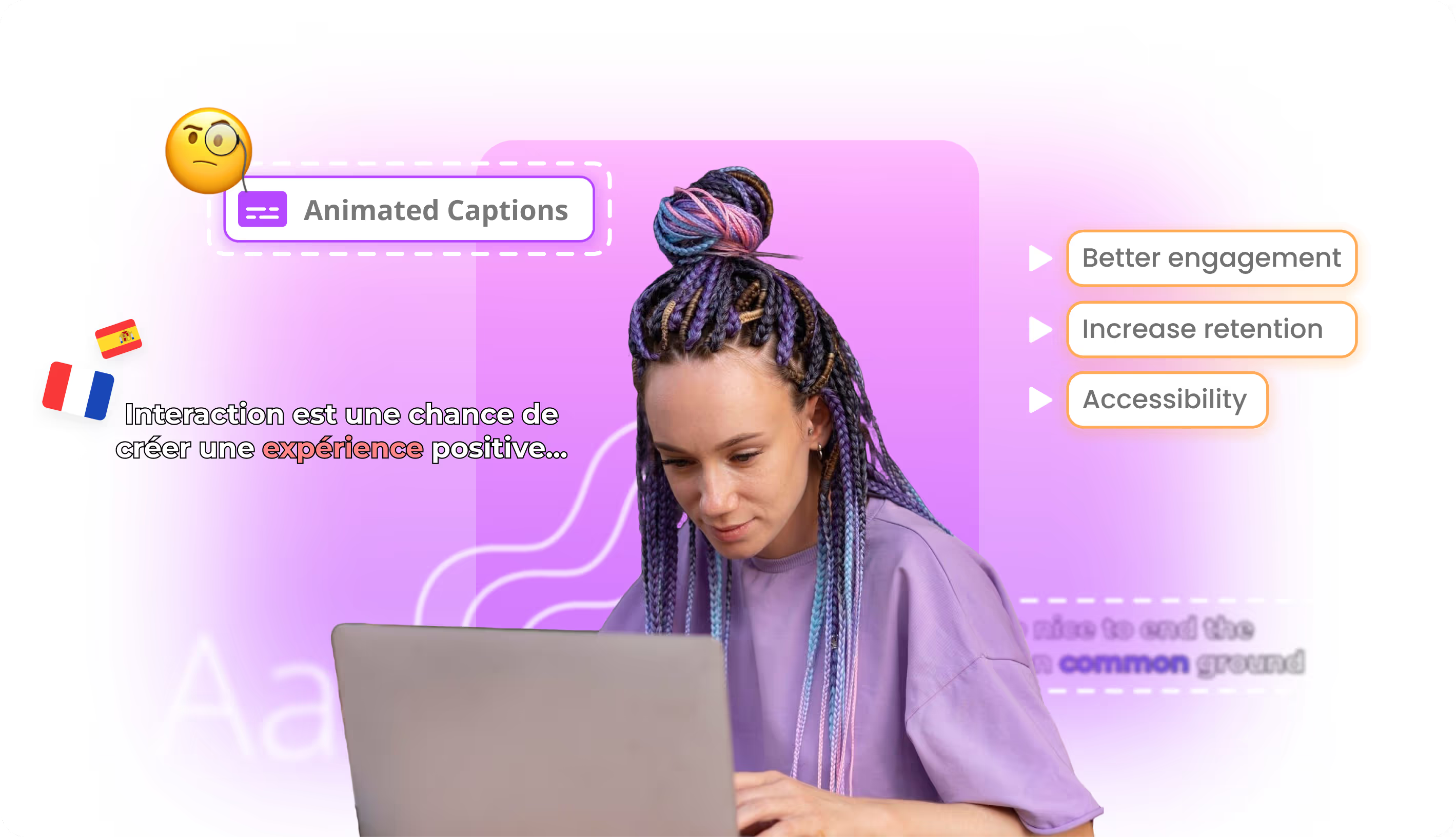
Subtítulos de vídeo con IA
Crea subtítulos automáticos para vídeos y mejora accesibilidad, comprensión y rendimiento en plataformas sociales y formativas.
Doblaje con IA editable
Dobla vídeos con IA y edita guion, voz y timing para una localización más controlada.

Clonación de voz con IA
Clona voces con IA para doblar contenido manteniendo identidad de marca, tono del creador y coherencia multilingüe.
Diseño de voz con IA
Diseña voces totalmente nuevas desde cero. Elige género, edad, acento, tono y estilo de habla, luego guárdalas y reutilízalas en doblaje, narración y locución.
documentTranslationsPage.ctaTitlePrefix documentTranslationsPage.ctaTitleEmphasis
documentTranslationsPage.ctaDescription