
How to Auto-Translate and Dub YouTube Videos: The 2026 Guide
Stop manually translating subtitles. Learn how to automatically dub your YouTube videos into 40+ languages to capture the global algorithm.
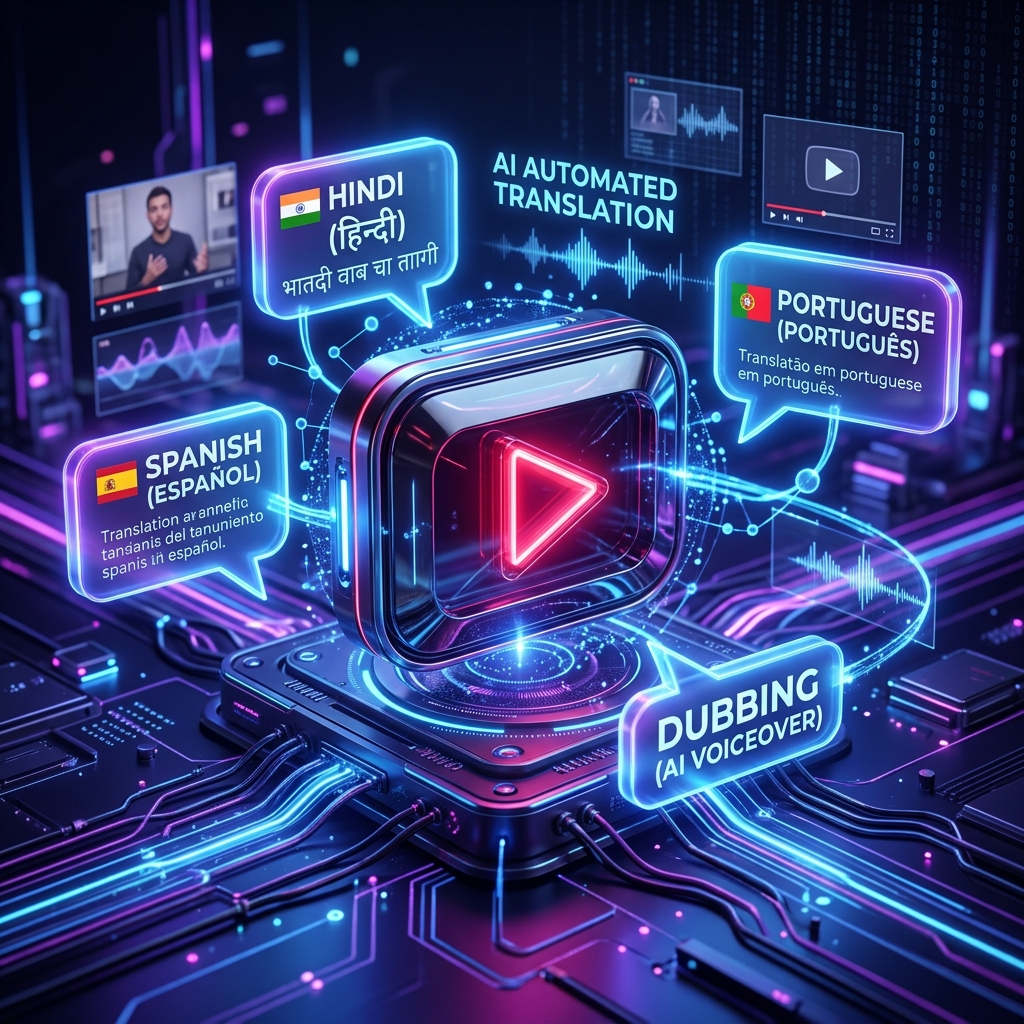
TL;DR: You can now auto-translate and dub your YouTube videos in minutes using generative AI. By connecting your channel to a platform like Braiv Connect, you can automatically clone your voice, translate the audio into 40+ languages, and publish the dubbed tracks directly back to YouTube via API.
The Multi-Language YouTube Era
In the early days of YouTube, creators who wanted to reach international audiences had to create entirely separate channels (e.g., MrBeast en Español). This required hiring translation studios, managing multiple uploads, and splitting the algorithmic momentum.
As of 2026, YouTube’s native Multi-Language Audio (MLA) feature has fundamentally changed the game. You now upload one video, and viewers can select their preferred language from the settings gear icon.
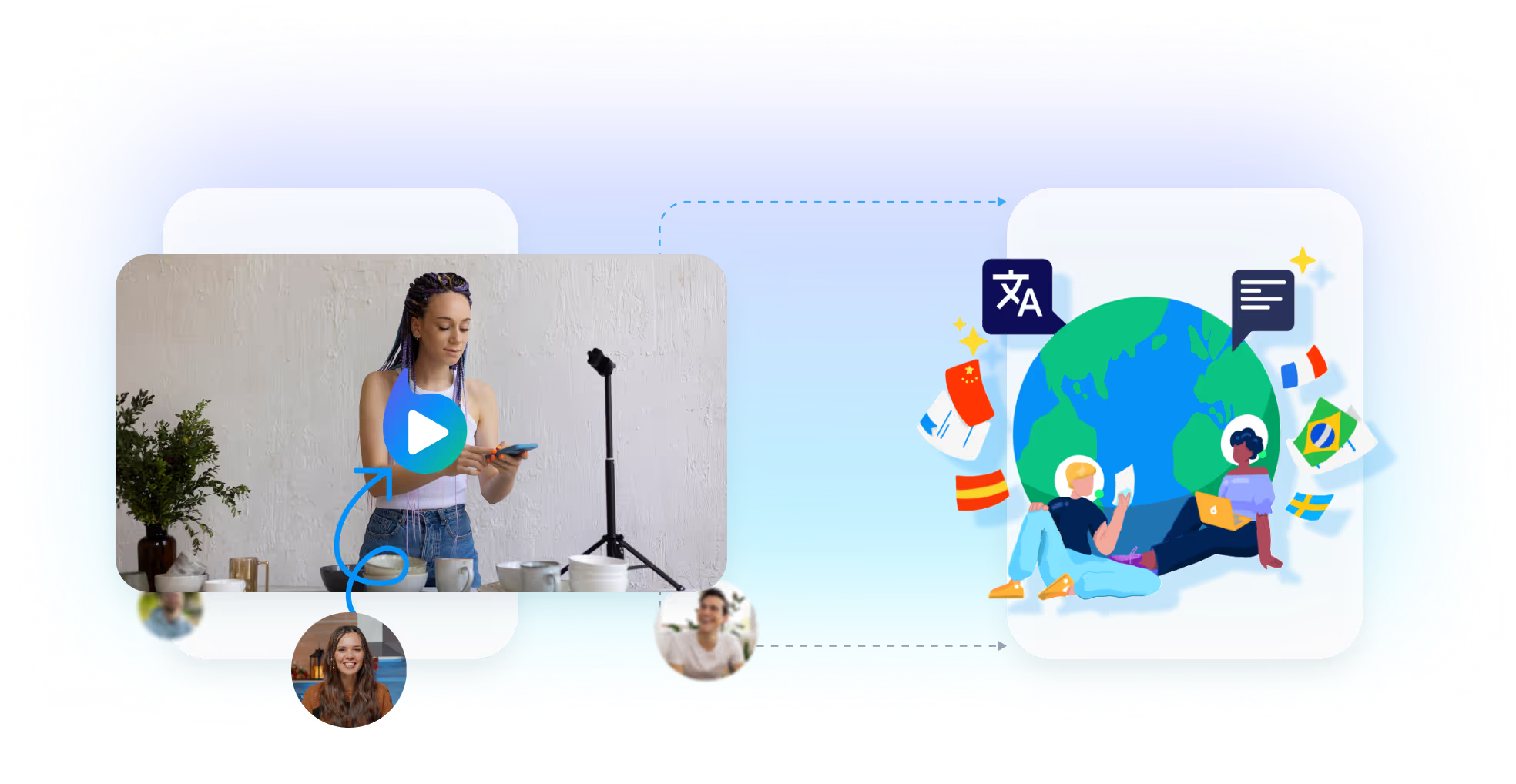
The only bottleneck? Actually generating those high-quality audio tracks.
How to Automate Your YouTube Dubbing
If you are manually downloading your video, uploading it to an audio tool, downloading the translated MP3, and manually re-uploading it to YouTube Studio… you are doing it wrong.
Here is the modern, automated workflow for auto-translating and dubbing YouTube videos:
Step 1: Connect Your Channel
Use a tool like Braiv Connect to authenticate with your YouTube account. This grants the platform API access to read your video library and publish audio tracks directly.
Step 2: Select Your Target Languages
Look at your YouTube Analytics under the “Geography” tab. Where is your secondary traffic coming from? If 10% of your audience is from Mexico despite the video being in English, Spanish should be your first target.
Step 3: AI Transcription and Voice Cloning
The AI will automatically pull the transcript from your video. The best platforms allow you to edit this transcript before generating the audio, ensuring technical terms or brand names are translated correctly. The AI then clones your voice’s tone, pitch, and pacing.
Step 4: One-Click Publish
Instead of downloading the files, simply click “Publish to YouTube.” The API will inject the new audio tracks directly into your existing video asset.

Don’t Forget the Metadata
Dubbing the audio track is critical, but it won’t help international viewers find your video in the search bar.
When you auto-translate your video, ensure your AI tool is also translating the Title, Description, and Tags. YouTube’s algorithm relies heavily on localized metadata to serve the video to the right audience in their native feed.
Ready to put your YouTube channel on global autopilot? Connect your channel to Braiv today.
Try Braiv Video Dubbing
Translate your content into 80+ languages with realistic AI voices.