
Multilingual Online Education
Leave no learners behind by translating, dubbing & delivering your content in multiple languages.

Built for Online Educators
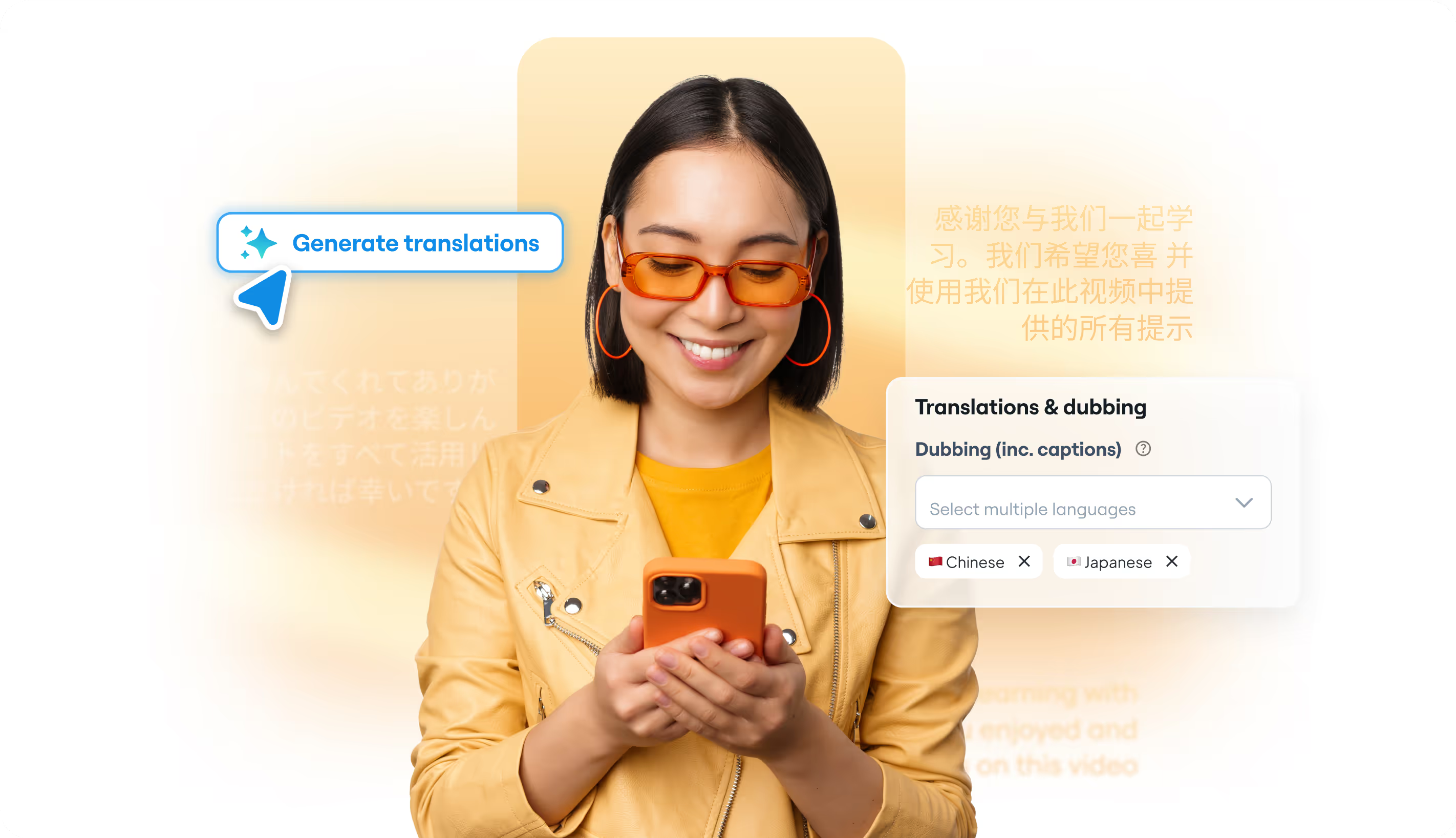
AI Caption Translations
Translate captions into multiple languages while preserving timing, helping teams localise videos quickly for global viewers.
AI Voice Dubbing for eLearning
Dub eLearning videos with editable AI voices, making course localisation faster for training teams, educators, and learning platforms.
AI document translations
Translate documents with AI for faster multilingual training, support, and content localisation workflows.
3 simple steps to global reach:
Step 1
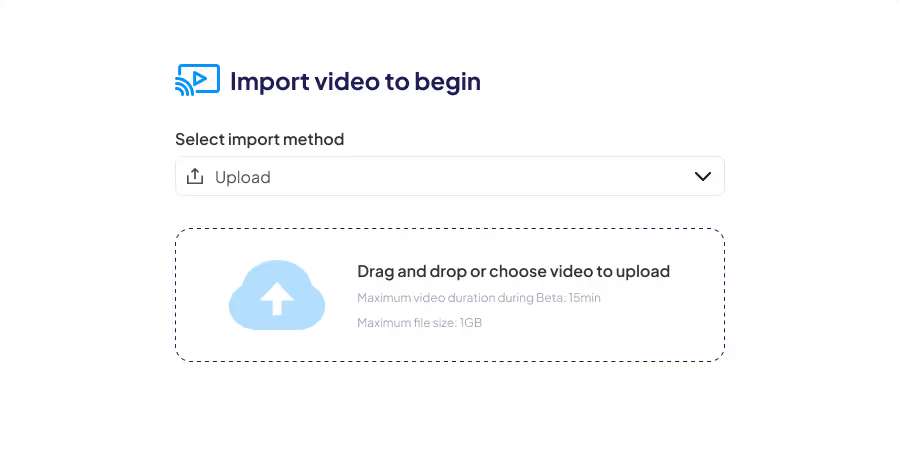
Upload or import a video to Braiv
Simply click "New Video" to begin. Import from computer upload, YouTube, or Dropbox.
Step 2
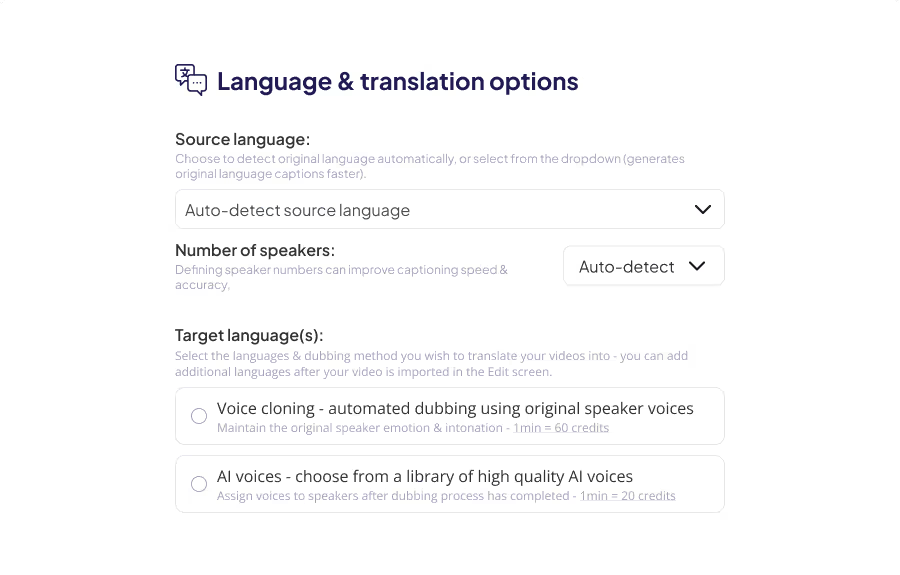
Choose language and translation preferences
Set source language, target languages, dubbing and captions preferences, then start processing.
Step 3
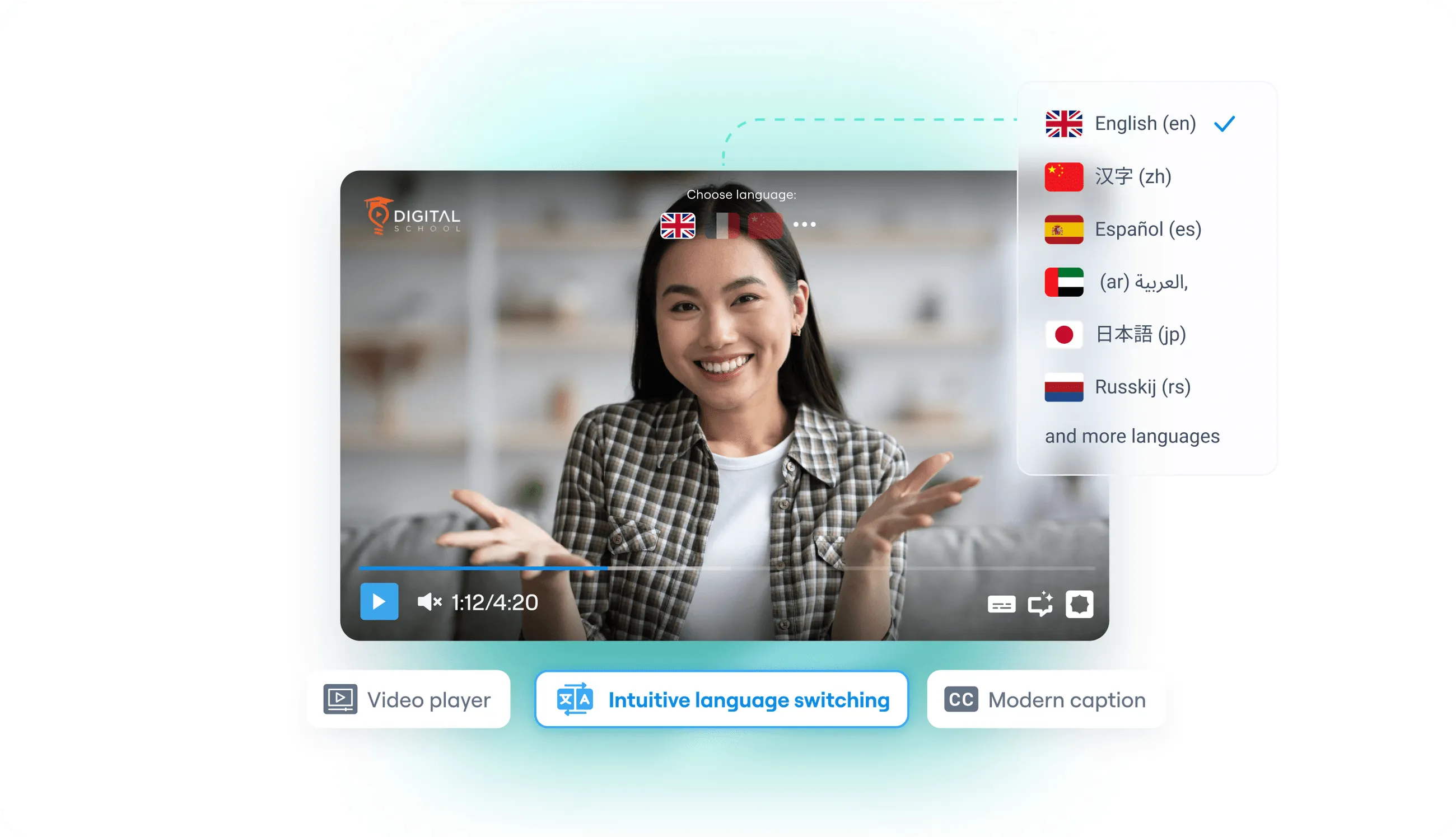
Publish or embed your video anywhere
Publish direct, embed in your stack, and deliver multilingual experiences to your audience.
🎉 The results...
Key features
Features Built for Global Impact
Discover how Braiv simplifies video localization and unlocks global accessibility to save time, reduce costs, and expand reach.
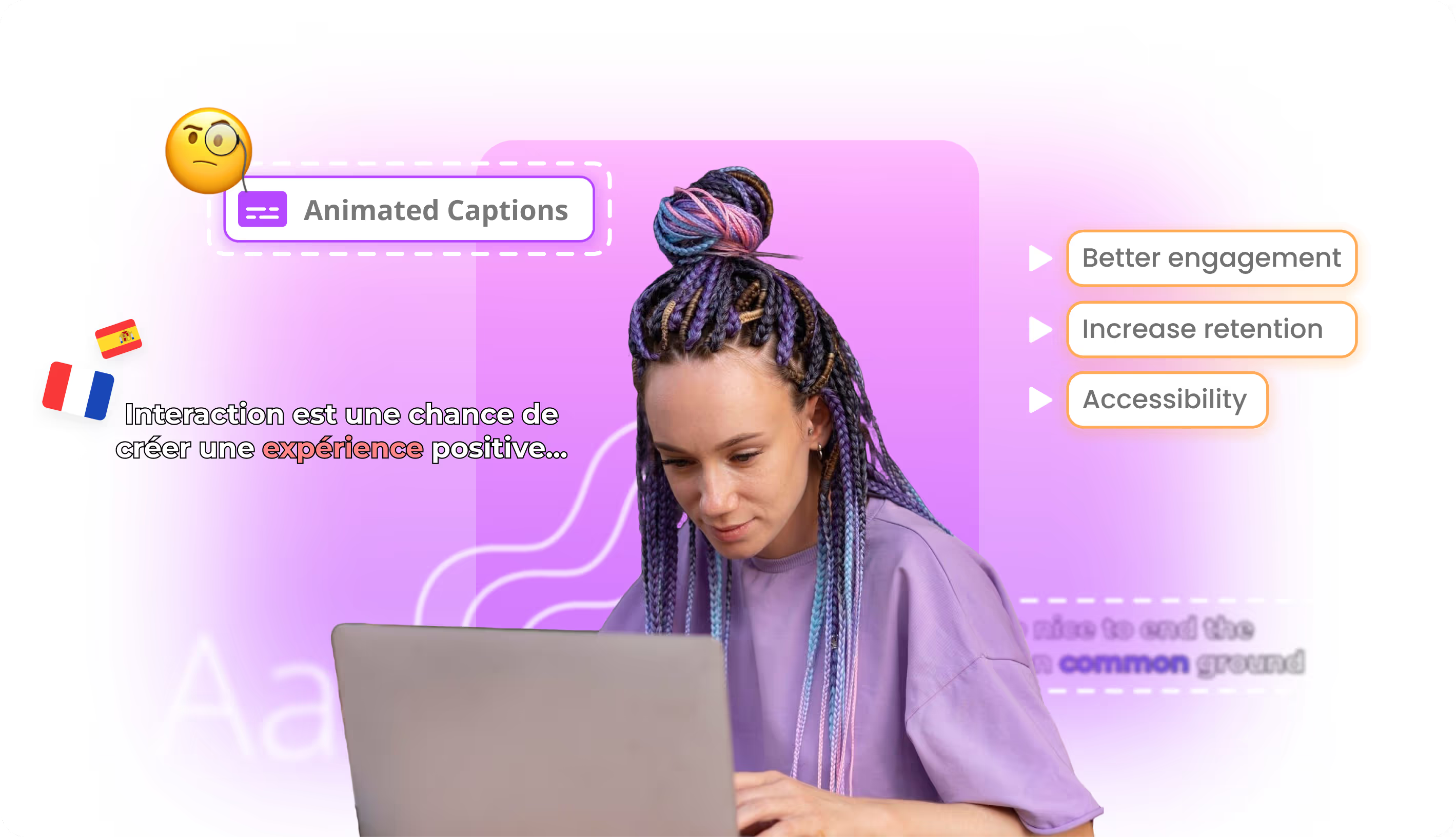
AI video captions
Generate accurate video captions automatically to improve accessibility, engagement, and watch time across marketing, training, and social content.
Free AI Video Dubbing Online
Edit AI-dubbed videos with controllable scripts, voices, and timing for faster multilingual localisation without starting from scratch.
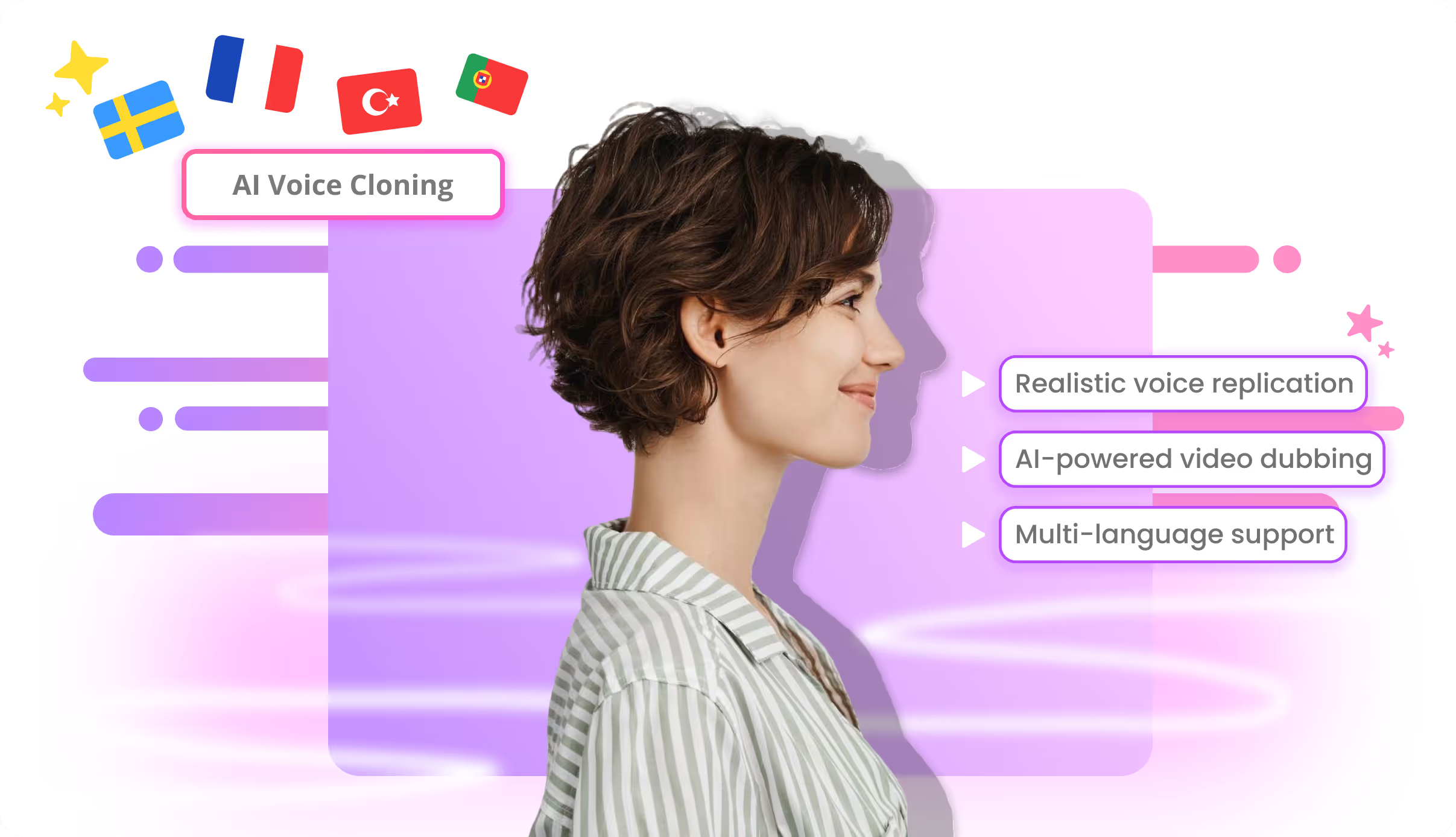
AI voice cloning
Create natural-sounding cloned voices for multilingual dubbing, brand consistency, or speaker continuity across training, marketing, and creator videos.
AI Voice Design
Design brand-new voices from scratch. Pick gender, age, accent, tone, and speaking style, then save and reuse them across dubbing, narration, and voice over.
Frequently Asked Questions about Multilingual Online Education
How does Braiv improve accessibility for online learning?
Braiv ensures no learner is left behind by providing highly accurate AI caption translations and natural-sounding AI voice dubbing specifically optimized for e-learning content.
Does Braiv help structure my educational content for students?
Yes, Braiv automatically generates translated video chapters and metadata, making long-form lectures easily navigable and searchable for students in any language.
Can I translate course materials and documents alongside my videos?
Yes, Braiv supports full AI document translations, meaning you can localize your PDFs, worksheets, and course materials to match your translated video content perfectly.
Ready to Take Your Content Global?
Join over 100,000 creators scaling their reach with Braiv.
Get 300 AI Credits when you sign up today.